
AI-powered customer experience marketing (CXM) platform that helps local businesses win.


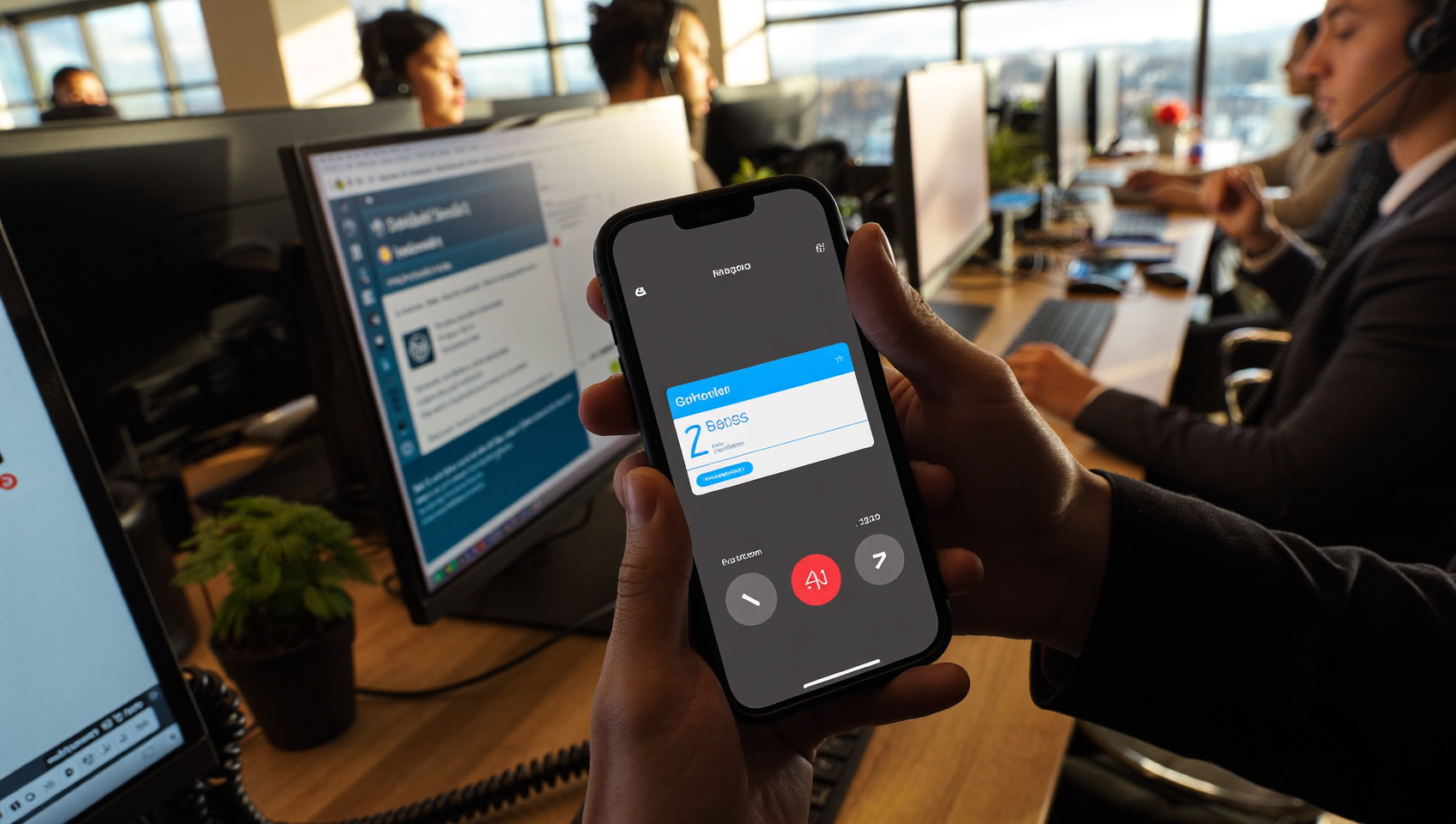
Every missed call is a potential customer who may never call back. For service businesses, that’s not just an inconvenience. It’s lost revenue. Sound familiar? Missed call text back solves this by automatically sending a text message to any caller you can’t answer, keeping the conversation alive even when your team is unavailable. SalesCaptain’s missed call text back feature works across your entire communication system, connecting to your AI agents, unified inbox, and workflow automations so no lead slips through the cracks.
Missed call text back automatically sends an SMS to callers you miss, keeping conversations alive when your team is unavailable. Instead of losing leads to voicemail, you re-engage customers instantly with a text response, appointment link, or callback option within seconds of their call.
Free weekly newsletter
Growth tips for service businesses
Every Tuesday — actionable ideas to get more leads, reviews, and repeat customers. No fluff.
Quick Answer
When customers call and reach voicemail, an automated text message immediately responds to their number, acknowledging their call and keeping the conversation alive. This instant reply captures their attention while they’re most engaged, re-engages cold leads, and allows your team to respond during business hours without losing the sale to competitors.
What Is Missed Call Text Back?
Missed call text back is a feature that automatically sends a pre-written or AI-generated text message to a caller when their call goes unanswered. Instead of hearing a voicemail prompt and hanging up, the caller receives an SMS within seconds. That text might say something like, “Sorry we missed your call! How can we help?” or include a direct link to book an appointment.
Why does this matter so much? Because a significant percentage of business calls go unanswered, and most callers won’t leave a voicemail. They’ll simply move on to the next business in their search results. A text back changes that dynamic entirely. It converts a dead-end interaction into an open text conversation where you can qualify the lead, answer questions, or book the job.
The concept isn’t new. But the execution has evolved dramatically. Early versions required manual setup and sent generic messages. Modern implementations, like SalesCaptain’s, use AI Chat Agents to continue the conversation after the initial text, handle appointment booking, and even qualify leads without any human involvement.
How Missed Call Text Back Works in SalesCaptain
Setting up missed call text back in SalesCaptain takes just a few minutes. Here’s the step-by-step process:
- Enable the feature in your call flow. Inside SalesCaptain’s drag-and-drop call flow builder, add a “missed call text back” action to any point where a call might go unanswered. You can place it after a ring timeout, after hours, or as a fallback at the end of your routing sequence.
- Customize your text message. Write the message your callers will receive. You can personalize it with merge fields like the caller’s name (if they’re a known contact) or your business name. SalesCaptain also supports multiple templates for different scenarios, such as after-hours versus during-hours messages.
- Connect your AI Chat Agent. This is where SalesCaptain goes beyond basic text back. Once the initial SMS is sent, your AI Chat Agent can pick up the conversation automatically. It can answer FAQs, capture lead details, and book appointments through integrations like Acuity Scheduling, ServiceTitan, or Housecall Pro.
- Set smart sending rules. SalesCaptain’s sending number selection ensures the text comes from the same number the caller dialed, so there’s no confusion. You can also configure rules to avoid texting spam callers or repeat contacts within a set time window.
- Track everything in your unified inbox. Every missed call text back conversation appears in SalesCaptain’s unified inbox alongside your calls, webchat messages, Instagram DMs, and Facebook Messenger threads. Your team sees the full history in one place.
The entire setup happens visually. No coding required. No API work, no calling your phone provider. If you can drag and drop, you can build it.
📺 Watch: Missed Call Text Back Setup in 5 Minutes
Key Capabilities
- Instant automated response: Texts fire within seconds of a missed call, catching the caller while they’re still thinking about your business. Speed matters here. Research on missed call text back effectiveness consistently shows that faster responses lead to higher engagement rates.
- AI-powered conversation continuation: Unlike platforms that just send a single text and stop, SalesCaptain’s AI Chat Agents carry the conversation forward. They can answer questions about your services, collect the caller’s address or job details, and schedule appointments, all without your team lifting a finger.
- After-hours lead capture: Pair missed call text back with SalesCaptain’s AI Phone Agent for complete 24/7 coverage. Calls during business hours get answered live or by AI voice. Calls after hours trigger a text back plus an AI chat conversation that captures every detail for your team to review in the morning.
- Spam filtering: Not every missed call deserves a follow-up. SalesCaptain’s spam blocking prevents your system from texting robocallers and known spam numbers, saving you from wasted messages and keeping your SMS costs down.
- Custom call flow integration: Because missed call text back lives inside your call flow builder, you can trigger it at specific points. Maybe you only want it to fire if a caller waits through three rings and your IVR. Or maybe you want different messages depending on which department the caller was trying to reach. You’ve got that control built in.
- CRM and scheduling sync: When your AI agent captures a lead through a text-back conversation, that data flows directly into your connected tools. For Housecall Pro users, it creates a new lead. For ServiceTitan users, it can book an appointment. The handoff is automatic.
Who Needs This?
Missed call text back is particularly valuable for businesses where inbound calls drive revenue and staff can’t always be by the phone. Here’s who benefits most:
- Home service companies (roofers, plumbers, HVAC techs, landscapers, appliance repair): Your crew is on job sites all day. Phones ring, nobody answers, and the homeowner calls someone else. The real cost of a missed call for small businesses adds up fast in these industries where average job values run into hundreds or thousands of dollars.
- Healthcare and wellness practices (dental offices, MedSpas, therapy clinics): Patients calling to book appointments expect a quick response. When the front desk is busy with check-ins, missed call text back keeps those patients engaged.
- Legal practices: Potential clients calling a law firm are often shopping around. A quick text response can be the difference between signing a new client and losing them to the firm down the street.
- Salons, gyms, and fitness studios: Appointment-heavy businesses live and die by their booking flow. Missed call text back feeds directly into online scheduling, reducing friction between “I want to book” and “you’re booked.”
- Real estate agencies: Buyer leads calling from listing signs won’t wait. An instant text with property details and a booking link keeps that lead warm.
- Any business owner or operations manager who knows they’re missing calls but can’t justify hiring another receptionist to sit by the phone.
Benefits of Missed Call Text Back
Recover Revenue You’re Currently Losing
Research on the hidden cost of missed calls paints a clear picture: unanswered calls represent significant lost revenue for small businesses. Most callers don’t leave voicemails. They call a competitor instead. By sending an immediate text, you’re giving that caller a reason to stay with you rather than move on. Even converting a small fraction of missed calls into booked jobs can meaningfully impact your bottom line.
Respond Faster Without Hiring More Staff
Lead response time is one of the strongest predictors of conversion. According to research published by Harvard Business Review, businesses that respond to leads within five minutes are far more likely to qualify them compared to those that wait even thirty minutes. Missed call text back fires in seconds, not minutes. And because SalesCaptain’s AI Chat Agent handles the conversation that follows, you don’t need to hire additional staff to maintain that response speed.
Create a Professional, Consistent Experience
Every caller gets the same prompt, professional response. No more relying on whether someone remembered to check voicemail or call back before end of day. Your brand looks responsive and organized, even during your busiest hours or at 10 PM on a Saturday. That consistency builds trust before you’ve even spoken to them directly.
Feed Your Pipeline Automatically
Missed call text back doesn’t just recover individual leads. It feeds your entire sales pipeline. Every text-back conversation captured in SalesCaptain’s unified inbox becomes a trackable contact with full history. Workflow automations can trigger follow-up sequences, appointment reminders, and review requests. One missed call becomes a complete customer journey.
How SalesCaptain Compares
Several communication platforms offer some form of missed call text back. But the depth varies significantly. Missed call statistics show this is an industry-wide problem, which is why so many tools have added basic text-back functionality. Here’s where SalesCaptain stands apart.
Podium offers a text-back feature. But it lacks the workflow automation engine that SalesCaptain provides. You can send the text, but building multi-step follow-up sequences or connecting that conversation to service-industry tools like Housecall Pro or ServiceTitan requires workarounds. SalesCaptain also includes real-time speech analytics, call coaching, and a power dialer that Podium doesn’t offer, making it a more complete communication platform beyond just text back.
Weave provides missed call text back for healthcare practices. But it’s designed primarily for that niche. It doesn’t support social chat channels like Instagram DMs or WhatsApp, and it lacks the advanced templating and personalization options available in SalesCaptain. For businesses outside healthcare and dental, Weave’s feature set feels limiting.
Nextiva includes text messaging. But SMS is capped at 250 messages per user per month on standard plans. For a busy service business fielding dozens of missed calls daily, those caps become a problem quickly. SalesCaptain’s high-volume SMS support is built for businesses that need to text at scale without worrying about per-user limits. Plus, SalesCaptain includes Payments via Text and Leads Forms that Nextiva doesn’t offer.
Aircall positions itself as a call center solution. And while it now offers an AI Voice Agent add-on, it charges $0.49 per minute for that feature, compared to SalesCaptain’s $0.12 per minute for AI calls. Aircall also lacks webchat, email channel support, and missed call text back tied to an AI conversation agent. It’s built for sales teams, not service businesses managing inbound customer inquiries across multiple channels.
The real differentiator with SalesCaptain is that missed call text back isn’t a standalone feature bolted onto a phone system. It’s woven into a complete platform that includes AI Phone Agents, AI Chat Agents, a unified inbox, CRM integrations, and workflow automation. That means the text back isn’t the end of the interaction. It’s the beginning of an automated conversation that can book jobs, answer questions, and follow up, all without your team being involved.
Frequently Asked Questions
What number does the text come from?
SalesCaptain sends the text from the same business number the caller dialed. This avoids confusion. The conversation feels natural. If a customer calls your main line and misses you, they’ll see a text from that same number, not a random shortcode or unfamiliar digit.
Can I customize the text message for different situations?
Yes, absolutely. You can create different messages for after-hours calls, missed calls during business hours, calls to specific departments, or calls from new versus returning contacts. SalesCaptain’s call flow builder lets you set conditions so the right message goes out at the right time.
Does missed call text back work with my existing scheduling software?
SalesCaptain integrates natively with scheduling tools including Acuity Scheduling, ServiceTitan, Housecall Pro, and DrChrono. Once the AI Chat Agent captures a booking request through the text-back conversation, it can create the appointment directly in your scheduling system. For tools not listed, Zapier and webhook integrations extend connectivity to platforms like Jobber, HubSpot, and Mindbody.
Will it text spam callers or robocalls?
No way. SalesCaptain includes spam blocking that filters out known spam numbers and robocallers before the text-back triggers. You won’t waste SMS credits or create awkward conversations with automated dialers. You can also set rules to prevent repeat texts to the same number within a configurable time window.
Ready to see it in action?
See how businesses use SalesCaptain to convert every missed call into a customer response.
Book a Free Demo →Stop Losing Leads to Missed Calls
SalesCaptain’s missed call text back, combined with AI Chat Agents and a unified inbox, turns every unanswered call into an active conversation. Set it up in minutes, no technical skills required. Plans start free for one location.