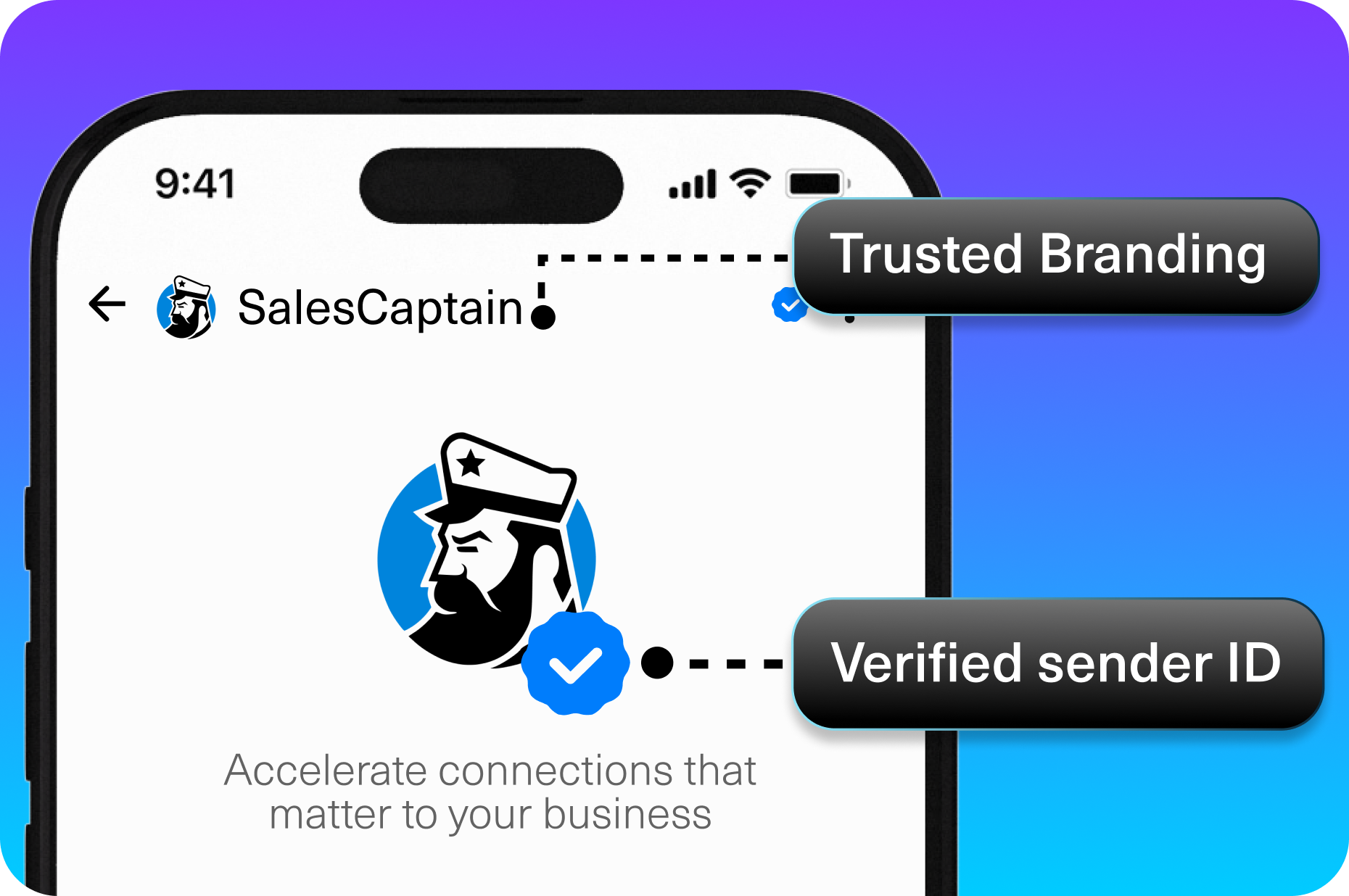
AI-powered customer experience marketing (CXM) platform that helps local businesses win.



Every missed review, every unanswered complaint, every forgotten follow-up quietly chips away at your revenue. For service businesses, online reputation management software isn’t a nice-to-have anymore. It’s the difference between a prospect choosing you or scrolling past to a competitor with better ratings. SalesCaptain gives you a way to monitor, respond to, and grow your online reviews from the same platform where you handle calls, texts, and customer conversations. No separate tools. No extra logins.
What Is Online Reputation Management Software?
Online reputation management software helps businesses track what customers say about them across review sites, social media, and search results. At its core, the software monitors new reviews, alerts your team, and gives you tools to respond quickly. But the best platforms go further. They also help you proactively ask happy customers for reviews, flag negative feedback before it spirals, and tie all of that into your broader customer communication workflow.
Why does this matter so much for local service businesses? According to 2024 reputation management research from Nadernejad Media, a huge majority of consumers read online reviews before choosing a local business. That means your Google rating isn’t just a vanity metric. It’s a revenue driver. A single unanswered negative review can push dozens of potential customers toward your competition, especially in crowded markets like HVAC, plumbing, dental, and legal services.
The challenge for most SMBs isn’t awareness. Owners know reviews matter. The challenge is execution. You’re already juggling incoming calls, appointment scheduling, and follow-ups across five different channels. Adding “check Google reviews twice a day” to that list rarely sticks. That’s exactly why reputation management works best when it’s built into the communication platform you already use, rather than bolted on as a separate tool.
How Online Reputation Management Works in SalesCaptain
SalesCaptain doesn’t treat reputation management as an isolated feature. Instead, it weaves review management into the same unified inbox and automation engine that handles your calls, texts, webchat, and social media messages. Here’s what the workflow looks like in practice:
- Automatic review requests after service. Once an appointment is completed or a job is marked done, SalesCaptain’s workflow automation triggers a personalized SMS or email asking the customer to leave a review. You set the timing, the message template, and which review platform to direct them to.
- Real-time review alerts in your unified inbox. New reviews from Google, Facebook, and other platforms appear alongside your calls, texts, and DMs. Your team sees them instantly without switching tabs or logging into separate dashboards.
- One-click response from a single screen. Your team can reply to reviews directly from the SalesCaptain inbox. Positive review? Send a quick thank-you. Negative one? Respond professionally before it festers. Every interaction is logged against the customer’s contact record.
- AI-assisted follow-up for unhappy customers. When a negative review comes in, SalesCaptain can automatically trigger a workflow. For example, it might assign the contact to a manager, send a personal outreach text, or schedule a call to resolve the issue. That turns a public complaint into a private resolution.
- Reporting on review volume and sentiment trends. Track how many reviews you’re getting per week, your average rating over time, and which locations need attention. Multi-location businesses can compare performance across sites from one dashboard.
The key difference from standalone reputation tools is context. When a review comes in, you can see that customer’s entire history: when they called, what the AI phone agent discussed, whether they booked an appointment, and how the service went. That context makes your responses more personal and more effective.
Key Capabilities
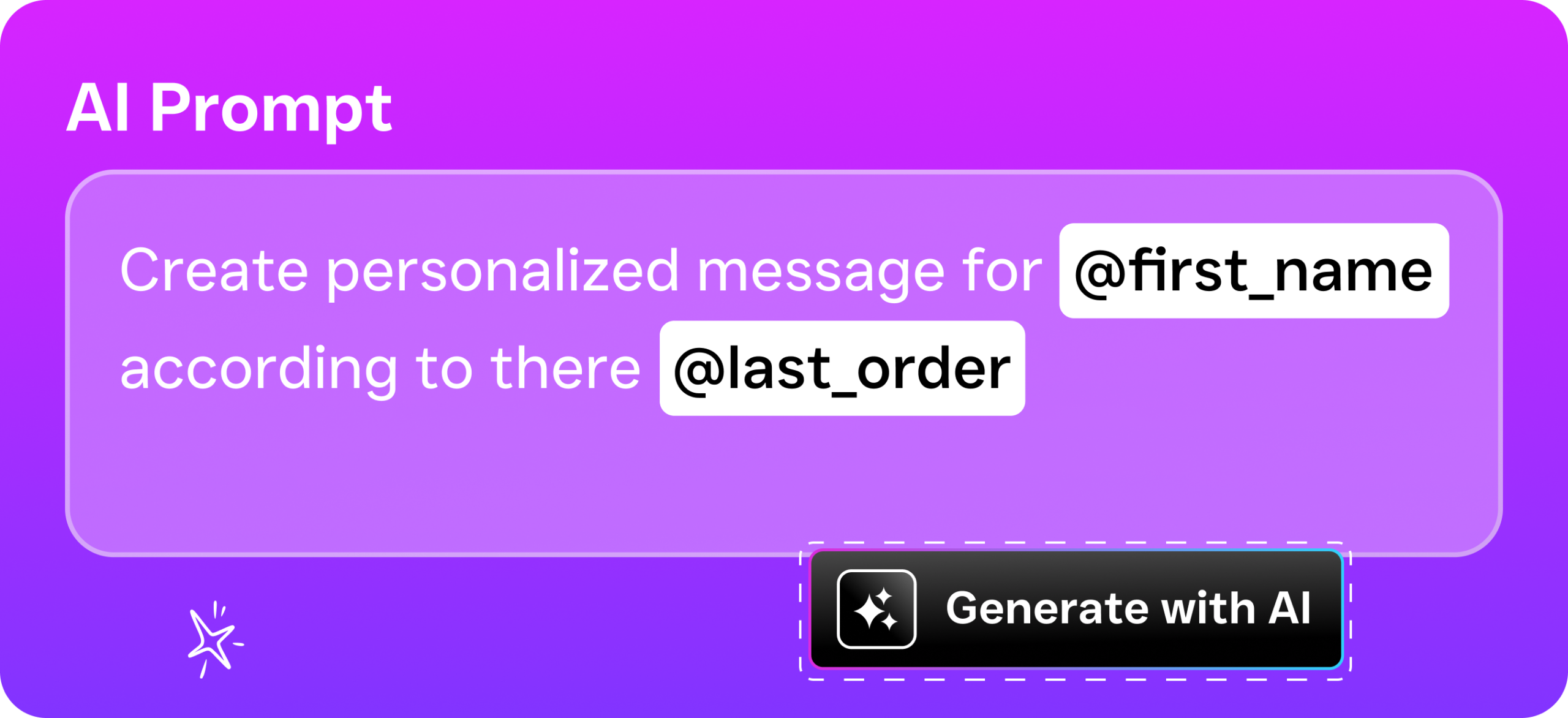
- Automated review request campaigns. Trigger SMS and email review requests based on completed appointments, closed tickets, or custom workflow events. Personalize templates with the customer’s name, service type, and your preferred review platform link.
- Unified review monitoring. See reviews from Google, Facebook, and other sources in the same inbox where you manage calls, texts, and social DMs. No more checking five different sites every morning.
- Review response management. Reply to reviews directly from SalesCaptain. Your responses post publicly, and the entire thread is saved against the customer’s contact record for future reference.
- Negative review escalation workflows. Automatically route negative feedback to the right team member. Set up trigger-based workflows that send a personal text, schedule a follow-up call, or notify a manager, all without manual intervention.
- Multi-location performance tracking. For businesses with multiple sites, compare review volume, average ratings, and response times across locations. Identify which locations need coaching and which are excelling.
- Integration with your existing tools. SalesCaptain connects with HubSpot, Salesforce, Zoho, HousecallPro, ServiceFusion, and 50+ other platforms. Review data flows into your CRM alongside every other customer touchpoint.
Who Needs This?
Not every business faces the same reputation challenges, but certain industries feel the impact of reviews more acutely than others. Research published in the Journal of Small Business Strategy confirms that online reputation directly influences small business revenue, particularly in service industries where trust is a deciding factor.
- Home service businesses (roofing, plumbing, HVAC, landscaping). Customers almost always check reviews before calling a contractor. A 4.2-star average versus a 4.7-star average can mean the difference between winning or losing a $5,000 job.
- Healthcare and wellness practices (dental, MedSpa, therapy, chiropractic). Patients research providers carefully. One unaddressed negative review about wait times or billing can redirect patients to the practice down the street.
- Legal practices. Trust is everything. Prospective clients weigh attorney reviews heavily, and a firm that responds professionally to feedback signals competence and care.
- Salons, gyms, and fitness studios. These businesses depend on local word-of-mouth, and online reviews are the digital version of that. Consistent 5-star reviews drive steady bookings.
- Multi-location service businesses. Operations managers overseeing 3, 5, or 15 locations can’t manually track reviews for each one. They need a centralized dashboard with automated alerts.
- Business owners and sales managers who wear multiple hats. If you’re the person answering calls, running payroll, and trying to grow, you don’t have time to manually manage your online presence. Automation isn’t optional for you.
Benefits of Online Reputation Management Software
Turn Happy Customers into Public Advocates
Most satisfied customers won’t leave a review unless you ask. It’s that simple. SalesCaptain’s automated review request workflows solve this by reaching out at the perfect moment, right after the service is complete and the experience is fresh. According to Vendasta’s 2026 reputation management data, businesses that actively request reviews see significantly higher review volumes than those that wait passively. More reviews mean higher search rankings, which means more calls and bookings.
Catch Problems Before They Become Patterns
A single negative review stings. Three negative reviews about the same issue signals a pattern that scares away prospects. Because SalesCaptain routes negative reviews into your unified inbox with real-time alerts, your team can respond within minutes rather than days. Quick, professional responses show prospective customers that you take feedback seriously. And the automated escalation workflows mean the right person on your team handles it immediately, even if you’re on a job site or in a meeting.
Save Hours Every Week on Manual Review Monitoring
Without a centralized system, someone on your team is logging into Google Business Profile, then Facebook, then Yelp, then checking email for alerts. That’s 30 to 60 minutes a day for a single location. Multiply that across three or five locations and you’re talking about a part-time job. SalesCaptain consolidates everything into one inbox, so monitoring that used to take an hour now takes five minutes. As Forbes notes, the trend is moving toward AI-driven reputation management precisely because manual approaches can’t scale.
Connect Reputation Data to the Full Customer Journey
Here’s something standalone review tools can’t do: show you what happened before the review was posted. With SalesCaptain, you see the customer’s call history, appointment records, text conversations, and any notes your team added. If someone leaves a 2-star review complaining about a missed appointment, you can instantly check whether the AI phone agent booked it, whether a reminder was sent, and where the breakdown happened. That level of visibility turns reputation management from reactive damage control into proactive quality improvement.
How SalesCaptain Compares
Most tools that handle reputation management are either standalone review platforms or large communication suites that bolt on review features as an afterthought. SalesCaptain sits in a different category because it’s the only platform combining AI voice agents, AI chat agents, and a unified inbox with built-in reputation management. You don’t need three subscriptions to cover your bases.
Birdeye, for example, is primarily a reputation management tool. It handles reviews well, but its VoIP capabilities are limited. There’s no call routing, no call coaching, no IVR, and no AI voice agent for handling inbound calls. So while you might monitor reviews with Birdeye, you’d still need a separate phone system and a separate texting tool for customer follow-up. Weave offers some review features alongside its phone system, but it’s heavily focused on healthcare and dental. There’s no WhatsApp support, no social chat integration, and limited AI automation. For general service businesses, the feature gaps add up fast.
Podium bundles texting and reviews together, but it lacks outbound workflow automation, doesn’t support WhatsApp, and keeps its pricing opaque. SalesCaptain, by contrast, offers transparent per-location pricing starting with a free plan. Plus, you get capabilities Podium doesn’t have, like audio conferencing, internet fax, a power dialer, and real-time speech analytics that help your team improve call quality alongside their review performance.
The bottom line is that reputation management doesn’t exist in a vacuum. Your reviews are shaped by every call answered, every text sent, and every appointment kept. A platform that handles all of those together, rather than just the review piece, gives you a structural advantage over competitors using disconnected tools.
Frequently Asked Questions
Can SalesCaptain send automatic review requests to customers?
Yes. You can set up workflow automations that trigger SMS or email review requests after an appointment is completed, a service ticket is closed, or any custom event you define. Templates are fully customizable, and you control which review platform (Google, Facebook, etc.) the customer is directed to.
Does SalesCaptain monitor reviews from multiple platforms in one place?
It does. Reviews from Google, Facebook, and other connected platforms appear in your unified inbox alongside calls, texts, webchat messages, and social DMs. You don’t need to log into separate sites to stay on top of your reviews.
How does SalesCaptain handle negative reviews?
When a negative review is detected, SalesCaptain can automatically escalate it through a workflow you’ve built. That might mean assigning it to a specific manager, sending a personal text to the customer, or scheduling a follow-up call. You respond publicly from the same inbox, and the entire interaction history is saved. According to OnceHub’s research on small business communication, fast response to customer issues is one of the biggest factors in retaining clients and preventing negative word-of-mouth.
Is this useful for multi-location businesses?
Absolutely. SalesCaptain’s per-location pricing (free for one location, $159/month or $300/month per additional location) makes it affordable to scale. You can compare review volume, average ratings, and response times across all your locations from a centralized dashboard. Operations managers get a clear picture of which sites are performing well and which need attention.
Do I need a separate CRM to use the reputation management features?
No. SalesCaptain includes built-in contact management and integrates with popular CRMs like HubSpot, Salesforce, and Zoho. Review data, call logs, text conversations, and appointment history all live in one customer record. However, if you already use a CRM, SalesCaptain syncs with it through native integrations or Zapier.
What makes this different from using a standalone review management tool?
Standalone tools only show you the review. SalesCaptain shows you everything that led to the review: the initial call, the appointment booking, the text reminders, and the service follow-up. That full picture helps you respond more intelligently, spot operational issues faster, and improve the customer experience that drives better reviews in the first place.
Start Managing Your Reputation from One Platform
SalesCaptain combines AI phone agents, AI chat agents, unified inbox, and reputation management in a single platform built for service businesses. Monitor reviews, automate requests, respond fast, and connect it all to your customer communication workflow. Get started free at salescaptain.com.