
AI-powered customer experience marketing (CXM) platform that helps local businesses win.



Restaurant owners know the feeling. A guest finishes dinner and waits five minutes for the check. The server’s busy, the POS line is backed up, and by the time the card is swiped, the experience has soured. Meanwhile, catering invoices sit unpaid for weeks because no one wants to call in a credit card number. Payments via text for restaurants solve both problems, letting guests and clients pay from their phones in seconds. But collecting money is only one piece of the puzzle. Missed reservation calls, unanswered catering inquiries, and slow follow-ups cost restaurants far more than a delayed check. The real challenge isn’t just getting paid faster. It’s building a communication system that handles payments, bookings, and customer questions without adding staff.
Why Restaurant Businesses Struggle With Customer Communication
Restaurants operate in controlled chaos. During a lunch rush, nobody’s answering the phone. After hours, voicemail picks up, and most callers won’t leave a message. According to a 2025 TextMagic consumer survey, 53% of consumers didn’t get a reply after texting a business. For restaurants juggling reservations, takeout orders, event inquiries, and payment follow-ups, that’s revenue walking out the door.
The Phone Problem
Most independent restaurants still rely on a single phone line. During peak hours, calls go unanswered. After closing, they go to a generic voicemail nobody checks until morning. A potential catering client who calls at 7 PM on a Tuesday and doesn’t get a response will simply try the next restaurant on their list. That one missed call could be a $3,000 corporate event.
Payment Friction Slows Everything Down
Traditional restaurant payment workflows create bottlenecks. For dine-in, the check-present-swipe-sign cycle eats five to ten minutes per table. For off-premise orders, invoicing by email often means waiting days or weeks for payment. Text-to-pay options cut that friction dramatically, but most restaurants haven’t connected their payment tools to their communication channels. They’re sending invoices from one system, taking reservations from another, and answering messages from a third. According to InvoiceCloud research, pay-by-text adoption has grown 5x as consumers increasingly prefer mobile payment methods. Restaurants that don’t offer this option are fighting consumer preference.
Too Many Channels, Not Enough Staff
Customers reach out through phone calls, SMS, Instagram DMs, Facebook Messenger, Google Business messages, and website chat. A host can’t monitor all of those while seating guests. So messages pile up, responses come late, and potential customers move on. The National Restaurant Association consistently reports that staffing remains one of the industry’s top challenges. Hiring a dedicated person to manage communications isn’t realistic for most independent operators.
How SalesCaptain Solves This
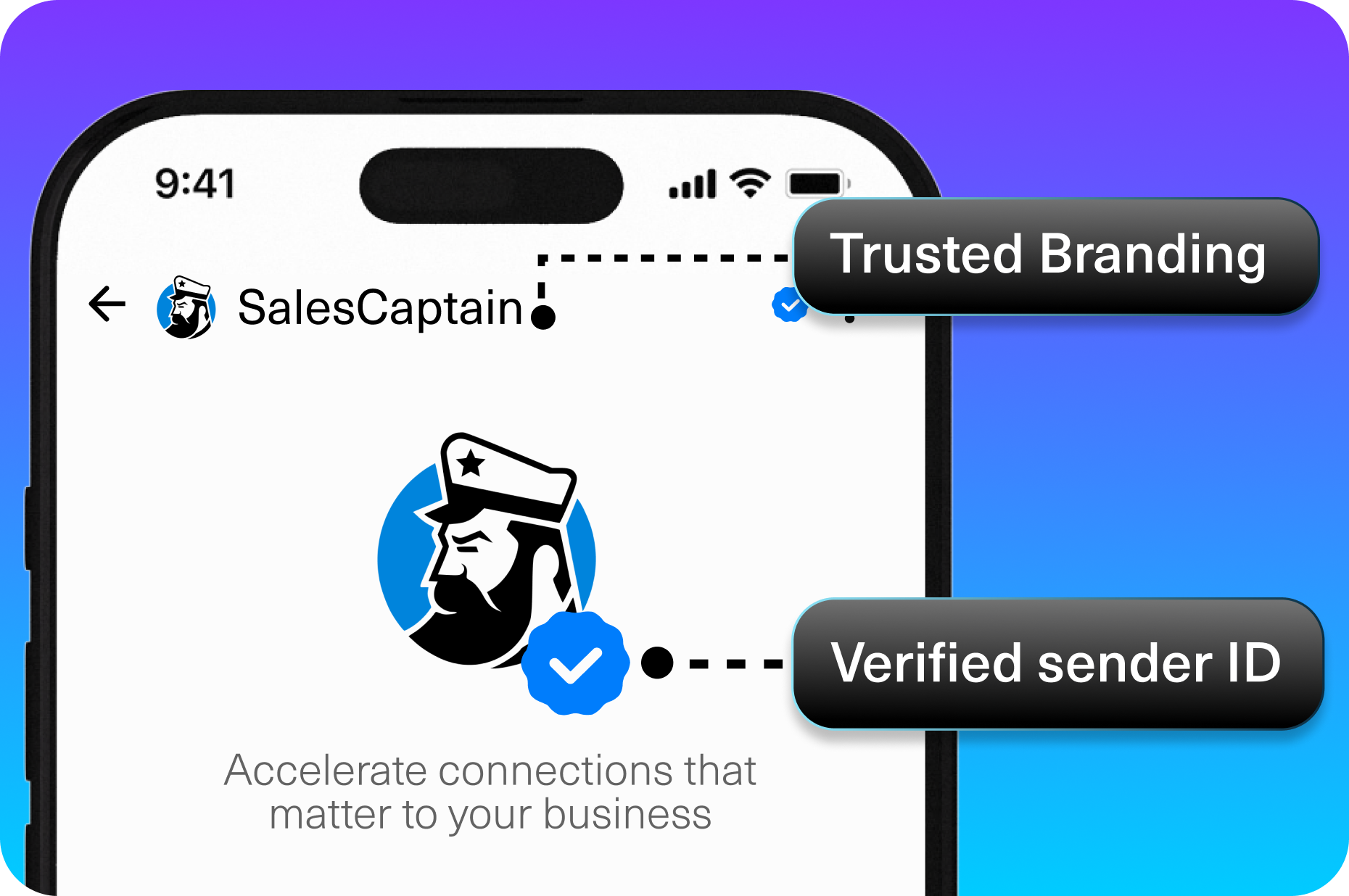
SalesCaptain brings payments, AI-powered communication, and multi-channel messaging into a single platform built for service businesses like restaurants. Instead of stitching together a phone system, a texting tool, a chatbot, and a payment processor, you get everything in one place.
AI Phone Agent for Reservations and Inquiries
SalesCaptain’s AI Phone Agent answers every call with a natural-sounding voice, 24 hours a day. It can book reservations, answer questions about your menu or hours, qualify catering leads, and route urgent calls to a manager. Spam calls get blocked automatically. When your kitchen is slammed at 7 PM on a Friday, every incoming call still gets a professional, helpful response. No hold music. No voicemail.
Text-to-Pay Built Into Your Communication Flow
Here’s where payments via text for restaurants become powerful. After a catering consultation or a large takeout order, your team (or your AI agent) can send a payment link directly through SMS. The customer taps the link, enters their card info, and pays immediately. No paper invoices, no chasing checks, no awkward phone calls asking for a credit card number. Because SalesCaptain handles both the conversation and the payment trigger, there’s no gap between “yes, we’d love to book that event” and “here’s your payment link.” According to SignaPay research on text-to-pay workflows, businesses that send payment requests via text see faster collection times and fewer outstanding balances.
Unified Inbox Eliminates the Channel Chaos
Every conversation, whether it started as a phone call, an Instagram DM, a website chat, or an SMS, shows up in SalesCaptain’s Unified Inbox. Your manager sees the full history for each customer in one view. If someone called about a private dining event on Monday and then followed up via Instagram on Wednesday, both interactions are threaded together. No context gets lost, and no team member has to dig through three different apps to find a conversation.
Automated Follow-Ups That Close the Loop
SalesCaptain’s Workflow Automation builder lets you set up trigger-based sequences without writing code. For example, after a catering inquiry comes in, the system can automatically send a text confirmation, follow up 48 hours later if no deposit has been received, and send a payment link reminder a week before the event. These workflows run in the background while your team focuses on food and hospitality. Plus, with 50+ integrations including QuickBooks and Zapier, payment confirmations can sync directly to your accounting software.
Key Features for Restaurant Businesses
SalesCaptain packs a wide feature set into a platform that doesn’t require technical expertise to configure. Here are the capabilities that matter most for restaurant operations:
- 24/7 AI Call Answering: Never miss a reservation request, catering inquiry, or takeout order, even when the restaurant is closed or the line is busy.
- SMS Payment Links: Send payment requests via text message for deposits, catering invoices, large party prepayments, or outstanding balances.
- Missed Call Text-Back: When a call can’t be answered, SalesCaptain automatically sends an SMS so the customer can continue the conversation over text instead of hanging up and calling a competitor.
- Multichannel AI Chat Agents: Respond instantly on SMS, webchat, Instagram DMs, and Facebook Messenger with AI agents trained on your restaurant’s specific information.
- Appointment and Reservation Booking: AI agents can check availability and book reservations or event consultations without human involvement.
- Workflow Automation for Payment Reminders: Build drag-and-drop sequences that send deposit reminders, event confirmations, and follow-up texts on a schedule you define.
Each of these features works together inside the same platform. That integration is what separates SalesCaptain from cobbling together separate tools for phones, texting, chat, and payments. According to the 2024 State of Business Texting Report, businesses using texting strategically across customer touchpoints see significantly higher engagement rates than those relying on phone and email alone.
Real Results You Can Expect
Switching to SalesCaptain isn’t about adding another tool. It’s about replacing several tools and filling communication gaps that directly affect your bottom line. Here’s what restaurant operators can realistically expect.
Faster Payment Collection
When you send a payment link via text, most customers pay within minutes, not days. Catering deposits that used to require multiple follow-up emails now close with a single SMS. Your accounts receivable shrinks because there’s less friction between the agreement and the payment. According to Datos Insights research on digital bill pay trends, text-based payment channels are among the fastest-growing in consumer preference.
Fewer Missed Opportunities
Every call that goes to voicemail is a potential booking that doesn’t happen. With AI answering 24/7, your restaurant captures inquiries at 11 PM on a Sunday just as effectively as at 2 PM on a Wednesday. The missed call text-back feature ensures that even when a human can’t answer, the conversation continues.
Lower Staffing Pressure
You won’t need to hire a dedicated receptionist or social media manager to handle inbound communication. AI agents handle the repetitive interactions, like confirming hours, sharing the menu, and booking tables, while your staff focuses on hospitality. For a typical independent restaurant, that’s the equivalent of freeing up hours of labor every day.
More Consistent Customer Experience
Whether a guest contacts you by phone, text, or Instagram, they get a prompt, accurate response. That consistency builds trust. Repeat customers and corporate catering clients especially value reliability in communication, and it’s something most small restaurants struggle to deliver across every channel.
How to Get Started
Setting up SalesCaptain for your restaurant takes minutes, not weeks. There’s no technical background required, and no consultants to hire.
- Sign up for a free account: SalesCaptain’s Startup plan is free for one location, so you can test everything without a credit card.
- Set up your business phone number: Port your existing number or get a new one. The system includes IVR, call routing, and voicemail out of the box.
- Configure your AI Phone Agent: Provide your restaurant’s details, including hours, menu highlights, reservation policies, and event options. The AI agent uses this information to answer caller questions naturally.
- Connect your messaging channels: Link your SMS, webchat, Instagram, and Facebook Messenger accounts to the Unified Inbox.
- Build payment and follow-up workflows: Use the drag-and-drop automation builder to create text-to-pay sequences for catering deposits, event reminders, and outstanding invoice follow-ups.
- Sync your existing tools: Connect QuickBooks for payment tracking, or use Zapier to integrate with your POS, CRM, or scheduling system.
Most restaurant owners complete the full setup in under an hour. Once live, your AI agents start handling calls and messages immediately, and you can monitor everything from the Unified Inbox on desktop or mobile.
Frequently Asked Questions
How do payments via text for restaurants actually work?
After a customer agrees to a charge, whether it’s a catering deposit, a large party prepayment, or an outstanding tab, your team or an AI agent sends a payment link via SMS. The customer taps the link on their phone, enters their payment details on a secure page, and the transaction completes. SalesCaptain can trigger these payment texts automatically through workflow automation, so you don’t have to remember to send them manually.
Can SalesCaptain’s AI agent handle restaurant-specific questions?
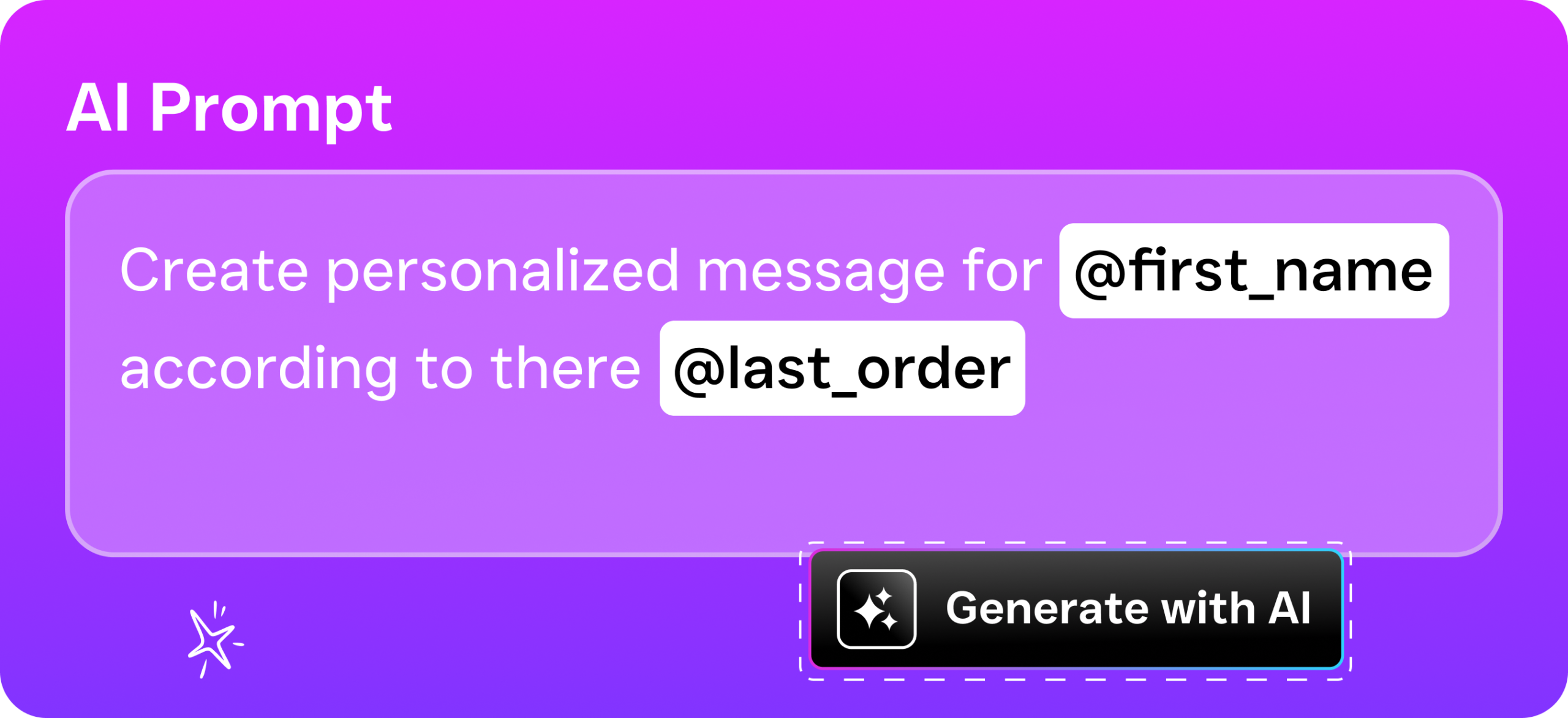
Yes. You train the AI agent with your restaurant’s specific information, like your menu, hours, private dining capacity, dietary accommodations, and booking policies. When a caller asks “Do you’ve gluten-free options?” or “Can I book a room for 30 people next Saturday?” the agent responds with accurate, tailored answers based on what you’ve provided.
What happens if a customer doesn’t complete the text payment?
SalesCaptain’s workflow automation can send follow-up reminders at intervals you choose. For example, if a catering deposit link hasn’t been clicked within 24 hours, the system automatically sends a friendly reminder. You can configure multiple follow-ups so nothing falls through the cracks, all without your staff needing to track it manually.
Does SalesCaptain replace my POS system?
No. SalesCaptain isn’t a point-of-sale system. It handles the communication layer, including calls, texts, chat, and payment link delivery. It complements your existing POS by managing the customer interactions that happen before, after, and around the transaction. With integrations like QuickBooks and Zapier, payment data can flow into your existing financial tools.
How much does it cost for a single restaurant location?
SalesCaptain offers a free Startup plan for one location. The Business plan runs $159 per month per location with expanded features. AI call minutes are billed at $0.12 per minute. For multi-location restaurant groups, the Enterprise plan at $300 per month per location provides additional capacity. There are no hidden fees or long-term contracts.
Payments via text for restaurants aren’t a future trend. They’re a present expectation. Customers already prefer paying from their phones, and restaurant operators who combine fast payments with responsive, AI-powered communication across every channel will capture more bookings, collect revenue faster, and deliver a better experience without hiring more staff. SalesCaptain is the only platform that brings AI voice agents, AI chat agents, text-to-pay workflows, and a unified inbox together in one tool built specifically for service businesses like yours.
Start free, no credit card needed. Get started with SalesCaptain today.