
AI-powered customer experience marketing (CXM) platform that helps local businesses win.



Every retail service business knows the frustration. A customer walks out, promises to pay later, and then you’re stuck chasing invoices by phone for weeks. Your front desk staff spends half their day reading credit card numbers over the phone or reminding people about outstanding balances. Meanwhile, checks bounce, cash payments create reconciliation headaches, and your accounts receivable keeps growing. Payments via text for retail stores solve this problem by letting customers pay instantly from their phones, but most businesses don’t realize they can tie this capability into a broader communication platform that handles everything from appointment reminders to lead capture. That’s where the real efficiency gains live.
Why Service Business Businesses Struggle With Customer Communication
The core issue isn’t just collecting payments. It’s the fragmented way most service businesses communicate with customers across every touchpoint. Think about what happens when a customer calls to ask about pricing, then texts to confirm an appointment, then messages you on Instagram to ask about availability. Each interaction lives in a different app, managed by a different person (or nobody at all). Payments get lost in that same chaos.
According to a 2025 TextMagic consumer survey, over half of consumers who texted a business never received a reply. That’s a staggering number of missed opportunities, and it extends beyond simple conversations to payment collection. When your communication is scattered, so is your revenue.
The Payment Collection Gap
Most service businesses still rely on one of these outdated payment workflows: reading card numbers over the phone, mailing paper invoices, or hoping customers remember to pay through an online portal they’ve never bookmarked. Each method adds friction. And friction kills conversion. A customer who owes you $200 for a repair will pay in 30 seconds if you text them a link. But they’ll procrastinate for weeks if you email them a PDF invoice.
The data backs this up. An InvoiceCloud report found that pay-by-text adoption has grown 5x, with mobile payments now topping online payment preferences. Customers want to pay this way. They’re just waiting for businesses to offer it.
Staff Bandwidth Is the Real Bottleneck
Your team can’t handle more volume without more headcount, and hiring isn’t cheap. According to the NFIB Small Business Economic Trends survey, labor quality and cost remain top concerns for small business owners. So you’re stuck. You can’t afford to hire another receptionist, but your current staff is drowning in calls, texts, payment follow-ups, and appointment confirmations. Something has to give.
How SalesCaptain Solves This
SalesCaptain brings text-to-pay, AI-powered communication, and a unified inbox together in a single platform built for service businesses. Instead of bolting together five different tools, you get one system where payment links, appointment reminders, lead capture, and customer conversations all live in the same place.
Text-to-Pay That Actually Gets Used
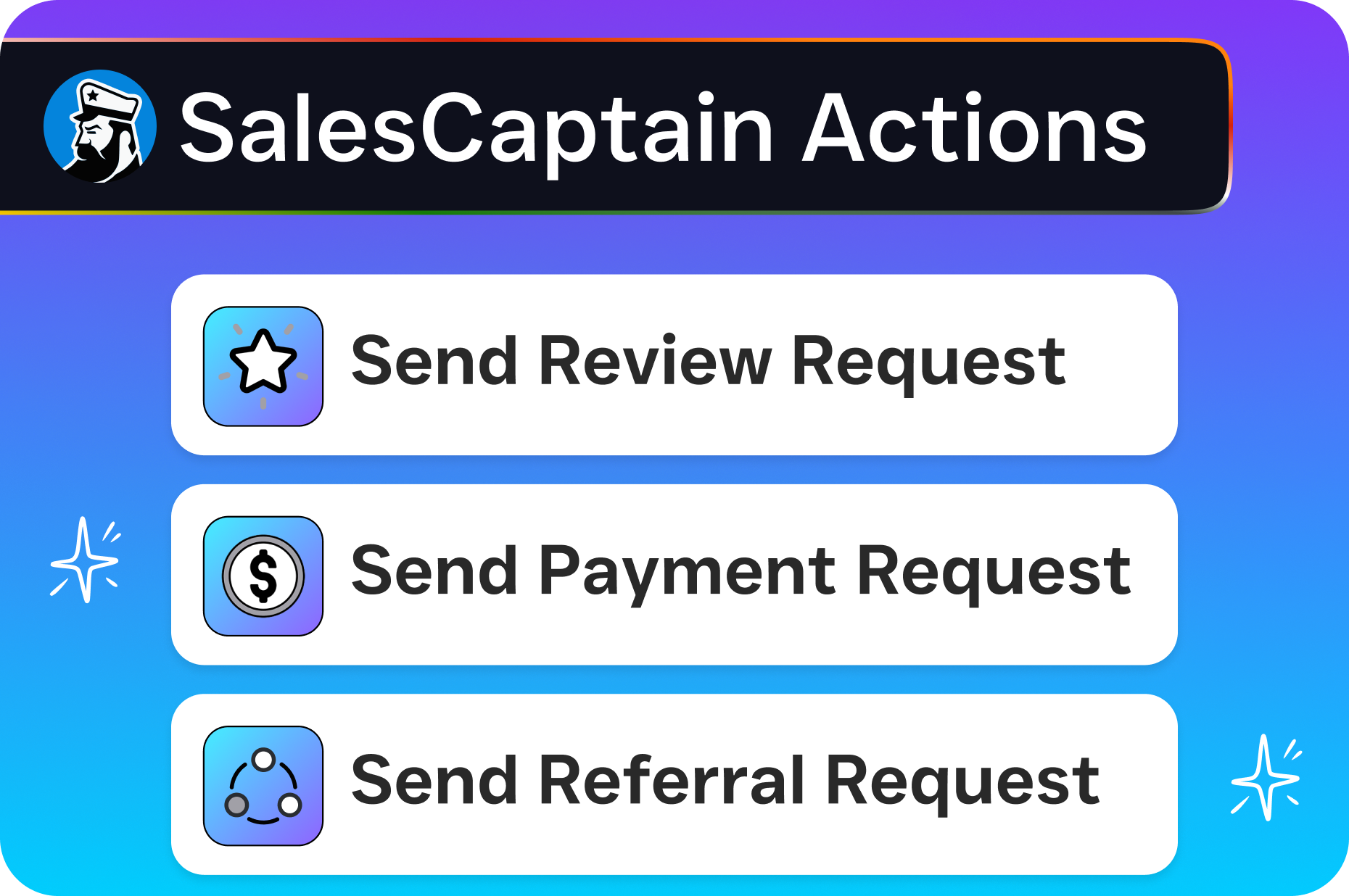
Here’s how it works in practice. After you complete a service, your team sends a payment link via text message directly from SalesCaptain’s unified inbox. The customer taps the link, enters their card info on a secure mobile-friendly page, and you’re paid. No app download required. No account creation. In fact, no friction.
Because the payment request arrives as a text, open rates are dramatically higher than email. Forbes reports that SMS remains one of the highest-engagement communication channels for businesses, which makes it the ideal vehicle for payment collection. Your message doesn’t sit in a spam folder. It lands right on the customer’s lock screen.
AI Agents Handle the Follow-Up
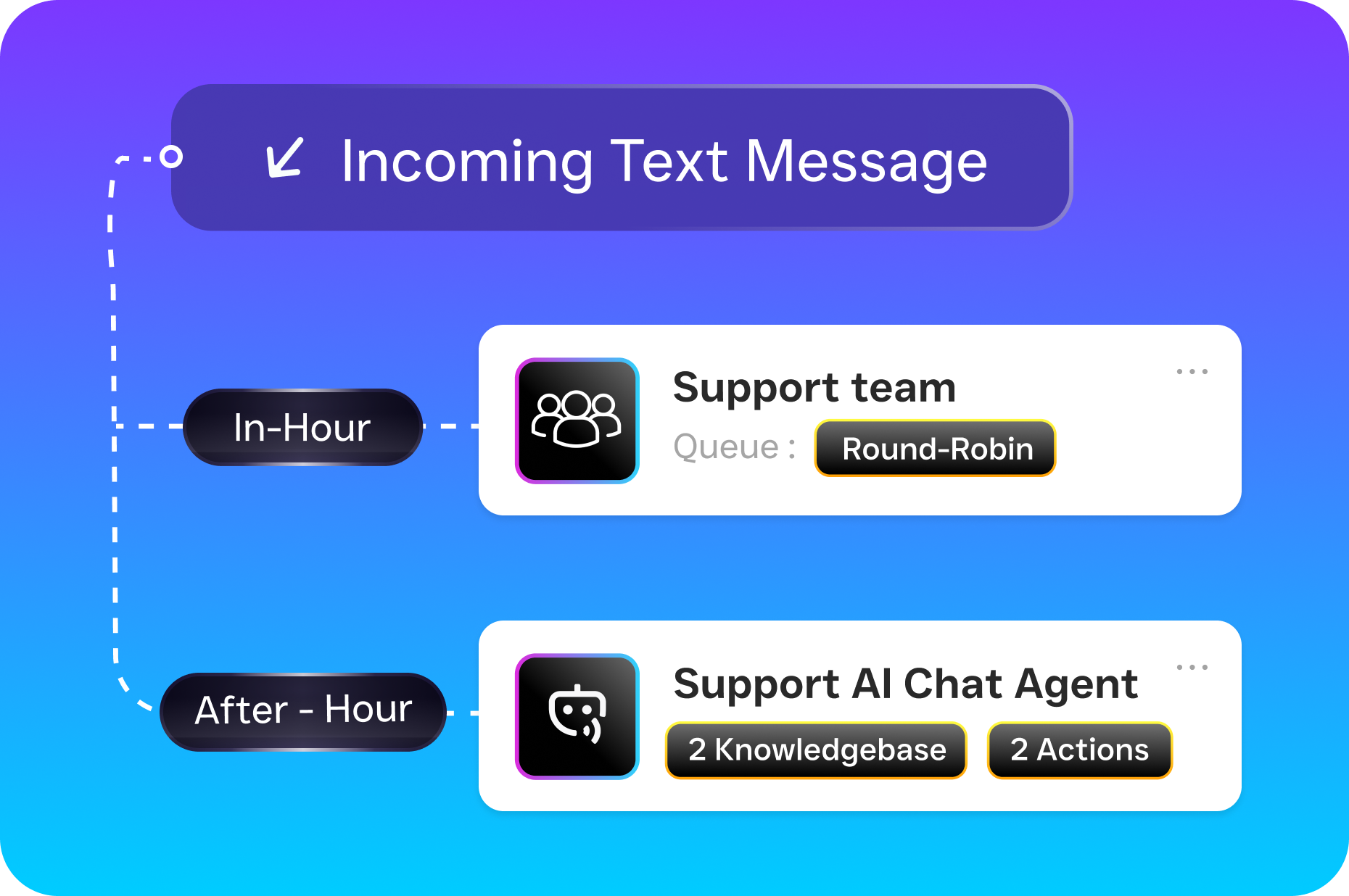
What separates SalesCaptain from a basic text-to-pay tool is the automation layer. When a customer doesn’t pay within your set timeframe, the platform’s workflow automation can trigger a follow-up text automatically. No staff member needs to remember. No spreadsheet tracking required. The AI Chat Agent can even respond if the customer replies with a question about the invoice, routing complex issues to your team only when necessary.
On the phone side, the AI Phone Agent picks up calls 24/7. So when a customer calls at 8 PM asking about their balance, they get an answer and a payment link sent to their phone right away. That call doesn’t go to voicemail. It doesn’t wait until Monday morning.
One Inbox for Everything
The unified inbox is where this all clicks. Every text, call, webchat message, Instagram DM, and Facebook message shows up in a single view. Your team can see that a customer called about a repair, received a payment link via text, and responded on Instagram, all in one thread. No context is lost, and no payment request falls through the cracks.
Key Features for Service Business Businesses
SalesCaptain’s feature set is purpose-built for the way service businesses actually operate. Here are the capabilities that matter most for streamlining payments via text and overall customer communication:
- Text-to-Pay Links: Send secure payment links via SMS directly from the unified inbox. Customers pay on mobile without downloading an app or creating an account.
- AI Phone Agent: Answers calls around the clock, handles FAQs, qualifies leads, books appointments, and can trigger payment link delivery, all without human involvement.
- Missed Call Text-Back: When a call goes unanswered, the system automatically texts the caller so they can still get help, book a service, or pay a balance. Zero leads lost.
- Workflow Automation: A drag-and-drop builder lets you create automated sequences for payment reminders, appointment confirmations, review requests, and follow-ups.
- Unified Inbox: Calls, texts, webchat, social DMs, email, and internal notes consolidated in one collaborative view with full contact history.
- 50+ Integrations: Connects to QuickBooks, HubSpot, Salesforce, Shopify, HousecallPro, ServiceFusion, and dozens more so payments sync with your accounting and CRM automatically.
The QuickBooks and Shopify integrations are particularly relevant for retail service businesses. When a text payment comes through, it can sync directly to your accounting system without manual data entry. That alone saves hours each week for businesses processing dozens of transactions daily.
Real Results You Can Expect
Switching to text-based payments and unified communication doesn’t just feel more efficient. It produces measurable improvements across your operation.
Faster Payment Collection
When you remove friction from the payment process, people pay faster. That’s not theory. Research on text-to-pay adoption consistently shows that SMS payment links shorten collection cycles significantly compared to traditional invoicing methods. Your days-sales-outstanding metric shrinks because customers aren’t procrastinating on a payment that takes 30 seconds to complete.
Fewer Missed Calls, More Revenue
Every missed call is a potential lost customer. With SalesCaptain’s AI Phone Agent answering 24/7, those after-hours calls convert instead of bouncing to voicemail. AI answering services for small businesses are becoming the standard precisely because the ROI is so clear. One recovered lead per day at your average ticket price adds up fast over a month.
Reduced Staff Workload Without Hiring
Automated payment reminders, AI-handled calls, and instant text responses mean your existing team handles more volume with less effort. The people you’ve already hired can focus on delivering great service instead of chasing invoices or answering the same questions repeatedly. For businesses spending thousands monthly on additional front desk staff, this reallocation of effort is substantial.
Better Customer Experience
Customers prefer texting. The 2024 State of Business Texting Report makes this abundantly clear. When you let people interact and pay on the channel they already use hundreds of times per day, satisfaction goes up. And satisfied customers leave better reviews, refer more friends, and come back more often.
How to Get Started
Setting up payments via text for your retail service business through SalesCaptain takes minutes, not months. Here’s the process:
- Sign up for a free account. SalesCaptain’s startup plan costs nothing for a single location. No credit card required to begin.
- Connect your phone number. Port your existing business number or get a new one. The built-in phone system includes IVR, call routing, and voicemail from day one.
- Set up your AI agents. Configure the AI Phone Agent to handle your most common call scenarios. Build your AI Chat Agents for SMS and webchat. No coding or technical expertise needed.
- Enable text-to-pay. Connect your payment processor and QuickBooks or Shopify integration so payment links and transaction records sync automatically.
- Build your automation workflows. Use the visual drag-and-drop builder to create payment reminder sequences, appointment confirmations, and follow-up cadences.
- Go live. Start sending payment links, letting AI handle your calls, and managing every customer interaction from a single inbox.
Most businesses are fully operational within a day. Because SalesCaptain is built for service businesses specifically, not enterprise sales teams or marketing agencies, the setup process assumes you don’t have a technical team on staff.
What About Cost?
Pricing is transparent and per-location. The free plan covers one location. The Business plan runs $159/month per location, and the Enterprise plan is $300/month per location. AI call minutes are billed at $0.12/minute. Compare that to hiring a part-time receptionist or paying a traditional answering service per call, and the math works strongly in SalesCaptain’s favor.
FAQ: Payments via Text for Retail Service Businesses
How do customers actually pay through a text message?
Your team sends a secure payment link via SMS from SalesCaptain’s inbox. The customer taps the link, which opens a mobile-optimized payment page in their browser. They enter their card details, confirm the amount, and submit. The entire process takes under a minute, and no app download or account signup is needed.
Is text-to-pay secure enough for my business?
Yes. Payment links use encrypted, PCI-compliant payment processing. The text message itself doesn’t contain any financial data. It simply delivers a link to a secure payment page. This approach is the same model used by major payment platforms across e-commerce and retail.
Can I automate payment reminders for overdue invoices?
Absolutely. SalesCaptain’s workflow automation builder lets you set trigger-based sequences. For example, you can automatically send a reminder text three days after an invoice is issued, then a follow-up seven days later if payment hasn’t been received. These workflows run without any manual intervention from your staff.
What happens if a customer replies to a payment text with a question?
Their reply shows up in SalesCaptain’s unified inbox, right in the same conversation thread. If you’ve configured an AI Chat Agent, it can respond instantly with answers to common questions about billing, services, or scheduling. Complex issues get routed to a team member automatically.
Does this integrate with my existing accounting software?
SalesCaptain integrates with QuickBooks, Shopify, HubSpot, Salesforce, Zoho, and over 50 other tools. Through Zapier, you can connect to virtually any business application. Payment data flows directly into your accounting system so you don’t need to reconcile manually.
Service businesses that adopt text-based payments and AI-powered communication collect revenue faster, miss fewer customers, and operate with leaner teams. SalesCaptain gives you all of this in one platform, built for businesses like yours.
Start free, no credit card needed. Get started with SalesCaptain today.