
AI-powered customer experience marketing (CXM) platform that helps local businesses win.



Every missed appointment is lost revenue. For service businesses, the math is brutal: a no-show doesn’t just waste a time slot, it wastes the marketing dollars that brought that customer in, the staff scheduled to serve them, and the opportunity cost of turning someone else away. Sound familiar? Reminder software solves this by automating the messages that keep your schedule full and your clients showing up. SalesCaptain builds reminders directly into its AI-powered communication platform, so you’re not stitching together separate tools for texting, calling, and following up. If your business runs on appointments, this is the feature that pays for itself fastest.
What Is Reminder Software?
Reminder software automatically sends notifications to customers before their scheduled appointments. These go out via text message, phone call, email, or all three combined. The goal is simple: make sure people remember and show up on time.
But modern reminder software does way more than that. It lets you customize timing, personalize content, and include actionable details like confirmation links or rescheduling options. According to appointment reminder statistics compiled by WebinarCare, automated reminders can reduce no-show rates significantly across industries. That’s real money in your pocket.
For service businesses, reminder software isn’t optional anymore. It’s table stakes. Your customers expect a confirmation text when they book and a reminder before they arrive. When you don’t send one, you’re betting on their memory. And that’s a losing bet. The real question isn’t whether you need it. It’s whether your reminder system is connected to the rest of your communication stack or sitting alone in a silo.
How Reminder Software Works in SalesCaptain
SalesCaptain’s reminder system isn’t a standalone tool bolted onto your workflow. It’s built into the same platform where your AI agents answer calls, your team manages conversations, and your automations handle follow-ups. Here’s how it actually works:
- A customer books an appointment. This can happen through your AI Phone Agent answering a call, an AI Chat Agent on your website or Instagram DMs, a manual booking by your staff, or a synced calendar from an integration like HousecallPro, Mindbody, or Clio.
- SalesCaptain triggers the reminder sequence. Using the Workflow Automation builder, you set the timing and channel. Want a text 24 hours before and another 2 hours before? Done. Prefer a phone reminder for certain appointment types? You can configure that too. Each workflow is visual and drag-and-drop, so there’s no coding involved.
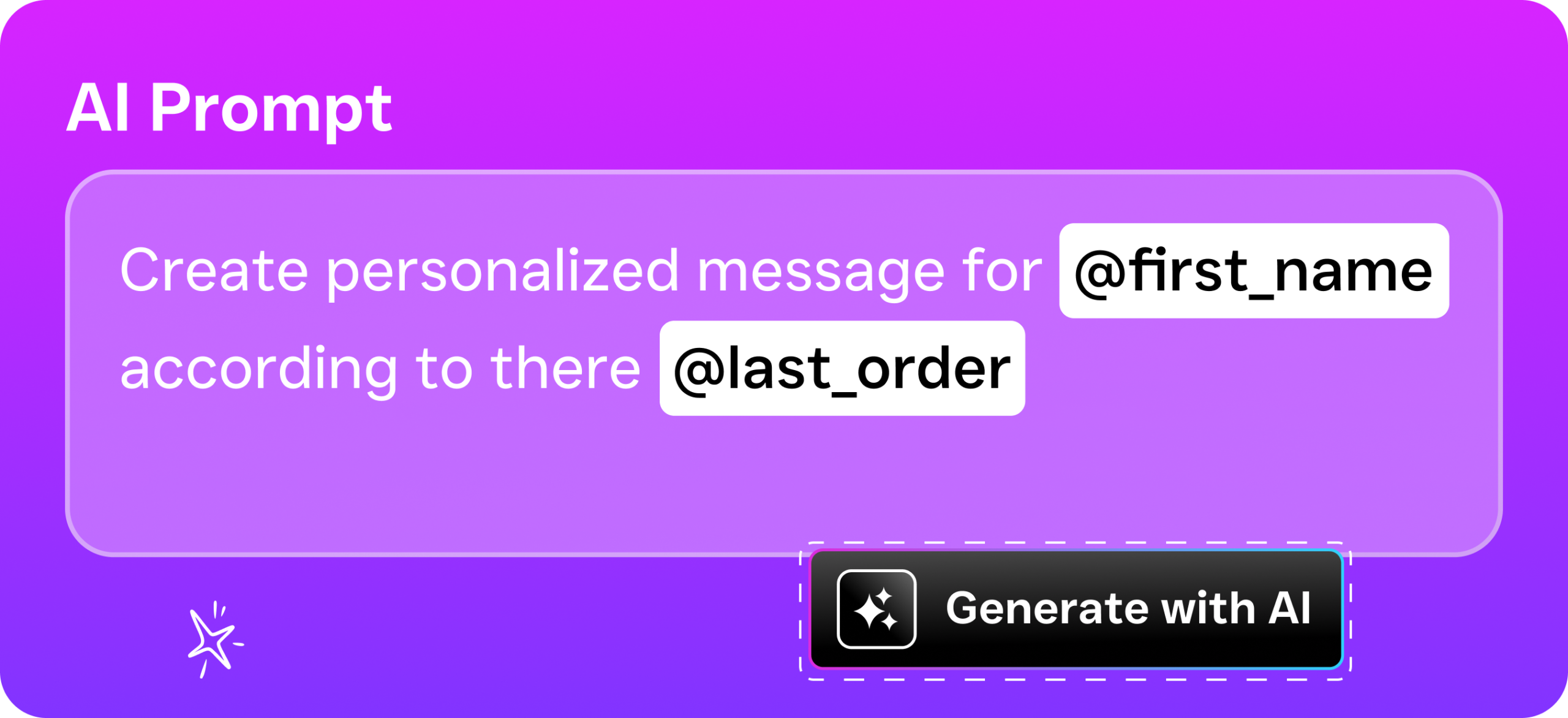
- The reminder goes out automatically. Messages are sent via SMS, webchat, or your AI Phone Agent. They include personalized details: the customer’s name, appointment time, location, and a link to confirm or reschedule. Advanced templating and personalization let you match your brand voice.
- The customer responds. If they confirm, the system updates the appointment status. If they need to reschedule, the AI Chat Agent can handle it in real time without your staff lifting a finger. If they don’t respond, a follow-up reminder fires based on your workflow rules.
- Everything lands in the Unified Inbox. Your team sees the full conversation history, including the reminder, the customer’s reply, and any notes from the AI. No switching between apps. No wondering what was said.
This end-to-end flow means your reminders aren’t disconnected from the rest of your customer communication. They’re part of the same thread, the same inbox, and the same automation engine.
Key Capabilities
- Multichannel delivery: Send reminders via SMS, webchat, Facebook Messenger, Instagram DMs, or AI phone calls. Reach customers on whichever channel they actually check, not just the one that’s convenient for you.
- Custom timing sequences: Set multiple reminder touchpoints per appointment. A confirmation at booking, a reminder 48 hours out, and a final nudge 2 hours before. You control the cadence through the visual workflow builder.
- Personalized message templates: Go beyond “Reminder: you have an appointment tomorrow.” Include the service type, provider name, location address, and preparation instructions. SalesCaptain’s advanced templating lets you build reusable templates with dynamic fields.
- Two-way communication: Reminders aren’t just outbound blasts. Customers can reply to confirm, cancel, or ask questions. When they do, the AI Chat Agent responds instantly or routes the conversation to your team in the Unified Inbox.
- Missed call text-back: When a customer calls and nobody answers, SalesCaptain automatically sends a text. This isn’t just a reminder feature, but it feeds directly into your reminder workflow. According to research from SkipCalls, small businesses lose over $26,000 per year to missed calls. Capturing those calls with an automatic text keeps them in your funnel.
- Integration-triggered reminders: Sync with 50+ tools including HubSpot, Salesforce, ServiceFusion, and Shopify. When an appointment is created in your CRM or field service software, SalesCaptain picks it up and starts the reminder sequence automatically.
Who Needs This?
Reminder software benefits any business where customers schedule time in advance. But certain industries see an outsized impact because their no-show costs are especially high or their appointment volume is large enough that even small improvements compound quickly.
- Home services businesses (roofing, plumbing, HVAC, landscaping, appliance repair): A missed service call means a truck rolled for nothing. Fuel, labor, and the next customer who got bumped all take a hit.
- Healthcare and wellness practices (dental offices, medical clinics, MedSpas, therapy practices): According to data compiled by Aira, a significant percentage of business calls go unanswered, which contributes directly to scheduling gaps. Automated reminders help practices keep their chairs and exam rooms full.
- Legal practices: Client meetings require preparation. A no-show wastes billable time and disrupts case workflows. Integration with Clio means reminders sync automatically with your legal practice management system.
- Salons, gyms, and fitness studios: High-frequency, short-duration appointments make these businesses particularly vulnerable to no-shows. One missed haircut appointment might seem minor, but multiply it across a week and the revenue loss adds up fast.
- Real estate agencies: Property showings, open houses, and buyer consultations all require coordination. A reminder that includes the property address and showing time reduces last-minute confusion.
- Operations managers and front-desk staff: If you’re the person manually texting or calling customers to remind them, this feature gives you your time back. The automation runs in the background while you focus on higher-value work.
Benefits of Reminder Software
Fewer No-Shows, More Revenue Per Day
The most direct benefit is financial. Every appointment that actually happens is revenue earned. Every no-show is a hole in your schedule that you probably can’t fill on short notice. Reminder software closes that gap by keeping your appointment on the customer’s radar. For a business running 20 appointments per day, even a modest reduction in no-shows translates to thousands in recovered monthly revenue.
And it’s not just about the missed appointment itself. Phone2 research on the true cost of missed calls shows that the downstream effects—lost referrals, damaged reputation, wasted marketing spend—amplify the initial loss considerably. Reminders are preventive medicine for your revenue stream.
Less Manual Work for Your Team
Think about how much time your staff currently spends on appointment confirmation. Calling each customer the day before. Leaving voicemails. Texting people individually. Updating spreadsheets when someone cancels. According to Fit Small Business research, small business owners and their teams already wear too many hats. Automating reminders frees up hours each week, and those hours can go toward serving customers instead of chasing them.
SalesCaptain’s workflow automation doesn’t just send a single reminder, either. It handles the entire sequence: initial confirmation, pre-appointment reminders, post-appointment follow-ups, and even review requests. One workflow replaces what used to be five or six manual tasks.
Better Customer Experience
Customers appreciate being reminded. They don’t see it as nagging. A well-timed, personalized text feels like good service. It shows you’re organized and that you respect their time. On the flip side, a business that doesn’t send reminders forces customers to dig through their email for booking details or guess at appointment times. That friction creates frustration, and frustrated customers are more likely to cancel or simply not show up.
24/7 Coverage Without Additional Staff
Reminders need to go out at specific times. Early mornings, evenings, weekends. Your staff shouldn’t have to work those hours just to send a text message. SalesCaptain’s AI agents and automation workflows run around the clock. Whether it’s 6 AM Saturday or 10 PM Tuesday, the system handles it. Recent small business data from BotMemo highlights that most SMBs can’t afford to hire additional staff to cover communication gaps. Automation solves the problem without adding headcount.
How SalesCaptain Compares
Most tools that offer appointment reminders treat them as a single feature within a larger marketing or scheduling platform. That creates a disconnect. Your reminders live in one tool, your phone calls in another, your texts in a third, and your team inbox somewhere else entirely. SalesCaptain is different because reminders are part of a unified communication system that includes AI voice agents, AI chat agents, a full phone system, and a collaborative inbox.
Platforms like Podium and Birdeye focus heavily on reputation management and review generation. While they offer some messaging capabilities, Podium lacks outbound workflow automation and Birdeye doesn’t include AI for calls, call routing, or a call flow builder. Neither gives you the ability to have an AI agent handle the reminder response in real time the way SalesCaptain does.
Weave is popular in healthcare, but it’s niche. There’s no social chat, no WhatsApp support, and limited AI automation features. If you’re a dental practice that only needs basic text reminders, Weave might work. But if you’re a multi-location home services company or a MedSpa that needs reminders across SMS, Instagram, and voice, you’ll hit Weave’s ceiling quickly. SalesCaptain’s per-location pricing starting with a free plan also makes it more accessible than competitors with opaque or per-user pricing models.
The core difference is integration depth. Your reminder isn’t a standalone notification. It’s a conversation thread in your Unified Inbox, tied to the customer’s contact history, connected to your CRM via integrations like Salesforce or Zoho, and backed by AI that can handle responses without human intervention. That’s what separates reminder software built into a communication platform from a feature tacked onto a point solution.
Frequently Asked Questions
Can I send reminders through phone calls instead of just text?
Yes. SalesCaptain’s AI Phone Agent can make outbound reminder calls that sound natural. You can set up your workflow to send a text reminder first and follow up with a phone call if the customer doesn’t respond. Both channels are managed from the same platform and appear in the same conversation thread in your Unified Inbox.
How do reminders work with my existing scheduling software?
SalesCaptain integrates with 50+ tools, including HousecallPro, Mindbody, Clio, Salesforce, HubSpot, and Zoho. When an appointment is created or updated in your existing system, the integration triggers the reminder workflow automatically. You can also use Zapier to connect tools that don’t have a native integration.
What happens if a customer replies to a reminder to reschedule?
When a customer replies, the AI Chat Agent can handle the rescheduling conversation in real time. It pulls available time slots, confirms the new appointment, and updates your calendar. If the request is complex or the customer asks to speak with someone, the conversation is routed to your team in the Unified Inbox with full context.
Is there a limit to how many reminders I can send?
SalesCaptain supports high-volume SMS and doesn’t cap your reminder workflows the way some competitors do. For example, Nextiva caps SMS at 250 messages per user per month, which can run out fast if you’re a busy practice. SalesCaptain’s pricing is per-location, starting free for one location and scaling to $159/month or $300/month for businesses that need more advanced features and AI calling minutes at $0.12/minute.
Stop Losing Revenue to No-Shows
SalesCaptain’s reminder software is built into the same platform where your AI agents answer calls, your team manages conversations, and your automations handle everything in between. Start free with one location and see the difference automated reminders make to your schedule and your bottom line.