
AI-powered customer experience marketing (CXM) platform that helps local businesses win.



A sample script for answering phone calls gives your team a consistent way to greet callers, handle questions, and move conversations toward a resolution. But here’s the problem: scripts only work when someone’s there to read them. For most service businesses, that’s not always possible. SalesCaptain’s AI Phone Agent takes your best call scripts and turns them into a 24/7 automated voice agent that answers every call, qualifies leads, books appointments, and follows your exact playbook, even at 2 a.m. on a Saturday.
What Is a Sample Script for Answering Phone Calls?
A phone answering script is a pre-written guide that tells your team exactly what to say during different types of calls. It covers greetings, common questions, objection handling, appointment booking, and call closings. Good scripts reduce errors, keep conversations professional, and make sure no caller slips through the cracks.
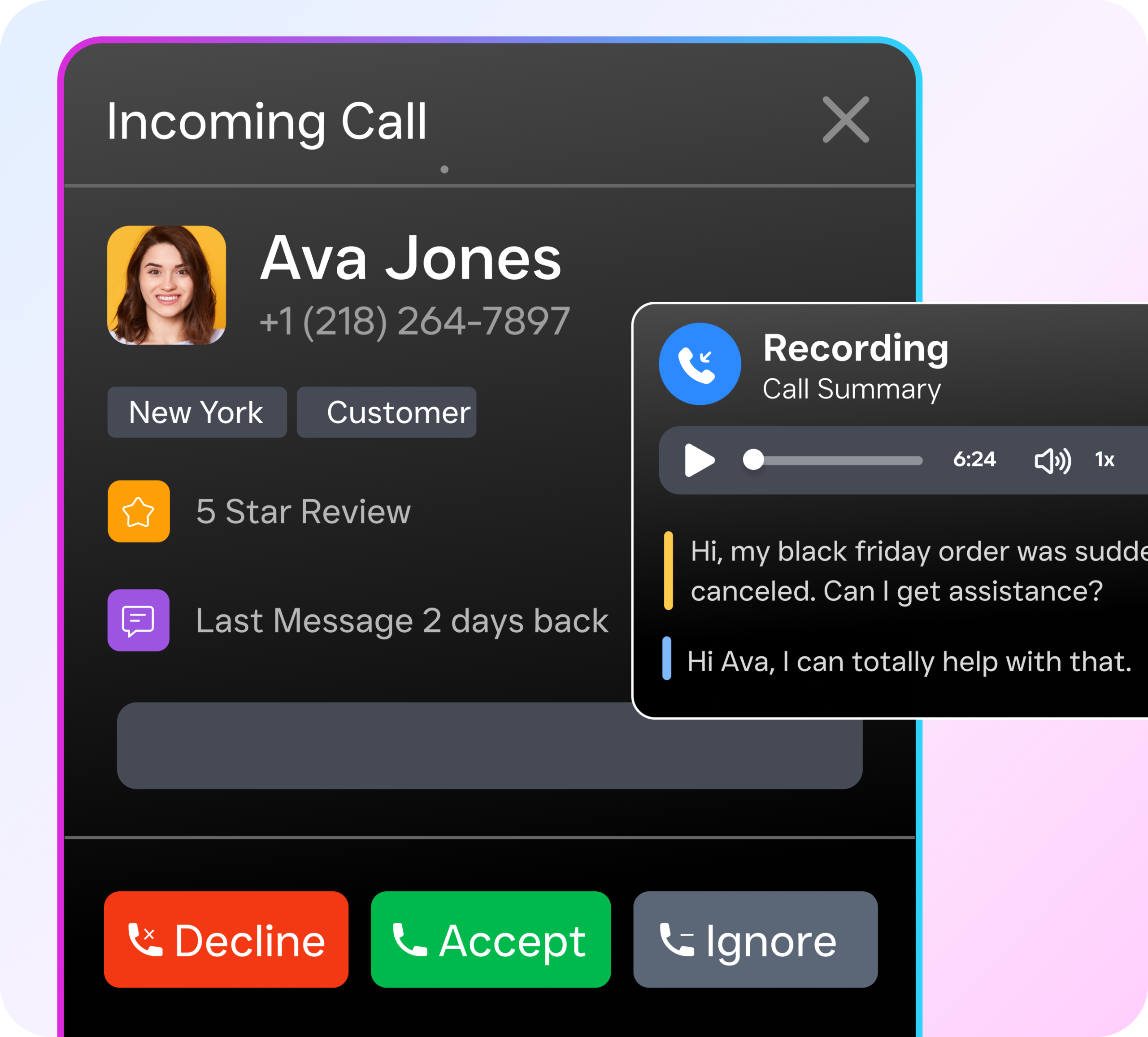
Most businesses start with a basic template. A typical script might look like this:
- Greeting: “Thank you for calling [Business Name], this is [Name]. How can I help you today?”
- Qualification: “Can I ask what service you’re looking for and the best time for us to schedule that?”
- FAQ response: “Great question. Our pricing starts at [X] and includes [Y]. Would you like me to book a consultation?”
- Closing: “I’ve got you booked for [date/time]. You’ll receive a confirmation text shortly. Is there anything else I can help with?”
These scripts aren’t complicated. However, research from Aira shows that 62% of business calls go unanswered, which means even the best script is useless if nobody picks up. That’s the gap between having a script and actually executing it consistently across every call, every hour, every day.
Why Traditional Scripts Fall Short
Scripts assume a human is available to follow them. In practice, staff get busy, calls come after hours, and new hires don’t always stick to the script. According to OnceHub’s analysis of missed call costs, a single missed call can cost a small business hundreds of dollars in lost revenue. Multiply that across a week, and you’re looking at thousands.
The real issue isn’t writing a better script. It’s making sure that script gets followed on every single call without exception. That’s where automation changes the equation entirely.
How SalesCaptain’s AI Phone Agent Replaces Static Scripts
Instead of printing out a call script and hoping your team follows it, SalesCaptain lets you build an AI Phone Agent that is the script. Your AI agent speaks naturally, follows your exact conversation flow, and handles calls from greeting to booking without any human involvement. Here’s how to set it up:
- Define your call flow. Use SalesCaptain’s drag-and-drop call flow builder to map out the path every inbound call should take. Set your greeting, menu options, routing rules, and after-hours behavior.
- Train your AI agent on your script. Feed your FAQs, service descriptions, pricing details, and qualification criteria into the AI Phone Agent. It learns your business the way a new receptionist would, except it doesn’t forget anything.
- Set booking and routing rules. Connect the agent to your calendar so it can book appointments in real time. For calls that need a human, configure warm or cold transfers to the right team member.
- Activate spam blocking and lead qualification. The agent filters out junk calls automatically and scores inbound leads based on criteria you define, so your team only spends time on real opportunities.
- Launch and monitor. Once live, the AI Phone Agent answers every call 24/7. You can review AI-generated transcriptions and summaries in the unified inbox, track performance, and refine your script over time.
The entire setup takes minutes, not weeks. You don’t need technical expertise, and there’s no coding involved. Think of it as turning your best call script into a living, breathing team member that never calls in sick.
Key Capabilities
- 24/7 call answering with natural-sounding voice: Your AI agent picks up every call, day or night. Callers hear a professional, conversational voice that follows your scripted greeting and flow, not a robotic IVR menu.
- Real-time appointment booking: The agent checks your calendar availability and books slots during the call itself. No “someone will call you back” promises that lead to lost leads.
- Lead qualification built into the conversation: Based on your script criteria, the AI asks qualifying questions and tags leads by priority. Your sales team gets warm leads with context, not cold callbacks.
- FAQ handling with accurate, consistent answers: Every caller gets the same correct information about your services, pricing, and availability. No more inconsistent answers from different staff members.
- Spam blocking: Robocalls and junk callers get filtered before they waste anyone’s time. Your team and your AI agent only deal with real customers.
- AI transcription and summaries: Every call is transcribed and summarized automatically. Best practices from MicroSourcing recommend reviewing call recordings for quality assurance, and SalesCaptain makes that effortless with searchable text logs.
Who Needs This?
If your business takes inbound calls and you’ve ever lost a customer because nobody answered, this feature is built for you. Specifically:
- Home service businesses (roofing, plumbing, HVAC, landscaping): Homeowners call when the problem happens. If your team’s on a job site at 3 p.m. and can’t pick up, that lead calls the next contractor on Google. Your AI agent catches every one of those calls.
- Healthcare and wellness practices (dental, MedSpa, therapy): Patients expect to book immediately. After-hours calls are especially common, and Phone2 reports that missed calls directly correlate with patient attrition.
- Legal practices: Potential clients calling about legal matters won’t leave voicemails. They’ll call another firm. An AI agent that qualifies the case type and books a consultation captures those high-value leads.
- Salons, gyms, and fitness studios: Appointment booking is the entire business model. Automating that process over the phone frees your front desk to focus on the clients already in the room.
- Multi-location operations managers: Standardizing your phone script across 3, 5, or 15 locations is nearly impossible with human staff. One AI agent template ensures every location answers calls identically.
- Business owners without a receptionist: You shouldn’t have to choose between doing the work and answering the phone. This solves that.
Benefits of Using AI-Powered Call Scripts
Never Miss Another Revenue Opportunity
The math is straightforward. Missed call statistics compiled by SchedulingKit show that businesses lose significant revenue from unanswered calls, particularly outside business hours. An AI Phone Agent that follows your script 24/7 eliminates that problem completely. Every call gets answered, every lead gets qualified, and every appointment gets booked.
Consistent Customer Experience at Scale
Human inconsistency is the silent killer of customer experience. One employee might give a warm, thorough greeting while another rushes through the call. PATLive’s guide to call scripting emphasizes that consistency builds trust, and SalesCaptain’s AI agent delivers exactly the same experience on call number 1 as on call number 1,000. Your brand voice stays intact regardless of volume or time of day.
Free Your Team for Higher-Value Work
Repetitive calls eat hours every week. “What are your hours?” “How much does X cost?” “Do you’ve availability on Thursday?” Your AI agent handles all of these automatically. Meanwhile, your team focuses on the work that actually requires human judgment, like complex consultations, onsite service, or closing deals. You grow capacity without growing headcount.
Built-In Follow-Up and Documentation
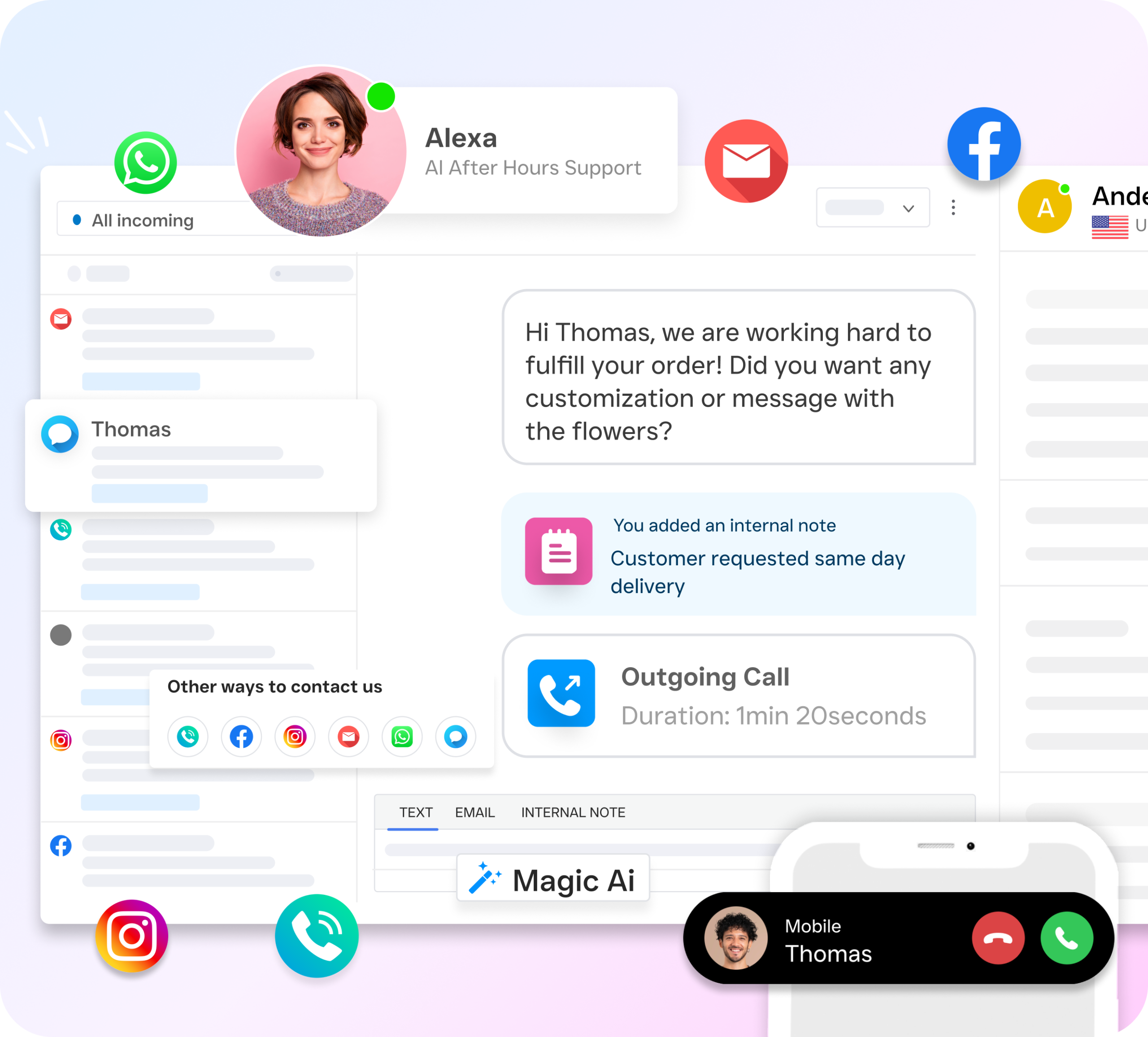
Every call the AI agent handles gets transcribed, summarized, and logged in SalesCaptain’s unified inbox alongside texts, webchat, and social messages. So when a team member picks up a lead the next morning, they have full context. No “what did we talk about?” moments. Plus, workflow automation can trigger follow-up texts, CRM updates, or appointment reminders immediately after the call ends.
How SalesCaptain Compares
Most business phone platforms give you a phone system and maybe some basic IVR menus. But they don’t give you an AI agent that can actually hold a conversation using your script. Traditional answering services like Smith.ai and Ruby use human receptionists, which means per-minute costs that climb fast as your call volume grows. They also can’t scale across multiple locations without adding proportional staff cost.
On the software side, platforms like Aircall ($30/license/month) focus on call center functionality but don’t offer a Voice AI Agent, missed-call text-back, or webchat capabilities. OpenPhone ($15/user) keeps things minimal, but its AI capabilities are limited, it lacks call coaching and whispering, and it only supports 7 integrations. SalesCaptain, by contrast, includes real-time speech analytics, sentiment analysis, call queueing, and voicemail drop on top of its AI Phone Agent.
What makes SalesCaptain different is the combination. You don’t just get a phone system or just an AI agent. You get AI voice agents, AI chat agents for SMS and social channels, a unified inbox, and workflow automation, all in one platform starting with a free plan. For businesses building sales call scripts, SalesCaptain turns those scripts into always-on automation instead of paper guides that collect dust.
Frequently Asked Questions
Can I customize the AI agent’s script for my specific business?
Yes. You train SalesCaptain’s AI Phone Agent with your own greetings, FAQs, service details, and qualification questions. The agent follows your exact conversation flow, so callers hear your brand voice, not a generic message.
Does the AI agent sound robotic?
No. SalesCaptain’s AI Phone Agent uses natural-sounding voice technology that carries on real conversations. Callers can ask follow-up questions, and the agent responds contextually rather than reading a rigid menu of options.
What happens if a caller needs to speak with a human?
You configure transfer rules in your call flow. The AI agent can perform a warm transfer (briefing your team member first) or a cold transfer based on your preference. If no one’s available, it captures a voicemail and sends your team a transcription and summary so they can follow up quickly.
How much does SalesCaptain cost?
SalesCaptain offers a free Startup plan for one location. The Business plan runs $159/month per location, and the Enterprise plan is $300/month per location. AI call minutes are billed at $0.12/minute, which is significantly less than human receptionist services that charge per call or per minute at higher rates.
Can the AI agent handle calls for multiple locations?
Absolutely. Each location can have its own customized call flow and script while sharing a single SalesCaptain account. Per-location pricing makes this affordable whether you’ve 2 locations or 20.
What integrations does SalesCaptain support?
SalesCaptain offers 50+ native integrations including HubSpot, Salesforce, Zoho, ServiceFusion, HousecallPro, Mindbody, Shopify, QuickBooks, Clio, and Zapier. Call data, lead information, and appointment bookings sync automatically with the tools you already use.
Stop Losing Calls. Start Closing More Leads.
Your best call script doesn’t help when nobody’s there to use it. SalesCaptain’s AI Phone Agent turns your scripts into a 24/7 automated team member that answers every call, books appointments, and qualifies leads, all without adding staff. Set it up in minutes and see the difference on your very first day.