
AI-powered customer experience marketing (CXM) platform that helps local businesses win.


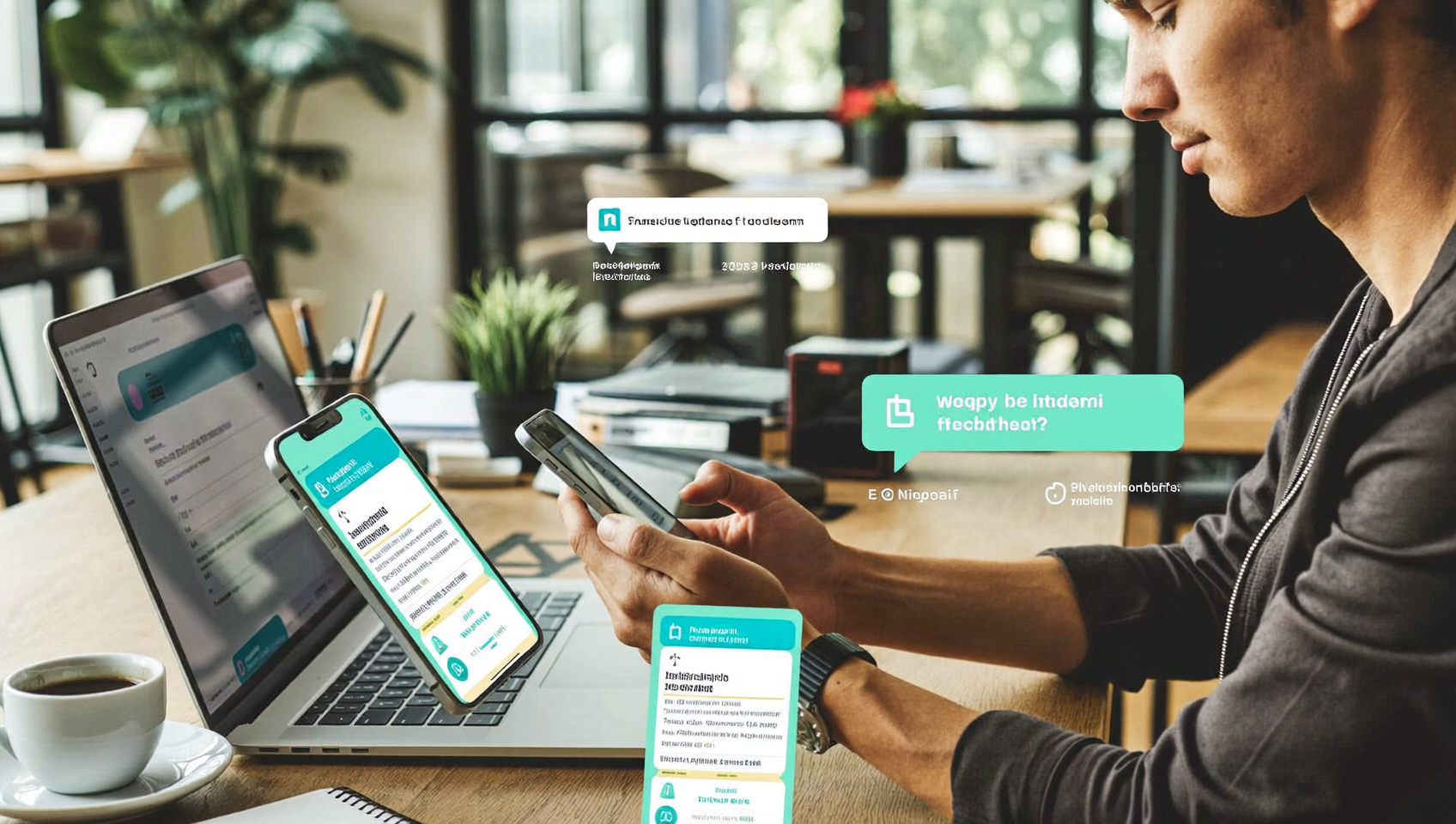
Need to send a 1000 text messages at once? You’re probably running promotions, confirming appointments, or following up with leads. Doing that manually isn’t realistic. You’d spend hours copying, pasting, and sending individual texts while your team falls behind on actual work. bulk SMS solves this. It lets you reach hundreds or thousands of contacts in a single send, with personalization that makes each message feel like a one-to-one conversation. SalesCaptain’s High Volume SMS feature is built for exactly this use case, giving service businesses the tools to send mass texts without needing a marketing degree or a developer on staff.
Send a 1000 text messages at once using bulk SMS platforms that let you compose one message, select your contact list, and deliver to hundreds or thousands of recipients simultaneously. Each message can be personalized, making mass texts feel like individual conversations without manual effort.
Free weekly newsletter
Growth tips for service businesses
Every Tuesday — actionable ideas to get more leads, reviews, and repeat customers. No fluff.
Quick Answer
Bulk SMS platforms allow you to upload contact lists and send thousands of messages simultaneously to customers or employees. These services let you personalize messages with recipient names, schedule sends for optimal times, and track delivery and engagement metrics. Most platforms integrate with your existing CRM or database for seamless list management and compliance with messaging regulations.
What Is Bulk SMS and Why Does It Matter?
Bulk SMS is simple: send one text to a large group of contacts simultaneously. Rather than typing out individual messages, you compose once, select your audience, and hit send. The platform handles delivery to every recipient on your list, whether that’s 100 contacts or 10,000. Each message arrives as a standard text. Not a group chat. Not an email blast.
Why does this matter for service businesses? Because SMS open rates consistently outperform email by a wide margin. Your customers actually read texts. They don’t sit unopened in a promotions folder or get caught by spam filters. For a roofing company sending seasonal inspection reminders, a dental practice confirming next week’s appointments, or a salon promoting a flash sale, bulk SMS puts your message directly in front of the people who need to see it.
There’s a compliance layer here too. Legitimate bulk SMS platforms handle opt-in management, opt-out processing, and carrier registration so you don’t accidentally violate FCC regulations around commercial texting. Sending mass texts from your personal phone? That skips all safeguards and puts your business number at serious risk of being flagged or blocked by carriers.
How Bulk SMS Works in SalesCaptain
Sending a thousand text messages at once through SalesCaptain is straightforward. Here’s how it works step by step:
- Build or import your contact list. Upload a CSV of contacts, sync them from an integration like Housecall Pro or ServiceTitan, or use contacts already stored in your SalesCaptain inbox. Each contact can include custom fields like first name, appointment date, or service type for personalization.
- Segment your audience. Filter your contacts by tags, location, service history, or any custom field. Want to text only customers in one zip code? Or only leads who haven’t booked yet? Segmentation ensures your message reaches the right people, not your entire database.
- Compose your message with personalization. Write your text and insert merge fields like {{first_name}} or {{appointment_date}}. Each recipient gets a message that feels personal, even though you wrote it once. Auto URL shortening keeps your links clean and trackable.
- Preview and schedule. Review your message, check the recipient count, and either send immediately or schedule for a specific date and time. Scheduling is especially useful for appointment reminders or promotions timed around weekends or holidays.
- Track delivery and engagement. After sending, SalesCaptain’s click tracking shows you who opened your links, who replied, and who opted out. Every response flows into your unified inbox so your team can follow up without switching tools.
Key Capabilities
- High Volume SMS: Send to large contact lists without throttling delays or message caps. Whether it’s 500 or 5,000 recipients, messages go out quickly and reliably.
- Advanced Templating and Personalization: Go beyond basic merge fields. Create reusable templates for common campaigns like appointment reminders, seasonal promotions, or review requests, each populated with contact-specific data.
- Auto URL Shortening and Click Tracking: Every link you include gets automatically shortened, and SalesCaptain tracks clicks so you know exactly which contacts engaged with your message. No need for third-party link shorteners.
- Workflow Automation Triggers: Pair your bulk sends with SalesCaptain’s drag-and-drop workflow builder. For instance, if someone clicks a link but doesn’t book, you can trigger an automatic follow-up text or even an AI phone call the next day.
- Two-Way Messaging: Bulk SMS isn’t just broadcasting. When a recipient replies to your text, their response lands in your unified inbox alongside calls, webchat, and social DMs. Your team can pick up the conversation instantly.
- Opt-Out Management: Contacts who reply STOP are automatically removed from future sends, keeping you compliant without manual list scrubbing.
Who Needs This?
Bulk SMS isn’t just for large enterprises with dedicated marketing teams. It’s a daily tool for service businesses that rely on appointments, repeat customers, and timely communication. Here’s who benefits most:
- Home service companies (roofers, HVAC techs, plumbers, landscapers) sending seasonal service reminders, storm-response alerts, or promotional offers to past customers.
- Healthcare and wellness practices (dental offices, MedSpas, therapy clinics) confirming appointments in bulk, reducing no-shows, and sending post-visit follow-ups.
- Salons, gyms, and fitness studios promoting class schedules, flash sales, or membership renewal reminders to their entire client base.
- Legal practices sending case-status updates or event invitations to client lists, integrated with tools like Clio for contact management.
- Real estate agencies distributing new listing alerts or open house invitations to buyer lists segmented by location preference.
- Operations managers and business owners who need to reach their full customer base quickly without assigning staff to manual outreach.
Benefits of Sending Bulk Texts Through SalesCaptain
Faster Lead Response Without Adding Staff
Speed matters in lead conversion. Research on business texting trends consistently shows that faster response times correlate with higher close rates. When you can text a thousand new leads the moment they come in from a campaign, you’re not waiting for your team to work through a call list. The bulk send handles initial outreach. Your team focuses on the replies that signal real buying intent.
Reduced No-Shows and Missed Appointments
Appointment-heavy businesses lose significant revenue to no-shows. Sending confirmation texts in bulk, say 48 hours before a full day’s schedule, gives every customer a nudge. No need for your front desk to make dozens of individual calls. Pair this with SalesCaptain’s AI Chat Agents, and customers who need to reschedule can do so through an automated text conversation rather than calling in.
Consistent Follow-Up at Scale
Most service businesses struggle with follow-up consistency. A job gets completed, but nobody sends the review request. A lead fills out a form, but the follow-up text goes out three days late. That’s frustrating. SMS benchmark data shows that timely, relevant texts drive strong engagement across industries. With SalesCaptain’s workflow automation, you can trigger bulk sends based on events in your connected tools. When a job status changes in ServiceTitan, or an invoice gets paid in QuickBooks Online, the follow-up text goes out automatically.
Everything Stays in One Place
Here’s where bulk SMS tools often fall short: the replies go into a black hole. You send a thousand texts, fifty people respond, and now you’re scrambling to figure out who said what and where to continue the conversation. That’s chaos. SalesCaptain’s unified inbox solves this. Every reply from a bulk send appears alongside that contact’s call history, chat messages, and social DMs. Your team sees the full picture without toggling between platforms.
How SalesCaptain Compares
Several platforms offer some form of mass texting. But the experience varies significantly depending on what you need beyond the send button.
Nextiva caps SMS at 250 messages per user per month on standard plans, which means you can’t even approach a thousand-message send without upgrading or adding seats. The platform also lacks text-to-pay functionality and advanced personalization features. For a service business that wants to include a payment link in a bulk text, that’s a meaningful gap.
Dialpad offers SMS capabilities but doesn’t include high-volume SMS or social chat natively. If you’re running a service business that communicates across text, Instagram DMs, and phone calls, you’d need multiple tools. SalesCaptain handles it all in one platform.
Podium is strong for reputation management. But it doesn’t offer a workflow automation engine for outbound campaigns. You can send texts, but building automated sequences triggered by job completions or CRM events requires workarounds. SalesCaptain’s native integrations with tools like Housecall Pro, JobNimbus, and ServiceTitan mean your bulk sends can fire based on real business events without Zapier in the middle.
Platforms like dedicated SMS marketing tools handle mass sends well. But they don’t include a phone system, AI voice agents, or a unified inbox. You end up managing yet another tool alongside your existing communication stack. SalesCaptain consolidates all of this, so the same platform handling your bulk texts also answers your calls with an AI Phone Agent, manages your webchat, and tracks every interaction in one inbox.
Frequently Asked Questions
Is it legal to send 1000 text messages at once?
Yes, as long as you’ve got proper consent from each recipient and you follow FCC guidelines for commercial texting. That means contacts must have opted in to receive your messages, and you must honor opt-out requests immediately. SalesCaptain handles opt-out management automatically, removing contacts who reply STOP from future sends.
Can I personalize each message in a bulk send?
Absolutely. SalesCaptain supports merge fields and advanced templating. Each of your 1,000 recipients gets a message with their name, appointment details, or any other custom field you’ve stored. The message reads like a personal text. Not a mass blast.
What happens when someone replies to a bulk text?
Their reply appears in your SalesCaptain unified inbox as a regular conversation. You can respond manually, or let an AI Chat Agent handle common responses like appointment booking or FAQs. Either way, the conversation continues naturally without the recipient knowing it started as a bulk send.
How fast do 1000 messages get delivered?
Delivery speed depends on carrier throughput and your registered sending rate. SalesCaptain’s High Volume SMS feature is built to handle large sends efficiently, but exact timing varies based on carrier-level factors and message content. Most bulk sends complete within minutes. Not hours.
Do I need a separate tool for bulk texting if I already use SalesCaptain?
No. Bulk SMS is built right into SalesCaptain alongside your phone system, AI agents, workflow automation, and unified inbox. You don’t need a standalone SMS marketing platform when your communication hub already includes high-volume messaging with click tracking, personalization, and two-way replies.
Can I schedule bulk texts for a specific time?
Yes. You can compose your message and schedule it for any future date and time. This is particularly useful for appointment reminders, weekend promotions, or coordinating sends with marketing campaigns running on other channels.
Ready to see it in action?
See how businesses use SalesCaptain to send bulk texts and actually track which ones convert to sales.
Start Sending Bulk Texts With SalesCaptain
Stop spending hours on manual outreach. SalesCaptain lets you send a thousand text messages at once with personalization, click tracking, and two-way replies, all inside the same platform that handles your calls, chats, and workflows. Start free at salescaptain.com and see how bulk SMS fits into your business communication.