
AI-powered customer experience marketing (CXM) platform that helps local businesses win.



Text Messaging Software for Accountants: Stop Losing Clients to Unanswered Messages
Your clients don’t want to call you. They don’t want to leave a voicemail. And they definitely don’t want to wait two days for an email reply during tax season. What they want is a quick text. That’s why text messaging software for accountants has become one of the fastest-growing tools in the profession. According to Text Request’s 2025 State of Business Texting Report, roughly 70% of consumers now prefer texting businesses over calling them. For accounting firms juggling hundreds of clients, especially during peak season, that preference isn’t something you can ignore anymore.
Here’s the problem most accountants face: you’re already drowning in work. Between preparing returns, reconciling books, responding to IRS notices, and managing payroll for clients, your phone is the last thing you want to deal with. But every missed text or slow reply is a chance for a prospect to move on to another firm. And existing clients? They start feeling neglected, which means they’re less likely to refer you or stick around next year. The gap between how clients want to communicate and how most firms actually communicate is costing real money.
SalesCaptain was built to close that gap. It’s a unified communication platform that combines text messaging, AI-powered chat agents, phone handling, and workflow automation into one place. You don’t need to be tech-savvy to set it up, and you don’t need to hire extra staff to keep up with client messages. Whether you’re a solo practitioner or running a multi-location firm, SalesCaptain gives you the tools to respond instantly to every client, every time.
Why Accounting Firms Struggle With client communication
The Volume Problem During Peak Season
Tax season doesn’t just bring more work. It brings a flood of client questions that arrive at all hours. “Did you get my W-2?” “When will my return be filed?” “Can I deduct my home office?” These aren’t complex questions, but answering each one manually eats into billable hours. Most firms see their inbound message volume double or triple between January and April, and again around extension deadlines in October. Without a system to handle this volume, things slip through the cracks fast.
The consequences aren’t minor, either. A 2025 consumer SMS survey by TextMagic found that over half of consumers who texted a business never received a reply. For an accounting firm, that kind of silence can mean a lost client worth thousands in annual revenue. So the challenge isn’t just about being busy. It’s about that busy seasons create communication black holes where important messages disappear.
Clients Expect Speed You Can’t Deliver Manually
Think about how you text friends and family. You expect a reply within minutes, not hours. Your clients have that same expectation when they text your firm. But you’re in a meeting, or reviewing a complex return, or simply away from the office. By the time you see the message and reply, the client has already called a competitor. This speed gap is particularly painful for firms trying to grow, because prospective clients shopping for an accountant will almost always go with whoever responds first.
Beyond speed, there’s the channel problem. Some clients text, others email, a few still call, and increasingly, some reach out through your website chat or social media. Without a single place to manage all of these conversations, your team ends up checking five different apps throughout the day. Messages get lost, follow-ups get forgotten, and nobody on your team has a clear picture of where things stand with any given client. According to the 2024 Accountant Technology Survey, firms that adopt modern communication tools see meaningful improvements in client satisfaction and retention, which makes sense once you understand the alternative.
After-Hours Communication Is a Blind Spot
Accounting isn’t a 9-to-5 profession for your clients. They’re gathering documents at night, panicking about a tax question on a Sunday morning, or trying to schedule an appointment during their lunch break. If your firm only responds during business hours, you’re missing a huge chunk of client communication. And it’s not just about convenience. Late replies create anxiety for clients who are already stressed about their finances, which erodes trust over time.
How SalesCaptain Solves This With Text Messaging Software for Accountants
AI Chat Agents That Respond Instantly on Every Channel
SalesCaptain’s AI Chat Agents handle incoming text messages, website chat, Instagram DMs, and Facebook Messenger conversations without any human involvement. When a client texts your firm at 9 PM asking about their appointment, the AI agent replies immediately with the correct information. It can answer common questions, capture new leads, send appointment reminders, and even book meetings directly on your calendar. You set the rules for how the AI responds, so every reply stays consistent with your firm’s tone and policies.
What makes this different from a simple autoresponder is the intelligence behind it. SalesCaptain’s AI doesn’t just send a canned “we’ll get back to you” message. It actually reads the client’s question and provides a relevant answer. For an accounting firm, that means handling FAQs about document requirements, office hours, pricing for common services, and deadline reminders without your team lifting a finger. The result is that clients feel heard immediately, even when nobody’s in the office.
AI Phone Agent for Calls You Can’t Answer
Text messaging software for accountants solves one piece of the puzzle, but phone calls still matter. Many clients, especially older ones or those with complex situations, prefer to call. SalesCaptain’s AI Phone Agent picks up every call, 24 hours a day, 7 days a week. It sounds natural, qualifies the caller, answers basic questions, books appointments, and routes urgent calls to the right person. It also blocks spam calls, which is a bigger time-saver than most people realize.
One feature that’s particularly useful for accounting firms is the missed call text-back. If a call goes unanswered for any reason, SalesCaptain automatically sends a text to that caller within seconds. That text can say something like, “Thanks for calling [Your Firm Name]. We’re with another client right now, but we’d love to help. Can we text you back shortly?” This simple follow-up prevents the caller from moving on to the next firm on their list. It turns a missed call into an active conversation instead of a lost opportunity.
Unified Inbox Keeps Everything Organized
Managing client communication across text, phone, email, webchat, and social media is chaos without the right tool. SalesCaptain’s Unified Inbox pulls every conversation into one place. Your entire team can see what’s been said to a client, who said it, and what needs to happen next. No more digging through separate apps or asking a coworker if they already replied to someone.
For firms with multiple team members, this collaboration feature is a game-changer. A partner can glance at a conversation that a staff accountant started and pick up where they left off without any confusion. Contact history stays attached to each client, so when Mrs. Johnson texts about her estimated payments, you can instantly see the last five interactions your firm has had with her. This kind of continuity makes your firm feel polished and attentive, even during the busiest weeks of the year.
Key Features of SalesCaptain for Accounting Firms
Appointment Scheduling and Automated Reminders
No-shows are expensive for any service business, but they’re especially frustrating for accountants who block off time to review a client’s financials before a meeting. SalesCaptain handles appointment scheduling through text and chat, letting clients pick a time that works without the back-and-forth phone tag that usually takes three days. Once an appointment is booked, automated reminders go out via text at intervals you choose, whether that’s 24 hours before, 2 hours before, or both. This alone can dramatically reduce your no-show rate.
The scheduling system works across channels, too. A client who reaches out through your website chat at midnight can book an appointment right then, and it shows up on your calendar the next morning. A prospect who texts your firm from a Google ad can be guided through qualification questions by the AI agent and booked for a consultation before your office even opens. Every interaction moves toward a booked appointment, which is ultimately how accounting firms turn interest into revenue.
Workflow Automation for Follow-Ups and Reminders
Tax deadlines, document collection, quarterly estimated payments, year-end planning: accounting runs on a calendar. SalesCaptain’s drag-and-drop workflow builder lets you automate the repetitive communication that keeps your practice running smoothly. You can set up a sequence that texts clients in January asking for their tax documents, follows up a week later if nothing’s been received, and sends a final reminder before your firm’s internal deadline. All of this happens automatically without anyone on your team remembering to send those messages.
According to the 2024 State of Business Text Messaging Report by MessageDesk, businesses that automate their text-based follow-ups see significantly higher response rates compared to email-only communication. For accounting firms, that means fewer clients who drop off mid-engagement because they forgot to send a document. It also means your staff spends less time chasing people and more time on billable work.
Integrations With the Tools You Already Use
SalesCaptain connects with over 50 tools, including HubSpot, Salesforce, Zoho, QuickBooks, and Zapier. For accounting firms already running their practice through QuickBooks or a CRM, this means client data flows between systems without manual entry. When a new lead books an appointment through SalesCaptain, their information can automatically sync to your CRM. When an existing client sends a text, their account details are already visible in the conversation.
Zapier integration opens up even more possibilities. You could connect SalesCaptain to your tax preparation software, your project management tool, or your document collection platform. For instance, once a client confirms via text that they’ve uploaded all their documents, a Zapier automation could update their status in your workflow system. These connections eliminate the tedious administrative work that eats into your team’s productive hours.
Real Results You Can Expect From Text Messaging Software for Accountants
Faster Response Times Without Hiring More Staff
The most immediate result you’ll notice is speed. Instead of clients waiting hours or days for a reply, they get an instant response from your AI agent. This matters more than most firms realize. Research from the 2025 business texting report confirms that the majority of consumers now expect businesses to text with them, and they expect fast replies. When you deliver that speed, you stand out from every other accounting firm in your area that’s still relying on voicemail and email.
What’s powerful about this approach is that you achieve faster response times without adding headcount. A solo practitioner with SalesCaptain can provide the same level of responsiveness as a firm with a dedicated receptionist and an admin assistant. For growing firms, it means you can take on more clients without the proportional increase in staff costs. Your AI agents handle the routine communication, and your humans focus on the work that actually requires a CPA’s expertise.
Higher Client Retention Through Consistent Communication
Clients leave accounting firms for a lot of reasons, but poor communication is near the top of every list. When clients feel like they can’t reach you, they start looking elsewhere. SalesCaptain ensures that no message goes unanswered and no client feels ignored, even during your busiest months. The consistency of automated reminders, instant text replies, and organized follow-ups creates an experience that feels premium to the client but requires minimal effort from your team.
Retention also improves because satisfied clients are more likely to add services. A bookkeeping client who has a great communication experience with your firm is more likely to also hire you for tax preparation, advisory services, or payroll. By making every interaction easy and responsive, you’re building the trust that leads to expanded engagements and long-term relationships. Plus, small business research from the NFIB consistently shows that existing client revenue is far more profitable than new client acquisition, making retention one of the highest-ROI activities any firm can invest in.
More Reviews and Referrals on Autopilot
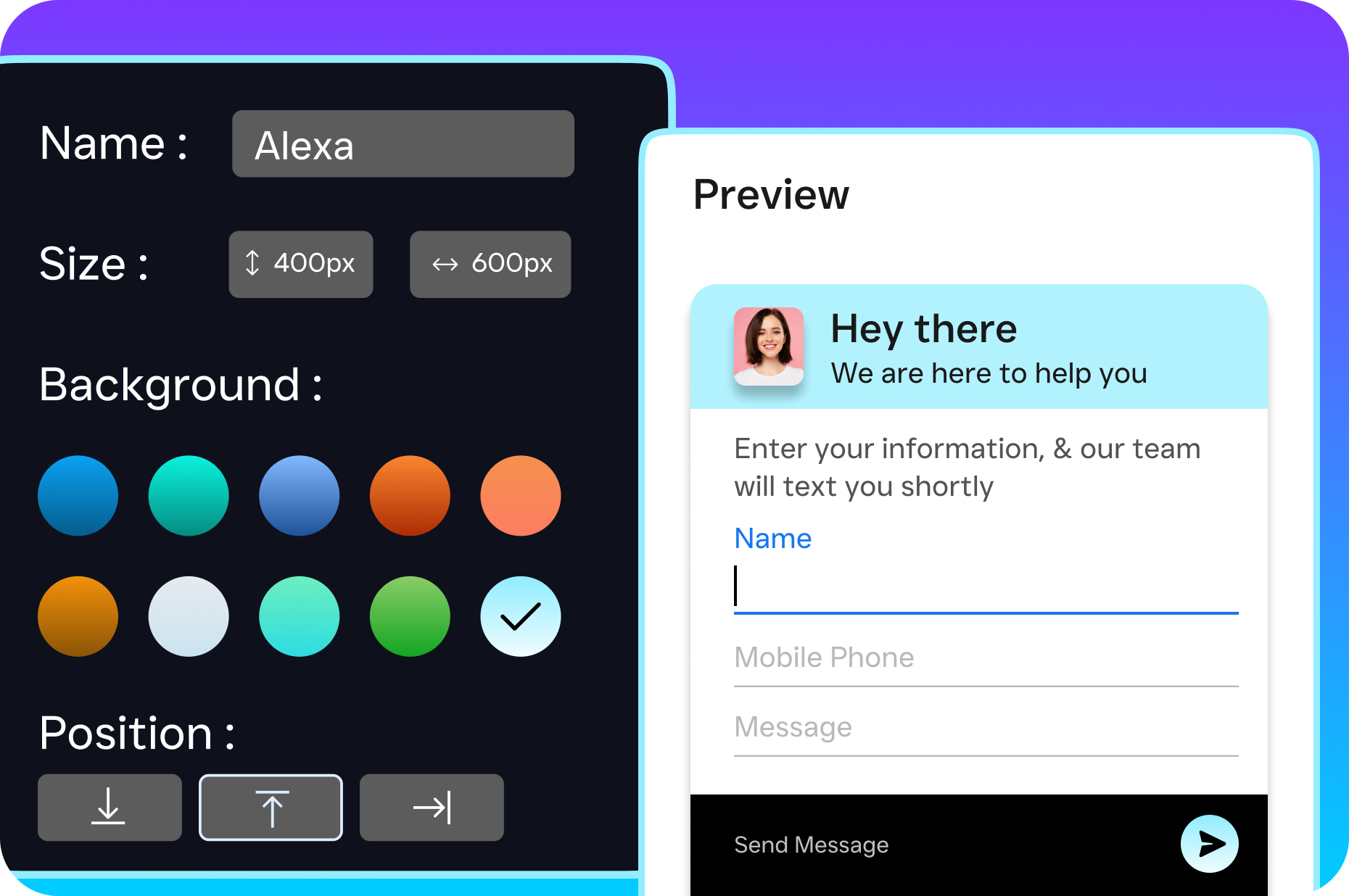
Happy clients refer other clients, but only if you ask. SalesCaptain’s workflow automation can send a text after a completed engagement asking clients to leave a Google review or refer a friend. Most accounting firms never do this systematically, which means they’re leaving their best growth channel untapped. A well-timed text that says, “Thanks for trusting us with your taxes this year! If you had a great experience, we’d love a quick Google review,” can generate a steady stream of social proof that attracts new clients year-round.
How to Get Started With SalesCaptain in 10 Minutes
Getting up and running doesn’t require a tech background or a lengthy setup process. You start by signing up for SalesCaptain’s free Startup plan, which covers one location and gives you access to the core platform. From there, you’ll connect your business phone number, or SalesCaptain can provide you with a new one. The entire phone system runs on 99.99% uptime with crystal-clear audio, so call quality won’t be an issue.
Next, you’ll set up your AI agents. SalesCaptain walks you through the process with a simple interface where you define your firm’s name, services, business hours, common FAQs, and appointment availability. There’s no coding involved and no technical expertise needed. You’re essentially teaching the AI about your firm in plain English, and it handles the rest. Within minutes, your AI Phone Agent can start answering calls and your AI Chat Agent can begin responding to texts and website visitors.
Finally, you’ll want to connect your existing tools. If you use QuickBooks, a CRM like Zoho, or any other software in your stack, SalesCaptain’s 50+ integrations make syncing straightforward. You can also build your first automated workflow, like a document reminder sequence or a review request follow-up, using the visual drag-and-drop builder. Most firms have their entire system configured and ready to go before their first cup of coffee gets cold. And if you need more capacity, the Business plan runs $159 per month per location, with AI call minutes at just $0.12 each.
Frequently Asked Questions
Is text messaging software for accountants compliant with client confidentiality rules?
SalesCaptain provides a secure communication platform with proper data handling practices. However, you should avoid sending sensitive information like Social Security numbers or detailed financial data via text. Use texting for appointment reminders, document collection requests, general questions, and scheduling. For sensitive discussions, the AI agent can route clients to a secure phone call or an in-person meeting. Always check with your professional standards board regarding specific compliance requirements for your state and practice area.
Can SalesCaptain handle communication during tax season when volume spikes dramatically?
Absolutely. The AI agents don’t get overwhelmed by volume the way human staff does. Whether you receive 10 texts in a day or 500, every message gets an instant response. The platform’s 99.99% uptime means it won’t go down during your busiest periods. You can also adjust your automated workflows seasonally, ramping up document collection reminders in January and switching to extension-related messaging in the fall. The system scales with your needs without adding headcount.
What happens if a client asks the AI something it can’t answer?
SalesCaptain’s AI agents are designed to handle common questions and route complex ones to your team. If a client asks something outside the AI’s configured knowledge, it acknowledges the question and lets the client know a team member will follow up. The conversation appears in your Unified Inbox with full context, so whoever picks it up can respond without asking the client to repeat themselves. You control what the AI handles versus what gets escalated, so you’re always in charge of the client experience.
How does SalesCaptain compare to hiring a virtual receptionist for my accounting firm?
Virtual receptionist services like Smith.ai or Ruby charge per call or per minute, and costs add up quickly during busy periods. They also require human staff, which means availability can be inconsistent and scaling is expensive. SalesCaptain’s AI agents cost a fraction of the price, work around the clock without breaks, and handle text, chat, and phone calls from one platform. You don’t pay overtime during tax season, and you don’t lose coverage when a receptionist calls in sick. For most accounting firms, the ROI difference is substantial.
Do I need a separate phone system, or does SalesCaptain replace what I already have?
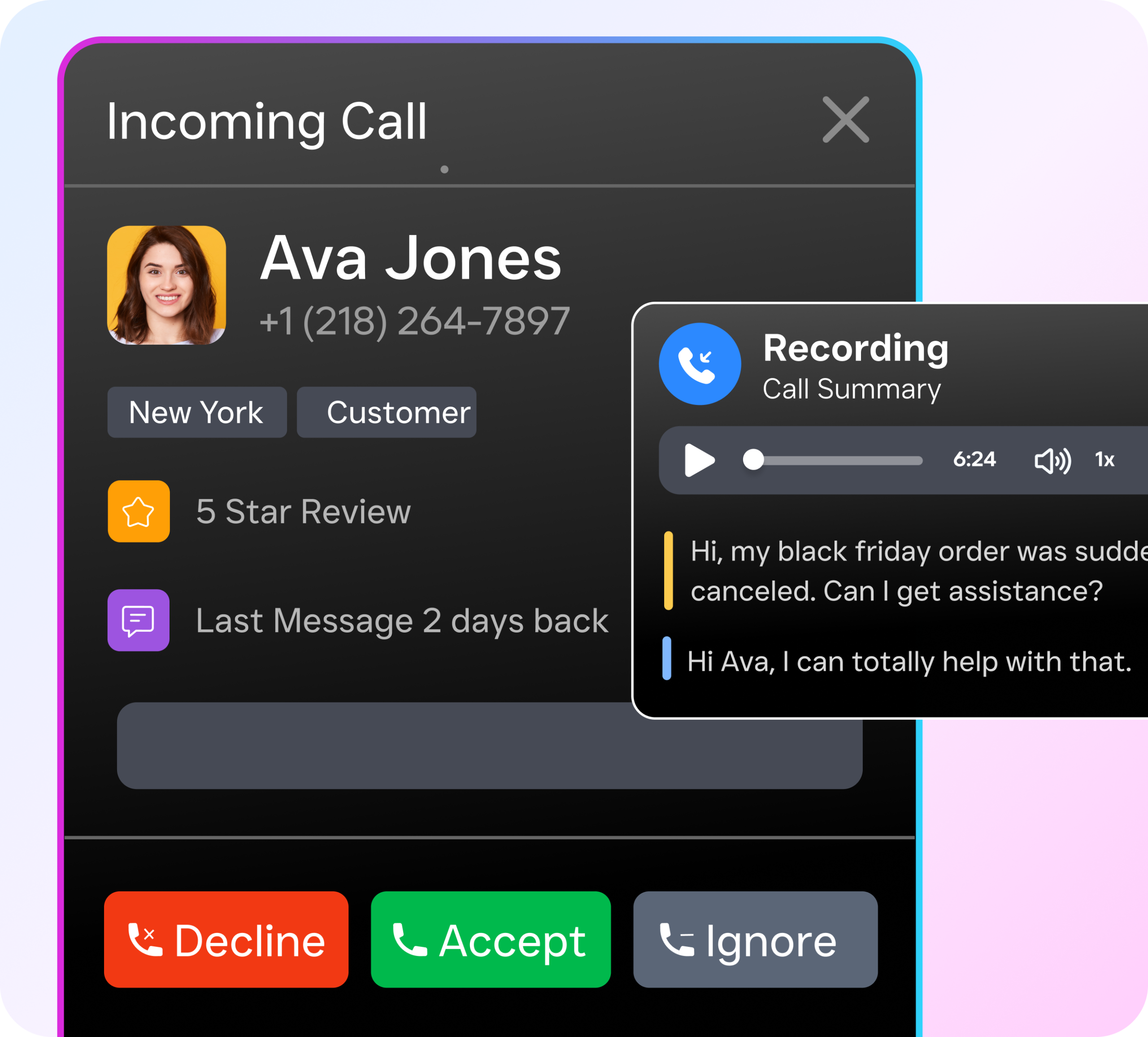
SalesCaptain includes a full business phone system with IVR, call routing, voicemail, and call recording. Many firms use it as their primary phone system, eliminating the need for a separate provider. If you’d rather keep your existing number, you can port it into SalesCaptain or set up call forwarding. Either way, you get all the text messaging, AI agents, and unified inbox features on top of a reliable phone system, all in one monthly subscription rather than paying for multiple tools.
Can I use SalesCaptain to send mass texts to my entire client list at once?
Yes, SalesCaptain supports SMS campaigns that let you send targeted messages to groups of clients. This is especially useful for seasonal communications like tax deadline reminders, new service announcements, or holiday office hour updates. You can segment your contacts and personalize messages so they don’t feel generic. Just make sure you’re following FCC guidelines on business texting by ensuring clients have opted in to receive messages from your firm.
Stop Missing Client Messages and Start Growing Your Accounting Firm
If you’re ready to stop losing clients to slow replies and start running a more responsive, more profitable accounting practice, SalesCaptain is the answer. Get text messaging software for accountants that includes AI-powered agents, a unified inbox, and workflow automation, all in one platform.