
AI-powered customer experience marketing (CXM) platform that helps local businesses win.



Text Messaging Software for Contractors: Stop Losing Jobs to Missed Messages
Here’s what happened this morning at a contracting business somewhere in your city. A homeowner texted about a leaking roof. Nobody replied for six hours because the crew was on-site and the office phone went to voicemail. By the time someone got back to that homeowner, they’d already booked with a competitor who responded in three minutes. That lost job was worth $8,000. And it happens more often than most contractors want to admit. Text messaging software for contractors exists to solve exactly this problem, giving your business the ability to respond instantly to every lead and keep every project conversation organized without pulling your crew off the job site.
Contractors live on their phones, but they’re swinging hammers, running saws, and crawling through attics. They can’t pick up every call. Most homeowners don’t want to call anyway. They want to text, get a quick answer, and move on with their day. Yet the majority of contracting businesses still rely on phone calls and voicemail as their primary communication channel. That gap between how customers want to communicate and how contractors actually communicate is costing the industry billions in lost revenue every year.
Why Contractors Struggle With Customer Communication
The construction and contracting industry has a unique communication challenge that most software companies don’t understand. Your team isn’t sitting at desks. They’re on rooftops, under houses, and driving between job sites. When a potential customer reaches out, the window to respond is incredibly small. According to Text Request’s 2024 State of Business Texting report, businesses that respond to texts within five minutes are dramatically more likely to convert leads into paying customers. But most contractors are responding hours later, if they respond at all.
The Phone Tag Problem
Think about how communication works at a typical contracting business right now. A homeowner calls during the day. You’re on a roof or behind a table saw, so you can’t answer. You call back three hours later during your lunch break. Now they’re in a meeting and can’t pick up. They try you again the next morning, but you’re already on another job. This back-and-forth phone tag kills deals. Every round of phone tag gives that homeowner more time to search for another contractor, and there’s always another contractor happy to pick up the phone.
Texting solves phone tag almost entirely. A quick text saying “Got your message, I can come look at that deck on Thursday at 2pm, does that work?” takes fifteen seconds to send between tasks. No phone call needed. No voicemail to check. The homeowner sees it immediately, replies with a thumbs up, and you’ve just booked a job while standing on a ladder. That’s the power of having the right texting system in place.
Scattered Conversations Across Personal Phones
Here’s another problem that gets worse as your business grows. Your lead carpenter is texting customers from his personal phone. Your office manager is texting from hers. You’re texting from yours. Nobody knows what anyone else said to the customer. When that customer calls the office asking about the change order they discussed with your carpenter via text last Tuesday, your office manager has no idea what they’re talking about. As the National Association of Home Builders has noted in their workforce development resources, communication breakdowns are among the top reasons for project delays and customer complaints in residential construction.
Personal phones also create a liability issue that many contractors don’t consider until it’s too late. If your employee leaves and takes their phone, they take every customer conversation with them. You’ve got no record of what was promised, what was quoted, or what timeline was given. So you’re left scrambling to piece together project details from memory, which never goes well.
After-Hours Leads That Disappear
Homeowners research contractors in the evening. They’re sitting on the couch after dinner, Googling “deck builder near me” or “best roofer in [city].” They send a text or fill out a form at 8:30 PM. Your business is closed. By morning, they’ve contacted three other companies, and the first one who responded last night already has the appointment. According to Intelligent Contacts’ research on business texting, the vast majority of text messages are read within just a few minutes of delivery. But that speed advantage only works if someone, or something, is there to send the reply.
How SalesCaptain Solves This for Contractors
SalesCaptain was built specifically for service businesses like contracting companies. It’s not a generic corporate communication tool that you’ve to hack together to fit your workflow. It combines text messaging, AI-powered chat agents, an AI phone agent, and a unified inbox into one platform that works the way contractors actually work. Your crew stays focused on the job. Your leads get answered instantly. And every conversation lives in one place where your whole team can see it.
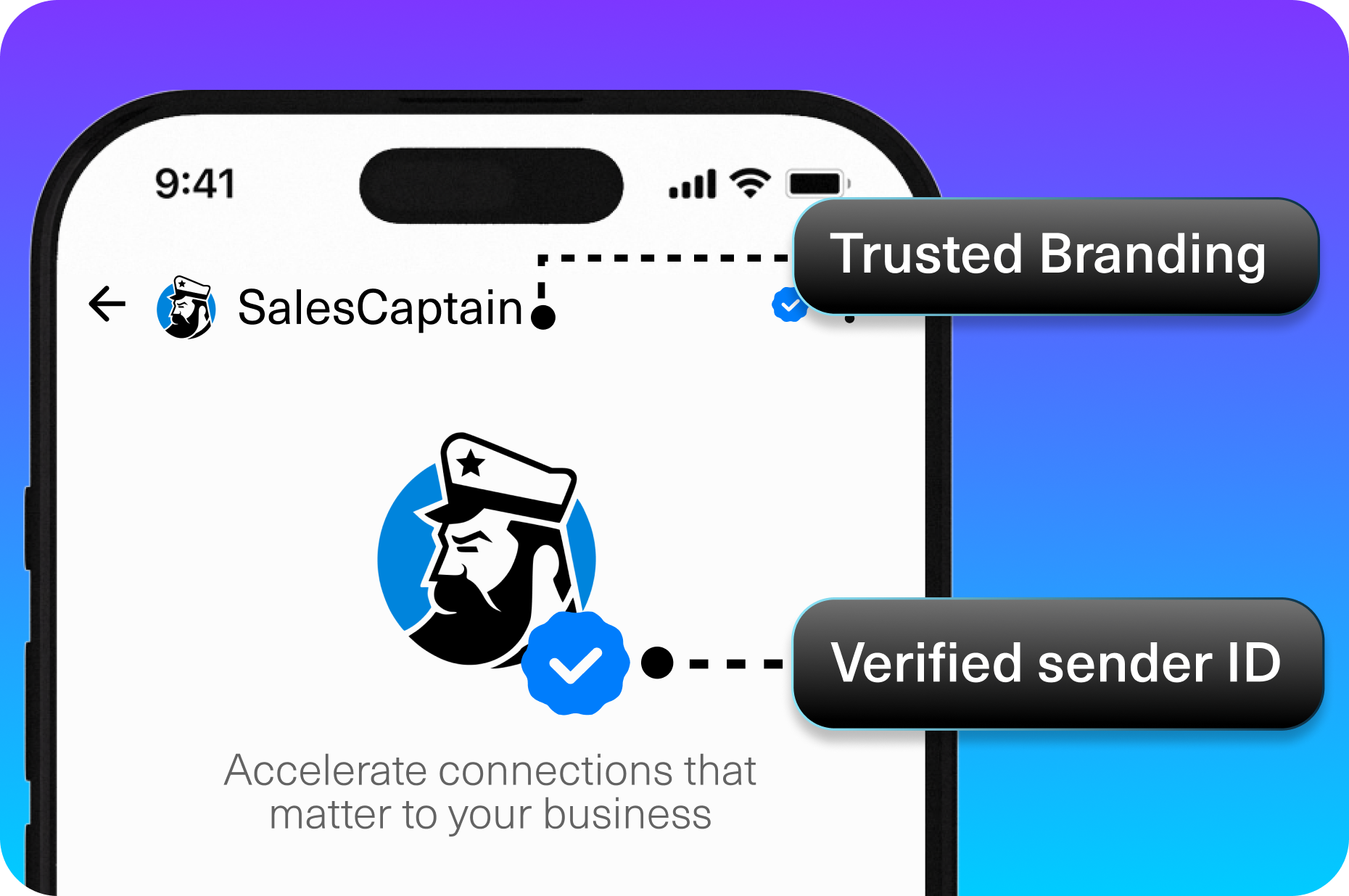
AI Chat Agents That Respond While You’re on the Job
The core of SalesCaptain’s value for contractors is its AI Chat Agent. When a homeowner texts your business number, the AI responds immediately with a natural, helpful message. It can answer common questions like “Do you do bathroom remodels?” or “What areas do you serve?” without any human involvement. Beyond answering questions, it captures the lead’s name, address, and project details, then books an estimate appointment right on your calendar. All of this happens while you’re running a crew on-site, completely hands-free.
What makes this different from a simple auto-reply is the intelligence behind it. SalesCaptain’s AI doesn’t just send a canned “Thanks for reaching out!” message. It holds a real conversation. If the homeowner asks a follow-up question, the AI handles it. If the conversation needs a human touch, it routes to your team in the unified inbox with full context. You never lose the thread, and the customer never feels ignored.
AI Phone Agent for Calls You Can’t Answer
Not every customer prefers texting. Some people, especially older homeowners, still want to call. SalesCaptain’s AI Phone Agent answers those calls 24/7 with a natural-sounding voice. It can qualify the lead by asking about their project, give basic information about your services, and book appointments. It also blocks spam calls, which any contractor knows are a constant annoyance. So when you check your phone at lunch, you see real leads with real details, not a list of missed calls from robocallers and telemarketers.
The AI Phone Agent also handles after-hours calls, which is where a huge chunk of contractor leads come in. Instead of sending callers to a voicemail they’ll never leave, the AI picks up, has a conversation, and captures the opportunity. Your competitor with the expensive answering service is paying per minute for a human receptionist to do the same thing, but SalesCaptain’s AI costs just $0.12 per minute and never calls in sick.
Missed Call Text-Back
Even with an AI phone agent, there are situations where a call might not connect. SalesCaptain automatically sends a text to any missed caller within seconds. That text says something like “Hey, sorry we missed your call. How can we help?” and starts an instant text conversation. This feature alone can recover leads that would otherwise vanish. The homeowner who was about to call the next contractor on their list now has a text thread open with you instead.
Key Features of Text Messaging Software for Contractors
Choosing the right text messaging software for contractors isn’t just about sending texts. You need a platform that handles the full communication lifecycle, from first contact to project completion and follow-up reviews. SalesCaptain includes several features that matter specifically to contracting businesses, and they all work together inside one system.
Unified Inbox for Every Conversation
SalesCaptain’s unified inbox pulls every customer conversation into one place. Texts, phone calls, webchat messages, Facebook messages, Instagram DMs, and emails all appear in a single timeline for each contact. Your office manager can see what a customer texted your field supervisor. Your field supervisor can see what the office discussed with the customer on a call. Nobody is operating blind, and nothing falls through the cracks. For contractors managing multiple active projects at once, this kind of visibility prevents the miscommunication that leads to expensive change orders, scheduling conflicts, and bad reviews.
The inbox is also collaborative. Your whole team can access it, leave internal notes, and tag each other. Say a homeowner texts asking about the timeline for their kitchen remodel. Your project manager can tag your tile subcontractor in the conversation, get an answer, and reply to the customer, all within the same thread. Compare that to the current process at most contracting companies: the customer texts your personal phone, you call the sub, the sub doesn’t answer, you forget to follow up, and the customer thinks you don’t care. The unified inbox eliminates that entire chain of failure.
Appointment Booking and Reminders
No-shows cost contractors real money. When you block off two hours for an estimate and the homeowner doesn’t answer the door, that’s revenue you won’t get back. SalesCaptain’s AI agents can book appointments directly during the initial conversation, and the platform sends automated text reminders before the appointment. Customers can confirm or reschedule right from the text. This reduces no-shows dramatically without anyone on your team having to make reminder calls.
The booking system also syncs with your existing calendar and integrations. SalesCaptain connects with tools like HousecallPro and ServiceFusion, which many contractors already use for scheduling and dispatching. That means when the AI books an estimate, it shows up in the system your team already checks every morning. No double-entry. No missed appointments because someone forgot to transfer a booking from one system to another.
Workflow Automation for Follow-Ups
How many estimates have you sent out this year that never got a follow-up? Be honest. For most contractors, the answer is “way too many.” SalesCaptain’s drag-and-drop workflow builder lets you set up automatic follow-up sequences. Three days after you send an estimate, the system texts the homeowner asking if they have any questions. A week later, it sends another check-in. Two weeks later, a final nudge. All automatic. You set it up once and it runs forever, recovering jobs that would have otherwise gone cold.
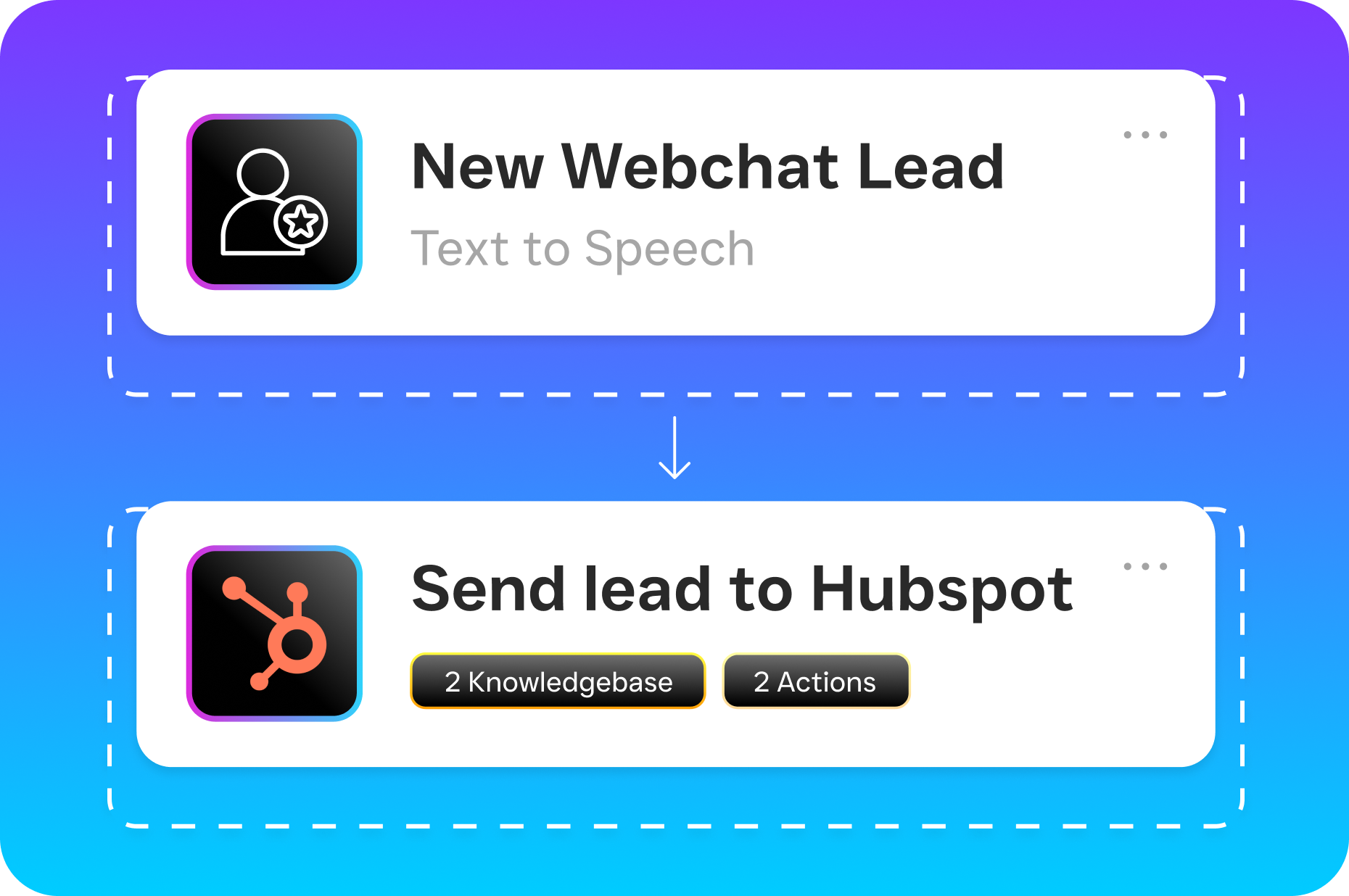
These workflows go beyond just estimate follow-ups. You can automate post-project review requests, seasonal maintenance reminders for past customers, and referral requests. A contractor who finished a roof replacement six months ago can automatically text that homeowner saying “Hey, fall is here. Want us to check your gutters?” That kind of proactive outreach builds repeat business and referrals without you having to remember to do it. According to SimpleTexting’s 2024 SMS marketing statistics, text messages see significantly higher open and response rates than email, making them the ideal channel for this kind of outreach.
Compliant and Secure Messaging
Text messaging in a business context comes with compliance requirements that many contractors aren’t aware of. You can’t just blast texts to every number in your contact list without proper opt-in consent. SalesCaptain handles this by managing opt-in and opt-out processes within the platform. When a customer texts you first, that’s an implied opt-in for the conversation. For marketing messages like seasonal promotions, the platform tracks consent so you stay on the right side of TCPA regulations. As Intradyn’s 2025 compliance insights make clear, businesses that don’t manage text messaging compliance properly face real financial penalties.
Group Messaging and Mass Texting
Sometimes you need to communicate with multiple people at once. Maybe you’re notifying a neighborhood that your crew will be working on a street and there might be temporary parking restrictions. Or you’re sending a seasonal promotion to past customers about gutter cleaning before winter. SalesCaptain supports both group messaging for project-specific communication and mass texting for broader outreach. Both types maintain the personal feel of a one-on-one text while reaching everyone who needs the information. And because it all flows through the unified inbox, you can see every reply and respond individually without losing track of who said what.
Real Results You Can Expect
Contractors who switch from phone-only communication to a proper texting platform consistently see three major improvements. First, lead response time drops from hours to seconds. When your AI agent replies to a text in under a minute, you’re almost always the first contractor that homeowner hears back from. Being first matters enormously, because most people don’t keep shopping after they get a good response from the first company. Second, your team spends less time on the phone chasing scheduling confirmations, answering the same FAQ questions, and playing phone tag. That time goes back into billable work or business development instead.
Third, and this is the one that surprises most contractors, you get more five-star reviews. Here’s why: when communication is smooth and responsive throughout a project, customers feel taken care of. They feel like you’re a professional operation, not a guy with a truck and a cell phone. That perception translates directly into better reviews, more referrals, and higher-value jobs. When you automatically text a review request link after project completion, customers who had a great communication experience are far more likely to leave a glowing review. Over time, that review volume compounds and pushes you higher in local search results, bringing in even more leads.
Another outcome worth mentioning is the ability to grow without hiring additional office staff. Many contracting businesses hit a ceiling where the owner can’t handle any more phone calls and texts personally, but they can’t justify hiring a full-time receptionist or office manager. SalesCaptain’s AI agents fill that gap at a fraction of the cost. The Business plan runs $159 per month per location, and there’s even a free Startup plan for contractors who want to test it with a single location before committing. Compare that to the $3,000+ monthly cost of a part-time receptionist, and the math is obvious.
How to Get Started in 10 Minutes
Getting SalesCaptain running for your contracting business is genuinely fast. You start by signing up for the free Startup plan, which doesn’t require a credit card. Once you’re in, you’ll set up your business phone number. If you already have one, you can port it over. If not, SalesCaptain will give you a new local or toll-free number. This becomes the central hub for all your texting and calling.
Next, you’ll configure your AI Chat Agent. This is where you tell the AI about your business: what services you offer, what areas you serve, your typical availability for estimates, and answers to common questions customers ask. The setup doesn’t require any technical skills. You’re basically filling out a form with information you already know by heart. SalesCaptain uses this to train the AI so it represents your business accurately in conversations. You can also set up your AI Phone Agent during this same process, giving you 24/7 call answering from day one.
Finally, connect your existing tools. If you use HousecallPro, ServiceFusion, QuickBooks, or any of SalesCaptain’s 50+ integrations, you can link them in a few clicks. Zapier integration opens the door to thousands more apps if you’ve a specific workflow in mind. Once everything is connected, turn on your AI agents and start routing your leads through SalesCaptain. Most contractors have the entire system running before their morning coffee gets cold. And because the unified inbox captures everything from every channel, you’ll immediately see the difference in how organized your customer communication becomes.
Frequently Asked Questions
Can customers text my existing business phone number through SalesCaptain?
Yes. You can port your existing business phone number into SalesCaptain so customers keep texting the same number they already have saved. All incoming texts, calls, and voicemails will route through the platform and appear in your unified inbox. Your customers won’t notice any change on their end, but you’ll have AI-powered responses and a fully organized conversation history on yours.
Will the AI agent sound like a robot when it responds to my customers?
SalesCaptain’s AI agents are designed to sound natural and conversational, not stiff or robotic. You customize the AI’s tone and responses based on how your business actually communicates. For text conversations, the AI writes like a real person having a normal exchange. For phone calls, the voice agent uses natural-sounding speech patterns. Customers regularly don’t realize they’re interacting with AI, which is the whole point.
How does SalesCaptain compare to just using my personal cell phone for business texts?
Using your personal phone creates several problems that get worse as your business grows. you’ve no backup if you’re busy, no record if you switch phones, and no way for your team to see customer conversations. SalesCaptain gives you a dedicated business number with AI that responds when you can’t, a shared inbox so your whole team has visibility, automated follow-ups so nothing falls through the cracks, and proper compliance handling for marketing messages. It’s the difference between running a business and hoping you don’t forget to text someone back.
What does text messaging software for contractors typically cost?
Pricing varies widely across the industry. Some platforms charge per message, which gets expensive fast. Others charge per user, which penalizes growing teams. SalesCaptain uses per-location pricing instead: free for the Startup plan, $159 per month for the Business plan, and $300 per month for the Enterprise plan. AI call minutes are $0.12 each. This structure works well for contractors because you pay based on your business locations, not the number of people on your crew who need access.
Can I send photos and documents like estimates through SalesCaptain?
Yes. SalesCaptain supports MMS messaging, which means you can send and receive photos, PDFs, and other attachments through the platform. Contractors use this constantly for sharing estimate documents, sending progress photos to homeowners, and receiving pictures of issues that customers want addressed. Everything stays attached to the customer’s conversation in the unified inbox, so you always have a visual record tied to the right project.
Does SalesCaptain integrate with the software contractors already use?
SalesCaptain integrates with over 50 tools, including several that are popular with contractors. HousecallPro and ServiceFusion connect directly for scheduling and dispatching. QuickBooks handles invoicing. HubSpot, Salesforce, and Zoho cover CRM needs. And Zapier integration opens connections to thousands of additional apps. If your current tools aren’t on the native integration list, there’s likely a Zapier connection that makes it work.
Stop Missing Leads. Start Closing More Jobs.
If you’re ready to stop losing customers to slow responses and start running your contracting business with professional, instant communication, SalesCaptain is the answer. Sign up free today with no credit card required and see why contractors across the country are switching to AI-powered text messaging.