
AI-powered customer experience marketing (CXM) platform that helps local businesses win.



Ever tried setting up Twilio messaging? You’ve probably heard the term Twilio Message Service SID. It’s basically a unique identifier that Twilio assigns to your messaging service—think of it as a container that groups your phone numbers, short codes, and sender configurations together. For developers? Critical piece of the puzzle. But if you’re a service business owner who just wants to text customers reliably, all that SID stuff shouldn’t be your problem. SalesCaptain gives you all the messaging power of Twilio, without touching a single line of code or managing service identifiers.
What Is a Twilio Message Service SID?
A Twilio Message Service SID is a unique alphanumeric string starting with “MG”. It identifies a specific messaging service inside your Twilio account. Think of it as a label for a group of phone numbers and settings. When you send an SMS or MMS through the Twilio API, you reference this SID so Twilio knows which sender pool, compliance rules, and delivery features to apply. It’s how Twilio routes your messages.
What a Messaging Service Actually Contains
Behind that SID sits a bundle of features. These include sender pools (multiple phone numbers grouped together), sticky sender (so a customer always hears from the same number), area code geomatch (matching the sender’s area code to the recipient’s), smart encoding, and validity periods for time-sensitive messages. Each requires configuration. Setting all of this up takes real technical effort. You need a Twilio account, API credentials, a messaging service created through the console, phone numbers provisioned and added to the service, and then code or a third-party integration to trigger messages. Sound familiar? For a plumbing company or dental office, that’s a lot of infrastructure just to send appointment reminders. According to Twilio’s own 2024 Global Messaging Engagement Report, customers overwhelmingly prefer businesses that communicate via text. But the report doesn’t mention how complex it’s for a small business to actually get there using Twilio’s raw tools.
How Messaging Works in SalesCaptain
SalesCaptain removes the complexity behind a Twilio Message Service SID. You don’t manage sender pools, configure geomatch rules, or write API calls. Instead, you get a visual, no-code platform that handles all of it under the hood. No more headaches. Here’s what the setup process looks like:
- Sign up and claim your business phone number. SalesCaptain provisions a number for you automatically. No need to navigate a phone number marketplace or attach numbers to a messaging service manually.
- Set up your AI Chat Agents. Using a simple configuration screen, tell the AI what your business does, what questions to answer, and when to book appointments. This takes minutes, not hours of development time.
- Connect your channels. Link SMS, webchat, Instagram DMs, and Facebook Messenger to your unified inbox. Every conversation flows into one place, regardless of where it started.
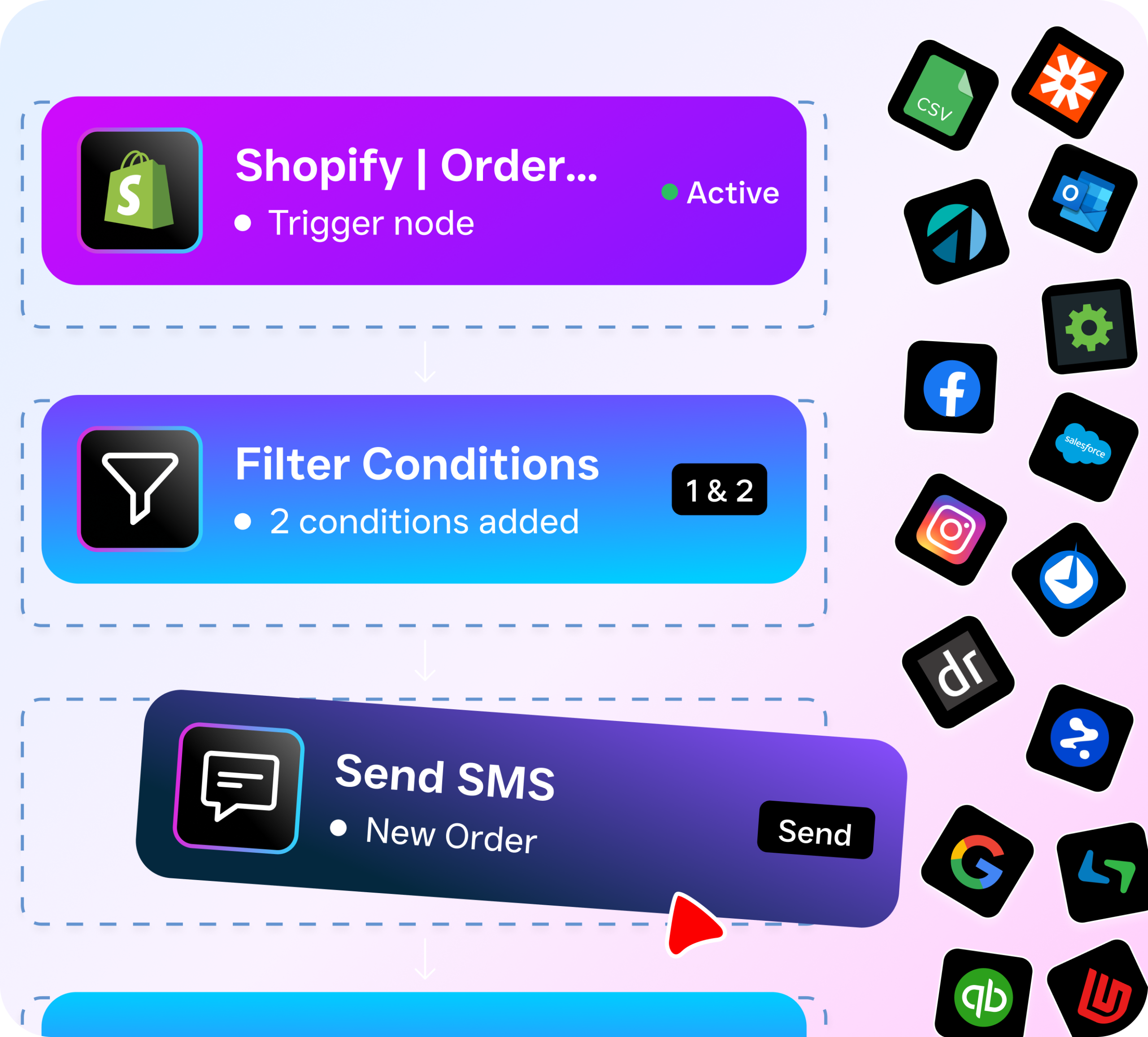
- Build automations visually. Use SalesCaptain’s drag-and-drop workflow builder to create follow-up sequences, appointment reminders, and missed-call text-backs. No API knowledge required.
- Go live. Your AI agents start responding to customers immediately. Incoming texts, DMs, and chats all appear in your unified inbox for your team to monitor or jump into.
Every step that would normally require configuring a Twilio messaging service, referencing a SID, and writing integration code is handled for you. Your team focuses on serving customers. Not debugging message delivery.
Key Capabilities
SalesCaptain’s messaging features cover the same ground as a Twilio messaging service configuration, plus capabilities that Twilio doesn’t offer out of the box. Here’s what you actually get:
- Missed-Call Text-Back: When a call goes unanswered, SalesCaptain automatically sends an SMS to the caller within seconds. Research shows that 62% of business calls go unanswered, and each missed call represents lost revenue. This feature catches those leads before they slip away.
- High-Volume SMS: Send appointment reminders, promotions, and follow-ups at scale without worrying about throughput limits, number pooling, or sticky sender configuration. SalesCaptain manages the sending infrastructure. Period.
- Multichannel AI Chat Agents: Your AI doesn’t just reply to texts. It handles webchat, Instagram DMs, and Facebook Messenger conversations with the same intelligence, capturing leads and booking appointments across every channel.
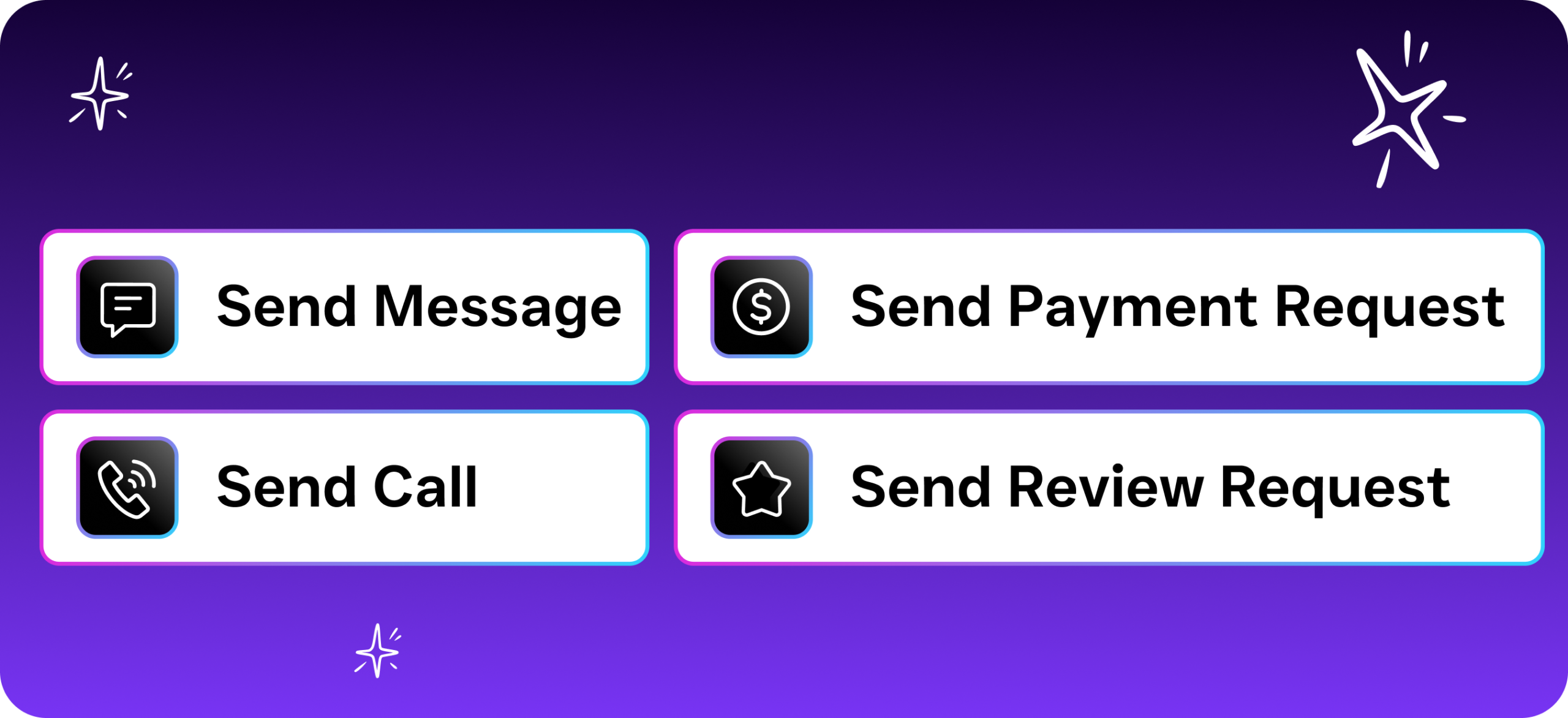
- Payments via Text: Collect payments directly through SMS conversations. No separate invoicing tool needed. Your customer gets a secure payment link right in the text thread.
- Auto URL Shortening and Click Tracking: Every link you send through SalesCaptain is automatically shortened and tracked, so you know exactly which messages drive engagement. Twilio’s messaging services don’t include built-in click tracking.
- Advanced Templating and Personalization: Create message templates with dynamic fields pulled from your contact records. Personalized messages outperform generic ones. SalesCaptain makes it effortless.
Who Needs This?
If you’re currently using Twilio’s messaging services or considering them, you probably fit into one of these categories. SalesCaptain serves each of them without requiring API development:
- Home service businesses (roofers, plumbers, HVAC techs, landscapers) who need to confirm appointments, send job updates, and follow up on estimates via text.
- Healthcare and wellness practices (dental offices, MedSpas, therapy clinics) that send appointment reminders and handle patient inquiries through SMS, while staying HIPAA-aware in their communication workflows.
- Legal practices that need professional, trackable client communication across text and phone without exposing personal cell numbers.
- Salons, gyms, and fitness studios where appointment-heavy scheduling means dozens of confirmations and reminders go out daily.
- Multi-location businesses that need separate phone numbers and messaging for each location, all managed from a single platform. SalesCaptain’s per-location pricing ($159/month for Business, $300/month for Enterprise) scales affordably.
- Operations managers and business owners who don’t have a developer on staff and can’t afford to build custom messaging integrations from scratch.
Benefits of Choosing a Unified Platform Over Raw APIs
The core appeal of a Twilio Message Service SID is control. You configure exactly how messages are sent, which numbers they come from, and how delivery is handled. But that control comes with a cost. Financial and operational. Every feature needs setup, testing, and maintenance. When something breaks at 2 AM, your developer has to fix it. And you’re paying them the whole time.
SalesCaptain delivers comparable messaging reliability with 99.99% uptime, while removing the maintenance burden entirely. Your team doesn’t debug webhook failures or manage number provisioning. Instead, they respond to customers through a single collaborative inbox that combines calls, texts, social media DMs, and email. According to SimpleTexting’s 2024 small business marketing data, SMS remains one of the highest-ROI channels for local businesses. Yet many never adopt it because the technical setup feels overwhelming. That’s the real problem.
Time Savings That Compound
Consider what your staff actually does when they respond to customer inquiries manually. Check voicemail. Return calls. Type out individual texts. Log notes in a CRM. Then repeat across every channel. SalesCaptain’s AI Chat Agents and workflow automations handle the repetitive parts. Your team only steps in for conversations that truly need a human. The result isn’t just faster response times. It’s fewer hours spent on communication logistics, which means your existing staff can handle more volume without burning out. That compounds over time.
Missed calls alone can cost small businesses significant revenue. Data from industry research on missed business calls puts the annual cost in the six figures for many service businesses. SalesCaptain’s AI Phone Agent answers calls 24/7, qualifies leads, books appointments, and sends follow-up texts. All without a human picking up the phone.
How SalesCaptain Compares
Twilio is a developer platform. It’s excellent at what it does, but it’s designed for engineering teams that build custom communication solutions. For an SMB that just wants reliable messaging, it’s like buying a commercial kitchen when you need a microwave. Not practical.
Other platforms in the SMB communication space have their own gaps. Dialpad, priced at $15 per user, doesn’t include toll-free minutes or high-volume SMS capabilities. Service businesses depend on both. Aircall, at $30 per license, lacks a real-time AI layer for calls, has no webchat channel, and doesn’t offer missed-call text-back. Neither platform provides the kind of AI-driven chat agents that SalesCaptain deploys across SMS, webchat, Instagram, and Facebook Messenger simultaneously.
Nextiva caps SMS at 250 messages per user per month, which is too low for most appointment-heavy businesses. While platforms like Podium and Birdeye handle texting and reviews well, neither offers the full communication stack. SalesCaptain bundles AI voice agents, call coaching, a power dialer, and workflow automation into one platform. Starting with a free plan for single-location businesses. According to a 2026 comparison of AI receptionists, the trend is clearly moving toward platforms that combine voice AI and messaging AI in a single tool.
Frequently Asked Questions
Do I need a Twilio account to use SalesCaptain for business texting?
No. SalesCaptain handles all messaging infrastructure behind the scenes. You won’t create a Twilio account, manage a Message Service SID, or write any API code. Your phone number, sender configuration, and delivery management are all included in the platform.
Can SalesCaptain send high-volume SMS like a Twilio messaging service?
Yes. SalesCaptain supports high-volume SMS for appointment reminders, follow-ups, and marketing messages. Features like auto URL shortening, click tracking, and advanced templating are built in. No separate configuration needed the way you’d do with Twilio’s API.
What channels does SalesCaptain support beyond SMS?
SalesCaptain’s unified inbox brings together SMS, phone calls, webchat, Instagram DMs, Facebook Messenger, WhatsApp, and email. AI agents respond across all of these channels automatically. Your team sees every conversation in one place.
How much does SalesCaptain cost compared to building on Twilio?
SalesCaptain starts with a free plan for one location. The Business plan is $159/month per location, and Enterprise is $300/month per location. AI call minutes are $0.12/minute. With Twilio, you’d pay per-message fees, phone number fees, and then invest developer hours building and maintaining the integration. That typically costs far more over time.
Can I use SalesCaptain if I already have a Twilio-based setup?
Absolutely. Many businesses migrate from custom Twilio setups to SalesCaptain to reduce complexity. SalesCaptain integrates with over 50 tools including HubSpot, Salesforce, Zoho, and Zapier. Connect it to your existing workflow without starting from scratch.
Skip the SID Configuration. Start Texting Customers Today.
SalesCaptain gives your business everything a Twilio messaging service provides, plus AI voice agents, a unified inbox, and workflow automation. All without writing a single line of code. Set up your account in minutes and let AI handle your customer communication around the clock.