
AI-powered customer experience marketing (CXM) platform that helps local businesses win.



unified communications and collaboration brings every channel your business uses, including calls, texts, webchat, social media, and email, into a single platform where your team can work together in real time. For service businesses juggling phone calls, appointment requests, and customer follow-ups across disconnected tools, that fragmentation costs real money. Missed calls alone can drain over $26,000 per year from a small business. SalesCaptain’s unified communications and collaboration platform solves this by combining AI-powered voice and chat agents, a collaborative inbox, and workflow automation into one system built specifically for SMBs.
What Is Unified Communications and Collaboration?
At its core, unified communications and collaboration (UC&C) is the integration of all business communication channels into a single, cohesive platform. Rather than managing separate tools for phone calls, text messages, live chat, social media DMs, and email, UC&C consolidates everything so your team sees every conversation in one place. It also adds collaborative features like shared inboxes, internal notes, and real-time tracking so multiple team members can work on customer interactions without stepping on each other’s toes.
The concept isn’t new, but the market is evolving fast. According to Technavio’s market analysis, the UC&C market is projected to grow by $95.4 billion between 2024 and 2028, with AI driving much of that evolution. For years, enterprise companies dominated UC&C adoption. Now, SMBs are catching up because affordable, AI-enhanced platforms make it possible to get enterprise-grade communication without enterprise-grade budgets or IT teams.
Beyond Traditional phone systems
Traditional UC platforms focused almost entirely on voice: call routing, IVR menus, voicemail. That’s table stakes now. Modern UC&C adds SMS, webchat, social messaging, and increasingly, AI agents that can handle conversations autonomously. Think of it as moving from a phone system to a complete customer communication operating system. Your receptionist, follow-up engine, appointment scheduler, and team collaboration tool all live under one roof.
What makes this shift critical for service businesses specifically? Your customers don’t just call anymore. They text, they DM on Instagram, they fill out web forms at 11 PM. If those messages land in five different apps, some will inevitably slip through the cracks. A true UC&C platform catches every single one.
How Unified Communications and Collaboration Works in SalesCaptain
Setting up a unified communication system sounds complex, but SalesCaptain is designed so non-technical business owners can get running quickly. Here’s the step-by-step process:
- Connect your channels. Link your business phone number, SMS, webchat widget, Instagram DMs, Facebook Messenger, and email to SalesCaptain. Everything flows into one unified inbox that your whole team can access.
- Build your AI agents. Use SalesCaptain’s no-code builder to create an AI Phone Agent and AI Chat Agents. Configure them to answer FAQs, qualify leads, book appointments, and block spam. No developer needed.
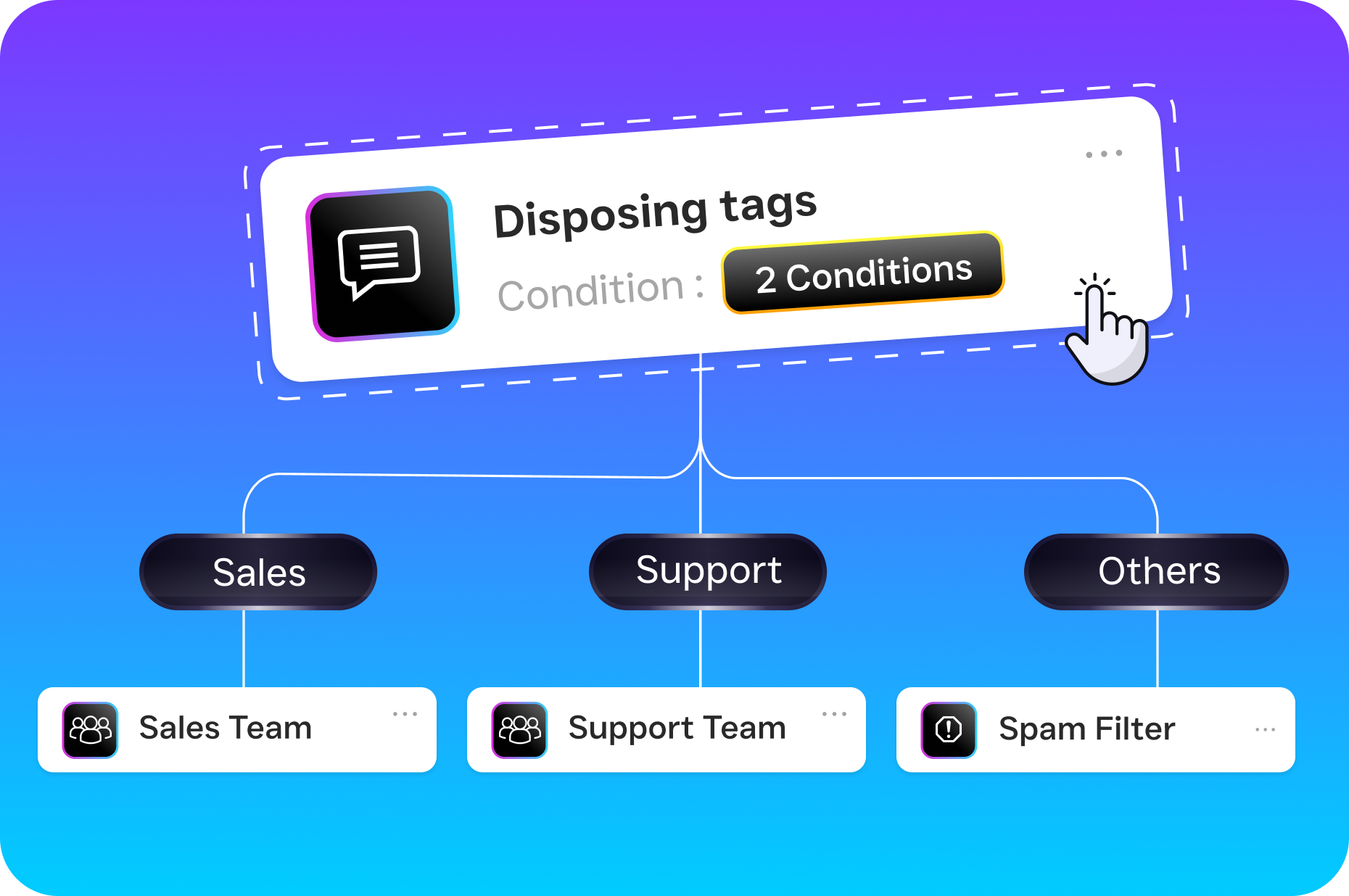
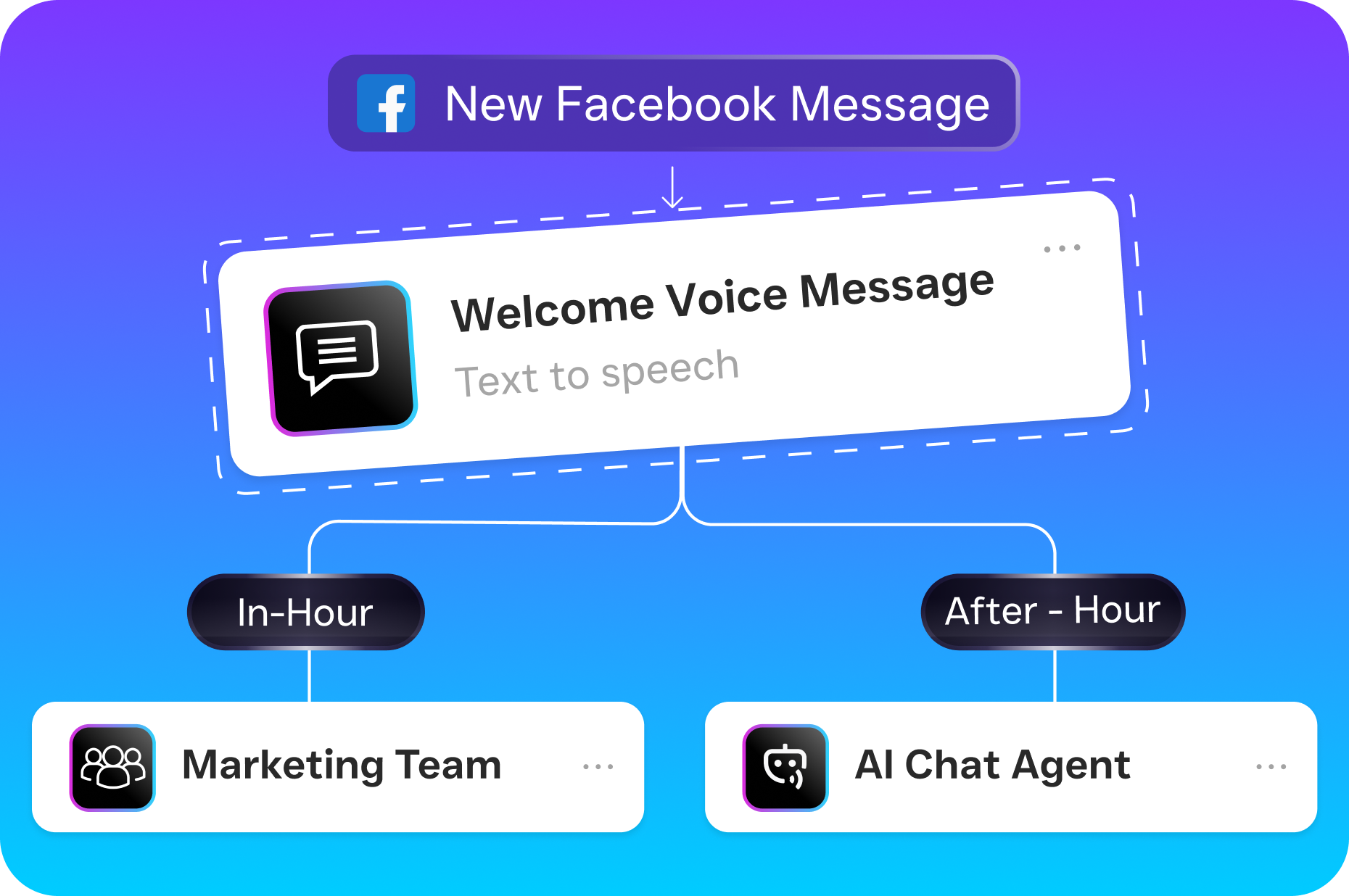
- Set up call flows. Design the exact path every incoming call should follow using the drag-and-drop call flow builder. Route to specific team members, play custom greetings, escalate to the AI agent after hours, or capture voicemails with automatic transcription.
- Activate workflow automation. Create trigger-based automations for follow-ups, appointment reminders, CRM updates, and notifications. For instance, a missed call can automatically trigger a text-back, then a follow-up sequence if the customer doesn’t respond within an hour.
- Collaborate as a team. Every conversation, whether it started as a phone call, a text, or an Instagram DM, appears in the unified inbox with full contact history. Team members can add internal notes, tag colleagues, and pick up conversations without asking the customer to repeat themselves.
- Review and optimize. AI-generated call summaries and transcriptions give you instant insight into what’s happening across every customer interaction. Use these to coach staff, spot trends, and improve your response quality over time.
Key Capabilities
SalesCaptain doesn’t just check the UC&C box. It delivers specific capabilities that most competing platforms either can’t match or charge significantly more for. Here are the ones that matter most for service businesses:
- AI Phone Agent (24/7 call answering): A natural-sounding voice agent picks up every call, day or night. It books appointments, qualifies leads, answers common questions, and routes callers, all without human intervention. At $0.12 per minute, it’s a fraction of the cost of a live answering service.
- AI Chat Agents across SMS, webchat, and social: Automated agents respond instantly on every text-based channel. They capture lead information, send appointment reminders, and handle missed-call text-back so no inquiry goes unanswered.
- Collaborative unified inbox: One inbox for calls, texts, webchat, social DMs, email, and internal notes. Real-time tracking and full contact history mean your team always has context, regardless of who started the conversation.
- Drag-and-drop call flow builder: Visually design exactly how calls are routed, including IVR menus, after-hours rules, forwarding, voicemail capture, and AI Agent handoff. No coding, no IT department required.
- Workflow automation with 50+ integrations: Automate follow-ups, CRM syncs, reminders, and notifications. Native integrations with HubSpot, Salesforce, Zoho, HousecallPro, ServiceFusion, Clio, Shopify, and more keep your data flowing without manual entry.
- AI summaries and transcriptions: Every call gets a full transcript with speaker distinction plus a concise summary highlighting decisions, action items, and next steps. These are searchable, shareable, and invaluable for training and quality control.
Who Needs This?
Unified communications and collaboration isn’t just for large enterprises with dedicated IT departments. In fact, UCaaS adoption among small businesses has been accelerating as platforms become more affordable and easier to deploy. SalesCaptain is built for the following business types and roles:
- Home service companies (roofing, plumbing, HVAC, landscaping, appliance repair) where field crews can’t answer phones and after-hours calls represent high-value emergency jobs.
- Healthcare and wellness practices (dental offices, MedSpas, therapy clinics) that handle heavy appointment volumes and need consistent, HIPAA-aware communication.
- Legal practices where every missed call could be a new case and quick response time directly impacts client acquisition.
- Appointment-heavy businesses (salons, gyms, fitness studios) that spend hours each week on scheduling, reminders, and no-show follow-ups.
- Real estate agencies managing buyer and seller inquiries across multiple channels simultaneously.
- Multi-location businesses (1 to 5+ locations) that need consistent communication standards across every office without multiplying staff costs.
- Business owners and operations managers who want visibility into every customer interaction without micromanaging staff.
If your team currently toggles between a phone system, a texting app, a social media dashboard, and a CRM just to keep up with customer communication, you’re the exact profile this platform was designed for.
Benefits of Unified Communications and Collaboration
Stop Losing Revenue to Missed Communication
Every unanswered call or slow text reply is potential revenue walking out the door. Research from Nextiva shows that the hidden cost of missed calls compounds quickly for small businesses, especially when you factor in the lifetime value of a lost customer. With SalesCaptain’s AI Phone Agent handling calls around the clock and AI Chat Agents responding to texts and DMs within seconds, you capture inquiries that previously would’ve gone to a competitor.
Scale Without Hiring
Hiring another receptionist or customer service rep costs $30,000 to $40,000 per year at minimum, according to Bureau of Labor Statistics wage data for receptionists. SalesCaptain’s Business plan runs $159 per month per location. That’s under $2,000 a year for AI agents that work 24/7 without breaks, sick days, or turnover. For multi-location businesses, per-location pricing means costs stay predictable as you grow.
Eliminate Communication Chaos
Managing five different platforms for five different channels creates blind spots. A customer texts about an appointment, calls to change it, then DMs on Instagram with a question. Without a unified inbox, three different team members might handle those touchpoints without any shared context. SalesCaptain’s collaborative inbox solves this by showing the complete conversation history, across all channels, in one view. Internal notes let your team coordinate without the customer ever noticing.
Make Better Decisions with AI-Powered Insights
Most small businesses have zero visibility into what happens on their phone calls. SalesCaptain’s AI transcription and summary features change that entirely. After every call, you get a searchable transcript and a concise summary highlighting key decisions, customer concerns, and follow-up items. Over time, these insights reveal patterns: common objections, peak call times, and training opportunities you’d never spot otherwise.
How SalesCaptain Compares
The UC&C market is crowded, but most platforms fall into one of two categories: enterprise tools that are overkill for SMBs, or point solutions that only cover one channel. SalesCaptain occupies a unique position as the only platform combining AI voice agents, AI chat agents, and a unified inbox in a single tool built for service businesses.
Take a platform like Aircall, which charges $30 per license per month. It’s designed for call center teams and lacks a built-in AI voice agent, webchat, email channel, or missed-call text-back. SalesCaptain includes all of those, plus real-time AI for calls, leads forms, and payments via text. Similarly, Dialpad offers strong sales-team features but doesn’t include audio conferencing, toll-free minutes, high-volume SMS, or social chat natively. These gaps matter when your customers reach out on multiple channels and expect fast, consistent responses.
Nextiva is another common comparison. While it’s a solid phone system, it caps SMS at 250 messages per user per month and doesn’t offer WhatsApp, review management, text-to-pay, or live transcription. SalesCaptain also includes voicemail drop and call coaching with whispering, features Nextiva doesn’t provide. According to UC Today’s 2024 industry report, AI-driven automation is the primary differentiator in the UC market going forward. SalesCaptain’s native AI agents, not bolt-on features, are what set it apart from legacy platforms still catching up.
For businesses comparing against human answering services like Smith.ai or Ruby, the math is even simpler. Those services charge per call or per minute at rates that can easily exceed $500 to $1,000 per month for moderate call volume. They don’t include texting, chat, automation, or a unified inbox. And they can’t scale without linearly increasing your costs.
Frequently Asked Questions
How is unified communications and collaboration different from just having a business phone system?
A phone system handles voice calls. UC&C integrates voice with SMS, webchat, social media messaging, email, and team collaboration tools in one platform. It also adds automation, AI agents, and workflow capabilities so your team isn’t manually managing every interaction across disconnected apps.
Do I need technical skills to set up SalesCaptain’s AI agents?
No. SalesCaptain uses a no-code builder for both AI Phone Agents and AI Chat Agents. You configure what the agent should say, which questions it asks, and how it routes conversations, all through a visual interface. Most businesses are up and running the same day.
Can SalesCaptain handle multiple locations with different phone numbers and settings?
Yes. SalesCaptain’s pricing is per location, and each location can have its own phone number, call flows, AI agent configurations, and team members. The Business plan at $159 per month per location makes this affordable even for businesses with five or more offices.
What happens to my existing phone number if I switch to SalesCaptain?
You can port your existing business number to SalesCaptain, so customers keep reaching you at the same number. During the transition, call forwarding ensures you don’t miss anything.
Which CRM and business tools does SalesCaptain integrate with?
SalesCaptain offers 50+ native integrations, including HubSpot, Salesforce, Zoho, HousecallPro, ServiceFusion, Clio, Mindbody, Shopify, QuickBooks, Rezdy, and Zapier for connecting to thousands of additional apps.
How much does SalesCaptain cost compared to hiring a receptionist?
SalesCaptain’s Business plan costs $159 per month per location, and AI call minutes run $0.12 each. Even with heavy call volume, most businesses spend a fraction of what a full-time receptionist would cost annually. Plus, the AI agents work 24/7, not just business hours.
Bring Every Channel Together with SalesCaptain
Your customers are calling, texting, messaging, and chatting across every platform. SalesCaptain’s unified communications and collaboration platform puts all of it in one inbox, backed by AI agents that handle conversations around the clock. Stop losing leads to disconnected tools and slow response times.