
AI-powered customer experience marketing (CXM) platform that helps local businesses win.



unified inbox for law firms: Manage Every Client Message From One Place
Running a law firm is chaos. You’re juggling client calls, emails, text messages, voicemails, and social media inquiries all at once, and they’re scattered across multiple tools that don’t even talk to each other. A unified inbox for law firms changes that. It pulls every communication channel into one organized workspace where your team can collaborate without missing a single message. Sound familiar? If your firm is losing track of intake inquiries, missing follow-ups, or wasting hours just sorting through messages, you’re not alone, and there’s a better way.
Legal practices face unique pressure. Every missed call? That’s a high-value case walking out the door. Every delayed text? The prospective client’s already called the next firm down the list. And every miscommunication about a client’s message history can create ethical and compliance problems that no attorney wants to deal with. But here’s the reality: most law firms, especially solo practitioners and small teams, are still managing communication with a patchwork of disconnected tools that were never meant to work together in the first place.
Why Law Firms Struggle With client communication
The communication challenges facing law firms aren’t just inconvenient. They directly impact revenue, client satisfaction, and malpractice risk. Unlike a retail business losing a sale to a missed message, a law firm can miss a statute of limitations, lose a retainer worth tens of thousands, or leave a client feeling neglected during the most stressful time of their life. The stakes are fundamentally higher. The margin for error is razor-thin.
Messages Scattered Across Too Many Platforms
A typical small law firm receives client communication through at least five or six different channels: office phone lines, cell phones, email, website contact forms, text messages, and increasingly, social media direct messages. Each channel has its own notification system, its own interface, its own way of storing history. When a paralegal forgets to log a voicemail? Or an attorney responds to a text from their personal phone without documenting it? Critical information disappears into gaps nobody even realizes exist, until it’s too late. According to research on legal team collaboration challenges, fragmented communication tools are one of the top reasons law firms struggle with internal coordination and client responsiveness.
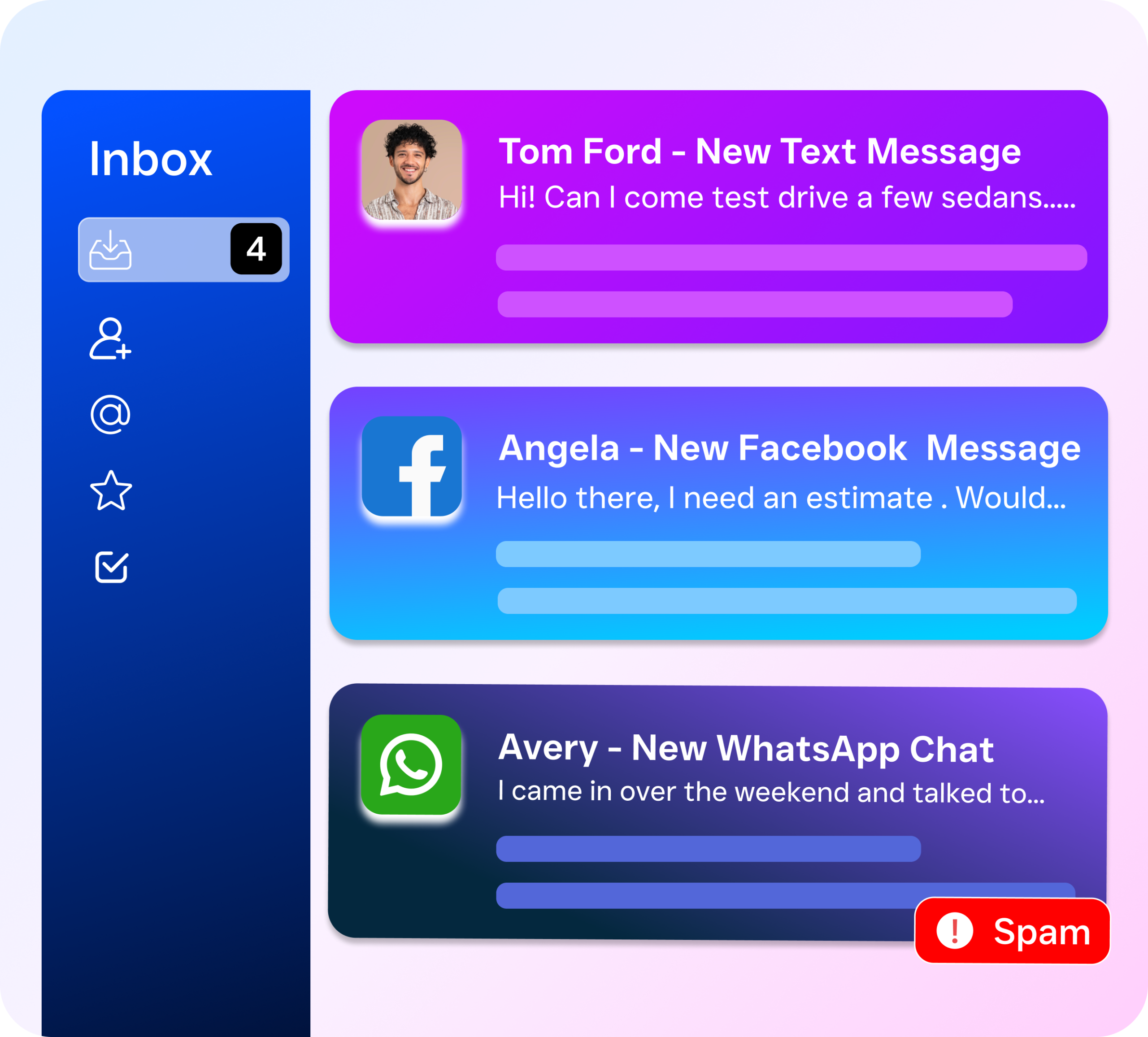
The problem gets worse when multiple team members touch the same client. An intake coordinator calls a prospect Monday morning. The managing attorney emails them Monday afternoon. A legal assistant texts them Tuesday about paperwork. But none of these people can see what the others said. The client repeats themselves, which feels unprofessional and kills trust. And your team wastes time catching each other up on conversations that should’ve been visible to everyone from day one.
After-Hours Inquiries That Vanish Into Voicemail
People don’t schedule legal emergencies around office hours. A spouse decides at 10 PM they need a divorce attorney. A business owner gets sued on Saturday morning. A personal injury victim leaves the ER at midnight and searches for a lawyer on their phone. According to Clio’s 2024 Legal Trends report for solo and small firms, responsiveness is one of the most significant factors prospective clients use to choose a law firm. If your after-hours system is just a voicemail and a “we’ll call you during business hours” message, you’re handing clients to competitors who respond faster.
The financial impact? Substantial. A single personal injury case could be worth thousands in fees. A corporate client seeking representation could generate recurring revenue for years. Every relationship starts with that first contact. And if that contact goes unanswered or buried in a voicemail box until Monday morning, the opportunity’s gone. Most prospective clients contact multiple firms simultaneously. The firm that responds first wins the retainer, period.
Email Overload and Compliance Risk
Email remains the dominant communication tool in legal practice. But it was never built for a collaborative, high-stakes law firm environment. Attorneys get dozens, sometimes hundreds, of emails daily. They’re mixed together: client communications, court notifications, opposing counsel, marketing messages, internal memos. As legal email management best practices for small firms outline, the lack of structured workflows leads to missed deadlines, overlooked requests, and documentation gaps with ethical implications. A unified inbox for law firms fixes this by pulling email into the same centralized view as every other channel. Nothing gets buried.
But there’s more than just productivity at stake. Legal communications are subject to confidentiality requirements, retention rules, and potential discovery obligations. When client conversations are spread across personal cell phones, individual email accounts, Facebook Messenger, and sticky notes on a desk, maintaining proper records becomes nearly impossible. A centralized system creates one source of truth for every client interaction, making it dramatically easier to document, search, and produce communication records when needed.
How SalesCaptain Solves This With a Unified Inbox for Law Firms
SalesCaptain was built specifically for service businesses like law firms. It handles high-volume client communication without forcing you to add headcount. Instead of toggling between phone systems, email clients, text apps, and social media platforms, SalesCaptain pulls every channel into one collaborative inbox. Your entire team sees, responds to, and tracks every conversation in real time. It’s a communication system that actually matches how law firms work. Fast, collaborative, accountable.
Every Channel, One Screen
SalesCaptain’s Unified Inbox consolidates phone calls, text messages, webchat, email, Instagram DMs, and Facebook Messenger into a single interface. When a prospective client calls, texts, and messages you on Facebook, all three interactions appear in one unified thread tied to that contact. Every team member, from your receptionist to your managing partner, sees the full history without switching tools or asking colleagues what happened. This eliminates the “I thought you handled that” problem that plagues disconnected systems.
The collaborative design is powerful. You can assign conversations to specific team members, leave internal notes the client never sees, and track response times across your firm. If an intake coordinator starts a conversation and an attorney needs to take over? The handoff is seamless. The attorney reads the entire thread before jumping in. As research on unified inbox team collaboration explains, centralizing conversations into a shared workspace dramatically reduces miscommunication and speeds up response times.
AI Phone Agent for 24/7 Legal Intake
One of SalesCaptain’s most powerful features for law firms is the AI Phone Agent. It’s a natural-sounding voice AI that answers your phone line around the clock. When a prospective client calls after hours, it answers immediately, asks customized intake questions, provides info about your practice areas, and routes them properly. It can book consultation appointments directly onto your calendar. By Monday morning, your schedule’s already filled with qualified prospects who called over the weekend.
The AI handles calls that drain your staff’s time during business hours too. Spam callers. Solicitors. Wrong numbers. Repetitive questions like “What are your hours?” or “Do you handle immigration cases?” Your human team focuses on conversations that actually need a person, complex matters, opposing counsel, court communications. At $0.12 per minute, it costs a fraction of what you’d pay a receptionist or answering service.
AI Chat Agents for Instant Client Response
Beyond phone calls, SalesCaptain’s AI Chat Agents handle text messages, website chat, and social media DMs with instant responsiveness. When someone fills out a contact form at 2 AM? The AI responds immediately, asks qualifying questions, captures their info. No humans needed. For firms advertising on social media, the AI responds to Instagram and Facebook inquiries within seconds, capturing leads that’d otherwise go cold waiting for someone to manually check things the next day. What does that actually look like? The missed call text-back feature is particularly valuable. When your line’s busy and you can’t answer, SalesCaptain automatically texts them so they don’t hang up and call a competitor.
Workflow Automation for Follow-Up and Reminders
Legal intake doesn’t end with the first conversation. Prospective clients need follow-up. Consultations need reminders. Retainer agreements need to be sent and tracked. SalesCaptain’s drag-and-drop workflow builder lets you create trigger-based sequences that handle all of this automatically. Set up a workflow that sends a confirmation text when a consultation books, followed by a reminder 24 hours before, then a “we missed you” message if they don’t show. These workflows integrate with Clio, HubSpot, Salesforce, Zoho, and Zapier, so client data flows between your communication platform and practice management software without manual work.
Key Features of a Unified Inbox for Law Firms
SalesCaptain offers a comprehensive set of features designed to address the specific communication challenges law firms face daily. Here’s what matters most when evaluating a unified inbox solution:
All-Channel Consolidation: Phone calls, SMS, webchat, email, Instagram DMs, and Facebook Messenger flow into one inbox. No more checking six different apps. Full Contact History: Every interaction with a client or prospect, across every channel, is stored in one searchable contact record. Anyone on your team can pull up the complete history in seconds. AI Phone Agent (24/7 Answering): A voice AI answering calls after hours and during peak times, qualifying leads, booking consultations, answering FAQs, blocking spam, all without human intervention. Missed Call Text-Back: When a call goes unanswered, SalesCaptain automatically texts the caller so you never lose a lead to a busy signal. Appointment Booking and Reminders: AI agents book consultations directly onto your calendar and send automated reminders to reduce no-shows. Team Collaboration Tools: Assign conversations to specific team members, leave internal notes, and track who responded to what, critical for firms where paralegals, attorneys, and intake staff all handle communication. Visual Workflow Builder: Create automated follow-up sequences, intake workflows, and notification triggers with drag-and-drop, zero technical skill required. 50+ Integrations: Connect with Clio, HubSpot, Salesforce, Zoho, QuickBooks, and dozens of other tools through native integrations and Zapier. Business Phone System: A full-featured phone system with 99.99% uptime, IVR menus, call routing, voicemail, and call recording, can replace your existing provider entirely. Per-Location Pricing: If your firm has multiple offices, pricing scales by location rather than by user, keeping costs predictable as your team grows.
How SalesCaptain Compares to Other Solutions
Law firms evaluating communication platforms often look at Podium, Intercom, HighLevel, or general-purpose CRMs like HubSpot. Each serves a purpose. But none delivers the specific combination of features a legal practice needs. Here’s how SalesCaptain stacks up:
| Feature | SalesCaptain | Podium | Intercom | HighLevel |
|---|---|---|---|---|
| AI Phone Agent (Voice AI) | Yes, 24/7 | No | No | Limited |
| AI Chat Agents (SMS, Web, Social) | Yes, all channels | Inbound only | Web chat only | Yes |
| Unified Inbox (All Channels) | Yes | Partial | Partial | Yes |
| Built for SMBs / Service Businesses | Yes | Yes | No, enterprise focus | Agency focus |
| Ease of Setup (No Technical Skill) | Yes | Yes | Moderate | Steep learning curve |
| Free Plan Available | Yes (1 location) | No | No | No |
| Workflow Automation | Yes, drag-and-drop | Limited | Yes | Yes |
| Practice Management Integrations | Clio, Zapier, 50+ | Limited | Limited | Zapier |
| Starting Price | Free | ~$399/mo | ~$74/mo | ~$97/mo |
The critical difference is simple: SalesCaptain is the only platform combining AI voice agents, AI chat agents, and a true unified inbox in one tool, at a price point that makes sense for solo attorneys and small firms. Podium lacks outbound automation and AI agent building. Intercom was built for SaaS customer support, not law firms. And HighLevel? It’s powerful but notoriously complex. It usually requires a dedicated administrator or agency to configure and maintain. As reviews of AI receptionist tools for small businesses note, the best solution delivers powerful automation without demanding technical expertise from the business owner.
Real Results You Can Expect
Implementing a unified inbox for law firms isn’t about technology for its own sake. It’s about tangible business outcomes that impact your bottom line, your team’s sanity, and your clients’ experience. Here’s what law firms actually see when they centralize communication and deploy AI agents with SalesCaptain.
Capture More Leads Without Hiring More Staff
The most immediate impact? You recover the leads you’re losing right now. Missed calls. Slow text responses. After-hours inquiries buried in voicemail until the next business day. With the AI Phone Agent answering every call and AI Chat Agents responding instantly to texts and web inquiries, your firm captures contact information and books consultations around the clock. You don’t hire a night receptionist or pay for an answering service. The AI handles the volume. Your human team handles what