
AI-powered customer experience marketing (CXM) platform that helps local businesses win.



Every missed call at a law firm is a potential client walking straight to a competitor. For legal practices in Las Vegas, the stakes are even higher. The city’s fast-moving economy means prospective clients expect immediate answers, whether they’re calling about a personal injury case at midnight or a family law consultation on a Sunday afternoon. A virtual receptionist for law firms in Las Vegas used to mean hiring an offsite human to answer phones during business hours. But the technology has changed dramatically, and AI-powered solutions now handle calls, qualify leads, book consultations, and respond across every channel around the clock. The question isn’t whether your firm needs this kind of support. It’s how much business you’re losing without it.
Why Law Firms Struggle With Client Communication
Legal practices face a communication problem that’s fundamentally different from most businesses. When someone calls a law firm, they’re often in crisis. They’ve just been in an accident, received a legal notice, or are dealing with a family emergency. If that call goes to voicemail, most callers won’t leave a message. They’ll simply call the next firm on their list.
According to recent legal intake benchmark data from ClaireAI, the speed of initial response is one of the strongest predictors of whether a lead converts into a signed client. Yet most solo and small law firms don’t have the staff to answer every call in real time. Paralegals are drafting documents. Associates are in court. And the managing partner is juggling case strategy with business development.
The Volume Problem
Las Vegas law firms often serve clients across multiple practice areas, from personal injury and criminal defense to estate planning and business litigation. Each practice area generates its own stream of inquiries, and each caller expects to speak with someone who understands their situation immediately. Hiring a full-time receptionist helps, but only during business hours. A comparison of virtual versus traditional receptionists shows that traditional front-desk staff can’t cover evenings, weekends, or holidays without significant overtime costs.
The Channel Problem
Phone calls aren’t the only intake channel anymore. Prospective clients reach out through website chat, SMS, social media messages, and email. Managing all of these separately creates chaos, especially for firms with small administrative teams. Messages fall through the cracks. Follow-ups get delayed. And according to legal client intake statistics from Hyperleap AI, delayed follow-up is one of the top reasons law firms lose leads they’ve already generated through marketing spend.
How SalesCaptain Solves This
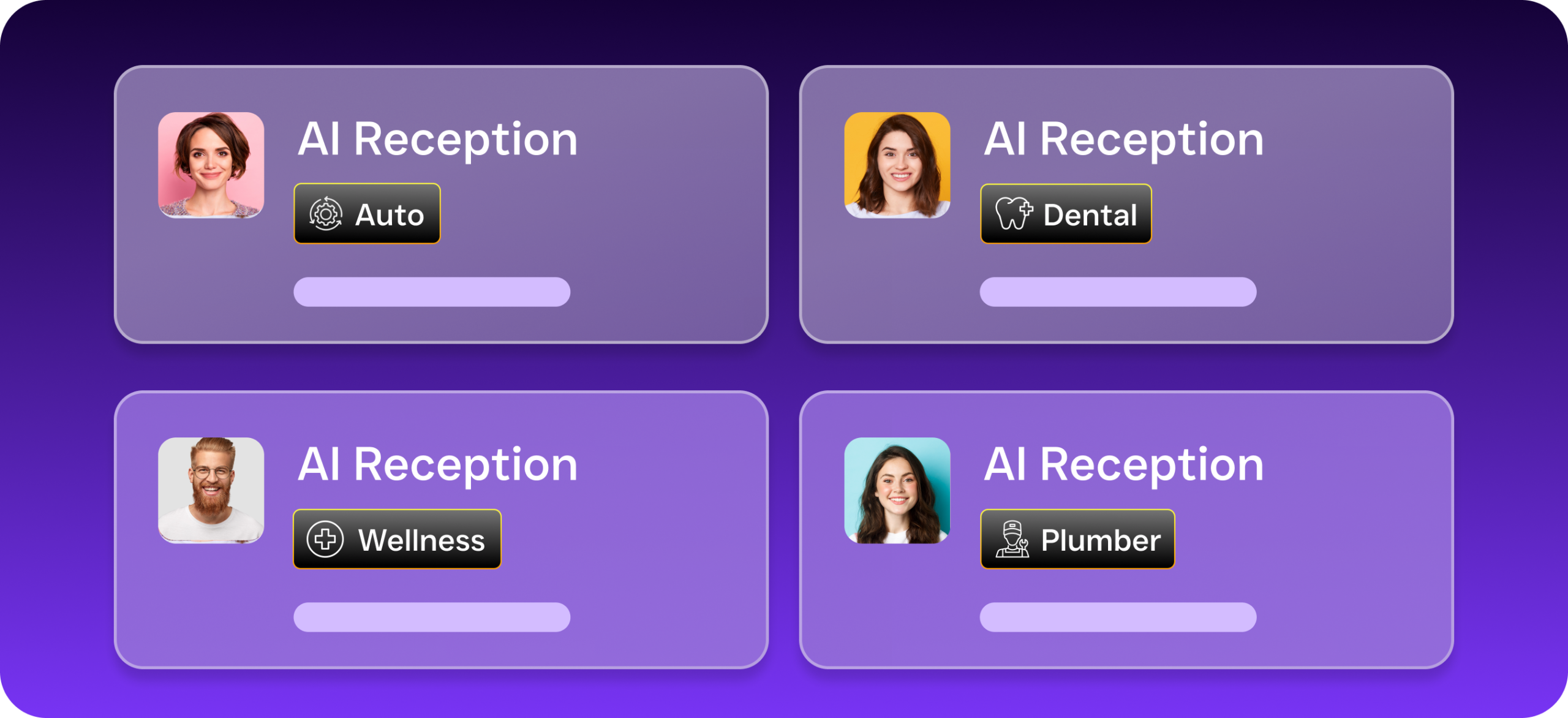
SalesCaptain replaces the patchwork of answering services, chat widgets, and missed-call headaches with a single AI-powered platform built for service businesses like law firms. Instead of paying per-minute rates for a human receptionist service, your firm gets an AI Phone Agent that answers every call 24/7 with natural-sounding conversation, plus AI Chat Agents that handle SMS, webchat, Instagram DMs, and Facebook Messenger simultaneously.
AI Phone Agent for Legal Intake
Here’s what happens when a prospective client calls your firm after hours. The AI Phone Agent picks up, greets them by your firm’s name, and asks qualifying questions you’ve configured in advance. What type of legal matter? When did the incident occur? Have they spoken with another attorney? Based on the answers, the agent can book a consultation directly on your calendar, send a confirmation text, and log everything in your CRM. No human intervention needed.
This isn’t a robotic menu system. SalesCaptain’s voice agent uses natural language processing that sounds conversational, not mechanical. It can answer frequently asked questions about your practice areas, office location, and consultation fees. Spam calls and solicitors get blocked automatically, so your team only sees real inquiries. As LegalSoft’s review of virtual receptionist options notes, the best solutions for lawyers combine intake qualification with scheduling automation.
Unified Inbox for Every Channel
Once calls and messages start flowing in, they all land in SalesCaptain’s Unified Inbox. Your staff sees phone calls, text messages, webchat conversations, and social media DMs in one place. Each contact has a full history, so anyone on your team can pick up a conversation without asking the client to repeat themselves. For Las Vegas firms handling high case volume, this alone can save hours of administrative work each week.
Workflow Automation for Follow-Up
Getting the initial call right is only half the battle. Firms that don’t follow up within a few hours lose a significant percentage of potential clients. SalesCaptain’s drag-and-drop Workflow Automation lets you build follow-up sequences triggered by specific events. A new lead comes in at 9 PM? The system texts them a confirmation, emails your intake team, and schedules a follow-up call for the next morning. No one has to remember to do it manually.
The platform integrates with tools law firms already use, including Clio, Salesforce, HubSpot, and Zapier. So your case management system stays in sync without double-entry.
Key Features for Law Firm Client Intake
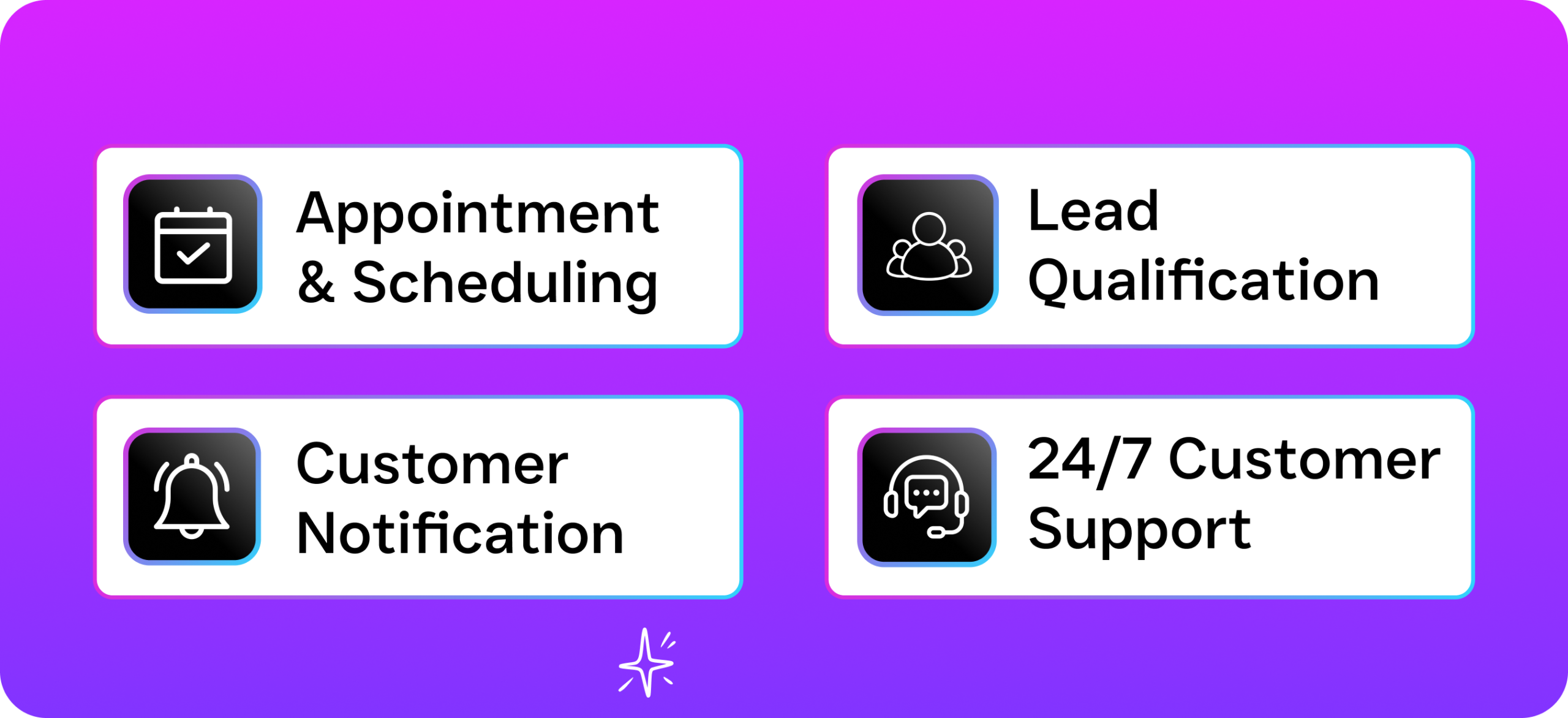
SalesCaptain’s feature set covers far more than basic call answering. Here are the capabilities that matter most for legal practices:
- 24/7 AI Phone Agent: Answers every call with natural conversation, qualifies leads based on your criteria, books consultations, and blocks spam. Covers after-hours, weekends, and holidays without overtime costs.
- AI Chat Agents Across Channels: Handles SMS, website chat, and social media messaging with instant responses. Captures lead information and routes urgent matters to your team in real time.
- Missed-Call Text-Back: When a call can’t be answered, an automatic text goes out within seconds. This keeps the prospective client engaged instead of moving on to another firm.
- AI Summaries and Transcriptions: Every call gets transcribed and summarized automatically. Your intake team gets a concise summary of the caller’s legal matter, contact details, and next steps without listening to the full recording.
- Call Flows with Custom Routing: Use the visual drag-and-drop builder to design exactly how calls move through your firm. Route personal injury calls to one team and estate planning calls to another, with IVR menus, voicemail fallbacks, and after-hours rules.
- Full Business Phone System: Built-in VoIP with 99.99% uptime, call recording, voicemail, and crystal-clear audio. You don’t need a separate phone provider.
What sets this apart from services like Smith.ai or Ruby is cost structure and scalability. Those services charge per call or per minute with human receptionists, which gets expensive fast for firms with high call volume. SalesCaptain charges $0.12 per minute for AI calls, and the Business plan starts at $159 per month per location. For a Las Vegas firm handling dozens of calls daily, the savings add up quickly.
Real Results You Can Expect
Switching to an AI-powered virtual receptionist changes the math for your practice in several concrete ways.
Fewer lost leads. Every call gets answered, every chat gets a response, and every missed call triggers a text-back. Prospective clients aren’t hitting voicemail and hanging up. According to Answering Legal’s analysis of common law firm problems, missed calls are the single largest source of lost revenue for small and mid-size practices.
More time for billable work. When your attorneys and paralegals aren’t interrupted by intake calls or chasing down message slips, they can focus on case work. AI Summaries and Transcriptions mean your team reviews a brief written summary rather than listening to a 15-minute recording.
Faster consultation bookings. Because the AI agent qualifies and books in real time, the gap between first contact and scheduled consultation shrinks dramatically. That speed advantage matters. Prospective clients often call multiple firms and go with whichever one responds first.
Consistent client experience. Whether someone calls at 2 PM on a Tuesday or 11 PM on a Saturday, they get the same professional greeting, the same qualification process, and the same prompt follow-up. Consistency builds trust, especially for clients dealing with stressful legal situations.
Why Las Vegas Businesses Choose SalesCaptain
Las Vegas isn’t just casinos and hospitality. The city has a growing ecosystem of professional service firms, from personal injury practices near the Strip to family law offices in Summerlin and Henderson. These firms compete fiercely for clients, and the ones that respond fastest win the most business.
SalesCaptain works well for Las Vegas law firms specifically because of the city’s around-the-clock pace. Your clients and their legal emergencies don’t follow a 9-to-5 schedule. Having AI agents that handle calls and messages 24/7 means your firm effectively never closes, without the cost of staffing a night shift. And because the platform consolidates every communication channel into one inbox, your team starts each morning with a clear picture of what came in overnight.
According to the U.S. Small Business Administration, small businesses in Nevada’s service sector are growing steadily, and firms that adopt technology to improve client responsiveness tend to capture disproportionate market share. SalesCaptain’s free Startup plan makes it easy for solo practitioners to start, while the Business plan at $159/month supports growing firms with multiple practice areas.
How to Get Started
Setting up SalesCaptain for your law firm takes minutes, not weeks. Here’s the process:
- Sign up for the free Startup plan. No credit card required. You get immediate access to the platform for one location.
- Configure your AI Phone Agent. Add your firm’s name, practice areas, office hours, and common FAQs. Set up qualification questions for intake, such as case type, incident date, and urgency level.
- Build your call flows. Use the drag-and-drop builder to route calls by practice area, set after-hours rules, and configure voicemail fallbacks. You can create separate flows for personal injury, family law, criminal defense, or any other practice area.
- Connect your existing tools. Link Clio, Salesforce, or your preferred CRM through native integrations or Zapier. Calendar bookings sync automatically.
- Activate AI Chat Agents. Turn on webchat for your website, SMS auto-responses, and social media messaging. Each channel feeds into the same Unified Inbox.
- Go live. Forward your firm’s main number to SalesCaptain or port it directly. Your AI receptionist starts handling calls immediately.
No technical expertise is needed. The platform was designed so that a non-technical business owner can configure everything without developer help.
Is an AI virtual receptionist suitable for legal intake?
Yes. SalesCaptain’s AI Phone Agent handles intake qualification the same way a trained receptionist would, asking about case type, urgency, and contact details. It books consultations directly on your calendar and logs all information in your CRM. For sensitive matters that require immediate human attention, the system can route calls to a specific attorney or on-call number based on rules you set.
Can the AI agent handle multiple practice areas?
Absolutely. Using the Call Flows builder, you can create separate intake paths for each practice area. A personal injury caller gets different qualification questions than someone calling about estate planning. Each flow routes to the appropriate team member or calendar.
What happens if a caller wants to speak to a real person?
The AI agent can transfer calls to a live team member at any point during the conversation. You control when transfers happen through your call flow configuration. After-hours callers who need immediate human contact can be routed to an on-call number, while routine inquiries are handled entirely by the AI.
How does SalesCaptain compare to human answering services like Smith.ai or Ruby?
Human answering services charge per call or per minute, typically $3-$8 per call or more. SalesCaptain’s AI calls cost $0.12 per minute, and the platform includes chat agents, a unified inbox, workflow automation, and a full phone system. Human services can’t offer multi-channel coverage or automated follow-up sequences. For firms handling high call volume, the cost difference is substantial.
Does SalesCaptain integrate with legal practice management software?
SalesCaptain integrates natively with Clio, Salesforce, HubSpot, and Zoho, among others. For tools without a native integration, Zapier connects SalesCaptain to over 5,000 apps. Calendar bookings, lead data, and call summaries sync automatically to your existing systems.
Las Vegas law firms that invest in AI-powered client intake gain a permanent competitive advantage. Every call answered, every lead qualified, and every follow-up automated means more signed clients and less wasted marketing spend. SalesCaptain gives your firm the infrastructure to grow without hiring more administrative staff.
Join Las Vegas businesses already using SalesCaptain.
Start free, no credit card needed.
Get started at SalesCaptain.com →