
AI-powered customer experience marketing (CXM) platform that helps local businesses win.



Every missed phone call at a law firm is a potential client walking away. In Tampa’s competitive legal market, where dozens of firms fight for the same personal injury, family law, and estate planning clients, the speed of your response can determine whether you sign a case or lose it to someone down the street. Most solo and small firm attorneys can’t answer every call. They’re in court, in depositions, or meeting with existing clients. Yet the caller who reaches voicemail rarely leaves a message. They simply call the next firm on their list. A virtual receptionist for law firms in Tampa solves this problem by making sure every caller gets an immediate, professional response, whether it’s 2 p.m. on a Tuesday or 10 p.m. on a Saturday.
Why Law Firms Struggle With Client Communication
Legal practices face a unique communication burden. Prospective clients often reach out during moments of stress, and they expect to speak with someone right away. A person dealing with a car accident, a custody dispute, or a contract issue isn’t going to wait patiently for a callback the next morning. According to Answering Legal’s analysis of common law firm problems, missed calls are one of the biggest revenue leaks for small and mid-size practices.
The challenge goes deeper than just answering the phone. Legal intake requires collecting sensitive details, screening for conflicts, qualifying the case type, and scheduling consultations. That’s skilled work. Hiring a full-time receptionist in Tampa costs $35,000 to $45,000 per year once you factor in benefits, according to Bureau of Labor Statistics data on receptionist wages. For a solo practitioner or a two-attorney firm, that’s a significant overhead line item for a role that sits idle during slow periods.
The After-Hours Gap
Many prospective legal clients search for help outside of business hours. Think about it: someone researching attorneys after getting served with divorce papers at 7 p.m. isn’t going to wait until 9 a.m. to make a call. Yet most Tampa law firms shut down their phones at 5 or 6 p.m. That gap between when clients need help and when firms are available represents real lost revenue. Traditional human answering services can fill some of this gap, but they’re expensive on a per-minute basis and can’t perform tasks like booking directly into your calendar or updating your CRM.
Multi-Channel Chaos
Calls aren’t the only channel, either. Clients and prospects now reach out via text, website chat, Facebook messages, and email. Clio’s Legal Trends Report for solo and small firms has highlighted that client expectations around responsiveness are rising year over year. Without a centralized system, messages slip through the cracks. A paralegal checks one channel, an associate monitors another, and nobody owns the full picture.
How SalesCaptain Solves This
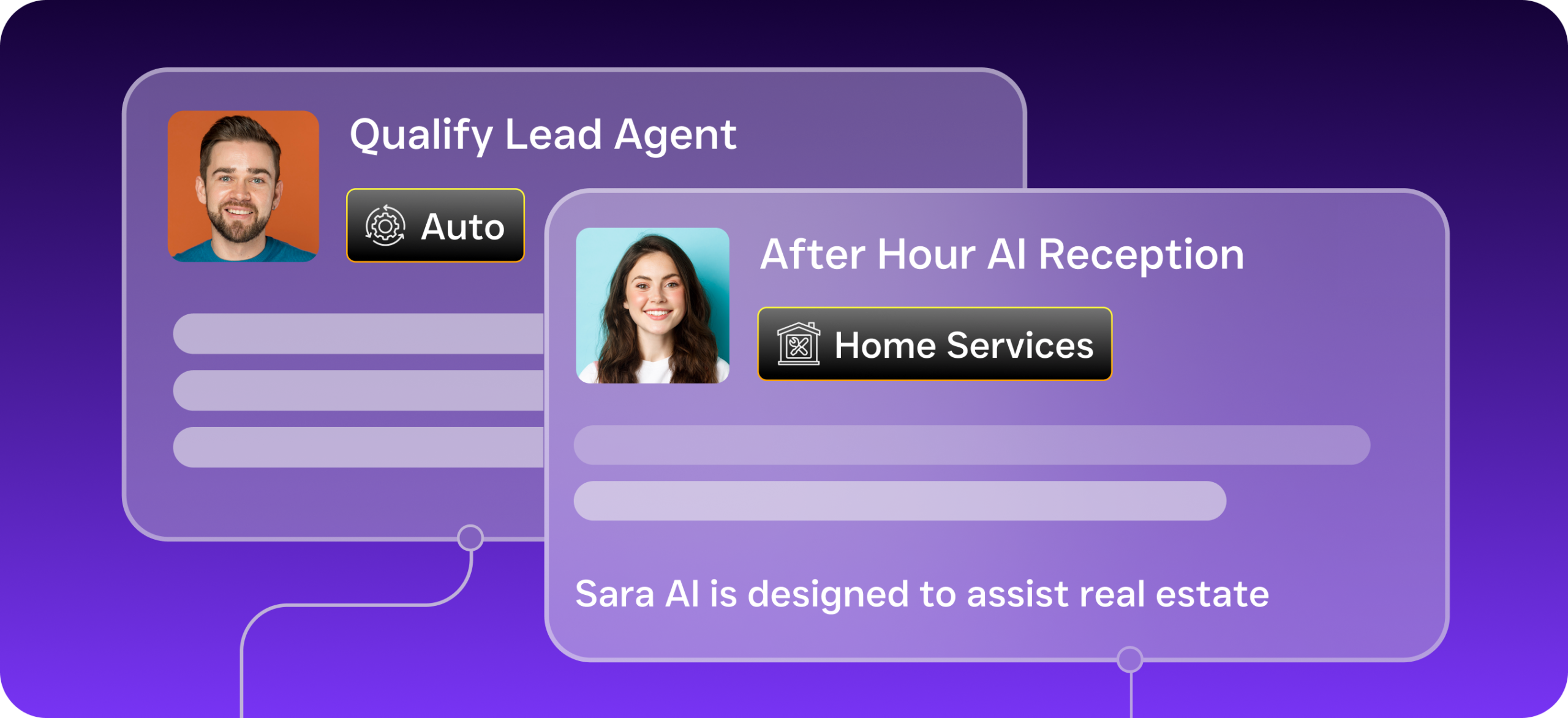
SalesCaptain is a unified communication platform built for service businesses, and law firms are one of the most natural fits. Instead of hiring a traditional answering service or staffing a front desk around the clock, you deploy an AI Phone Agent that handles inbound calls with natural-sounding conversation. It answers in your firm’s name, asks qualifying questions, captures case details, and books consultations directly into your calendar.
What makes this different from a basic auto-attendant or IVR menu? The AI agent actually converses with the caller. It doesn’t just route calls to voicemail or play a recorded greeting. For a Tampa law firm, you might configure it to ask about the type of legal matter, collect the caller’s contact information, check for basic conflict details, and schedule a free consultation, all without any human involvement.
Beyond Phone Calls
SalesCaptain’s AI Chat Agents extend the same intelligence to your other channels. When a potential client fills out your website contact form at midnight, the chat agent responds instantly via text or webchat. It can answer common questions about your practice areas, send intake forms, and confirm appointment times. Every interaction, whether it comes through SMS, Instagram DMs, Facebook Messenger, or your website, feeds into a single Unified Inbox. Your team sees every conversation in one place the next morning, with full context and AI-generated summaries of what was discussed.
This is particularly valuable for firms that integrate with practice management tools. SalesCaptain connects natively with Clio, so new client details and consultation bookings can sync directly into your case management workflow. It also integrates with HubSpot, Salesforce, and Zapier for firms using different tech stacks.
Key Features for Law Firms
- 24/7 AI Phone Agent: Answers every call in your firm’s voice, qualifies leads by asking about case type and urgency, blocks spam calls, and books consultations. Works after hours, on weekends, and during holidays without overtime pay.
- Missed Call Text-Back: If a call does go unanswered for any reason, the system automatically sends a professional text message within seconds. This keeps the prospect engaged instead of moving on to another firm.
- AI Summaries and Transcriptions: Every phone interaction gets transcribed and summarized automatically. Your attorneys can review a quick summary instead of listening to a 15-minute recording, saving significant time during intake review.
- Call Flows with Drag-and-Drop Builder: Design exactly how calls should be handled depending on the time of day, caller type, or practice area. Route personal injury inquiries to one workflow and estate planning calls to another.
- Unified Inbox: Calls, texts, webchat messages, social media DMs, and email all appear in one collaborative inbox. Your staff won’t miss a lead because it came through an unexpected channel.
- Workflow Automation: Set up automatic follow-up sequences. For instance, after a consultation is booked, the system can send a confirmation text, a reminder the day before, and an intake questionnaire link, all without manual effort.
These features work together as a complete communication system. You’re not stitching together separate tools for phone, text, chat, and follow-up. According to CIO Bulletin’s review of virtual receptionist services for law firms, having an integrated platform reduces both cost and complexity compared to using multiple point solutions.
Why Tampa Law Firms Choose SalesCaptain
Tampa’s legal market is dense. Family law, personal injury, immigration, and real estate closing firms cluster throughout Hillsborough County, and potential clients have plenty of choices. In that environment, the firm that responds first has a massive advantage. SalesCaptain gives Tampa law firms that edge without requiring them to hire additional staff.
The pricing model also makes sense for smaller practices. SalesCaptain offers a free startup plan for a single location, with paid plans starting at $159 per month per location. AI call minutes run $0.12 each. Compare that to a human receptionist’s salary or even a traditional answering service that charges $1 to $2 per minute, and the math is clear. Tampa solo practitioners and small firms can afford 24/7 coverage without blowing their overhead budget.
Multi-location firms benefit too. If you’ve got offices in Tampa and St. Petersburg, each location gets its own number, call flows, and inbox while management sees everything from a single dashboard. And because the platform runs at 99.99% uptime, your phones don’t go down during Florida’s storm season when clients may need you most.
Real Results You Can Expect
The outcomes are practical, not theoretical. Here’s what Tampa law firms typically experience after deploying SalesCaptain:
- Fewer missed leads: When every call gets answered immediately, day or night, you stop losing prospects to competitors who simply picked up faster.
- Faster intake processing: AI transcriptions and summaries mean your paralegals spend less time on administrative note-taking and more time on substantive case prep.
- Reduced front desk overhead: You may still want a human receptionist for in-person visitors, but you won’t need them glued to the phone. Some firms eliminate the role entirely.
- Consistent follow-up: Automated workflows ensure no consultation booking falls through the cracks. Every prospect gets a confirmation, a reminder, and a follow-up, every single time.
- Better client experience: Callers reach a responsive, professional presence instead of voicemail. That first impression shapes their perception of your entire firm.
As Inoriseo’s analysis of virtual receptionists for law firms notes, the link between responsiveness and client conversion is well-documented in the legal industry. Firms that respond within minutes rather than hours close significantly more consultations.
How to Get Started
- Sign up for a free account. No credit card is required. You’ll get access to one location on SalesCaptain’s startup plan immediately.
- Set up your AI Phone Agent. Use the drag-and-drop call flow builder to define how calls should be handled. Specify your practice areas, intake questions, business hours, and routing preferences.
- Connect your channels. Link your business phone number, website chat widget, and social media accounts to the Unified Inbox so everything flows into one place.
- Integrate with your tools. Connect Clio, HubSpot, or whichever CRM or practice management platform your firm uses. Zapier covers anything not natively supported.
- Go live. Activate your AI agent and monitor the first few interactions through the inbox. Review transcriptions and summaries to fine-tune your call flows.
Most firms are fully operational within a day. There’s no technical expertise required, and you don’t need to hire a consultant or developer to configure anything.
Frequently Asked Questions
Can an AI virtual receptionist handle legal intake questions?
Yes. SalesCaptain’s AI Phone Agent can be configured to ask specific qualifying questions, such as the type of legal matter, the timeline, whether the caller has existing representation, and basic contact information. You define the questions in your call flow, and the AI asks them conversationally. Research on legal intake processes shows that structured intake questions significantly improve lead qualification rates.
Is client communication through SalesCaptain confidential?
SalesCaptain provides enterprise-grade security for all communications. Call recordings, transcriptions, and messages are stored securely. However, law firms should conduct their own review of any technology platform against their state bar’s ethical rules regarding client confidentiality and data handling before deployment.
How does SalesCaptain compare to traditional human answering services?
Traditional services like Smith.ai and Ruby use live human receptionists, which sounds appealing but comes with high per-minute costs and limited scalability. They also can’t book directly into your calendar, update your CRM, or handle text and chat channels. SalesCaptain’s AI agents do all of this at a fraction of the cost, with no staffing limitations during peak call volume.
Will callers know they’re speaking with an AI?
SalesCaptain’s AI Phone Agent uses natural-sounding voice technology. Many callers won’t realize they’re speaking with an AI. However, transparency is important in legal contexts, so some firms choose to disclose this in their greeting. That’s entirely configurable within your call flow.
What happens if the AI can’t answer a caller’s question?
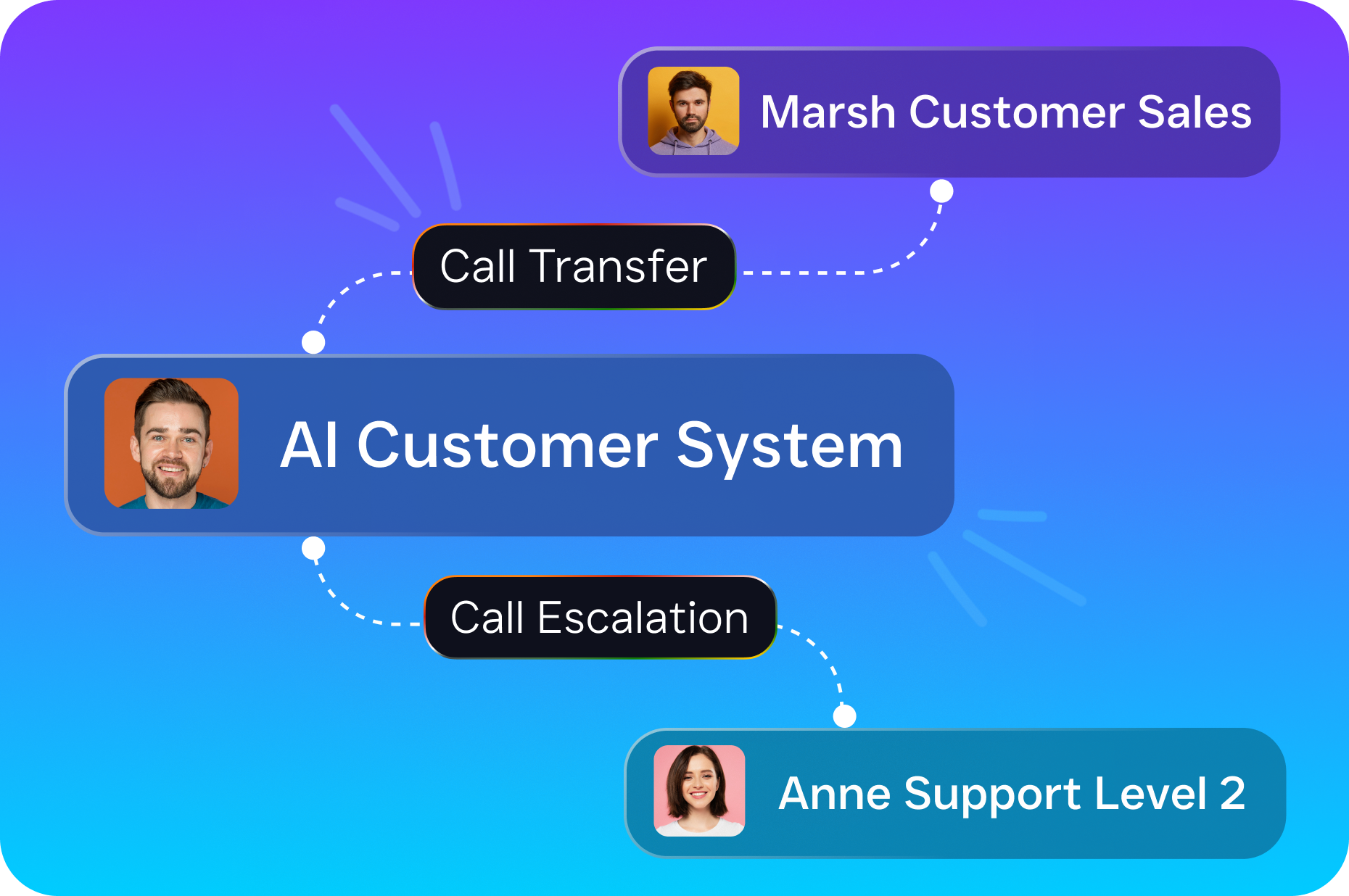
You can set up call routing rules so that complex or sensitive inquiries get transferred to a live team member. The AI handles routine intake and FAQs while escalating anything outside its scope. After hours, it captures the caller’s information and books a callback, so no opportunity is lost.
Join Tampa Law Firms Already Using SalesCaptain
Stop losing clients to missed calls and slow follow-up. SalesCaptain gives your firm 24/7 AI-powered reception, a unified inbox for every channel, and automated workflows that keep your intake process running without extra staff. Start free today with no credit card required.