
AI-powered customer experience marketing (CXM) platform that helps local businesses win.



Webchat Software for Dental Offices: Turn Website Visitors Into Booked Patients
Every day, potential patients visit your dental practice’s website. They browse your services, check your hours, maybe look into whether you accept their insurance. Then they leave. Sound familiar? For most dental offices, this silent drop-off represents a massive leak in the patient acquisition pipeline. Webchat software for dental offices changes that. It gives visitors an instant way to ask questions, get answers, and book appointments right from your website, no phone calls, no waiting for callbacks.
Here’s the truth: modern dental patients expect digital convenience. They want to message, not call. They want answers at 10 PM on a Tuesday, not just during your 8-to-5 office hours. If your website doesn’t offer that, you’re sending patients straight to a competitor who does. SalesCaptain’s AI-powered webchat solves this by engaging every website visitor instantly, capturing their information, and turning browsing into booked chairs. And you don’t need to hire anyone for your front desk team.
Why Dental Offices Struggle With Patient Communication
Running a dental practice means juggling a staggering volume of communication every single day. Your front desk team is answering phones, confirming appointments, handling insurance questions, checking patients in, processing payments, and managing last-minute cancellations all at once. When a new patient calls during a busy morning rush, that call often goes to voicemail. Most callers never leave a message. According to dental practice phone statistics compiled by AgentZap, a significant percentage of calls to dental offices go unanswered, especially during peak hours. That’s a missed patient every single time.
Free weekly newsletter
Growth tips for dental & medical practices
Every Tuesday — actionable ideas to get more leads, reviews, and repeat customers. No fluff.
But the phone problem only scratches the surface. Today’s patients, especially younger ones, increasingly prefer text-based communication over phone calls. They’d rather type “Do you accept Delta Dental PPO?” than sit on hold for three minutes. Yet most dental practice websites still offer nothing more than a phone number and a basic contact form. Maybe they get a response hours or days later. As Golden Proportions explains in their analysis of dental chat tools, adding online chat can be the difference between a visitor bouncing and a visitor booking. It simply meets patients where they already are.
The After-Hours Gap
Dental offices typically operate Monday through Friday, roughly 8 AM to 5 PM. But patient interest doesn’t follow that schedule. People research dentists in the evening after work, on weekends, during lunch breaks. What does that actually look like? Someone finds your website at 9 PM with a toothache and sees no way to get immediate help or schedule an appointment. They’ll Google the next practice on the list instead. Without after-hours communication coverage, you’re essentially closing your front door during some of your highest-traffic hours online.
Staff Burnout and Turnover
Front desk staff at dental offices are already stretched thin. The Bureau of Labor Statistics reports that demand for receptionists in healthcare settings remains strong, yet turnover in these roles is persistent because the workload is relentless. Every repetitive question, “What are your hours?” “Do you take Cigna?” “Is there parking?”, eats into time that could be spent on higher-value work. Adding webchat that handles these interactions autonomously frees your existing team to focus on the patients physically in your office. That’s a game-changer for everyone involved.
How SalesCaptain’s Webchat Software for Dental Offices Solves This
SalesCaptain isn’t just a chat widget you slap on your website and hope for the best. It’s a full AI-powered communication platform built specifically for service businesses like dental practices. The webchat component is one piece of a larger system that includes AI phone agents, SMS automation, social media messaging, and a unified inbox. They all work together to make sure no patient inquiry ever falls through the cracks.
AI Chat Agents That Respond Instantly, 24/7
When a visitor lands on your dental practice’s website, SalesCaptain’s AI chat agent greets them immediately. Want to know if you accept a specific insurance plan? Answered. Need to book a cleaning or consultation? The agent walks them through scheduling. Looking for your address, hours, or emergency contact info? Handled in seconds. The AI agent doesn’t take breaks, doesn’t call in sick, and doesn’t put anyone on hold. It responds instantly, every time. 24/7. No exceptions.
Why does this matter so much? Speed is everything in patient acquisition. Research published in Decisions in Dentistry highlights how AI webchat enhances efficiency and reduces costs for dental practices by handling routine inquiries. When a patient gets an instant answer instead of waiting hours for a form response, they’re dramatically more likely to book an appointment.
Lead Capture That Actually Works
A contact form buried at the bottom of your website isn’t lead capture. It’s lead burial. SalesCaptain’s webchat engages visitors proactively, asks qualifying questions conversationally, and captures their name, phone number, email, and reason for visit. This information flows directly into your unified inbox and can sync with your existing practice management software through integrations with HubSpot, Salesforce, or Zoho. No more copying and pasting. Every lead is tracked, organized, and ready for follow-up.
Multichannel Communication From One Inbox
Webchat is just the entry point. Once a patient engages through your website, the conversation can continue over SMS, email, or even social media DMs. All of it lives in one place. Your team doesn’t need to juggle a webchat dashboard, a texting app, an email client, and Facebook Messenger separately. Everything’s right here. This is especially powerful for dental offices that market on Instagram or Facebook, because patient inquiries from those platforms flow into the same inbox as webchat messages and phone calls. As PatientDesk.ai’s analysis of the patient communication revolution makes clear, practices that unify their communication channels see better response times and higher patient satisfaction.
Key Features for Dental Offices
SalesCaptain’s platform includes a deep set of features, but several are particularly impactful for dental practices dealing with high patient volumes and appointment-driven workflows. Here’s what matters most for your office:
24/7 AI Webchat Agent: Answers patient questions, captures lead information, and books appointments directly from your website, even outside office hours. No human intervention required for routine inquiries. Missed Call Text-Back: When your front desk can’t pick up the phone, SalesCaptain automatically sends a text to the caller within seconds, keeping the conversation alive instead of losing it to voicemail. Appointment Booking and Reminders: The AI agent can guide patients through scheduling directly in the chat, and automated reminders via SMS reduce no-shows without your team making reminder calls. Insurance and FAQ Handling: Train the AI agent on your specific insurance panels, office policies, accepted payment methods, and common questions so it delivers accurate, practice-specific answers every time. Spam Call Blocking: The AI phone agent filters out robocalls and spam so your front desk isn’t wasting time on junk calls that pull attention away from real patients. Workflow Automation: Use the drag-and-drop automation builder to create follow-up sequences for new patient inquiries, post-appointment reviews, reactivation campaigns for lapsed patients, and more, all triggered automatically. Team Collaboration: Multiple team members can view and respond to conversations in the unified inbox. Add internal notes, assign conversations, and track response times without any messages slipping through. And 50+ Integrations: Connect SalesCaptain to the tools your practice already uses, including QuickBooks for billing, HubSpot for marketing, and Zapier for custom workflows with virtually any other software.
Real Results You Can Expect
Installing webchat software for dental offices isn’t just a nice-to-have website upgrade. It produces measurable changes in how your practice acquires and retains patients. Here’s what dental offices using AI-powered webchat typically experience.
More Appointments From the Same Website Traffic
You’re already paying for SEO, Google Ads, or social media marketing to drive traffic to your website. Without webchat, a large percentage of those visitors leave without taking action. Adding an AI chat agent that engages visitors proactively and guides them toward booking means you convert more of your existing traffic into real appointments. You don’t need to spend more on marketing. You just need to stop losing the visitors you’re already attracting. Vyne Dental’s overview of webchat for dental websites reinforces that live chat and AI chat are among the highest-ROI additions a dental practice can make to their website.
Fewer Missed Calls and Lost Patients
Between the AI phone agent handling inbound calls and the missed call text-back feature, SalesCaptain dramatically reduces the number of patient inquiries that disappear into the void. Every call is either answered by the AI agent or followed up with an automated text within seconds. This means fewer patients ghosting after a single unanswered call and more opportunities to schedule them into your chairs.
Front Desk Staff Freed Up for Higher-Value Work
When your AI agents handle the repetitive questions, hours, directions, insurance verification, basic pricing inquiries, your front desk team can focus on greeting patients in the office, coordinating treatment plans, managing complex scheduling, and providing the kind of in-person experience that earns five-star reviews. This doesn’t replace your staff. It removes the communication bottleneck that prevents them from doing their best work. The result is smoother operations, lower staff stress, and better patient experience from the moment someone walks through the door.
Consistent Follow-Up Without Manual Effort
One of the biggest revenue leaks in dental practices is inconsistent follow-up. A patient inquires about Invisalign but doesn’t book immediately. Another cancels and never gets rescheduled. A patient finishes treatment and doesn’t come back for their six-month cleaning. SalesCaptain’s workflow automation lets you build automatic follow-up sequences for all of these scenarios. Set it once. The platform handles it forever. Right message, right time, zero manual effort.
How to Get Started in 10 Minutes
One of the most common objections dental practice owners have about new software is the time it takes to set up. They imagine weeks of configuration, IT consultants, and staff training. But SalesCaptain was designed for busy business owners who don’t have a technical background and don’t have days to spend on implementation. Here’s how it actually works:
Step 1: Create Your Free Account
SalesCaptain offers a free Startup plan for a single location. Test the platform without any financial commitment. Sign up, enter your practice information, and you’re into the dashboard within minutes. No credit card required, no pressure to upgrade before you’re ready. The free plan gives you access to the core features so you can see real results before making any investment.
Step 2: Build Your AI Chat Agent
Using SalesCaptain’s no-code builder, you’ll configure your AI webchat agent with your practice’s specific information. Services offered, insurance plans accepted, office hours, location, appointment types, frequently asked questions, the platform walks you through each step. You don’t need any technical skills or coding knowledge. If you can fill out a form, you can build an AI agent.
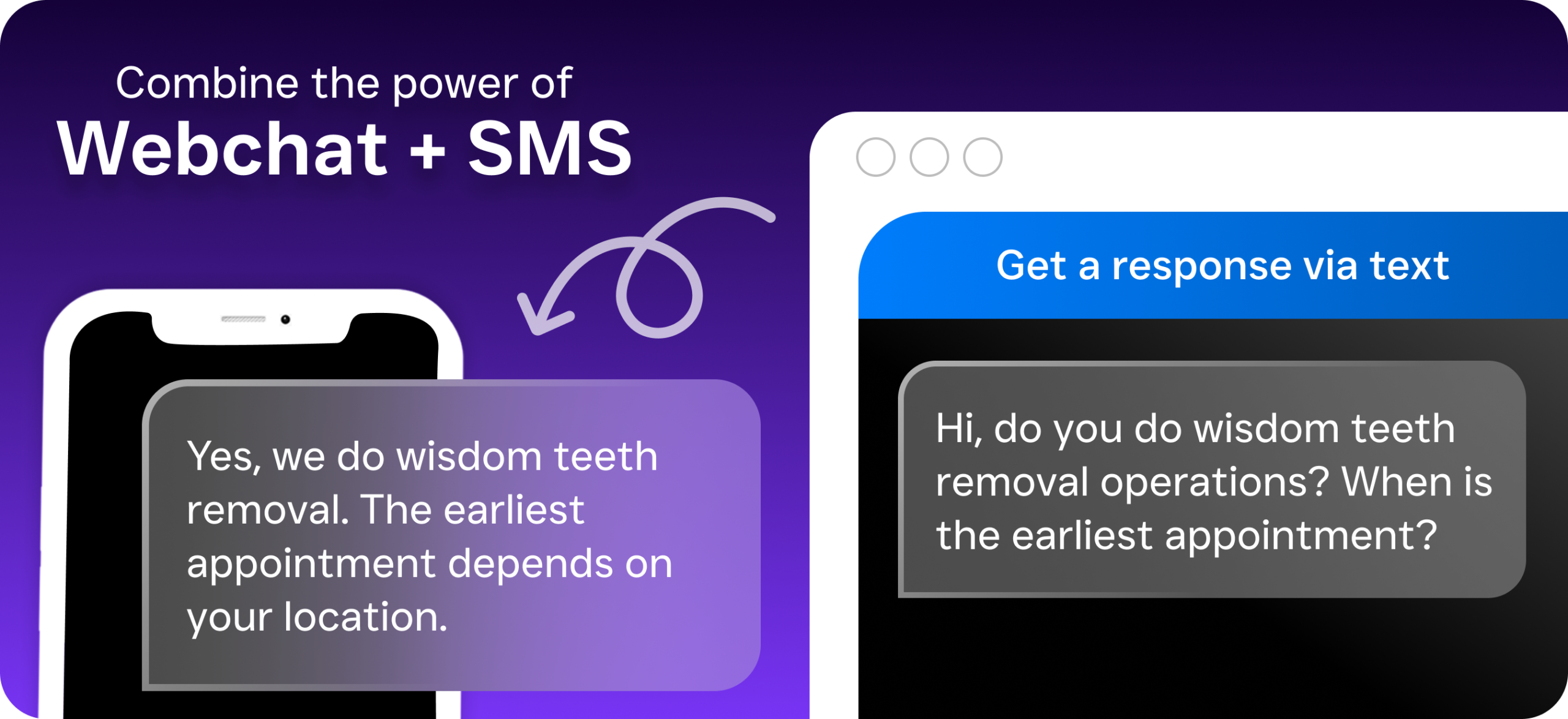
Step 3: Add the Chat Widget to Your Website
SalesCaptain provides a simple embed code. You paste it into your website. Done. If you use WordPress, Squarespace, Wix, or any common website builder, it’s a copy-and-paste job that takes less than two minutes. Once it’s live, the AI agent starts engaging visitors immediately. You can customize the chat widget’s appearance to match your practice’s branding so it looks like a natural part of your site, not an afterthought.
Step 4: Connect Your Other Channels
Want to go beyond webchat? Connect your phone system, SMS, Facebook page, and Instagram account to SalesCaptain’s unified inbox. Every patient interaction, regardless of channel, feeds into one place. You can also connect your CRM, practice management software, or billing tools through the 50+ available integrations, including direct connections with QuickBooks, HubSpot, and Zapier for custom workflows.
Step 5: Monitor, Refine, and Scale
Once your AI agents are live, use SalesCaptain’s real-time tracking to see how many conversations are happening, how many leads are captured, and how many appointments are booked. Refine your AI agent’s responses as you learn what patients ask most frequently. When you’re ready to expand, adding AI phone agents, rolling out to a second location, or building more complex automation workflows, the platform scales with you at straightforward per-location pricing ($159/month per location for the Business plan, or $300/month for Enterprise).
Ready to see it in action?
See how dental offices use SalesCaptain to book more patients through instant web chat.
Book a Free Demo →Frequently Asked Questions
Will webchat software replace my front desk staff?
No. SalesCaptain’s AI webchat agent handles repetitive, routine inquiries. The questions your team answers dozens of times per day. This frees your front desk staff to focus on in-office patient experience, complex scheduling, treatment coordination, and the human interactions that require empathy and judgment. Think of it as adding capacity to your team without adding headcount.
Can the AI agent handle dental-specific questions about insurance and procedures?
Yes. You train the AI agent with your practice’s specific information. Which insurance plans you accept, what procedures you offer, pricing ranges, preparation instructions, and any other details you want patients to have access to. The agent only shares information you’ve provided, so you maintain full control over what’s communicated. As highlighted in DentalBase’s review of AI dental receptionists, the best AI communication tools are those that can be customized to each practice’s unique needs.
Does SalesCaptain integrate with dental practice management software?
SalesCaptain offers 50+ native integrations, including direct connections with HubSpot, Salesforce, Zoho, and QuickBooks. For dental-specific tools, Zapier integration allows you to connect with virtually any practice management platform that has an API. Lead information, appointment data, and patient communications flow automatically between SalesCaptain and the systems your practice already relies on.
What happens if the AI agent can’t answer a patient’s question?
When the AI agent encounters a question it can’t confidently answer, it captures the patient’s contact information and routes the conversation to