
AI-powered customer experience marketing (CXM) platform that helps local businesses win.



Your online reputation shapes whether customers call you or call your competitor. For service businesses, every Google review, every star rating, and every unanswered piece of feedback directly affects revenue. A reputation management company helps you monitor, respond to, and improve those reviews across every platform. But most reputation tools stop there. SalesCaptain goes further by connecting reputation management to the communication workflows that actually drive new reviews, turning every customer interaction into an opportunity to build trust and grow your business.
What Is a Reputation Management Company?
A reputation management company provides tools and services to help businesses monitor their online reviews, respond to customer feedback, and improve their overall star ratings across platforms like Google, Yelp, and Facebook. For service businesses, this isn’t vanity. It’s survival. According to Blue Ocean Global Tech’s analysis of reputation management statistics, a single negative review can drive away roughly 22% of potential customers. That number climbs to 59% when prospects see three or more negative reviews.
Most businesses think of reputation management as a separate function, something disconnected from how they answer calls, follow up with leads, or communicate with existing customers. That’s a mistake. Your reputation is built in real time, during every phone call, every text exchange, and every missed appointment reminder. A modern reputation management company should connect those dots, not just track the aftermath.
Why Service Businesses Can’t Ignore Reviews
When a homeowner searches for a plumber or a patient looks for a new dentist, they don’t dig through websites. They check reviews. InMoment’s research on online reputation management shows that a strong majority of consumers read online reviews before choosing a local business. Yet most service businesses don’t have a system for requesting reviews consistently. They rely on happy customers to remember, which rarely happens at scale.
The businesses that win aren’t necessarily better at their craft. They’re better at making it easy for satisfied customers to leave feedback and responding quickly when someone has a complaint. That’s where the right platform makes a measurable difference.
How Reputation Management Works in SalesCaptain
SalesCaptain doesn’t just bolt on a review widget. It weaves reputation management into the communication workflows your team already uses, so review requests happen automatically and responses happen fast.
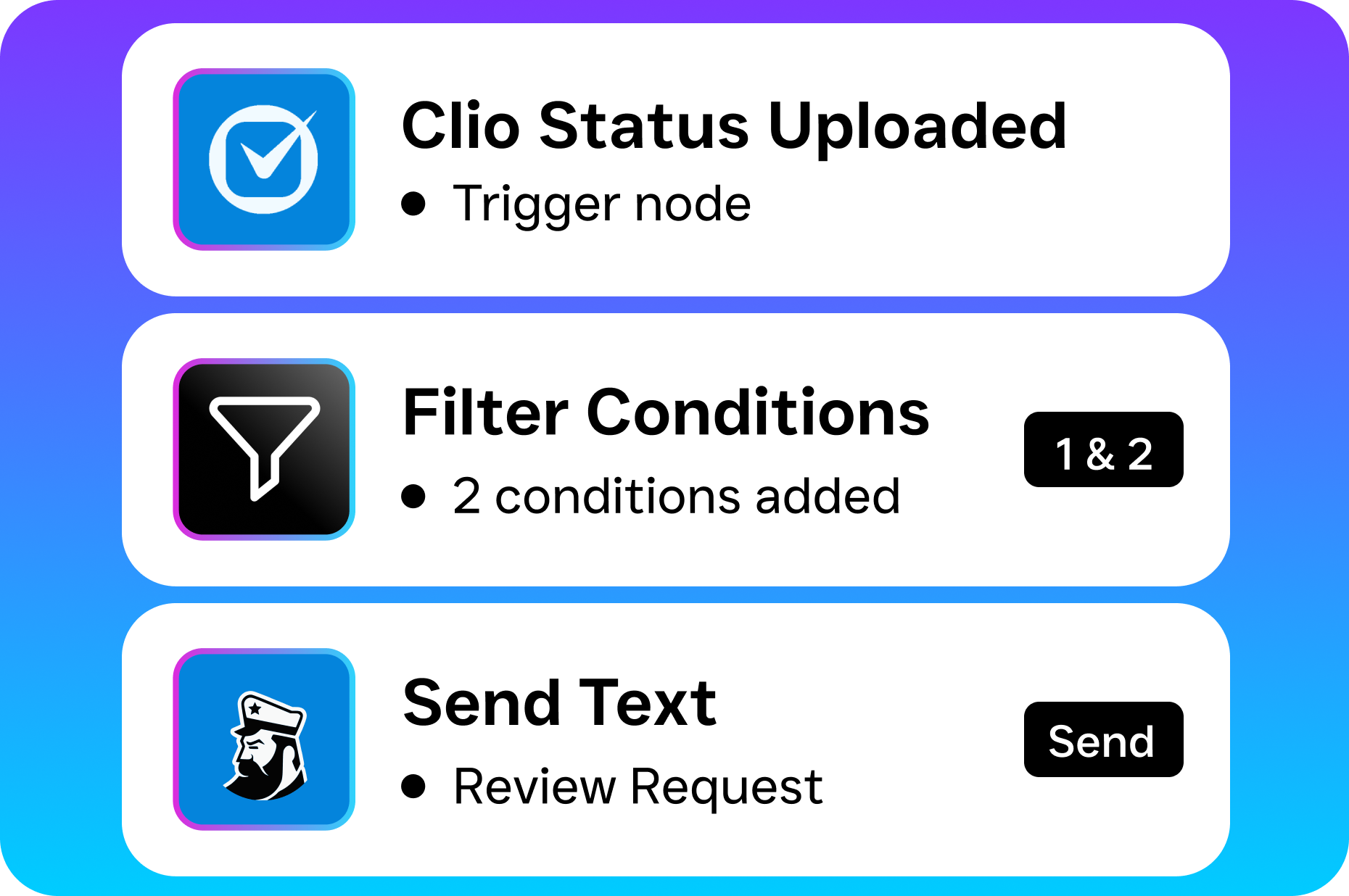
- Trigger-based review requests. After a completed appointment, payment, or service call, SalesCaptain’s Workflow Automation sends a personalized text or email asking for a review. You set the timing and the message, then the system handles it without staff involvement.
- Centralized monitoring in your Unified Inbox. New reviews from Google, Facebook, and other platforms appear right alongside your calls, texts, and DMs. Your team sees them in context, next to the customer’s full communication history, so they can respond with relevant detail.
- Fast response through AI Chat Agents. When a review comes in, your AI Chat Agent can draft a thoughtful response based on the customer’s history and the sentiment of the review. A team member approves or edits before it goes live, saving time without sacrificing quality.
- Automated follow-up for negative feedback. If a customer leaves a low rating, SalesCaptain can automatically trigger a recovery workflow. That might mean a personal text from the business owner, a follow-up call from your AI Phone Agent, or a task assigned to a specific team member.
- Reporting and trend tracking. See your review volume, average rating, and response times over time. Identify which locations are performing well and which need attention, all from one dashboard.
Key Capabilities
- Automated review request campaigns. Send review requests via SMS or email after every completed job. Timing is customizable, and SalesCaptain’s workflow builder lets you add conditions like “only send if the customer rated their experience 4+ in a post-service survey.”
- Multi-platform review monitoring. Track reviews from Google, Facebook, and industry-specific platforms in your Unified Inbox. No need to log into five different dashboards every morning.
- AI-assisted response drafting. Your AI Chat Agent generates review responses that reference the customer’s actual interaction history. This makes responses feel personal rather than templated, which matters to both the reviewer and future prospects reading your replies.
- Negative review recovery workflows. Automatically route unhappy customers into a recovery sequence. SalesCaptain’s drag-and-drop Workflow Automation builder lets you create custom paths based on star rating, review content, or customer segment.
- Review-to-revenue tracking. Connect review activity to lead flow. See whether months with more reviews correlate with more inbound calls and booked appointments, giving you hard data on reputation ROI.
- Per-location management. For multi-location businesses, each location gets its own review tracking, request workflows, and performance metrics. At $159/month per location on the Business plan, scaling this across your footprint stays affordable.
Who Needs This?
Not every business needs an enterprise reputation suite with features they’ll never touch. But if your revenue depends on local search visibility and customer trust, reputation management isn’t optional. Here’s who benefits most from SalesCaptain’s approach:
- Home service companies (roofing, plumbing, HVAC, landscaping, appliance repair) where a 4.5-star rating vs. a 3.8-star rating determines which phone rings.
- Healthcare and wellness practices (dental offices, MedSpas, therapy practices) where patient reviews heavily influence new patient acquisition.
- Legal practices where trust is everything, and a few negative reviews can derail months of marketing spend.
- Appointment-heavy businesses (salons, gyms, fitness studios) that serve high volumes of customers and need review requests automated.
- Real estate agencies where agent reputation directly drives referral business.
- Multi-location operations managers who need to compare reputation performance across sites without juggling separate tools.
Benefits of Reputation Management Through SalesCaptain
More Reviews Without More Work
The biggest barrier to getting reviews isn’t customer satisfaction. It’s the ask. Most happy customers simply forget. SalesCaptain’s automated workflows solve this by sending a review request at exactly the right moment, when the customer’s positive experience is still fresh. You don’t need to train your staff to remember, print reminder cards, or hope for the best. The system runs in the background, consistently.
And consistency matters more than you’d think. According to Forbes’ coverage of online reputation trends, consumers increasingly weigh recency of reviews alongside star ratings. A business with 50 reviews from two years ago looks stale. Fresh reviews signal an active, trustworthy operation.
Faster Response Times Build Trust
How quickly you respond to reviews, both positive and negative, signals how much you care. But when reviews are scattered across Google, Facebook, and Yelp, response time suffers. SalesCaptain’s Unified Inbox puts every review in the same place your team already checks for calls, texts, and messages. That means faster responses without adding another daily task to someone’s plate.
Quick responses also help with damage control. A negative review that sits unanswered for two weeks tells every future prospect that you don’t care. However, a thoughtful reply posted within hours shows accountability. Research compiled by Nadernejad Media on reputation statistics highlights that businesses responding to reviews see measurably higher customer trust and conversion rates.
Turn Negative Feedback Into Retention
Not every negative review is a lost customer. Some are opportunities. When SalesCaptain detects a low-star review, it can trigger a personalized outreach workflow: a text from the owner, a follow-up call, or a special offer. This kind of response often converts a frustrated customer into a loyal one. Even if it doesn’t, other prospects watching the exchange see a business that takes accountability seriously.
Reputation Drives Revenue
For local service businesses, your Google Business Profile is often the first impression. Jobera’s analysis of reputation management statistics shows that star ratings directly influence click-through rates, call volume, and booking conversions. A half-star improvement can mean the difference between a full schedule and empty slots. SalesCaptain’s reporting ties review activity to inbound lead volume so you can actually see the ROI, not just assume it.
How SalesCaptain Compares
Plenty of tools offer review monitoring. Birdeye, for instance, built its brand around reputation management. But here’s the gap: Birdeye is primarily a reputation tool, not a full communication platform. It doesn’t offer call routing, call coaching, IVR, or a proper call flow builder. There’s no hold music, no warm or cold transfers, and no AI voice agent for handling calls. So while Birdeye can help you track reviews, it can’t help you deliver the kind of responsive, professional customer experience that earns those five-star reviews in the first place.
Podium offers review tools alongside texting, but it lacks outbound workflow automation, which means you can’t build the automated review request sequences that make reputation management sustainable. Plus, Podium’s pricing isn’t transparent, making it hard to plan costs as you grow. Weave focuses narrowly on healthcare and dental, leaving most service industries without a fit.
SalesCaptain is the only platform that combines AI voice agents, AI chat agents, a unified inbox, and reputation management workflows in one tool built specifically for service businesses. Instead of stitching together three or four tools, and paying for each, you get everything in one place. The free Startup plan lets you test it with one location, and the Business plan at $159/month per location scales affordably for multi-location operations. As OnceHub’s research on missed calls points out, the cost of poor customer communication far exceeds the cost of any tool that prevents it.
Frequently Asked Questions
Do I need a separate reputation management company if I use SalesCaptain?
For most service businesses, no. SalesCaptain includes automated review request workflows, multi-platform review monitoring, AI-assisted response drafting, and negative review recovery sequences. These capabilities cover what standalone reputation management companies charge hundreds of dollars per month to provide, and they’re integrated with your entire communication system.
How does SalesCaptain send review requests automatically?
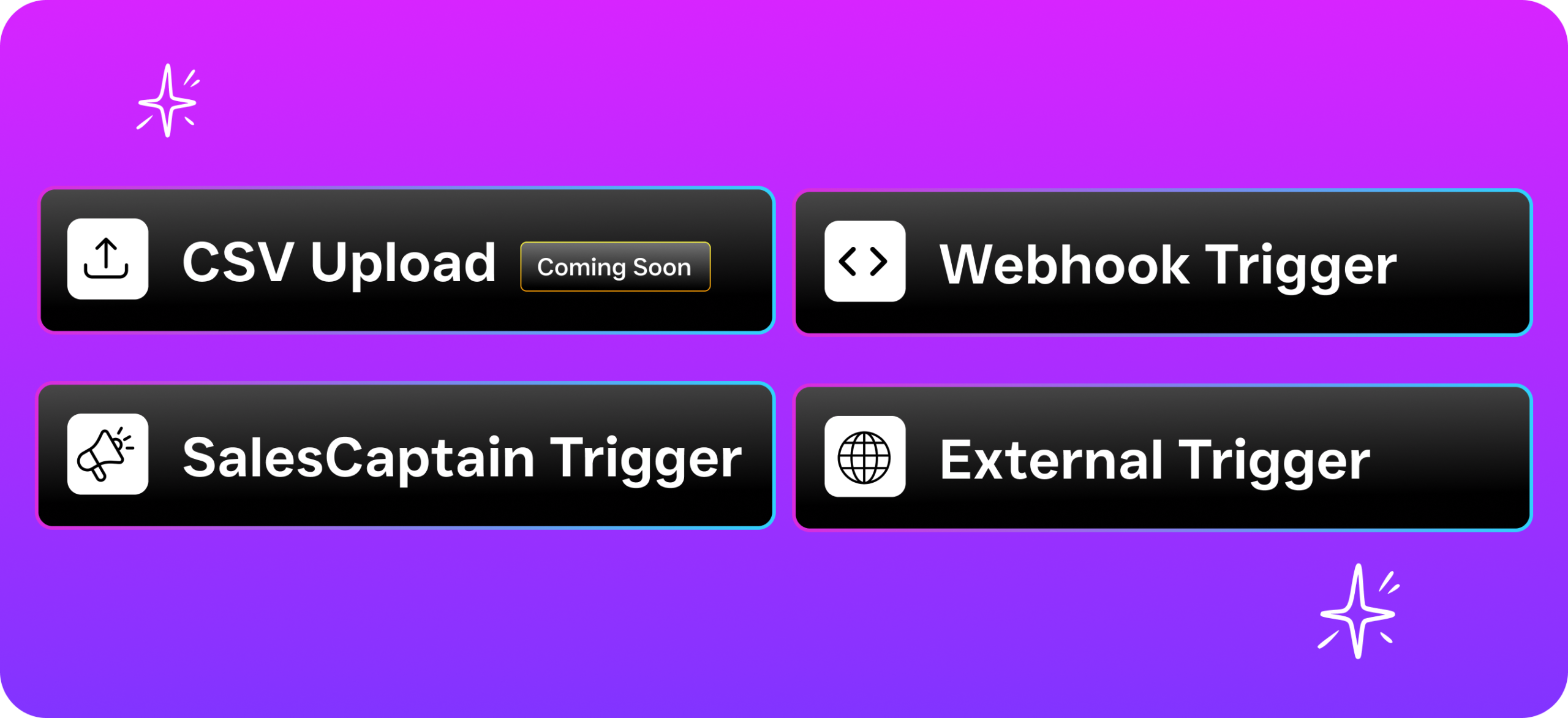
You use SalesCaptain’s drag-and-drop Workflow Automation builder to create a trigger, such as “appointment completed” or “payment received,” that sends a personalized SMS or email with a direct link to your Google or Facebook review page. You control the timing, the message, and any conditions for who receives the request.
Can I manage reviews for multiple locations from one account?
Yes. SalesCaptain’s per-location pricing model means each location gets its own review tracking, workflows, and performance metrics. You can compare review volume, average ratings, and response times across all locations from a single dashboard. The Business plan at $159/month per location keeps this scalable.
What happens when I get a negative review?
SalesCaptain can automatically trigger a recovery workflow based on the star rating. Depending on how you configure it, the system might send a personal text from the business owner, assign a follow-up task to a team member, or route the customer to a call with your AI phone agent for immediate resolution. The goal is to respond quickly and turn a bad experience around before it costs you future customers.
Start Managing Your Reputation Where It’s Built
Your reputation isn’t shaped on a review site. It’s shaped in every call, text, and customer interaction your business handles. SalesCaptain connects all of it, so you earn more reviews, respond faster, and turn feedback into growth.