
AI-powered customer experience marketing (CXM) platform that helps local businesses win.



A 5 calls script is the backbone of how your business handles its most common phone interactions. Whether it’s answering a new inquiry, booking an appointment, following up on a quote, handling a complaint, or routing after hours, these five call types make up the vast majority of inbound and outbound phone activity for service businesses. Most owners don’t have documented scripts for any of them, which means every call is handled differently depending on who picks up. That inconsistency costs real money. Industry data shows small businesses lose $26,000 or more per year from missed and mishandled calls alone. SalesCaptain’s AI Phone Agent lets you build, deploy, and automate all five call scripts so every interaction follows a proven path, 24 hours a day, without adding headcount.
What Is a 5 Calls Script?
A 5 calls script refers to a structured set of conversation frameworks covering the five most frequent call scenarios a business faces. Think of it as your phone playbook. Each script defines what to say, what information to collect, and what action to take next. Instead of relying on memory or improvisation, your team (or your AI agent) follows a consistent, tested flow every single time.
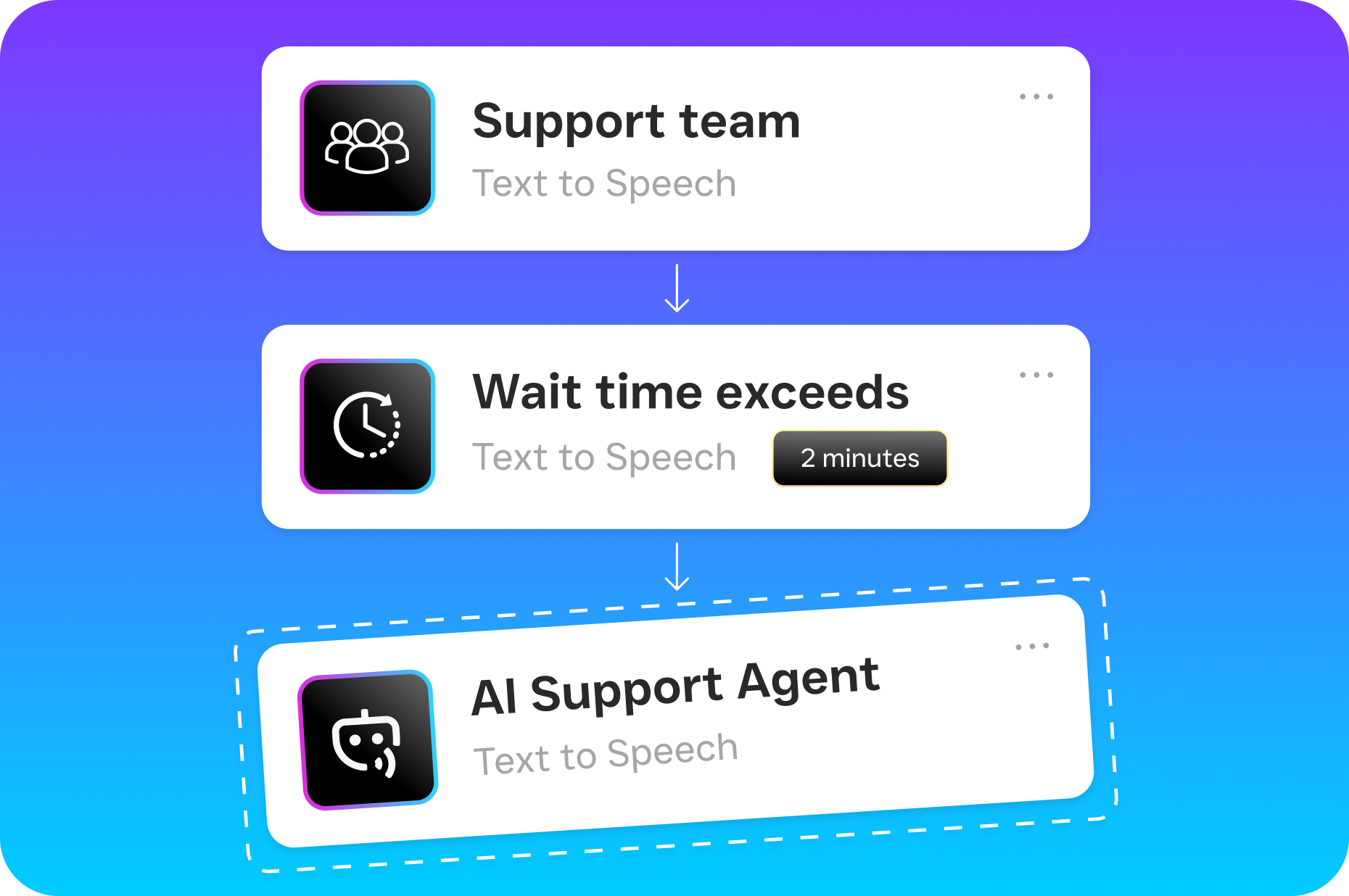
The Five Core Call Types
While the specifics vary by industry, the five call types that matter most for service businesses are remarkably consistent:
- New lead inquiry: A potential customer calling for the first time, asking about services and pricing.
- Appointment booking or rescheduling: Someone ready to schedule, move, or confirm a visit.
- Quote or estimate follow-up: A warm lead you’ve already spoken with who needs a nudge or has questions.
- Customer complaint or service issue: An existing client reporting a problem that needs resolution.
- After-hours or overflow routing: Calls that come in when no one’s available to pick up.
Documenting scripts for each of these isn’t just a nice-to-have. It’s the difference between converting a caller into a customer and losing them to the next business on Google. Research on effective call scripts based on thousands of real calls consistently shows that structured conversations outperform improvised ones by a wide margin. So the question isn’t whether you need scripts. It’s whether you’re going to run them manually or let AI handle them automatically.
How the 5 Calls Script Works in SalesCaptain
Building and deploying your five core call scripts inside SalesCaptain takes minutes, not weeks. Here’s the step-by-step process:
- Identify your five call types. Start by reviewing your call history. SalesCaptain’s AI Summaries and Transcriptions feature makes this easy, since every past conversation is already transcribed and categorized. Look for patterns: which calls happen most, which ones your team struggles with, and which ones get dropped.
- Build each script using Call Flows. Open SalesCaptain’s drag-and-drop Call Flow builder. For each of your five scenarios, map the conversation path: greeting, qualification questions, information delivery, booking action, and closing. You don’t need any coding or technical skills. Just drag the blocks and connect them.
- Assign the AI Phone Agent. Once your call flows are built, assign them to SalesCaptain’s AI Phone Agent. The agent uses natural-sounding voice AI to follow each script, ask the right questions, capture caller information, and take action like booking an appointment or routing to a specific team member.
- Set routing rules and triggers. Define when each script activates. For example, after-hours calls trigger your “overflow” script automatically. Calls from existing customers in your CRM trigger the “service issue” script. New numbers trigger the “lead inquiry” flow. SalesCaptain’s Workflow Automation handles all of this based on time of day, caller ID, or custom tags.
- Test and refine with real data. After your scripts go live, review the AI-generated call summaries and transcriptions. See where callers drop off, which questions cause confusion, and where conversion happens. Then adjust your call flows accordingly. This feedback loop is continuous and built right into the platform.
The entire setup process can happen in an afternoon. And once it’s running, your five scripts handle calls around the clock without anyone on your team touching a phone.
Key Capabilities
SalesCaptain doesn’t just store scripts in a document somewhere. The platform actively runs them through AI and automation. Here are the capabilities that make this work:
- 24/7 AI call answering: Your AI Phone Agent picks up every call, day or night. No voicemail black holes. No missed leads at 9 PM on a Saturday. According to research on the true cost of missed calls, even one unanswered call can mean hundreds of dollars in lost revenue for a small business.
- Dynamic lead qualification: Each script can include qualifying questions that the AI asks naturally. Budget, timeline, service type, location. The answers get captured and pushed to your CRM automatically through SalesCaptain’s 50+ integrations with tools like HubSpot, Salesforce, and ServiceFusion.
- Instant appointment booking: When a caller is ready to schedule, the AI agent checks availability and books the appointment in real time. No back-and-forth. No “someone will call you back.”
- Spam blocking and smart routing: Not every call deserves a full script. SalesCaptain’s AI identifies spam callers and blocks them, while routing legitimate calls to the right flow based on caller intent, time of day, or contact history.
- Missed call text-back: If a call can’t be completed for any reason, SalesCaptain’s AI Chat Agent immediately sends a follow-up text. That keeps the conversation alive even when the phone interaction ends. Small businesses that follow up within minutes dramatically increase their chances of converting that lead.
- Full transcription and AI summaries: Every scripted call gets transcribed with speaker labels and summarized with key action items. Your team can review any conversation in seconds without listening to a single recording.
Who Needs This?
If your business takes phone calls and you don’t have a documented script for your five most common scenarios, you’re leaving money on the table. But some businesses feel the pain more than others:
- Home service companies (roofing, plumbing, HVAC, landscaping): High call volume, often during work hours when the owner is on a job site. Missed calls go straight to a competitor.
- Legal practices: Potential clients calling about a case won’t leave a voicemail. They’ll call the next attorney. A scripted AI agent captures their information and books a consultation immediately.
- Healthcare and wellness (dental, MedSpa, therapy): Appointment-heavy businesses where scheduling accuracy matters. A consistent booking script eliminates double-bookings and no-shows.
- Salons, gyms, and fitness studios: Front desk staff juggle walk-ins and phone calls simultaneously. An AI-powered script handles the phone so staff can focus on the people in front of them.
- Multi-location businesses: Consistency across locations is nearly impossible when every receptionist handles calls differently. SalesCaptain’s per-location pricing ($159/month for Business, $300/month for Enterprise) makes it affordable to standardize scripts across every branch.
- Business owners wearing too many hats: If you’re the one answering phones between meetings, driving to appointments, and managing staff, automated call scripts give you your time back.
Benefits of a 5 Calls Script
Faster Lead Response Without Hiring
Speed kills in sales, but in a good way. Sales call statistics consistently show that responding to a lead within five minutes makes you dramatically more likely to close the deal. Yet most service businesses take hours, sometimes days, to return calls. With scripted AI handling calls instantly, your response time drops to zero. Every caller gets a live, structured conversation the moment they dial your number.
Consistent Customer Experience Across Every Interaction
Your best employee handles calls one way. Your newest hire handles them another. Customers notice the difference. A 5 calls script ensures every caller hears the same professional greeting, gets asked the same qualifying questions, and receives the same level of service. That consistency builds trust, especially for businesses where reputation drives referrals. SalesCaptain’s Unified Inbox then keeps every interaction, whether it started as a call, text, or webchat, in one place so nothing falls through the cracks.
Revenue Recovery from After-Hours Calls
According to missed business call statistics across industries, a significant percentage of calls come in outside normal business hours. Without an after-hours script, those callers hear a voicemail greeting and hang up. With SalesCaptain’s AI Phone Agent running your after-hours script, those same callers get their questions answered, their appointments booked, and their information captured. That’s revenue you’d otherwise lose entirely.
Reduced Training Time for New Staff
Onboarding a new receptionist or office manager used to mean weeks of shadowing and trial-by-fire phone training. Documented call scripts, executed by AI, eliminate that ramp-up period. New team members can review transcriptions and summaries of how scripted calls play out. Plus, because the AI handles the highest-volume call types, new hires can focus on the complex situations that actually need a human touch.
How SalesCaptain Compares
Most business phone platforms let you set up basic call routing. Very few give you the tools to build, automate, and refine complete call scripts powered by AI. That’s where SalesCaptain stands apart.
Aircall, at $30 per license per month, focuses primarily on call center teams. It doesn’t offer a Voice AI Agent, missed-call text-back, or the kind of visual call flow builder that makes scripting accessible to non-technical business owners. Similarly, OpenPhone provides a basic phone app at $15 per user, but its AI capabilities are minimal, and it only supports seven integrations compared to SalesCaptain’s 50+. Neither platform gives you the ability to have an AI agent actually execute your scripts in real time.
Solutions like AI receptionists reviewed across the market show a growing demand for this capability, but most competitors either offer human-staffed receptionists (expensive and hard to scale) or basic IVR menus (frustrating for callers). SalesCaptain combines natural-sounding AI voice with a drag-and-drop script builder, appointment booking, CRM integrations, and a unified inbox that captures every conversation across channels. For service businesses that need all five call scripts running automatically, it’s the most complete solution available.
Frequently Asked Questions
Do I need technical skills to build a 5 calls script in SalesCaptain?
No. SalesCaptain’s Call Flow builder uses a visual drag-and-drop interface. You map out each conversation step by connecting blocks for greetings, questions, actions, and routing. If you can use a basic flowchart, you can build your call scripts. No coding, no IT support needed.
Can the AI Phone Agent handle calls that go off-script?
Yes. SalesCaptain’s AI Phone Agent uses natural language processing to understand caller intent, even when the conversation doesn’t follow the exact expected path. If a caller asks an unexpected question, the agent draws from your FAQ database or routes the call to a human team member based on your routing rules.
How quickly can I get all five scripts up and running?
Most businesses have their core five call scripts built and live within a few hours. The Call Flow builder includes templates for common scenarios like lead intake, appointment booking, and after-hours routing. You customize those templates with your business details and go live the same day.
What happens to the data from scripted calls?
Every call handled by the AI agent gets a full transcription and an AI-generated summary with key action items. Caller information captured during scripted conversations syncs automatically to your CRM through integrations with HubSpot, Salesforce, Zoho, HousecallPro, and others. Everything also appears in SalesCaptain’s Unified Inbox alongside texts, chats, and emails.
Is there a free plan I can use to test this?
SalesCaptain offers a free Startup plan for one location. It gives you access to the platform’s core features so you can build your call scripts and test the AI Phone Agent before committing to a paid plan. AI call minutes are billed at $0.12 per minute.
How does this differ from a traditional phone tree or IVR?
A traditional IVR gives callers a rigid menu (“press 1 for sales, press 2 for support”) and often frustrates them into hanging up. SalesCaptain’s AI Phone Agent has actual conversations. It listens, asks follow-up questions, captures information, and takes action like booking appointments, all while following your scripted flow. Callers interact with it the way they’d interact with a skilled receptionist, not a robot menu.
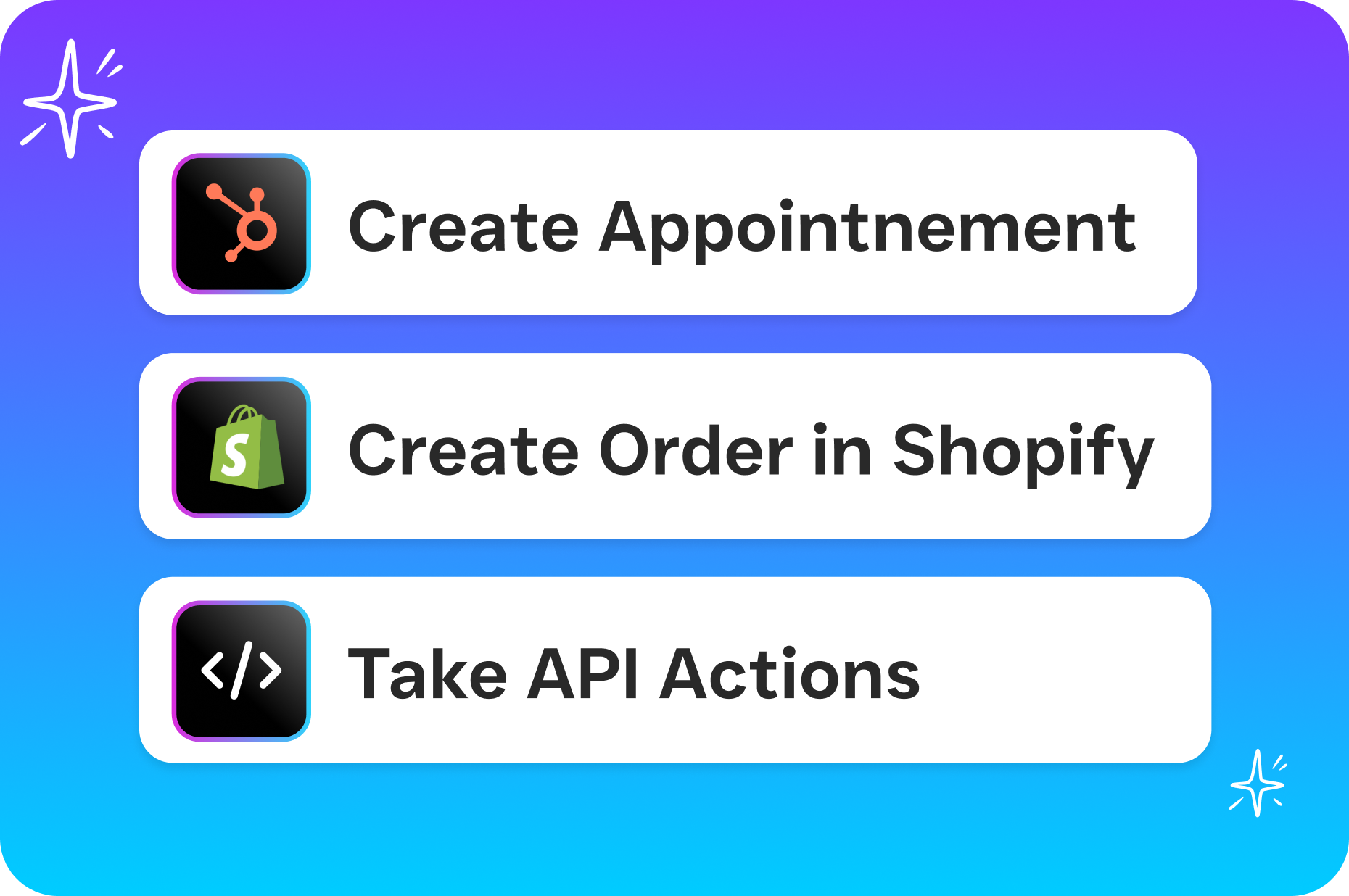
Build your 5 calls script today and let AI handle every conversation, around the clock.