
AI-powered customer experience marketing (CXM) platform that helps local businesses win.


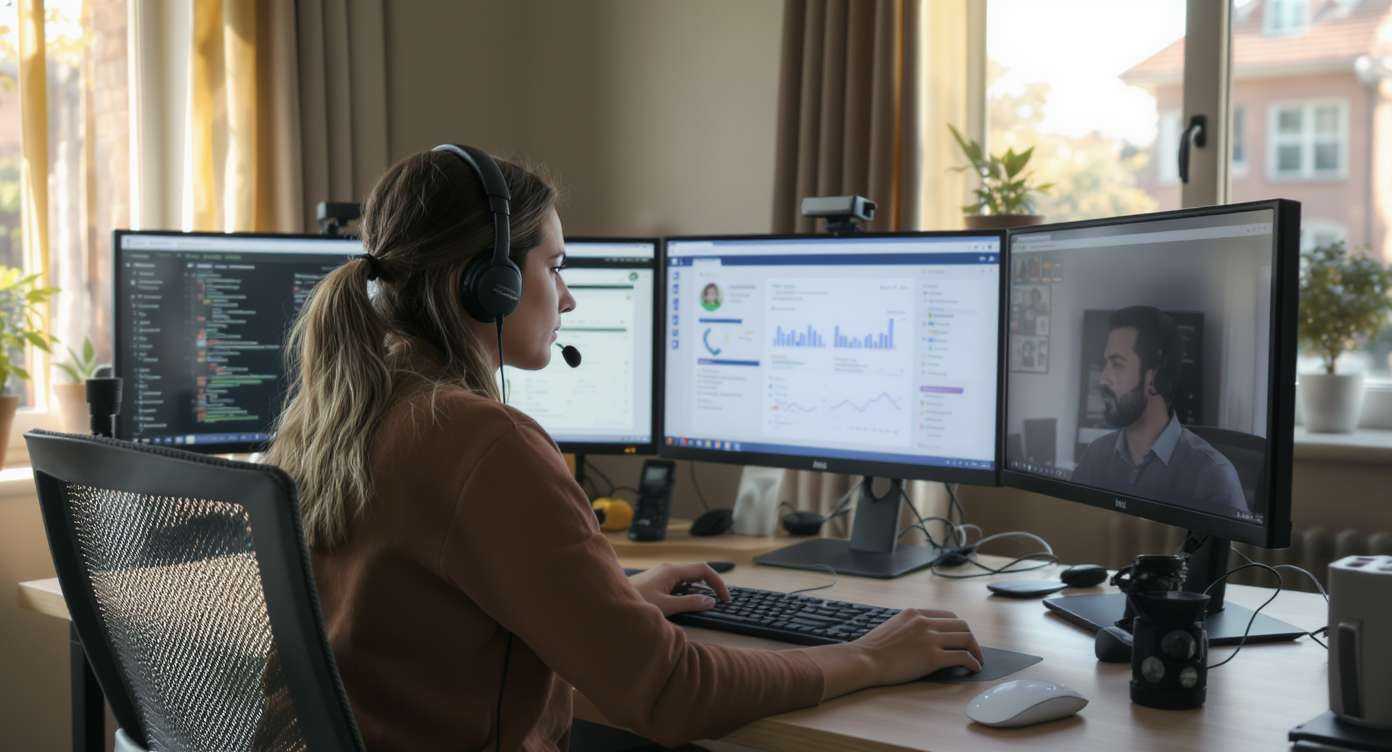
Running a call centre remote setup used to mean expensive infrastructure, complex telephony gear, and dedicated IT staff to keep everything running. Not anymore. service businesses across the U.S. now need a way to handle customer calls, texts, and messages from anywhere, without losing quality or missing leads. Sound familiar? SalesCaptain gives you a complete remote call centre built around AI agents and a unified inbox, so your team can work from any location while every customer interaction gets handled professionally.
A call centre remote is a cloud-based customer communication operation where agents handle calls, texts, and messages from any location instead of a physical office. Modern remote call centres use AI and unified inboxes to maintain professional service quality while letting teams work from home, co-working spaces, or anywhere with internet access.
Free weekly newsletter
Growth tips for service businesses
Every Tuesday — actionable ideas to get more leads, reviews, and repeat customers. No fluff.
Quick Answer
A remote call centre setup uses cloud-based phone systems and communication software to manage customer interactions from distributed locations. Teams handle inbound and outbound calls, emails, and chats from home or any location with internet access. AI-powered tools can screen calls, route inquiries, and handle routine questions automatically, reducing missed opportunities while improving response times and agent flexibility.
What Is a Remote Call Centre?
A remote call centre is a customer communication operation where agents, tools, and workflows aren’t tied to a physical office. Instead of rows of cubicles and on-premise phone systems, your team answers calls, responds to texts, and manages conversations from home offices, co-working spaces, or wherever they happen to be. The “centre” lives in the cloud.
But here’s what most people miss: a modern remote call centre isn’t just about moving phone calls to laptops. It’s about unifying every customer touchpoint into one system. That includes voice calls, SMS, webchat, Instagram DMs, Facebook Messenger, and email. According to ICMI’s State of the Contact Center report, the shift toward distributed teams has accelerated sharply, and businesses that haven’t adapted are falling behind on both customer experience and operational efficiency.
For service businesses like plumbing companies, dental offices, law firms, and HVAC shops, the stakes are even higher. You can’t afford to miss a call at 8 PM because nobody’s at the front desk. A remote call centre solves that problem. But only if it’s built on the right platform.
How a Remote Call Centre Works in SalesCaptain
Setting up a call centre remote operation with SalesCaptain doesn’t require any technical background. Here’s the step-by-step process:
- Get your business phone number. Choose a local or toll-free number through SalesCaptain’s phone system. Your number supports calls, SMS, and fax from a single line, so customers only need one contact point.
- Build your call flows. Use the drag-and-drop call flow builder to define exactly how incoming calls are handled. Route calls to specific team members, play greetings, set up IVR menus, or send after-hours calls directly to your AI Phone Agent.
- Deploy your AI Phone Agent. Configure a natural-sounding AI voice agent that answers calls 24/7. It can book appointments, qualify leads, answer common questions, and block spam. No human needs to be on the line.
- Set up AI Chat Agents. Extend your remote operation beyond voice. AI Chat Agents handle SMS conversations, webchat inquiries, Instagram DMs, and Facebook Messenger automatically, capturing leads and booking appointments in real time.
- Connect your unified inbox. Every interaction, whether it’s a phone call, text message, social media DM, or email, flows into one collaborative inbox. Your distributed team sees the same conversation history, notes, and contact details regardless of their location.
- Automate follow-ups. Use the workflow automation builder to trigger appointment reminders, CRM updates, review requests, and follow-up messages. These run automatically, so nothing slips through the cracks even when your team is spread across time zones.
Once everything’s connected, your remote call centre runs continuously. Research from Voksha shows that missed calls cost service businesses real money. SalesCaptain’s always-on AI agents eliminate that risk entirely.
Key Capabilities
- 24/7 AI call answering: Your AI Phone Agent picks up every call, day or night, weekday or holiday. It sounds natural, handles complex conversations, and never puts a caller on hold indefinitely.
- Multichannel coverage from one platform: Calls, SMS, webchat, Instagram, Facebook Messenger, and email all feed into a single inbox. Your remote team doesn’t need to juggle five different apps.
- Call coaching and whispering: Managers can listen in on live calls and whisper guidance to agents in real time, a critical training tool for distributed teams who can’t tap a colleague on the shoulder.
- AI transcription and summaries: Every call is automatically transcribed with speaker distinction. AI-generated summaries pull out key action items, so team members picking up a conversation mid-stream know exactly what happened.
- Real-time speech analytics and sentiment analysis: Monitor call quality across your remote team without listening to every recording. SalesCaptain flags calls by sentiment and highlights patterns that need attention.
- Missed call text-back: When a call does go unanswered, the system immediately texts the caller back. This keeps the lead warm and gives your team a second chance to connect.
Who Needs This?
A remote call centre setup isn’t just for large enterprises anymore. It’s become essential for service businesses that want to grow without proportionally growing headcount. Here’s who benefits most:
- Home services companies (roofing, plumbing, HVAC, landscaping) with field crews and no one sitting by the office phone
- Dental and medical practices that need after-hours scheduling and patient communication
- Legal practices where every missed intake call could be a lost case
- Salons, spas, and MedSpas with high appointment volume and limited front-desk staff
- Multi-location businesses that need consistent communication standards across all sites
- Operations managers overseeing teams across different cities or time zones
- Business owners who want to stop paying for full-time receptionists or outsourced answering services
According to the U.S. Small Business Administration, small businesses make up 99.9% of all U.S. firms. Most don’t have the budget for a traditional call centre. That’s why a cloud-based, AI-powered alternative isn’t just convenient. It’s necessary.
Benefits of Running Your Call Centre Remote
Eliminate Missed Revenue
Every unanswered call is a potential customer choosing your competitor instead. Missed call data from CallJolt shows that small businesses lose substantial revenue to unanswered phones. With SalesCaptain’s AI Phone Agent answering around the clock, that revenue stays with you. Even at $0.12 per minute for AI calls, the math works overwhelmingly in your favor compared to hiring additional staff or paying per-call answering services.
Scale Without Adding Headcount
Traditional call centres scale linearly: more call volume means more agents, more desks, more overhead. A remote call centre powered by AI breaks that equation. Your AI agents handle unlimited simultaneous conversations across phone, text, and chat. When you open a second or third location, you add another SalesCaptain location at $159/month instead of hiring more receptionists.
Maintain Quality Across a Distributed Team
One of the biggest concerns with remote work is quality control. How do you know your team is handling calls professionally? SalesCaptain addresses this directly. Call coaching, whispering, AI transcriptions, and automated summaries give managers visibility. Industry data from Cirrus confirms that contact centres investing in quality monitoring tools see measurably better customer satisfaction scores.
Faster Response Times Win More Customers
Speed matters. A lot. When a homeowner’s pipe bursts at 10 PM, they’re calling every plumber in their area until someone picks up. Your AI Phone Agent answers on the first ring, qualifies the lead, and books the appointment. Meanwhile, your competitors’ calls go to voicemail. That’s the difference between winning and losing the job.
How SalesCaptain Compares
Most platforms that claim to support remote call centres are either too complex for SMBs or missing critical pieces. Take Aircall at $30 per license per month. It’s built for traditional call centre teams, but it doesn’t offer a Voice AI Agent, webchat, email channel, or missed-call text-back. You’re paying premium prices for a subset of what SalesCaptain delivers.
OpenPhone comes in cheaper at $15 per user. But it’s essentially a basic phone app. No call coaching or whispering. No call queueing. No sentiment analysis. Minimal AI capabilities. For a business trying to run a real remote operation, those gaps are deal-breakers. According to G2’s software review data, buyers increasingly prioritize AI-native features and unified communication when evaluating business phone platforms.
Dialpad offers a solid phone system at $15 per user. Yet it lacks audio conferencing, toll-free minutes, high-volume SMS, and social chat. If your customer messages you on Instagram or Facebook, Dialpad can’t help. SalesCaptain covers all of those channels natively, plus it includes the AI Phone Agent that none of these competitors offer as a built-in feature.
The real differentiator is simple. SalesCaptain is the only platform that combines AI voice agents, AI chat agents, and a unified inbox in a single tool specifically built for service businesses. You won’t need to stitch together three or four separate products to get a functioning remote call centre.
Can I run a remote call centre with SalesCaptain’s free plan?
Yes. The Startup plan is free for one location and gives you access to the core platform. You can set up call flows, use the unified inbox, and deploy AI agents. AI call minutes are billed at $0.12 per minute on top of the free plan. You only pay for actual AI usage.
Do I need any special hardware or software for my remote team?
No. SalesCaptain is entirely cloud-based. Your team just needs an internet connection and a web browser. No on-premise equipment. No desk phones required. No IT department needed to manage the system.
How does call quality hold up for remote agents?
SalesCaptain’s phone system delivers 99.99% uptime with crystal-clear audio. Call routing, IVR, hold music, and voicemail all work identically whether your agent is in an office or at their kitchen table. The platform also includes call recording and real-time transcription for quality assurance.
Can AI agents handle calls for multiple locations?
Absolutely. Each location gets its own AI Phone Agent with custom call flows, greetings, and routing rules. The Business plan at $159/month per location makes it affordable to standardize communication across every site while keeping each location’s setup tailored to its specific needs.
Ready to see it in action?
See how remote call centers use SalesCaptain to scale operations without hiring more agents.
Book a Free Demo →Build Your Remote Call Centre with SalesCaptain
Stop missing calls, losing leads, and paying for staff you don’t need. SalesCaptain gives you AI agents, a unified inbox, and a full phone system in one platform built for service businesses. Set up your remote call centre today.