
AI-powered customer experience marketing (CXM) platform that helps local businesses win.


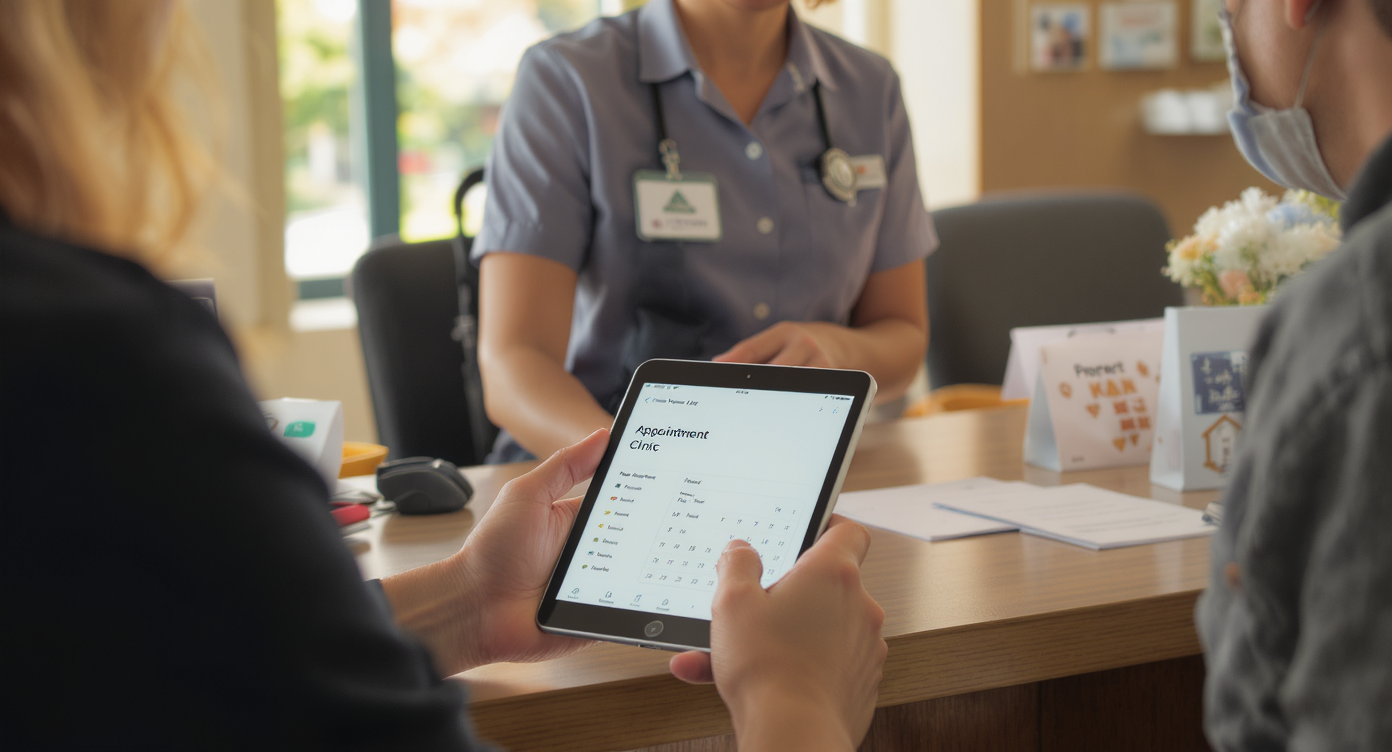
Every missed appointment costs your business money, time, and momentum. Really costs it. For service businesses like dental practices, salons, HVAC companies, and law firms, no-shows aren’t just annoying—they’re a revenue leak that compounds week after week. A well-crafted appointment reminder template solves this problem by automating the nudge your customers need to show up on time, confirm in advance, or reschedule without leaving you in the dark. SalesCaptain gives you the tools to build, personalize, and automate these reminders across SMS, phone calls, email, and webchat, all from one platform.An appointment reminder template is a pre-written message with dynamic fields like customer name, date, and service type that automatically sends before scheduled appointments. It reduces no-shows by prompting clients to confirm, reschedule, or arrive on time—saving service businesses significant revenue loss from missed appointments.
Quick Answer
Appointment reminders reduce no-shows by 20-50% when sent 24 hours and 2 hours before appointments. Effective templates include appointment details, business name, contact information, and a cancellation option. Multi-channel delivery through SMS, email, and calls reaches clients across their preferred platforms, while personalization and clear calls-to-action improve engagement and confirmations.
Free weekly newsletter
Growth tips for service businesses
Every Tuesday — actionable ideas to get more leads, reviews, and repeat customers. No fluff.
What Is an Appointment Reminder Template?
An appointment reminder template is a pre-written message, formatted with dynamic fields like customer name, appointment date, service type, and location, that gets sent automatically before a scheduled appointment. Instead of your staff manually calling or texting each client, the template fires at the right time through the right channel without anyone lifting a finger. No guesswork involved.The concept is simple, but the impact is significant. And here’s the proof. According to SchedulingKit’s appointment reminder statistics, automated reminders can drastically reduce no-show rates across industries. Healthcare practices, legal offices, home service companies, and fitness studios all see measurable improvements when they replace manual follow-ups with structured reminder workflows.Why Templates Matter More Than One-Off Messages
A template isn’t just about saving keystrokes. It enforces consistency. Every customer gets the same professional, on-brand message regardless of who’s working that day. What does that look like in practice? Better brand perception and fewer mixed messages. Templates also make it easy to A/B test different message formats, timing windows, and channels so you can dial in what actually moves the needle for your specific audience.Beyond consistency, templates scale effortlessly. Whether you’re booking 10 appointments a week or 500, the same template handles the load. That’s the real power here. Something manual reminders can’t match, especially for multi-location businesses where staffing varies from site to site.How Appointment Reminder Templates Work in SalesCaptain
Setting up automated appointment reminders in SalesCaptain takes minutes, not hours. Here’s the process from start to finish:- Create your template. Use SalesCaptain’s advanced templating and personalization engine to write your reminder message. Insert dynamic fields like
{first_name},{appointment_date},{service_type}, and{location}so each message feels personal without manual editing. - Choose your channels. Decide whether reminders go out via SMS, phone call (using the AI Phone Agent’s natural-sounding voice), email, webchat, or a combination. Most businesses see the best results with a multi-touch approach: a text 24 hours before and a call or text the morning of.
- Set your timing triggers. In the drag-and-drop Workflow Automation builder, define exactly when each reminder fires. Common setups include a confirmation at booking, a reminder 24-48 hours out, and a same-day nudge. You can also add conditional logic, like skipping the final reminder if the customer already confirmed.
- Connect your scheduling tool. SalesCaptain integrates with over 50 platforms including HousecallPro, Mindbody, Rezdy, and Clio. Once connected, appointment data flows in automatically, so your reminders stay perfectly synced with your actual calendar.
- Activate and monitor. Turn the workflow on and track delivery, open rates, confirmations, and cancellations in real time through the Unified Inbox. Every response lands in one place, whether the customer replies by text, calls back, or messages through Instagram DMs.
📺 Watch: How to Set Up Appointment Reminders with Automation
Key Capabilities
SalesCaptain’s reminder system goes well beyond basic text blasts. Here’s what makes it complete:- Multichannel delivery. Send reminders via SMS, AI-powered phone calls, email, webchat, Facebook Messenger, and Instagram DMs. Reach customers wherever they actually pay attention.
- Personalization at scale. Dynamic merge fields pull customer names, appointment details, provider names, and locations directly from your CRM and scheduling integrations. Each message reads like it was written for that specific person.
- Two-way confirmation. Customers can reply “C” to confirm or “R” to reschedule directly within the text. Their response instantly updates in your Unified Inbox so your team sees the status without checking a separate system.
- AI Phone Agent follow-up. For customers who don’t respond to texts, SalesCaptain’s AI Phone Agent can place a natural-sounding confirmation call. It handles the conversation, captures the response, and logs everything automatically.
- Conditional workflow logic. Build branching sequences based on customer behavior. Confirmed? Skip the next reminder. No response after 24 hours? Escalate to a phone call. Cancelled? Trigger an immediate rebooking offer.
- Missed call text-back. If a customer calls to reschedule but nobody’s available, SalesCaptain instantly texts them back. That keeps the conversation alive instead of losing it to voicemail.
Who Needs This?
Appointment reminder templates aren’t just for one type of business. Any company that books time-based services faces the same problem: people forget, life gets busy, and empty slots cost money. And it’s a huge problem. According to Appointment Reminder’s no-show statistics, the average no-show rate across industries hovers around 20-30%, which means roughly one in every four or five appointments may go unfilled without proper reminders.- Home service businesses (roofing, plumbing, HVAC, landscaping, appliance repair) where a missed appointment means a wasted truck roll and lost labor hours.
- Healthcare and wellness practices (dental offices, MedSpas, therapy practices, medical clinics) where patient no-shows disrupt carefully scheduled provider calendars.
- Legal practices where missed consultations delay case timelines and waste attorney availability.
- Salons, gyms, and fitness studios where tight appointment grids mean one no-show creates a ripple effect across the entire day.
- Real estate agencies where missed showings delay transactions and frustrate buyers and sellers alike.
- Operations managers and front-desk staff who currently spend hours each week making manual reminder calls instead of focusing on higher-value work.
Benefits of Appointment Reminder Templates
Recover Revenue You’re Currently Losing
Empty appointment slots don’t just mean lost revenue for that hour. They represent acquisition costs you’ve already spent to get that customer on the calendar. That’s the real sting. Research from CallSetter shows that missed customer interactions can cost businesses over $100,000 annually in lost revenue. While that figure covers missed calls broadly, the principle applies directly to no-shows: every unfilled slot is money walking out the door.Automated reminders recapture a significant portion of that loss. Even reducing no-shows by 30-50% translates to thousands of dollars per month for a busy practice or service company. And because SalesCaptain’s reminders run on workflow automation, you’re not adding payroll to get those results. It’s pure efficiency gain.Free Your Staff From Repetitive Work
Think about how much time your team spends on reminder calls right now. For a practice with 40 daily appointments, that’s easily 2-3 hours of phone time per day just confirming tomorrow’s schedule. Over a month? That’s 40-60 hours. Enormous waste. With those hours back, your staff can focus on intake, customer experience, upselling, or simply handling the walk-in traffic that currently competes with their phone duties. According to the SBA’s research on small business operations, labor costs are consistently among the top challenges for SMBs. Automation directly addresses that pressure without reducing headcount.Improve the Customer Experience
Customers actually appreciate reminders. Nobody wants to forget an appointment and deal with the awkwardness of rescheduling or paying a cancellation fee. A friendly, well-timed text or call feels helpful, not intrusive. Plus, giving customers a simple way to confirm or reschedule puts them in control. That reduces friction and builds trust with your brand. Your customers get better service.SalesCaptain’s multi-channel approach means you’re reaching people where they prefer to communicate. Some customers respond to texts instantly. Others need a phone call to take action. Combining both in one automated sequence covers your bases without duplicating effort. As Acuity Scheduling’s guide on appointment reminders explains, the timing and channel of your reminder directly impact whether customers take action or ignore it.How SalesCaptain Compares
Most platforms that offer appointment reminders treat them as an afterthought, a checkbox feature bolted onto a larger system that wasn’t designed around service business communication. But SalesCaptain takes a fundamentally different approach by combining reminders with AI agents, a unified inbox, and a full phone system in one platform. That’s the difference.Podium, for instance, doesn’t offer outbound workflow automation, which means you can’t build the kind of conditional, multi-step reminder sequences that actually reduce no-shows. Birdeye focuses primarily on reputation management and lacks IVR, call routing, and any AI-powered call capabilities. So if a customer doesn’t respond to a text reminder, there’s no automated escalation path to a phone call. You’re stuck.Weave serves healthcare and dental offices well but doesn’t support WhatsApp, social chat, or the advanced templating and personalization that multi-industry service businesses need. Meanwhile, platforms like Nextiva cap SMS at 250 messages per user per month, which is a hard ceiling for any busy practice running daily reminders. SalesCaptain’s high-volume SMS capability removes that bottleneck entirely.The real differentiator is SalesCaptain’s AI Phone Agent. When a customer ignores a text reminder, the AI agent can call them with a natural-sounding voice, confirm the appointment, answer questions, and even rebook if needed. No other platform in this space combines that voice AI capability with automated text, email, and social reminders in a single workflow. As Tested Media’s AI receptionist buyer’s guide notes, the integration of voice AI with broader communication automation is where the market is heading, and SalesCaptain is already there.FAQ
What should an appointment reminder template say?
A good reminder includes the customer’s first name, the appointment date and time, the service or provider name, your business name, and a clear way to confirm, cancel, or reschedule. Keep it short. Under 160 characters for SMS so it arrives as a single message. Something like: “Hi {first_name}, this is a reminder of your {service_type} appointment on {date} at {time}. Reply C to confirm or R to reschedule.” SalesCaptain’s dynamic fields handle the personalization automatically.When should I send appointment reminders?
The most effective pattern is a three-touch sequence: one confirmation immediately after booking, one reminder 24 hours before the appointment, and one final nudge the morning of (or 2-3 hours before). For high-value appointments or services with long lead times, you might add a reminder 3-5 days out as well. It depends on your business. SalesCaptain’s Workflow Automation lets you set each of these triggers independently and adjust timing based on what’s working.Is text or email better for appointment reminders?
SMS consistently outperforms email for appointment reminders because open rates for texts hover around 90%+ while email sits closer to 20-30%. But email works well as a backup channel or for sending detailed pre-appointment instructions. The best approach uses both. SalesCaptain lets you layer SMS, email, and even AI phone calls into a single automated workflow so you’re covered regardless of customer preference. Research from Voksha’s analysis on missed customer communication reinforces that multi-channel outreach consistently outperforms single-channel approaches.Should I include my cancellation policy in reminders?
Yes, but keep it brief. A short note like “Please provide 24 hours’ notice for cancellations” is enough. Don’t scare people off. The goal is to prompt action (confirming or rescheduling), not to feel punitive. Save the detailed policy language for your booking confirmation email or intake forms.Ready to see it in action?
See how service businesses use SalesCaptain to send appointment reminders that actually reduce no-shows.
Book a Free Demo →