
AI-powered customer experience marketing (CXM) platform that helps local businesses win.


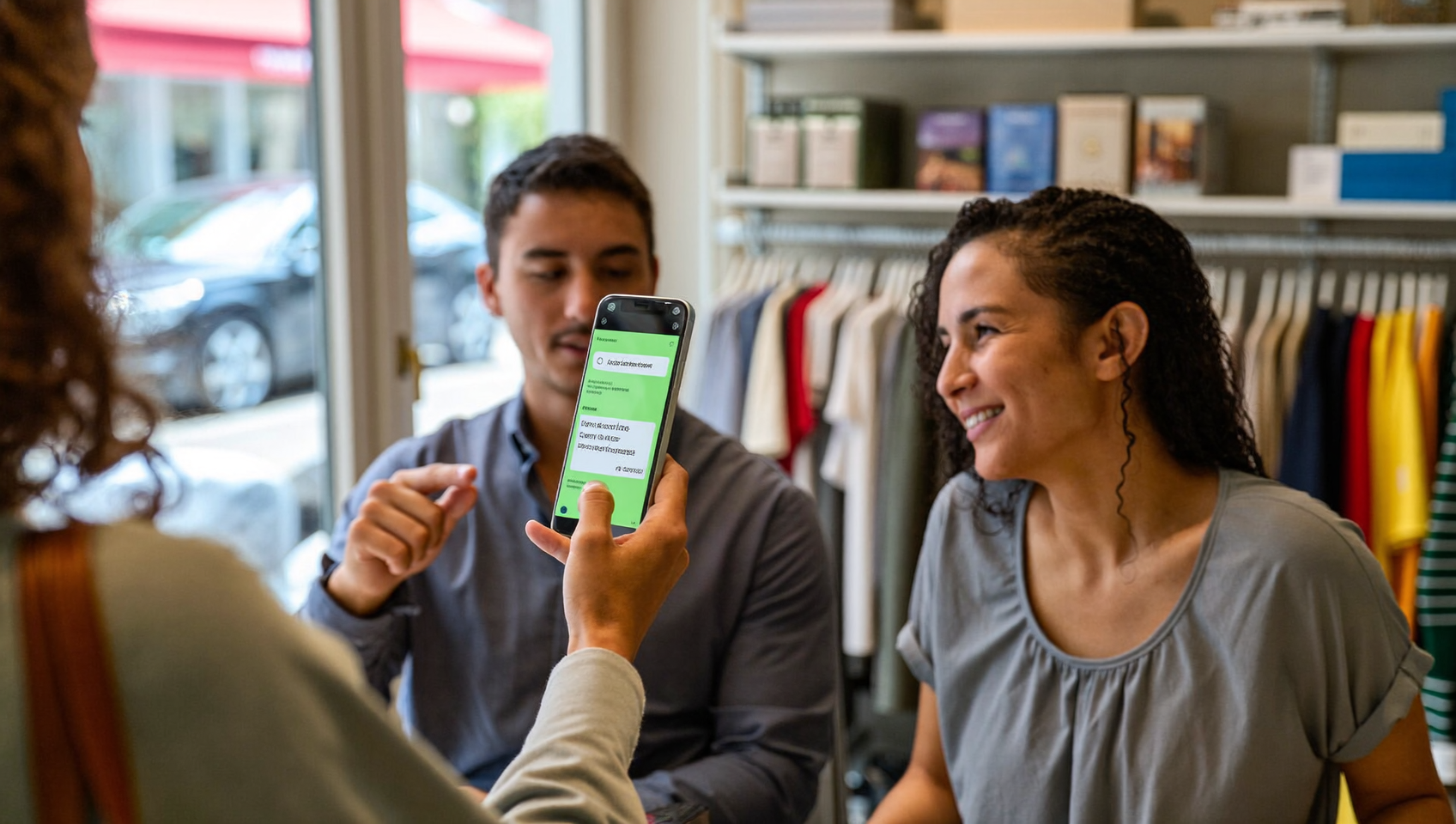
A customer owes you $350. You’ve emailed the invoice twice. You’ve left a voicemail. Nothing. Meanwhile, your cash flow tightens and your admin staff wastes another 20 minutes chasing a payment that should’ve been settled days ago. Sound familiar? If you’re wondering how to send payment requests via text, you’re already thinking the right way. Text messages get opened faster than any other communication channel. They’re quickly becoming the most effective tool for collecting payments on time.
To send payment requests via text, you use an SMS message containing a secure payment link that customers can tap to pay outstanding balances instantly. Text requests get opened faster than emails, typically resulting in quicker payments and reduced collection time for your business.
Free weekly newsletter
Growth tips for service businesses
Every Tuesday — actionable ideas to get more leads, reviews, and repeat customers. No fluff.
Quick Answer
Sending payment requests via text involves using dedicated payment platforms or SMS services that allow you to create invoices and share payment links through text messages. These services integrate with payment processors, letting customers pay directly from the link without leaving their messaging app. Most platforms offer customizable templates, automatic reminders, and payment tracking, making it easier to collect money quickly and reduce overdue accounts.
What Is a Text-Based Payment Request?
A text-based payment request is an SMS message sent to a customer that includes a secure link to pay an outstanding balance. Instead of mailing a paper invoice or sending an email that sits unread, you’re putting the payment prompt directly on your customer’s phone. The customer taps the link, enters their card or bank details, and completes the transaction in under a minute. Done in seconds, really.
This approach is sometimes called “text to pay” or “payments via text.” It’s not the same as peer-to-peer apps like Venmo or Zelle. Those require both parties to have accounts. With text-to-pay through a business platform, the customer doesn’t need to download anything. They simply receive the SMS, click, and pay through a secure checkout page powered by a payment gateway like Stripe, Helcim, or Authorize.net.
Why Text Messages Work Better Than Traditional Payment Collection
Email open rates for transactional messages hover around 20-30%, depending on the industry. SMS open rates? Dramatically higher. Most people check a text within minutes of receiving it. That difference in attention is why text-based payment requests convert faster. It’s not even close.
Speed and Visibility
Your customer isn’t searching their spam folder or scrolling past promotional emails. The payment request appears directly in their text thread, alongside messages from friends and family. It’s hard to ignore. For service businesses like plumbers, roofers, or dental offices, this speed matters. You’ve already done the work. Getting paid shouldn’t take days of follow-up.
Reduced Administrative Burden
Every phone call your office manager makes to chase a late payment costs you time and payroll. And it adds up fast. According to the U.S. Chamber of Commerce’s small business data, labor costs remain one of the top concerns for small businesses. Automating payment collection through text frees your team to focus on serving customers rather than chasing invoices.
Higher Collection Rates
Friction kills conversions. When a customer has to log into a portal, remember a password, or mail a check, they procrastinate. A text message with a one-tap payment link removes nearly all friction. The result? Faster payments, fewer outstanding balances, and healthier cash flow. Your team wins.
How to Send Payment Requests via Text (Step by Step)
Setting this up isn’t complicated. But you’ll want to follow a structured approach so your messages are professional, compliant, and effective. Here’s how to do it right.
Step 1: Choose a Platform That Supports Payments via Text
You need a business communication platform that connects to a payment gateway and lets you send SMS with secure payment links. Not every texting tool offers this. Some platforms only handle marketing SMS or appointment reminders. Make sure the tool you pick supports transactional payment links. Plain-text messages won’t cut it.
Look for these capabilities in your platform:
- Integration with a payment processor (Stripe, Authorize.net, Helcim, or similar)
- Customizable SMS templates with dynamic fields for customer name, amount, and invoice number
- Link tracking so you know when a customer opens the payment page
- Automation triggers so payment requests go out without manual effort
- Two-way texting so customers can reply with questions before paying
Step 2: Connect Your Payment Gateway
Once you’ve chosen your platform, connect it to your payment processor. This step usually takes a few minutes. You’ll authorize the integration, confirm your merchant account details, and run a test transaction. The gateway handles PCI compliance and encrypts all card data. So you don’t have to worry about storing sensitive information.
Step 3: Build Your Payment Request Template
A good payment request text is short, clear, and professional. Don’t write a paragraph. Here’s a structure that works well:
Template example: “Hi [Customer Name], your balance of $[Amount] for [Service] is ready. Pay securely here: [Payment Link]. Questions? Reply to this text. Thank you, [Business Name].”
Keep the message under 160 characters if possible. This avoids splitting across multiple SMS segments, which can increase costs. Include your business name so the customer knows who’s texting. Always mention the amount and what it’s for. No confusion that way.
Step 4: Set Up Automation Rules
Manual payment reminders defeat the purpose. The real power comes from automating the entire workflow. Configure your system to send payment requests based on triggers:
- After service completion: Automatically text the payment link once a job is marked complete in your CRM or field service tool
- On the due date: Send a reminder the day the invoice is due
- After the due date: Follow up with a polite overdue reminder at 3, 7, and 14 days past due
Each follow-up should adjust its tone slightly. The first reminder is friendly. The second is direct. By the third, you’re firm but still professional. Pre-writing these templates saves your team from composing messages under pressure.
Step 5: Track and Optimize
Once your payment texts are flowing, monitor the results. Which messages get the fastest payments? Are customers clicking the link but not completing checkout? If so, the issue might be your checkout page. Not your text. Use click tracking and payment confirmation data to refine your templates and timing.
Best Practices for Payment Request SMS
Sending payment texts sounds simple. But doing it poorly can annoy customers, trigger spam filters, or even create legal problems. Follow these guidelines to stay effective and compliant.
Get Consent First
You can’t text customers about payments if they haven’t opted in to receive SMS from your business. Under the Telephone Consumer Protection Act (TCPA), businesses need prior express consent before sending automated text messages. Collect this during intake, on your service agreement, or through a web form. Keep records of when and how each customer opted in.
Timing Matters
Don’t text payment requests at 11 p.m. or 6 a.m. Send during business hours, ideally between 9 a.m. and 6 p.m. in the customer’s time zone. Research from Biz2Credit’s 2024 small business industry report shows that service industries often deal with tight margins. Optimizing collection timing can meaningfully affect cash flow.
Keep It Professional and Concise
Resist the urge to add emojis or overly casual language. Your payment request represents your brand. Be warm but businesslike. Include only the essential details. Who you’re, what the payment is for, the amount, and the link.
Offer a Reply Path
Some customers won’t pay because they have a question about the charge. If your text comes from a no-reply number, they can’t ask. Use a platform that supports two-way texting so customers can respond directly. This small detail can resolve disputes before they escalate.
Use HTTPS Payment Links Only
Every payment link you send must use HTTPS encryption. Customers are (rightly) cautious about clicking links in text messages. A secure link from a recognized payment processor builds trust. Never send a plain HTTP link. And don’t use links that don’t clearly identify your payment gateway.
What Text-to-Pay Costs and Who Uses It
Pricing depends on your platform and payment processor. Most payment gateways charge a per-transaction fee, typically around 2.9% plus a flat rate per transaction. The SMS delivery itself may cost a fraction of a cent per message segment through your communication platform. Or it may be bundled into a monthly plan.
According to data from the SBA’s 2024 small business profiles, small businesses represent the vast majority of employers in the U.S. For these businesses, the cost of sending a payment text is trivial. Compare that to the cost of chasing unpaid invoices manually.
Text-to-pay works especially well for:
- Home service companies (HVAC, plumbing, roofing, landscaping) that complete jobs on-site and need to collect before the crew leaves
- Healthcare and dental practices collecting copays or outstanding balances after appointments
- Legal firms billing for consultations or retainers
- Salons, spas, and fitness studios handling recurring or session-based payments
How SalesCaptain Helps
SalesCaptain includes Payments via Text as a built-in feature, connected to payment gateways like Stripe, Helcim, and Authorize.net. You don’t need a separate invoicing tool or a third-party texting service. Everything lives inside the same platform where you handle calls, texts, webchat, and social messages.
Here’s what makes it practical for service businesses. SalesCaptain’s Workflow Automation builder lets you create trigger-based payment sequences. When a job is completed in a connected system like Housecall Pro or ServiceTitan, SalesCaptain can automatically send the payment request text with the correct amount and a secure link. If the customer doesn’t pay within your specified window, follow-up reminders go out on schedule. No one on your team lifts a finger.
Because SalesCaptain supports two-way texting through its Unified Inbox, any customer reply lands in the same conversation thread alongside their call history, chat messages, and notes. Your team sees the full context before responding. And with click tracking and auto URL shortening, you can see who opened the payment link and who might need a follow-up call.
Competitors like Nextiva and RingCentral don’t offer native payments via text. You’d need to bolt on a separate invoicing tool and hope the pieces fit together. SalesCaptain keeps payment collection inside your communication workflow. Fewer tools. Fewer logins. Fewer dropped balls.
Key Takeaways
Text-based payment requests aren’t a nice-to-have anymore. They’re a practical necessity for service businesses that want to get paid faster without adding admin overhead. The process is straightforward. Choose a platform that supports secure payment links via SMS, connect a payment gateway, build clear templates, and automate the sending.
Consent and compliance matter. Professional tone matters. Timing matters. But once you’ve built the system, it runs itself. Every payment request goes out on schedule, every follow-up lands on time, and your team spends zero time chasing invoices by phone or email.
The businesses that collect fastest make paying easy. A text message with a one-tap payment link is about as easy as it gets.
Frequently Asked Questions
Is it legal to send payment requests via text message?
Yes, as long as you’ve the customer’s prior consent to receive SMS from your business. The TCPA requires express consent for automated text messages. Collect opt-in during your intake or service agreement process. And always provide an option to opt out. Following these rules keeps you compliant and protects your business from penalties.
What payment gateways work with text-to-pay?
Most text-to-pay platforms integrate with major gateways like Stripe, Authorize.net, and Helcim. These gateways handle PCI compliance, encryption, and card processing. Your communication platform generates the secure payment link. The gateway processes the actual transaction. Check that your chosen platform supports the gateway you already use. Switching processors is a pain.
How much does it cost to send payment requests via text?
There are two cost components. First, the SMS delivery cost, which is typically a fraction of a cent per message segment or bundled into your platform’s monthly plan. Second, the payment processing fee, which usually runs around 2.9% plus a small flat fee per transaction. Compared to mailing invoices or paying staff to make collection calls, text-to-pay is significantly cheaper.
What should I include in a payment request text?
Keep it short and clear. Include your business name, the customer’s name, the amount owed, what the charge is for, and a secure payment link. End with an invitation to reply if they have questions. Avoid long messages, excessive formatting, or multiple links. One clear call to action performs best.
Can I automate payment reminders if the customer doesn’t pay right away?
Yes. Most platforms with workflow automation let you set up timed follow-up sequences. You can configure reminders to go out on the due date, a few days after, and again at a longer interval. Each message can use a slightly different template so the tone escalates appropriately. From friendly reminder to firm follow-up.
Ready to see it in action?
See how service businesses use SalesCaptain to collect payments faster through text.
Book a Free Demo →See How SalesCaptain Can Help
SalesCaptain combines payments via text, automated follow-ups, and a unified inbox for calls, SMS, and chat into one platform built for service businesses. Stop chasing invoices manually and start collecting payments the moment a job is done.