
AI-powered customer experience marketing (CXM) platform that helps local businesses win.


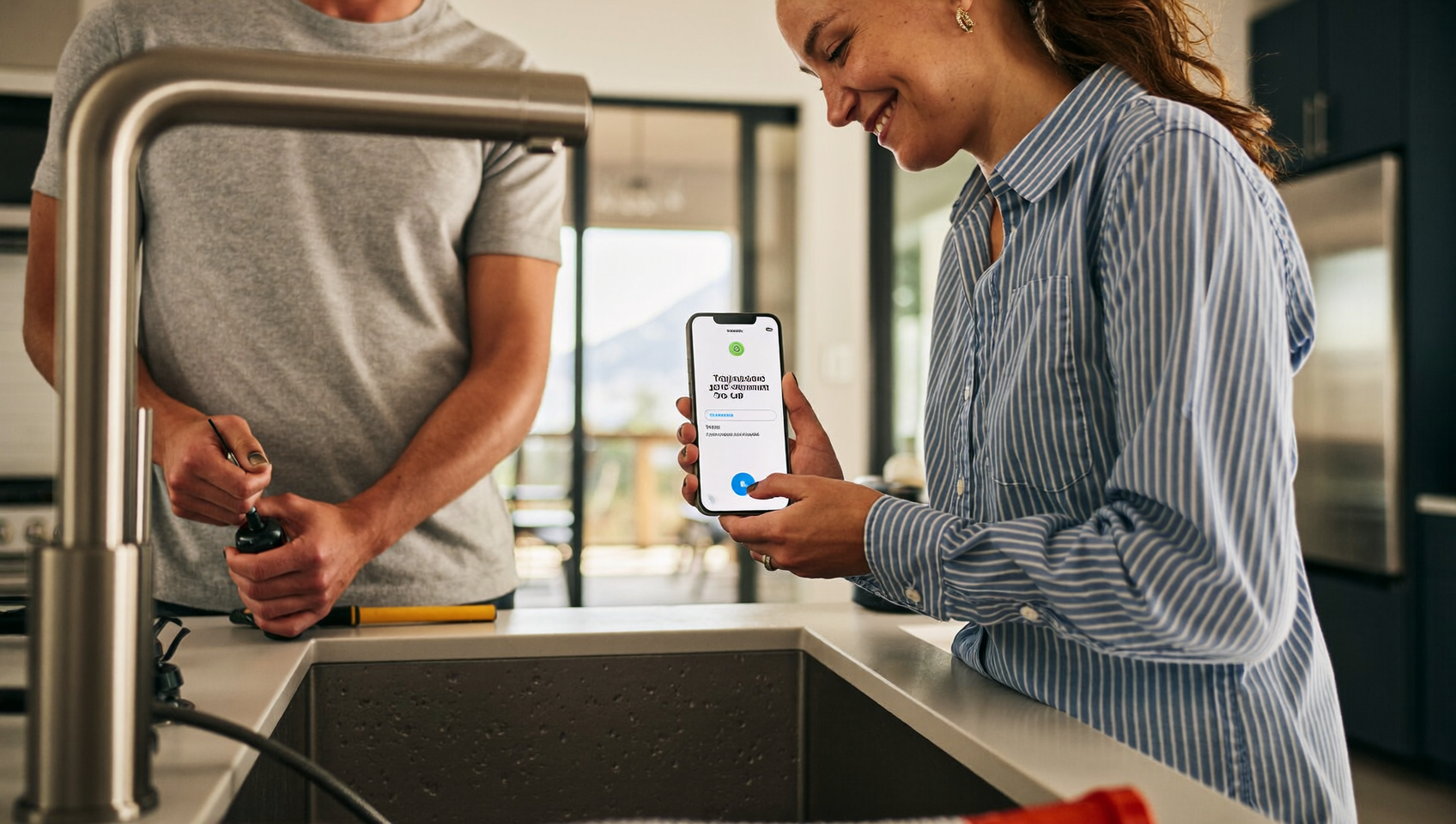
A plumber finishes a two-hour repair. Hands the homeowner a paper invoice. “You can mail a check or call us with your card number,” they say. The homeowner nods, sets it on the counter, and forgets about it for three weeks. Sound familiar? That scenario plays out thousands of times a day across service businesses in the U.S. And payments via text? They solve this by putting a secure pay link directly in the customer’s pocket, right where they’re already looking.
Payments via text for service businesses send customers a secure payment link through SMS, allowing them to pay instantly from their phone without apps or portals. The customer taps the link, enters card details, and the payment processes immediately—eliminating forgotten invoices and payment delays common in service industries.
Free weekly newsletter
Growth tips for service businesses
Every Tuesday — actionable ideas to get more leads, reviews, and repeat customers. No fluff.
Quick Answer
Service businesses can accept payments via text by sending customers a secure payment link through SMS. Customers tap the link and complete payment instantly on their phone without leaving the text app. This reduces unpaid invoices, speeds up cash flow, and works for any service business—from plumbing to consulting. Most solutions integrate with existing invoicing and payment systems.
What Are Payments via Text for Service Businesses?
Text-to-pay is exactly what it sounds like: you send a customer an SMS with a secure payment link, and they tap it to pay from their phone. No app download. No login portal. No mailing a check. The customer receives the message, opens the link in their mobile browser, enters (or auto-fills) their card details, and the payment processes in seconds. Your business gets paid, and the transaction records automatically.
For service businesses like HVAC companies, roofing contractors, dental offices, and salons, this approach fits naturally into how work already happens. A technician wraps up a job, your system fires off a text with the invoice amount and a link, and the customer pays before the van pulls out of the driveway. According to small business payment data from Weave, customers increasingly prefer digital payment methods, and text messages meet them on the device they check most often. What does that look like in practice? Instant payment confirmation, zero follow-up calls.
Why Text-Based Payments Matter More Than Ever
The shift toward mobile and digital payments isn’t slowing down. Federal Reserve research on small business payments shows that businesses accepting a wider range of digital payment methods tend to get paid faster and experience fewer collection headaches. For service businesses operating on thin margins, faster payment directly improves cash flow.
Speed of Collection
Traditional invoicing creates a gap. Whether paper or emailed PDF, that gap grows when invoices sit in spam folders or get buried under kitchen mail. A text message? It’s different. Text has an open rate that dwarfs email. Text Request’s 2024 State of Business Texting report found that SMS engagement rates remain dramatically higher than email across industries. When you pair that visibility with a one-tap payment option, you’re removing almost every barrier between “job done” and “payment received.”
Customer Convenience
Think about what you’re asking a customer to do. Find the invoice. Read it. Locate their card or checkbook. Then call your office, log into a portal, or write and mail a check. Every extra step kills momentum. Text-to-pay compresses all of that into one action: tap the link, confirm, done. It’s not that customers don’t want to pay you. They just don’t want it to be complicated.
Reduced Administrative Burden
Chasing unpaid invoices eats up staff time. That’s time that could go toward booking new jobs or serving existing customers. Every follow-up call, every re-sent email, every “just checking in” message costs your team minutes that add up fast. But automated text payment reminders? They handle the follow-up without human effort. And because the payment link is embedded, you aren’t just reminding someone to pay. You’re handing them the tool to do it right then.
How to Set Up Text Payments the Right Way
Getting started with text-to-pay isn’t complicated. But doing it well requires attention to a few key areas. Here’s a practical walkthrough for service businesses evaluating this option.
Choose the Right Payment Gateway
Your text payment system needs a reliable payment processor behind it. Look for platforms that integrate with established gateways like Stripe, Authorize.net, or Helcim. These processors handle PCI compliance on the backend, so you don’t have to worry about storing sensitive card data yourself. The Federal Reserve’s 2024 Business Payments Study underscores the importance of secure, compliant payment infrastructure for businesses of all sizes.
Integrate with Your Existing Workflow
Text payments work best when they’re connected to your job management and CRM systems. Not floating as a standalone tool. If a technician marks a job complete in your field service software, the payment text should go out automatically. Manual processes introduce delays and errors. Look for solutions that connect with tools your team already uses, whether that’s Housecall Pro, ServiceTitan, or Jobber.
Craft Clear, Professional Messages
The text itself matters more than you might think. A vague message like “Click here to pay” won’t inspire confidence. Instead, include:
- Your business name so the customer recognizes the sender immediately
- A brief description of the service performed or invoice number
- The exact amount due
- A secure, branded payment link
- A note about who to contact with questions
Clarity builds trust. And customers who feel confident about what they’re paying for? They’re far more likely to complete the transaction without calling your office to verify.
Follow Up Automatically
Not everyone pays immediately. Life happens. Build automated follow-up sequences that send a gentle reminder 24 to 48 hours after the initial text, then escalate to a second reminder a few days later. These reminders include the same payment link so customers don’t have to search their message history. Automation handles it all without your team lifting a finger.
Common Mistakes to Avoid
Plenty of service businesses try text-to-pay and don’t get the results they expect. Usually, it’s because of a few avoidable missteps.
- Sending texts from unknown numbers. If your payment texts come from a number the customer doesn’t recognize, they’ll assume it’s spam. Use a consistent business number that matches your caller ID.
- No connection to your records. If a payment comes in but doesn’t automatically update your books or job management system, you’re creating reconciliation work. Make sure payments sync back to your CRM or accounting tool.
- Ignoring consent. You should only text customers who’ve opted in or with whom you have an existing business relationship. Compliance with FCC texting guidelines protects your business and your reputation.
- Treating text as your only payment option. Some customers still prefer to pay by card over the phone or in person. Text-to-pay should complement your existing methods, not replace them entirely.
According to Javelin Strategy’s 2024 Small Business Payments research, businesses that offer multiple convenient payment channels tend to see stronger collection rates than those relying on a single method.
How SalesCaptain Helps
SalesCaptain includes native Payments via Text as a built-in feature. Not an add-on. Your team can send secure payment links directly from the same unified inbox where they manage calls, texts, webchat, and social media messages. Because everything lives in one place, a conversation that starts with a service question can naturally end with a payment request, all in the same thread.
On the backend, SalesCaptain connects to payment gateways including Stripe, Helcim, and Authorize.net. So transactions process securely without your team handling raw card data. The workflow automation builder lets you set up triggers tied to job completion or appointment follow-ups. For example, when a job is marked complete in a connected tool like Housecall Pro or ServiceTitan, SalesCaptain can automatically text the customer a branded payment link with the invoice details.
What makes this particularly useful for service businesses? The combination of payment capability with AI-powered communication. SalesCaptain’s AI Chat Agents can handle the entire post-service follow-up: confirming the work was completed satisfactorily, sending the payment link, and even fielding questions about the invoice. All without pulling your staff away from the next job. Many competing platforms like Nextiva and RingCentral don’t include text-to-pay natively. That means you’d need a separate tool and a separate workflow to handle payments.
Key Takeaways
Payments via text aren’t a novelty anymore. They’re becoming a baseline expectation for customers who pay for everything else from their phones. Faster collection. Fewer unpaid invoices. Less time spent chasing payments. All of that translates to better cash flow and a more professional customer experience.
The businesses that benefit most? The ones that integrate text payments into their existing communication and job management workflows. Rather than bolting on yet another disconnected tool. When the payment link arrives in the same text thread where the appointment was confirmed and the job details were shared, it feels natural to the customer and effortless for your team.
Getting started doesn’t require a technology overhaul. Pick a platform that connects text payments to your communication stack. Set up clear message templates. Automate the follow-ups. And let the system do the collecting while your crew does the work.
Do I need special software to accept payments via text?
You need a platform that combines SMS messaging with a secure payment gateway. Standalone texting apps won’t handle payments, and standalone payment processors won’t send texts. Look for an integrated solution that does both from the same system. With PCI-compliant payment processing built in.
Is it safe for customers to pay through a text link?
Yes, as long as the link connects to a PCI-compliant payment processor like Stripe or Authorize.net. Customers enter their card details on a secure checkout page. Not in the text message itself. Your business never sees or stores the raw card numbers, which actually makes it safer than taking card numbers over the phone.
What if a customer doesn’t pay after receiving the text?
Automated follow-up sequences handle this. You can schedule reminder texts at intervals you choose. Each one contains the same secure payment link. Most customers who don’t pay immediately? They just forgot or got busy. A well-timed reminder usually resolves the issue without your team making a single phone call.
Can I send payment texts for recurring services?
Absolutely. Recurring service businesses like lawn care, pest control, and cleaning companies are ideal candidates for text-to-pay. You can automate payment requests after each scheduled visit so the billing cycle runs itself. Some platforms also support setting up recurring payment plans directly through the text link.
How does text-to-pay compare to emailing invoices?
Text messages have significantly higher open and engagement rates than email. An invoice sitting in an email inbox competes with hundreds of other messages, promotions, and spam. A text notification is much harder to miss. And the embedded payment link means the customer can pay in seconds without switching apps or searching for the email later.
Ready to see it in action?
See how service businesses use SalesCaptain to collect payments via text and reduce billing friction.
Book a Free Demo →See How SalesCaptain Can Help
SalesCaptain gives service businesses built-in text-to-pay. AI-powered follow-ups. And a unified inbox for every customer conversation. Stop chasing invoices and start getting paid faster. Visit SalesCaptain to see how it works for your business.