
AI-powered customer experience marketing (CXM) platform that helps local businesses win.


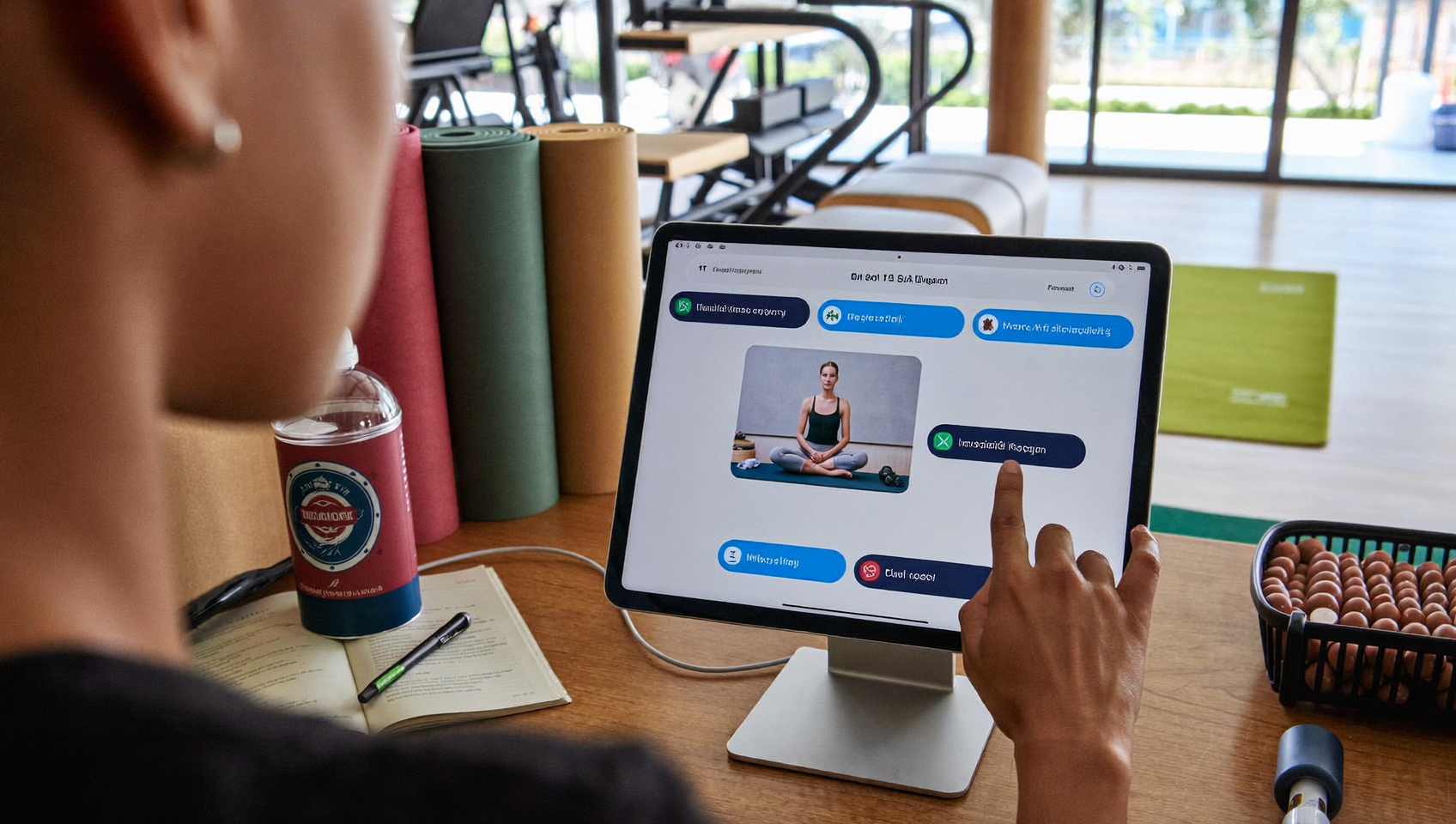
A client calls your yoga studio at 7:45 PM about your weekend reformer class. Nobody picks up. By morning, they’ve already booked with the studio down the street. Sound familiar? This happens constantly at fitness studios, spas, and wellness businesses relying on Mindbody for scheduling but lacking a solid way to handle client communication outside business hours. A Mindbody integration for client messaging bridges that gap, connecting your booking platform to automated text, chat, and voice channels so no inquiry goes unanswered.
Mindbody integration for client messaging connects your booking platform to automated text, chat, and voice channels, ensuring no inquiry goes unanswered. Instead of relying on Mindbody’s email alone, you reach clients through their preferred communication methods and capture leads outside business hours.
Free weekly newsletter
Growth tips for service businesses
Every Tuesday — actionable ideas to get more leads, reviews, and repeat customers. No fluff.
Quick Answer
Mindbody integration for client messaging automatically connects your booking system with communication channels like text, email, and chat, sending instant confirmations, reminders, and follow-ups without manual effort. This keeps clients informed in real-time, reduces no-shows, speeds up response times, and ensures no lead falls through the cracks by centralizing all client interactions in one platform.
What Is a Mindbody Integration for Client Messaging?
A Mindbody integration for client messaging connects your Mindbody scheduling and CRM data with a communication platform that can send, receive, and automate messages across text, chat, and phone. Instead of relying solely on Mindbody’s built-in email notifications, you’ll reach clients through the channels they actually prefer and respond to.
Here’s why that matters. Mindbody excels at class scheduling, staff management, point-of-sale, and client records. But its native communication tools? Limited to basic email confirmations and push notifications within its own app. That leaves a significant gap for businesses needing to follow up on missed calls, send personalized promotions via SMS, or respond to Instagram DMs from prospective clients. An integration fills that gap by syncing client data and appointment triggers from Mindbody into a messaging platform that handles the rest automatically.
Why Standard Mindbody Notifications Fall Short
Mindbody’s built-in notifications serve one narrow purpose: confirming bookings and reminding clients about upcoming appointments. They aren’t designed to handle the full spectrum of client communication that actually drives revenue for wellness and fitness businesses.
Limited Channel Coverage
Email open rates for service businesses typically hover well below 50%. SMS messages? Consistently much higher engagement. If you’re only using Mindbody’s email notifications and in-app alerts, you’re missing clients who don’t check email regularly or haven’t downloaded the Mindbody app. Text messages get read within minutes. That’s a fundamental difference for time-sensitive communications like last-minute class openings or same-day appointment availability.
No Conversational Follow-Up
Standard notifications are one-way. A client can’t reply to a Mindbody confirmation email and ask, “Can I switch to the 3 PM slot instead?” without creating extra work for your front desk. True client messaging means two-way conversation, where a client texts back and gets an instant, helpful response whether your staff is available or not.
Missed Revenue from After-Hours Inquiries
According to research on the real cost of missed calls for small businesses, every unanswered inquiry represents potential revenue walking out the door. Wellness businesses operate on tight margins, and Mindbody’s own revenue benchmark data shows how critical consistent client engagement is to growth. Most studios and spas don’t have staff answering phones or texts after 6 PM. An integration solves this by automating responses during those high-value evening and weekend hours.
How a Mindbody Integration for Client Messaging Works
The technical setup varies by platform, but the core concept is straightforward. Your Mindbody account connects to a messaging platform through Zapier or a webhook-based connection. Once linked, specific events in Mindbody trigger automated communication workflows.
Common Trigger Events
- New client signup: Automatically sends a welcome text with helpful first-visit information
- Appointment booked: Triggers an SMS confirmation with date, time, and any prep instructions
- Class cancellation: Sends a text offering alternative class times or rescheduling options
- No-show detected: Follows up with a friendly re-engagement message and a link to rebook
- Membership expiring: Sends a renewal reminder via text before the expiration date
- Birthday or milestone: Triggers a personalized offer or greeting
Each of these triggers replaces a manual task your team would otherwise handle. Multiply that across dozens of clients per day, and the time savings become substantial. Beyond simple triggers, a well-built integration also routes inbound messages from clients into a single inbox, so your team isn’t juggling between Mindbody’s dashboard, a separate texting app, email, and social media DMs.
The Role of Zapier in Mindbody Connections
Since Mindbody doesn’t offer native two-way integrations with most communication platforms, Zapier serves as the bridge. You create “Zaps” that watch for specific Mindbody events and pass that data to your messaging tool. For example, a Zap might detect a new booking in Mindbody and instantly send an SMS through your communication platform with the appointment details and a link to fill out intake forms.
This approach isn’t instantaneous as a native integration would be. But it’s reliable and flexible enough for most wellness businesses. The key is choosing a messaging platform that does more than just send texts—one that handles voice, chat, and multi-channel communication from a single place.
Best Practices for Mindbody Client Messaging
Setting up the integration is only half the equation. How you use it determines whether clients feel engaged or annoyed. These practices separate effective client messaging from spammy automation.
Timing and Frequency
Nobody wants five texts from their gym in a single week. Space your automated messages intentionally. Confirmation texts should go out immediately after booking. Reminders work best 24 hours before an appointment. Re-engagement messages for lapsed clients should wait at least two weeks after their last visit. Going beyond these cadences risks opt-outs and the kind of disengagement that costs service businesses real revenue.
Personalization That Feels Human
Your integration should pull the client’s first name, service type, and appointment details from Mindbody into every message. Generic messages like “Your appointment is coming up” perform poorly. But “Hi Sarah, just a reminder about your 10 AM deep tissue massage tomorrow with Alex” performs much better. That specificity builds trust and reduces no-shows.
Two-Way Conversation Capability
The biggest mistake wellness businesses make is treating messaging integrations as broadcast tools. Clients will reply to your automated texts. They’ll ask questions, request changes, or share concerns. If those replies go to an unmonitored inbox or bounce back with “this number doesn’t accept replies,” you’ve damaged the relationship. Your messaging setup needs to route replies to someone—whether that’s a staff member or an AI agent handling common requests.
Compliance and Consent
SMS marketing and transactional messaging fall under FCC regulations around consent and opt-out. Every automated text needs to include a way for clients to opt out. Collect explicit consent during signup in Mindbody, and make sure your messaging platform respects opt-out requests automatically.
How SalesCaptain Helps
SalesCaptain connects to Mindbody via Zapier, turning booking events and client data into automated, multi-channel communication workflows. But it goes well beyond simple text reminders.
With SalesCaptain’s AI Phone Agent, after-hours calls get answered by a natural-sounding voice agent. It can respond to FAQs, qualify new leads, and direct callers to book through your Mindbody schedule. According to industry analysis of AI answering services, this automation is becoming essential for small businesses that can’t staff phones around the clock. SalesCaptain’s AI Chat Agents extend that same instant-response capability to SMS, webchat, Instagram DMs, and Facebook Messenger.
Everything flows into a Unified Inbox where your team sees calls, texts, social messages, and notes in one place. No more switching between Mindbody’s dashboard, your text app, Instagram, and email. When a client texts back asking to reschedule, the AI agent can handle it, or a team member can jump in from the same inbox.
SalesCaptain’s Workflow Automation builder lets you create trigger-based sequences without writing code. What does that look like in practice?
- A new Mindbody booking triggers a personalized SMS confirmation through SalesCaptain
- 24 hours before the appointment, an automated reminder goes out via text
- If the client doesn’t show, a follow-up message sends two hours after the missed appointment with a rebooking link
- For first-time clients, a post-visit text asks for a review and offers a referral incentive
Pricing starts with a free plan for a single location. Paid plans run $159/month per location, with AI call minutes at $0.12/minute. Compare that to Weave, which starts from $199/month, or Aircall at $30 per license with a three-seat minimum and AI voice agent capabilities charged at $0.49/minute. SalesCaptain’s per-location model tends to be more affordable for studios and spas with small teams. And with AI receptionists becoming a standard expectation for service businesses, having voice and text AI built into one platform eliminates the need to patch together separate tools.
Key Takeaways
A Mindbody integration for client messaging transforms your booking platform from a scheduling tool into a full client communication engine. Mindbody handles the operational side—classes, memberships, payments—while the messaging integration handles every conversation around those transactions.
The most effective integrations share a few traits: they support two-way texting, they automate follow-ups based on real booking events, they consolidate all channels into one inbox, and they provide after-hours coverage through AI. Without these capabilities, you’re leaving client engagement to chance and relying on staff to manually handle everything.
For fitness studios, spas, and wellness businesses, the bottom line is simple. Your clients expect fast, personal, multi-channel communication. Your Mindbody data already contains everything you need to deliver it. The right integration connects those dots automatically.
Does SalesCaptain integrate directly with Mindbody?
SalesCaptain connects to Mindbody through Zapier, not through a native two-way integration. This means you can set up automated workflows triggered by Mindbody events like new bookings, cancellations, or client signups. Zapier handles the data transfer between the two platforms reliably, even though it’s not a direct API connection.
Can the AI Phone Agent book appointments through Mindbody?
The AI Phone Agent can collect booking details from callers, qualify leads, and answer common questions about your services. Appointment creation in Mindbody flows through a Zapier workflow triggered by the call data SalesCaptain captures. The agent itself doesn’t log directly into Mindbody’s scheduling interface.
What happens when a client texts back after receiving an automated reminder?
Their reply appears in SalesCaptain’s Unified Inbox alongside all other messages from calls, webchat, and social media. An AI Chat Agent can respond instantly with helpful information or route the conversation to a team member. Either way, the client gets a fast response instead of silence.
Is there a limit on how many messages I can send?
SalesCaptain supports high-volume SMS on its paid plans. Messaging volume depends on your plan tier and carrier regulations. Standard SMS compliance rules around consent and opt-out always apply, regardless of volume.
How much does it cost to add the AI Phone Agent?
AI call minutes are billed at $0.12 per minute on top of your plan. The free Startup plan includes one location, and the Business plan runs $159/month per location. There’s no separate license fee for the AI Phone Agent feature itself—just the per-minute usage cost for calls the agent handles.
Ready to see it in action?
See how fitness studios use SalesCaptain to sync client messages across Mindbody without juggling multiple apps.
Book a Free Demo →See How SalesCaptain Can Help
Connect your Mindbody account to AI-powered phone, text, and chat agents that keep clients engaged around the clock. Every missed call gets answered. Every booking triggers the right follow-up. In fact, every channel lives in one inbox.