
AI-powered customer experience marketing (CXM) platform that helps local businesses win.


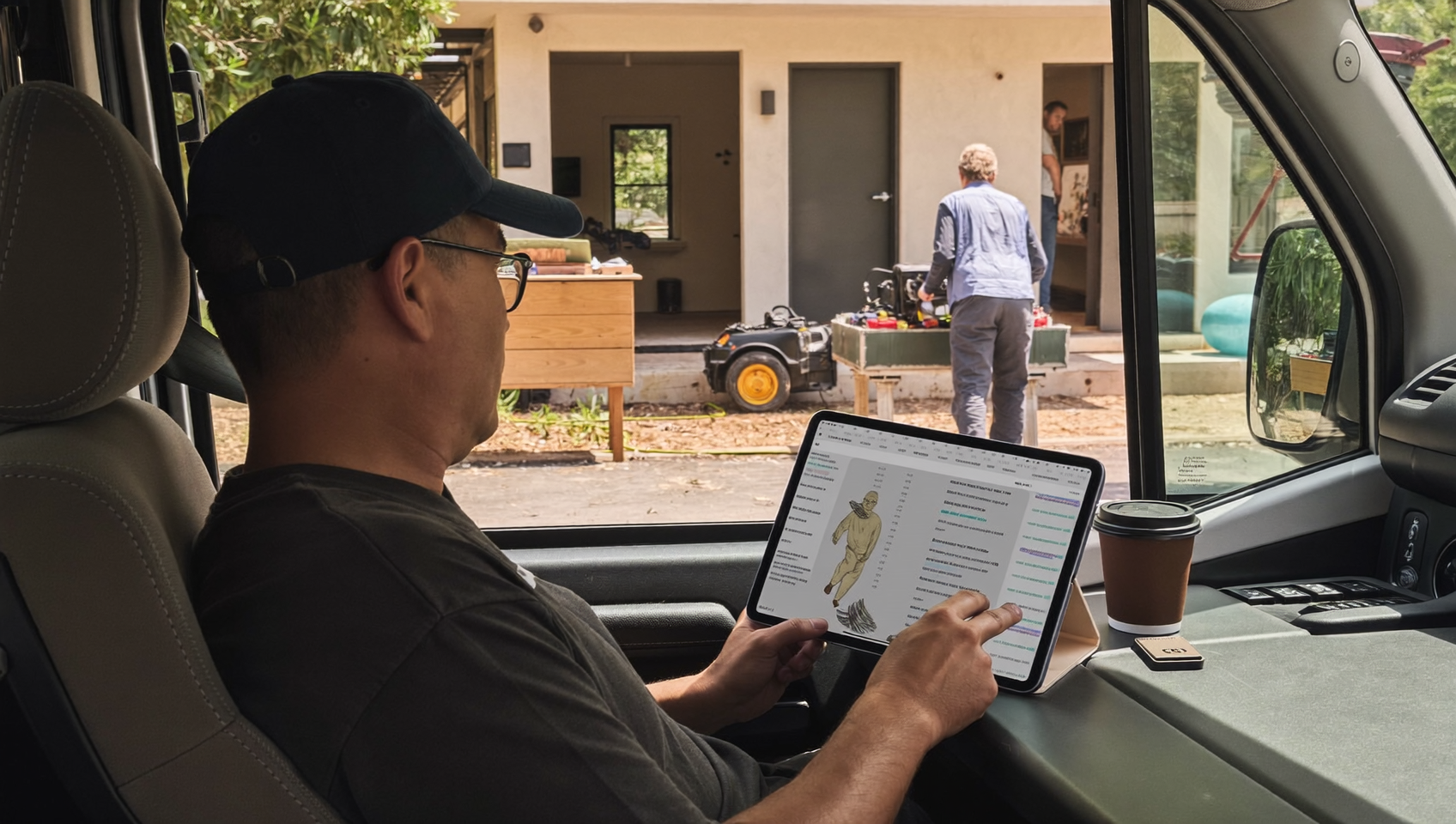
You finish a roofing job, check your phone, and find three missed calls from new leads. For home service businesses using Jobber to manage their operations, there’s often a gap between the jobs they track and the customer conversations that drive those jobs. A jobber integration for business communication bridges that gap, connecting your scheduling and job management tools with the phone calls, texts, and messages that keep your pipeline full. And without it? You’re leaving money on the table every time a call goes unanswered or a follow-up slips through the cracks.
A Jobber integration for business communication connects your job management platform with phone, text, and messaging systems so customer conversations sync automatically with job records. This eliminates gaps between scheduling and customer contact, helping home service businesses capture leads, reduce missed calls, and improve response times.
Free weekly newsletter
Growth tips for service businesses
Every Tuesday — actionable ideas to get more leads, reviews, and repeat customers. No fluff.
Quick Answer
Jobber integration for business communication automatically syncs your calls, texts, and customer messages directly into your job management pipeline, eliminating missed leads and ensuring no follow-up falls through the cracks. This keeps all client interactions centralized so your team stays aligned and responsive across every job stage.
What Is a Jobber Integration for Business Communication?
Jobber is a popular job management platform built for home service businesses like plumbing, HVAC, landscaping, and roofing companies. It handles quoting, scheduling, invoicing, and customer records. A Jobber integration for business communication connects that operational backbone to your phone system, texting platform, or unified inbox so customer interactions flow directly into your workflow.
In practice, it’s straightforward. When a customer calls to ask about a quote, the call details automatically sync to their Jobber record. Or when you send a text reminder about an upcoming appointment, it’s logged alongside the job notes your technician needs. The goal? Stop toggling between disconnected tools and start treating every customer touchpoint as part of the same system.
Why Home Service Businesses Need Connected Communication
The Real Cost of Disconnected Tools
Most home service businesses run on a patchwork of software. Jobber handles jobs. A separate phone system handles calls. Maybe a personal cell phone handles texts. Each tool works fine alone, but together they create blind spots. Your office manager doesn’t know that a lead called while she was in Jobber creating an estimate. Your technician doesn’t see the text exchange the customer had with your front desk. It’s chaos nobody talks about.
According to a 2024 U.S. Chamber of Commerce report on technology’s impact on small business, companies that connect their software tools report measurably higher efficiency and customer satisfaction. Yet many service businesses still rely on manual data entry between platforms, which wastes time and introduces errors. That’s the thing about disconnected systems. They feel normal until they cost you a big job.
Missed Calls Mean Missed Revenue
Here’s where it gets expensive. Real expensive. Research from Zadarma’s analysis on the hidden cost of missed calls shows that a significant percentage of callers won’t leave a voicemail and won’t call back. They’ll simply call the next company on the list. Every unanswered call during a busy job site visit, lunch break, or after-hours window represents a potential customer lost to a competitor. That’s not theoretical. It happens dozens of times a month for most service companies.
Jobber’s own 2023 economic report highlighted that home service businesses saw strong demand throughout the year. But that demand doesn’t pause when your team’s hands are full. If your communication tools aren’t integrated with your job management system, you’re essentially invisible to new leads during your busiest hours. Which is when you need to be most visible.
What a Strong Jobber Communication Integration Actually Does
Not all integrations are created equal. A truly useful connection between Jobber and your communication platform should handle more than just logging calls. Here’s what matters most when you’re evaluating options.
Core Features That Matter
- Automatic contact syncing: New leads and customer records should flow between Jobber and your communication platform without manual entry. When someone calls, their name and job history should appear instantly.
- Call and text logging: Every interaction, whether it’s a phone call, SMS, or webchat message, needs to attach to the right customer record in Jobber. Your team shouldn’t have to copy notes between systems.
- Appointment booking that updates both systems: If a customer books through a phone call or text conversation, the appointment should appear in Jobber’s schedule without someone re-entering it.
- Trigger-based follow-ups: When a job status changes in Jobber, like moving from “quote sent” to “approved,” your communication platform should be able to send an automated confirmation text or follow-up call.
- After-hours coverage: Your Jobber dashboard might close when you go home, but customer inquiries don’t. The integration should ensure calls and messages received at 9 PM still land in the right place by morning.
Beyond Basic Logging
Basic integrations just record that a call happened. That’s not enough. Better ones capture context. Did the customer ask about pricing? Were they upset about a delayed appointment? Did they mention a referral source? Research on missed call costs for small businesses consistently shows that the businesses recovering the most revenue aren’t just answering more calls. They’re capturing better information from each one and acting on it faster. Context is everything.
That’s the difference between an integration that checks a box and one that actually changes how your business operates. So invest in context-rich communication data, synced to your job records. It lets you personalize every follow-up and close more jobs.
Best Practices for Setting Up Your Integration
Getting the technology connected is only half the battle. How you configure and use the integration determines whether it actually saves time or just adds another layer of complexity.
Map Your Communication Workflow First
Before connecting anything, sit down and map out your current workflow. Where does the first contact happen? Who responds? How does the lead get into Jobber? Where do follow-ups happen? Identifying these steps reveals exactly where your process breaks down and where the integration needs to fill gaps. It takes 30 minutes max.
For instance, many roofing companies discover that leads come in by phone during business hours but by web form or text in the evening. Both paths need to end up in the same Jobber record, but they require different automated responses. Without mapping this out, you’ll set up an integration that only covers half your workflow. And half isn’t enough.
Automate the Repetitive Steps
Once you’ve mapped the workflow, identify every step that a human currently performs manually but shouldn’t have to. These tasks eat your day. Consider automating:
- Sending appointment confirmation texts after booking in Jobber
- Logging missed call details into customer notes
- Sending review requests after a job is marked complete
- Notifying the assigned technician when a customer calls about their upcoming job
- Following up on quotes that haven’t been approved within 48 hours
Each task takes only a minute or two when done once. But multiply that across 20 or 30 jobs a week, and you’re losing hours of productive time to busywork. Hours you could spend selling instead.
Train Your Team on What’s Changed
An integration only works if your people actually use it. Your office manager needs to know that call records now appear in Jobber automatically, so she doesn’t need to log them manually. Your field techs need to understand that customer texts are captured centrally, so they shouldn’t use their personal phones for job-related conversations.
According to the National Federation of Independent Business (NFIB), one of the top barriers to technology adoption in small businesses isn’t cost. It’s staff resistance to changing established habits. But here’s the secret: brief, practical training sessions that show each team member how the integration simplifies their specific daily routine actually make adoption stick.
How SalesCaptain Helps
SalesCaptain connects with Jobber (and over 50 other tools) through its workflow automation builder and native integrations, including Zapier for custom connections. But the real value isn’t just the data sync. It’s what happens on the communication side before that data ever reaches Jobber. That’s the game-changer.
SalesCaptain’s AI Phone Agent answers every call 24/7 with natural-sounding voice AI. It qualifies leads, books appointments, answers frequently asked questions, and blocks spam. No human needed. As TechnologyAdvice’s review of AI answering services notes, the best solutions go beyond simple call routing to handle complete customer interactions autonomously. That’s exactly what SalesCaptain does.
On top of voice, AI Chat Agents handle SMS, webchat, Instagram DMs, and Facebook Messenger from the same platform. Every conversation lands in a single unified inbox alongside call recordings, transcripts, and AI-generated summaries. Your team sees the full picture without switching tabs. And when a lead calls after hours? The AI Agent captures their details, books a tentative appointment, and syncs the contact to Jobber, all before your office opens the next morning.
What makes this different from alternatives like Podium or Birdeye? SalesCaptain combines AI voice agents, AI chat agents, and a unified inbox in one platform. Birdeye doesn’t offer call routing, IVR, or AI for calls. Podium lacks outbound workflow automation. SalesCaptain covers all of it, and the pricing is practical. Starting with a free plan for single-location businesses and scaling at $159 per month per location for growing companies. AI calls run just $0.12 per minute, which is a fraction of what a human receptionist costs.
Key Takeaways
A Jobber integration for business communication eliminates the gap between your job management system and the customer conversations that fill your schedule. Without it, leads fall through cracks, follow-ups get missed, and your team wastes hours on manual data entry. But with it? Every call, text, and message becomes a connected part of your workflow.
The businesses winning in home services aren’t necessarily the ones with the most trucks or the lowest prices. They’re the ones that respond fastest, follow up consistently, and never miss a call. According to Jobber’s Q3 2024 economic report, consumer spending in home services is trending upward. So capturing that demand requires communication tools that work as hard as your field crew does. Connect your systems, automate the repetitive work, and let your team focus on what they’re actually good at: delivering great service.
Frequently Asked Questions
Can I connect Jobber to my phone system without technical expertise?
Yes, absolutely. Platforms like SalesCaptain offer visual drag-and-drop workflow builders and pre-built integrations through tools like Zapier. You don’t need coding skills or an IT team. Most setups take under an hour and require nothing more than connecting your Jobber account and configuring a few automation triggers.
What happens to calls that come in after business hours?
With an AI-powered communication platform integrated with Jobber, after-hours calls are answered automatically. The AI agent can qualify the lead, answer common questions, and even book appointments. All of that information syncs to your Jobber records so your team sees it first thing in the morning. No leads go dark.
Does a communication integration replace my existing phone number?
No. Most platforms let you port your existing business number or add a new one. Your customers won’t notice any change. The difference happens behind the scenes, where calls and texts now route through a system that logs everything and connects to Jobber automatically.
How much does it cost to integrate Jobber with a communication platform?
Costs vary by provider. SalesCaptain offers a free startup plan for one location, with paid plans at $159 per month per location. AI call minutes cost $0.12 each. Compared to hiring a full-time receptionist or using a human answering service? The savings are significant, especially for businesses handling 50 or more calls per week.
Will my team need to learn a completely new system?
Your team will use a unified inbox for all customer communication, which is actually simpler than juggling separate apps for calls, texts, and social messages. Because the integration pushes data to Jobber automatically, your team still works in the tools they already know. The learning curve is minimal for most service businesses. That’s by design.
Ready to see it in action?
See how service businesses use SalesCaptain to sync Jobber with automatic customer conversations.
See How SalesCaptain Connects Your Communication to Jobber
SalesCaptain gives your home service business AI-powered calling, texting, and messaging in one unified platform, with integrations that sync directly to the tools you already use. Stop missing leads and start closing more jobs.