
AI-powered customer experience marketing (CXM) platform that helps local businesses win.


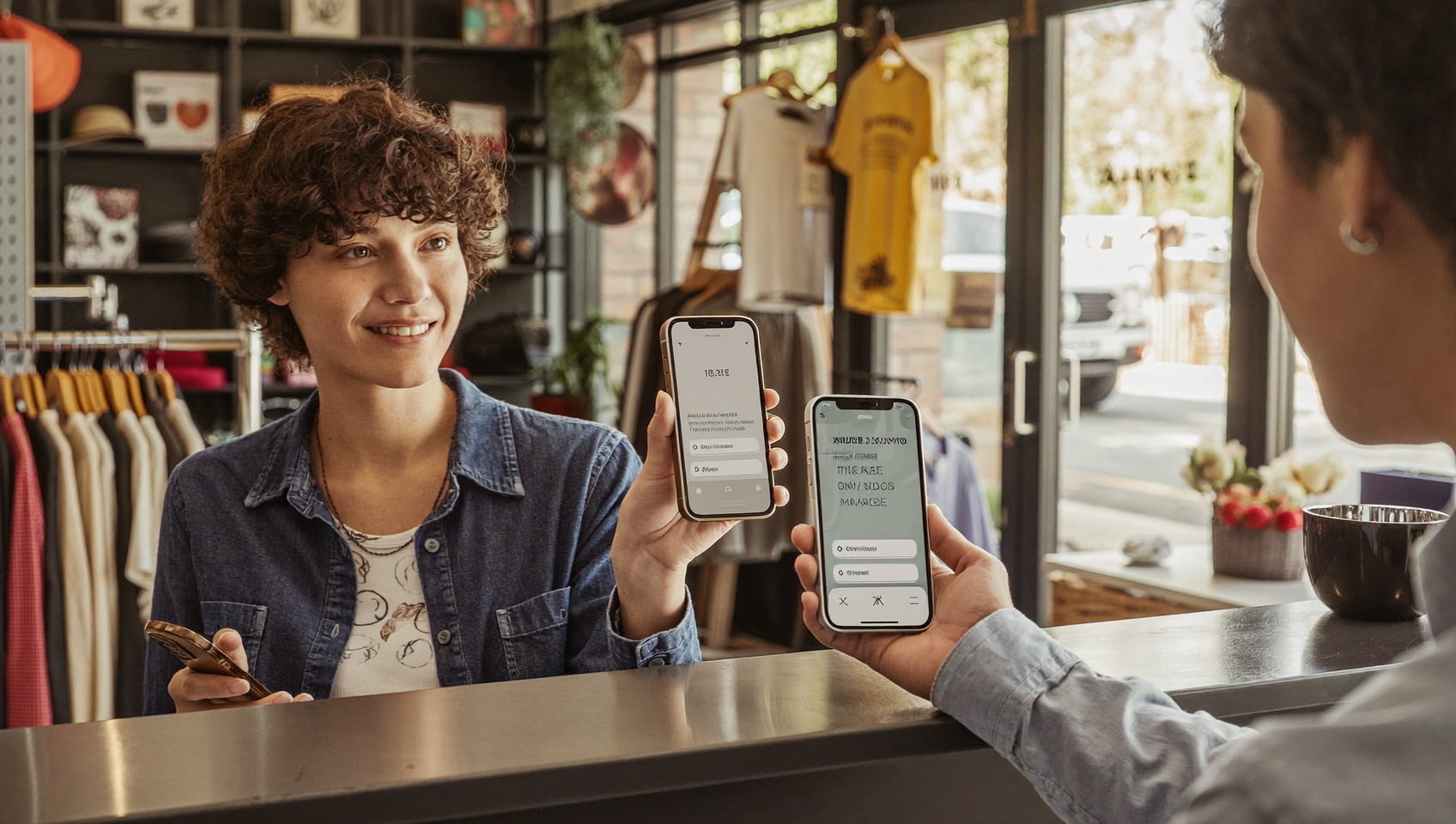
A customer says yes to your quote. Now you need payment before that momentum fades. Emailing an invoice feels slow. Calling to read card details? Clunky. What if you could just text them a link and get paid in seconds? That’s exactly why learning how to send a Stripe payment link by text matters for service businesses that want faster collections and fewer awkward follow-ups.
To send a Stripe payment link by text, create a payment link in your Stripe Dashboard, copy the URL, and paste it into an SMS message to your customer. They tap the link, complete payment on Stripe’s secure checkout page, and funds deposit directly to your account—no website or coding required.
Free weekly newsletter
Growth tips for service businesses
Every Tuesday — actionable ideas to get more leads, reviews, and repeat customers. No fluff.
Quick Answer
Generate a Stripe payment link through your Stripe dashboard, copy the URL, and send it via text message or SMS service. Recipients click the link to complete payment instantly without leaving their messaging app. This method works on any phone and requires no app download, making it faster than email for collecting payments and invoices.
What Is a Stripe Payment Link?
A Stripe payment link is a shareable URL that takes your customer directly to a hosted checkout page. Stripe generates the page for you—no website or coding required. You create the link inside your Stripe Dashboard or via the API, set the price and description, and you’re done.
Once created, the link works anywhere you can paste a URL. That includes email, social media, QR codes, and—most relevant here—SMS text messages. Your customer taps the link on their phone, enters their payment info on Stripe’s secure checkout page, and the funds land in your account. No app download. No account creation. It’s friction-free. And because most people open texts within minutes of receiving them, payment links hit different over SMS compared to email.
How to Create a Stripe Payment Link Step by Step
Before you can text someone a payment link, you need to generate one. Stripe offers two paths depending on your comfort level with technology.
Using the Stripe Dashboard (No Code)
This is the fastest route for most small business owners. Here’s how it works:
- Log in to Stripe and navigate to the Payment Links section under “More” in the left sidebar.
- Click “New” to create a fresh payment link.
- Add your product or service with a name, description, and price. You can set it as a one-time charge or a recurring subscription.
- Customize the checkout page by adding your logo, adjusting colors, and choosing which fields to collect (like a shipping address or phone number).
- Set payment methods to include cards, Apple Pay, Google Pay, or bank transfers depending on your region.
- Click “Create link” and copy the generated URL.
That URL is ready to paste into a text. Stripe also lets you generate a QR code for the same link, which works great for in-person interactions. Each link is reusable, so you don’t need to create a new one every time unless the amount or product changes.
Using the Stripe API (For Automated Workflows)
If you’re sending payment links at scale—say, after every completed service call—the Stripe Payment Links API lets you generate links programmatically. You’d create a payment link object with the line items and price, then feed the returned URL into your SMS sending tool. But this approach requires developer resources or a platform that handles the integration for you.
How to Actually Send That Link by Text Message
Creating the link is half the battle. Getting it to your customer’s phone is where things get real, because Stripe itself doesn’t send text messages. You’ll need a separate tool for SMS delivery.
Manual Copy and Paste
The simplest method works fine for occasional payments. Copy your Stripe link, open your phone’s messaging app, paste it, and send. It’s quick. But it doesn’t scale. You also lose any tracking or record-keeping because the message lives on your personal phone instead of a business system.
Using a Business Phone or SMS Platform
A better approach? Send from a dedicated business number through an SMS platform. This keeps personal and business communication separate, gives you delivery tracking, and creates a log you can reference later. Many business communication platforms now support sending links via text as a standard feature.
Automating the Entire Flow
The most powerful option is triggering payment link texts automatically based on business events. When a job’s marked complete in your field service software, a workflow fires and sends the customer a pre-written text with their Stripe payment link. No manual steps. No delays. According to SBA research on small businesses, most small firms run lean. Automation becomes essential for keeping cash flow moving without hiring more people.
Best Practices for Texting Payment Links
Sending a bare URL with no context is a great way to get ignored or flagged as spam. Let me show you how to do it right.
Write a Clear, Personal Message
Your text should include the customer’s name, what they’re paying for, the amount, and the link. Something like: “Hi Sarah, here’s the link to pay $350 for today’s HVAC repair: [link]. Thanks!” Keep it short. Aim for under 160 characters so it arrives as a single SMS rather than splitting into multiple messages.
Use a Recognized Business Number
Customers are way more likely to tap a payment link from a number they recognize. Sending from a random personal cell raises red flags. A dedicated business number—especially one they’ve texted before—builds trust instantly. Businesses that use a consistent business identity across communications tend to see stronger customer relationships.
Follow SMS Compliance Rules
Texting customers for business purposes falls under regulations like the TCPA. You need prior consent before sending commercial texts, including payment requests. So here’s what you need to do:
- Get written or electronic opt-in before texting.
- Include your business name in every message.
- Provide an opt-out option (e.g., “Reply STOP to unsubscribe”).
- Avoid late-night or early-morning sends.
Ignoring these can result in serious fines. Texting payment links is effective, but make sure your process respects the rules.
Time It Right
Send the payment link right after delivering your service. This keeps the experience fresh in their mind. Waiting days to send an invoice by mail or email introduces friction. A text sent within minutes of completing a job captures that “yes, pay now” momentum. Data from the Federal Reserve’s small business survey consistently shows cash flow matters most to small firms. Faster collections directly solve that problem.
Track and Follow Up
Not every payment text gets opened right away. Build in a follow-up system. If the link hasn’t been clicked within 24 hours, send a polite reminder. If it’s been 48 hours, consider calling. Having all this in one place—where you can see if the text was delivered, if it was read, and whether the link was clicked—saves your team from guessing.
How SalesCaptain Helps
SalesCaptain’s Payments via Text feature is built exactly for this. With Stripe connected as your payment gateway, you can send payment links directly through SalesCaptain’s SMS system from your business number. Every payment text lives in the same Unified Inbox alongside your calls, webchat conversations, Instagram DMs, and Facebook Messenger threads. So your team has full context on every interaction.
But here’s where SalesCaptain really shines: automation. Using the Workflow Automation builder, you can set up triggers that automatically send a Stripe payment link after specific events. Job completion in Housecall Pro? Boom. Appointment wrap-up via ServiceTitan? Done. Manual status change in your CRM? It fires instantly. The platform connects to 50+ integrations including native two-way sync with Housecall Pro, ServiceTitan, and JobNimbus. Payment requests happen without your team lifting a finger.
SalesCaptain also includes Auto URL Shortening and Click Tracking, so your payment links look clean in texts and you can see exactly when customers tap them. If they don’t pay, your workflow can automatically trigger a follow-up text or even a call from the AI Phone Agent. That entire flow—from service delivery to payment collection to follow-up—runs on autopilot. Competitors like Nextiva and Dialpad don’t offer native text-to-pay functionality. That makes SalesCaptain a particularly strong fit for service businesses that want payment collection built into their communication workflow.
Ready to see it in action?
See how service businesses use SalesCaptain to collect payments instantly via text.
Key Takeaways
Learning how to send a Stripe payment link by text boils down to three steps: create the link in Stripe, write a clear message with context, and send it from a trusted business number. For occasional payments, manual copy-and-paste works fine. But if you’re handling dozens of transactions weekly, connecting Stripe to an SMS platform with automation turns payment collection from a chore into a background process.
The real value isn’t just sending the link. It’s the speed of collection. It’s fewer follow-ups chasing money. It’s a better customer experience because people pay on their own terms, on their phone, in under 30 seconds. Add automated follow-ups and conversation tracking into the mix? You’ve built a payment workflow that scales with your business instead of slowing it down.
Can I send a Stripe payment link via SMS without a special platform?
Yes. You can copy any Stripe payment link and paste it into a standard text from your phone. But you’ll lose business-number branding, delivery tracking, and automation. For one-off payments it works. For regular transactions? It doesn’t scale well.
Does Stripe charge extra for payment links?
No. Stripe doesn’t charge a separate fee for creating or sharing payment links. You pay Stripe’s standard processing fee on each transaction. SMS delivery costs depend on your SMS platform, not Stripe.
Is it legal to text customers a payment link?
Yes, if you’ve got the customer’s prior consent to receive business texts. The TCPA requires opt-in before sending commercial messages. Always identify your business in the message and provide an opt-out option like “Reply STOP.”
What’s the best time to send a payment link by text?
Right after you deliver the service. Customers are most likely to pay when the work is fresh in their mind. Sending within minutes of job completion cuts your payment cycle dramatically compared to mailing invoices or waiting days.
Can I automate sending Stripe payment links after a job is done?
Yes. You need a platform that connects your field service software to SMS. Platforms like SalesCaptain offer workflow automation that triggers a payment text when a job status changes in Housecall Pro or ServiceTitan. The Stripe payment link is embedded in the automated message. No manual work required.
See How SalesCaptain Can Help
SalesCaptain connects Stripe to your business texting, automates payment collection after every job, and tracks everything in one inbox. Stop chasing payments manually and let your workflow handle it.