
AI-powered customer experience marketing (CXM) platform that helps local businesses win.


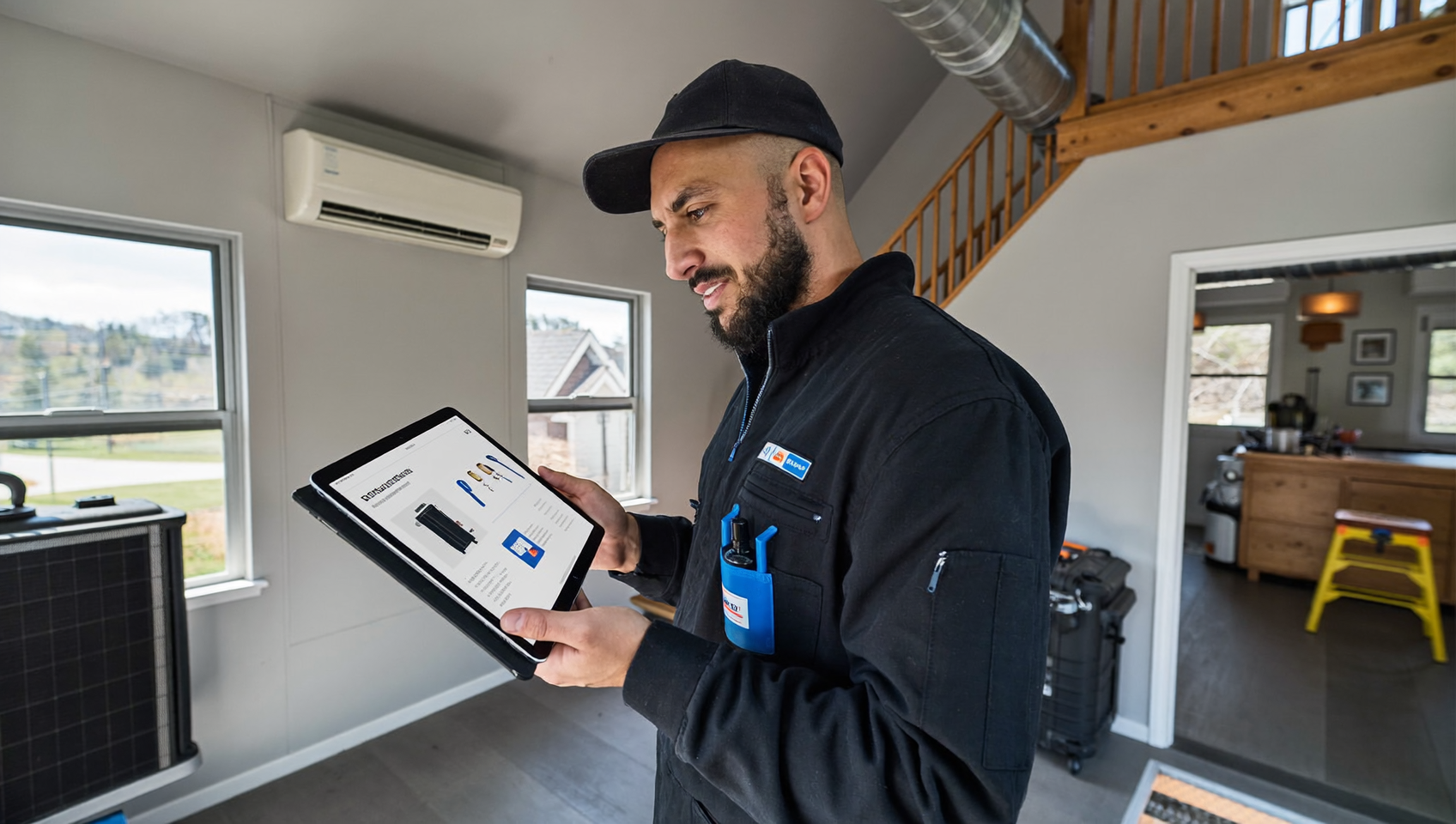
When a ServiceTitan job wraps up, the clock starts ticking. Your best shot at earning a five-star review? The first few hours after service. That’s when the experience feels fresh. But here’s the problem: most contractors don’t have someone sitting at a desk ready to fire off review requests the moment a technician marks a job complete. That’s where ServiceTitan review request automation comes in. SalesCaptain connects directly to ServiceTitan so that every completed job triggers an automated, personalized text or call asking for a review. No manual follow-up. No forgotten requests. Just a steady stream of fresh reviews flowing in on autopilot.
ServiceTitan review request automation sends automated text or call requests for customer reviews the moment a job is marked complete in ServiceTitan. It eliminates manual follow-up by triggering personalized review requests automatically, helping contractors capture feedback when the service experience is fresh in customers’ minds.
Free weekly newsletter
Growth tips for service businesses
Every Tuesday — actionable ideas to get more leads, reviews, and repeat customers. No fluff.
Quick Answer
ServiceTitan’s review request automation sends automated text messages to customers immediately after job completion, eliminating manual follow-up work. The system captures five-star reviews when customer satisfaction is highest, increasing review volume and quality. This automation integrates with your workflow, requiring no extra steps from technicians or office staff.
What Is ServiceTitan Review Request Automation?
At its core, this is an event-driven workflow. When a job reaches “completed” status inside ServiceTitan, that event fires a trigger in your communication platform. The platform then sends a review request to the customer, typically via SMS, sometimes followed by a voice call if they don’t respond. It’s the same basic ask your office staff would make on the phone. Except it happens instantly and consistently for every single job.
Why does consistency matter so much? Because review volume and recency are two of the strongest local SEO ranking factors. A roofing company that collects five reviews a week will outrank one that gets five reviews a month, even if the ratings are identical. According to ServiceTitan’s own benchmark report, top-performing contractors differentiate themselves through operational consistency. Automating review requests is one of the simplest ways to build that consistency into your business. And the payoff compounds over time.
Manual review requests also suffer from selection bias. Your team tends to ask happy customers and skip the ones who seemed neutral. Automation removes that filter. Counterintuitively, it tends to raise your average rating. Why? Satisfied customers who wouldn’t have been asked now leave positive reviews, diluting the occasional negative one that would’ve shown up regardless.
How ServiceTitan Review Request Automation Works in SalesCaptain
SalesCaptain offers a native, two-way integration with ServiceTitan. That means data flows in both directions: job and appointment events from ServiceTitan trigger actions in SalesCaptain, and SalesCaptain can push booking data back into ServiceTitan. Here’s how the review request workflow comes together.
- Connect your ServiceTitan account. Inside SalesCaptain’s integration settings, authenticate your ServiceTitan instance. The two-way sync begins pulling in job statuses, customer contact details, and appointment data automatically.
- Create a workflow trigger. Using SalesCaptain’s drag-and-drop Workflow Automation builder, set “ServiceTitan Job Completed” as your trigger event. You can filter by job type, business unit, or technician if you want different messaging for different service lines.
- Build your review request message. Write a personalized SMS template. Pull in dynamic fields like the customer’s first name, the service performed, and the technician’s name. Include a direct link to your Google or Yelp review page. SalesCaptain’s Auto URL Shortening keeps the message clean and tracks click-through rates.
- Set timing and follow-up rules. Configure a delay, maybe 30 minutes after job completion, so the customer has time to inspect the work. Add a second message 48 hours later for anyone who didn’t click. If you want, add an AI Phone Agent follow-up call for high-value jobs where a personal touch matters more.
- Activate and monitor. Turn on the workflow. Every completed ServiceTitan job now triggers the sequence automatically. Track delivery rates, click rates, and review conversions in SalesCaptain’s dashboard.
The entire setup takes minutes, not hours. Because SalesCaptain’s workflow builder is visual and drag-and-drop, you don’t need any coding knowledge or API experience. Once it’s running, your review pipeline operates on its own.
📺 Watch: How to Automate Review Requests After a Job
Key Capabilities
- Native ServiceTitan two-way sync. Job completion, appointment creation, and customer data flow between both platforms without manual exports or third-party middleware. SalesCaptain can also push new bookings back into ServiceTitan when leads convert.
- Multi-channel follow-up. Start with an SMS review request, then escalate to an AI Phone Agent call for non-responders. Most platforms only offer text. SalesCaptain lets you layer voice on top, which is especially effective for older homeowners who prefer phone communication.
- Click tracking and URL shortening. Know exactly how many customers clicked your review link, so you can calculate your true review conversion rate from ServiceTitan job data. Short links also keep SMS messages under the character limit, saving you money on messaging costs.
- Technician-level attribution. Filter your workflows by technician name or ID pulled from ServiceTitan. That lets you track which techs generate the most reviews and use that data for coaching, bonuses, or performance reviews.
- Spam-safe messaging. SalesCaptain handles message formatting and compliance best practices so your review requests don’t get flagged by carriers. High-volume SMS capability means you can scale without deliverability issues.
- Unified Inbox visibility. Every review request sent, every customer reply, and every follow-up appears in SalesCaptain’s Unified Inbox alongside calls, webchat, and social media messages. Your team sees the full conversation history in one place.
Who Needs This?
If your business runs on ServiceTitan and you care about your online reputation, this workflow is built for you. Here’s who benefits most:
- HVAC companies running high volumes of seasonal service calls where manual review requests fall through the cracks during peak periods.
- Plumbing and electrical contractors competing in crowded local markets where review count directly affects whether you show up in the Google Business Profile local pack.
- Roofing companies with longer project timelines who need to time review requests precisely, not too early (before the customer sees the finished roof) and not too late (when they’ve moved on mentally).
- Multi-location home service brands that need standardized review collection across every branch. SalesCaptain’s per-location pricing keeps this affordable as you scale.
- Operations managers and office managers who currently spend part of their day manually texting or calling past customers to ask for reviews.
- Business owners who’ve tried asking technicians to request reviews in the field but can’t get consistent follow-through.
Benefits of ServiceTitan Review Request Automation
Capture Reviews at the Peak Moment
Customer satisfaction peaks right after a successful service visit. Wait a week, and that enthusiasm fades. Automated triggers fire within minutes of job completion, so your request lands when the customer is most inclined to leave a glowing review. This timing advantage alone can meaningfully improve your review conversion rate compared to manual outreach. You’re catching them at exactly the right moment.
Free Up Your Office Staff
Every minute your CSRs spend on review follow-up is a minute they’re not answering new calls or booking jobs. Think about that differently. For context, research on the cost of missed calls shows that unanswered calls carry a real revenue cost for small service businesses. Automating review requests gives your team time back to handle the calls that actually generate revenue.
Build a Competitive Moat Through Reputation
Your competitors are likely asking for reviews inconsistently, if at all. A steady, automated review pipeline compounds over time. Six months from now? You’ll have hundreds more reviews than the contractor down the street who’s still relying on techs to hand out business cards. According to analysis of ServiceTitan’s business filings, the platform serves a massive base of contractors. Yet most of them aren’t automating post-job communication. That’s your opportunity right there.
Track What’s Working
Because SalesCaptain tracks clicks, deliveries, and responses, you can see your exact review conversion rate broken down by job type, technician, and location. That data lets you refine your messaging, adjust your timing, and identify which service lines naturally produce the happiest customers. It’s insight most contractors never get.
How SalesCaptain Compares
Several platforms in the home services space offer some form of review management or automation. But most treat reviews as an isolated feature rather than part of a full communication system.
Birdeye, for instance, focuses heavily on reputation management but lacks meaningful VoIP capabilities. There’s no call routing, no IVR builder, and no call flow system. So while you might collect reviews, you’re still missing calls that could become the jobs those reviews would come from. SalesCaptain gives you the AI Phone Agent that answers calls 24/7, the workflow engine that automates the review request, and the Unified Inbox that tracks the entire customer journey, all in one platform. Everything connects.
Podium offers review-related features but doesn’t provide outbound workflow automation in the way SalesCaptain does. Its pricing isn’t publicly listed, which makes it harder for SMBs to budget. SalesCaptain’s Business plan starts at $159/month per location with transparent pricing and no hidden per-feature charges. AI call minutes are billed at a straightforward $0.12/minute. No surprises.
You could also try connecting ServiceTitan to a standalone review tool through Zapier, but that adds another subscription, another login, and another system to troubleshoot. SalesCaptain’s native two-way ServiceTitan integration eliminates that complexity. As industry comparisons of AI answering services have noted, the trend is toward consolidated platforms that handle communication, automation, and AI in one place. That’s exactly what SalesCaptain was built to do.
For contractors evaluating their options, the question isn’t just “can this tool send a review request?” It’s “does this tool handle the calls, texts, follow-ups, and reputation management that my business depends on?” SalesCaptain does all of it. And data showing how costly missed communications are reinforces why a unified approach matters more than patching together point solutions.
Frequently Asked Questions
Does SalesCaptain’s ServiceTitan integration require any coding?
No. The integration is native and two-way, meaning you authenticate your ServiceTitan account inside SalesCaptain’s settings and the data sync begins automatically. Job completion triggers, customer details, and appointment data all flow without any API work or developer involvement. It’s truly plug-and-play.
Can I customize the timing of review requests after a job completes?
Yes. SalesCaptain’s Workflow Automation builder lets you set precise delays. You might send the first SMS 30 minutes after completion, then a follow-up 48 hours later. You can also add an AI Phone Agent call as a final step for customers who haven’t responded to text messages. Full control.
Can I track which technicians generate the most reviews?
Absolutely. Because technician data comes through from ServiceTitan, you can filter workflows and reporting by technician. This makes it easy to identify your top performers and coach those who aren’t generating as many positive reviews. It’s built-in accountability.
What if a customer responds to the review request text with a question or complaint?
Their reply appears instantly in SalesCaptain’s Unified Inbox alongside all your other customer conversations. Your team can respond right there, whether it’s a simple thank-you or a service recovery conversation that needs immediate attention. Nothing falls through the cracks because every channel lives in one place.
Ready to see it in action?
See how home service businesses use SalesCaptain to automate review requests and boost ratings.
Start Automating Review Requests From ServiceTitan Today
SalesCaptain connects natively to ServiceTitan so every completed job turns into a review opportunity, automatically. Pair that with an AI Phone Agent, Unified Inbox, and workflow automation, and you’ve got a complete communication system built for home service contractors. Plans start free for one location.
Set up your ServiceTitan review automation at salescaptain.com