
AI-powered customer experience marketing (CXM) platform that helps local businesses win.


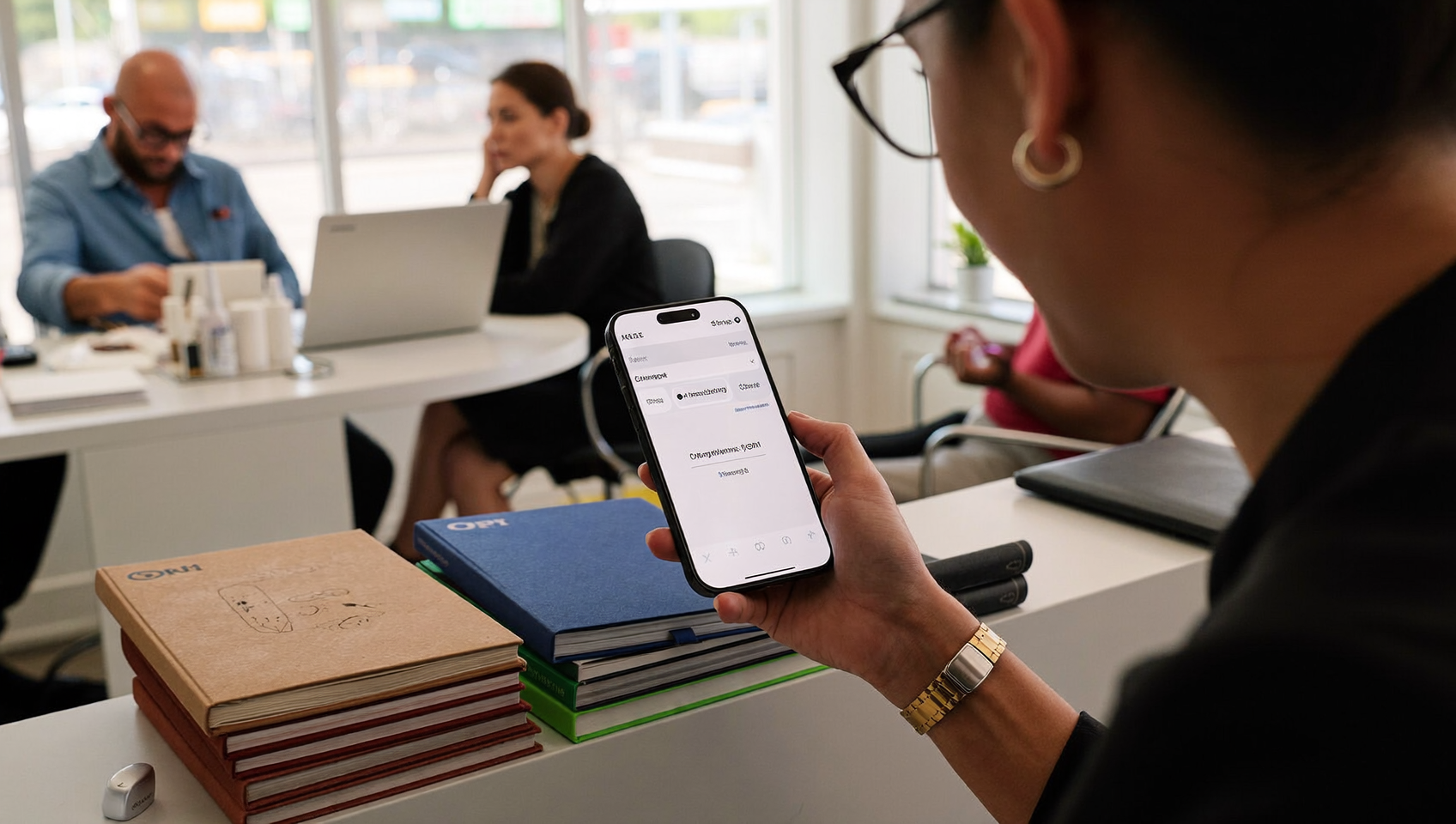
Missed appointments cost service businesses real money. Every no-show is lost revenue, wasted prep time, and a gap in your schedule that could’ve gone to a paying customer. Service reminder text templates solve this problem by automating the messages that keep your calendar full and your customers showing up on time. SalesCaptain’s AI Chat Agents let you build, personalize, and send these reminders across SMS, webchat, and social channels without your team lifting a finger.
Service reminder text templates are pre-written SMS messages that automatically send to customers before appointments, containing date, time, location, and prep details. They reduce no-shows by automating reminders across SMS, webchat, and social channels, eliminating manual calls and keeping your schedule full without extra staff effort.
Free weekly newsletter
Growth tips for service businesses
Every Tuesday — actionable ideas to get more leads, reviews, and repeat customers. No fluff.
Quick Answer
Service reminder text templates are pre-written messages you send to customers before their appointments to confirm attendance and reduce no-shows. Effective templates include appointment details, a clear call-to-action for confirmation, and options to reschedule. Personalized reminders with your business name and easy reply instructions typically boost confirmation rates by 20-40% and significantly decrease costly cancellations.
What Are Service Reminder Text Templates?
A service reminder text template is a pre-written SMS message that automatically goes out to customers before a scheduled appointment, service visit, or follow-up. Instead of your front desk calling each person individually, the template fires at the right time with the right details: date, time, location, and any prep instructions.
These templates aren’t just appointment nudges, though. They cover a range of touchpoints throughout the customer lifecycle:
- Upcoming appointment reminders sent 24-48 hours in advance
- Day-of confirmations asking customers to reply YES or reschedule
- Pre-appointment instructions like “please have your insurance card ready” or “clear the area around your HVAC unit”
- Payment reminders for outstanding balances or deposits due
- Follow-up messages after a service is completed, requesting reviews or booking the next visit
- Re-engagement texts for customers who haven’t booked in a while
The reason they work so well comes down to open rates. SMS open rates dramatically outperform email, which means your reminder actually gets read. Compare that to a voicemail sitting ignored or an email buried under promotions. It’s clear why text-based reminders have become standard for service businesses.
How Service Reminder Text Templates Work in SalesCaptain
Setting up automated service reminders in SalesCaptain takes minutes, not hours. Here’s the step-by-step process:
- Connect your scheduling tool. SalesCaptain integrates natively with platforms like Acuity Scheduling, Housecall Pro, ServiceTitan, and FieldRoutes. Once connected, appointment data flows directly into SalesCaptain so your reminders always reference accurate details. For tools like Jobber or Mindbody, you can connect through Zapier.
- Build your templates. Use SalesCaptain’s advanced templating and personalization engine to create messages. Insert dynamic fields like
{first_name},{appointment_date},{service_type}, and{location}. Each template adapts to the individual customer automatically. - Set your triggers and timing. In the Workflow Automation builder, create trigger-based rules. For example: “When an appointment is booked, send Reminder Template A 48 hours before the appointment. Send Reminder Template B 2 hours before.” You’ve got complete control over the cadence through a visual drag-and-drop interface.
- Choose your channels. Reminders can go out via SMS, but also through webchat, Instagram DMs, or Facebook Messenger using SalesCaptain’s AI Chat Agents. Pick whichever channel your customer prefers, or set up a fallback sequence.
- Handle responses automatically. When a customer replies “confirm” or “reschedule,” your AI Chat Agent processes the response, updates the appointment, and replies with the next steps. No human needed.
- Track everything in one place. Every sent reminder, customer reply, and status update shows up in your Unified Inbox alongside calls, emails, and social messages. Your team sees the full picture without switching apps.
Key Capabilities
- Dynamic personalization at scale. Go beyond “Hi {name}.” Pull in service type, technician name, appointment location, and specific prep instructions so every message feels hand-written. This matters especially for home services where the customer needs to know which crew member is arriving.
- Multichannel delivery. Don’t limit yourself to SMS. SalesCaptain sends reminders through text, webchat widgets, Instagram DMs, and Facebook Messenger from a single workflow. Customers get reached on the channel they actually check.
- Two-way confirmation and rescheduling. Customers can reply directly to confirm, cancel, or request a new time. The AI Chat Agent handles the conversation, checks availability through your connected scheduling tool, and books the new slot.
- Missed call text-back integration. If a customer calls and you can’t answer, SalesCaptain’s missed call text-back feature automatically sends a text. You can include a reminder of their upcoming appointment or a link to reschedule, turning a missed call into a saved booking.
- Payment reminder templates. Beyond appointment reminders, you can set up payment reminder messages that go out when an invoice is created or overdue. SalesCaptain supports Payments via Text through Stripe, Helcim, and Authorize.net, so customers can pay directly from the reminder.
- Click tracking and URL shortening. Include links to intake forms, directions, or payment pages. SalesCaptain automatically shortens URLs and tracks clicks so you know exactly who engaged with your message.
Who Needs This?
Service reminder text templates matter most for businesses where missed appointments directly hit revenue. If your business books time-based services, these templates aren’t optional. They’re essential.
- Home service companies (roofing, plumbing, HVAC, landscaping, appliance repair) where a no-show means a truck rolled for nothing and a technician sat idle
- Dental and medical offices that lose hundreds per empty chair. The American Dental Association has long emphasized the impact of no-shows on practice profitability
- Legal practices with billable-hour models, where a missed consultation is unrecoverable time. SalesCaptain’s native Clio integration makes this especially clean for law firms
- Salons, barbershops, and MedSpas that operate on tight appointment slots throughout the day
- Fitness studios and gyms running class-based or personal training schedules
- Automotive repair shops where parts are ordered in advance and bays are reserved
- Real estate agencies coordinating showings, inspections, and closings across multiple parties
- Operations managers and front desk staff who currently spend hours each day making confirmation calls manually
Benefits of Service Reminder Text Templates
Dramatically Reduce No-Shows
The math is straightforward. A well-timed text reminder with a confirmation prompt gives customers a frictionless way to acknowledge their appointment or flag a conflict. When they reschedule instead of simply not showing up, you recapture that time slot. SMS reminders consistently achieve open rates near 98%, which means nearly every customer sees your message. That visibility alone changes everything compared to phone calls or emails.
Free Your Team From Repetitive Calls
Consider how much time your staff spends calling tomorrow’s appointments today. For a business with 20 daily bookings, that’s easily an hour or more of phone time. And that’s not counting callbacks and voicemails. Automating this through SalesCaptain’s Workflow Automation eliminates that burden entirely. Your team focuses on the customers standing in front of them instead of chasing confirmations.
Capture Revenue You’d Otherwise Lose
Every missed interaction carries a real dollar cost for small businesses. Service reminder templates don’t just prevent no-shows. They create natural opportunities to upsell, collect deposits, and prompt reviews. A post-service follow-up template can ask for a Google review. A pre-appointment template can remind customers about add-on services. Each touchpoint becomes revenue when it’s automated.
Build a Professional, Reliable Brand
Customers notice when a business communicates well. Timely, personalized reminders signal that you’re organized and that you respect their time. They show you run a tight operation. For small businesses competing against larger companies with dedicated call centers, automated text reminders level the playing field. Your two-person plumbing shop looks just as polished as a franchise with 50 locations.
How SalesCaptain Compares
Most communication platforms offer some form of text reminders, but the depth varies significantly. Podium, for instance, doesn’t include outbound workflow automation. That means you can’t build the kind of multi-step reminder sequences (48-hour reminder, then day-of confirmation, then post-service follow-up) that actually move the needle on no-show rates. SalesCaptain’s visual workflow builder handles this natively.
Weave focuses heavily on healthcare and dental, which works well for those verticals but leaves general service businesses without the integrations they need. SalesCaptain connects natively with Housecall Pro, ServiceTitan, JobNimbus, FieldRoutes, and dozens more. We cover home services, legal, e-commerce, and hospitality alongside healthcare. Plus, SalesCaptain offers advanced templating and personalization that Weave doesn’t match, plus click tracking so you can measure engagement on every link you send.
Platforms like Nextiva and Dialpad are strong phone systems, but they’re built for different use cases. Nextiva caps SMS at 250 messages per user per month, which won’t last a week for a busy service business sending daily reminders. Dialpad lacks high-volume SMS capabilities entirely. SalesCaptain’s per-location pricing model means you’re not paying per-user fees that balloon as your team grows.
What truly separates SalesCaptain? The combination of AI Chat Agents handling two-way responses, a Unified Inbox that surfaces every customer interaction in one thread, and the AI Phone Agent backing up your text reminders with 24/7 call answering when customers call back with questions. It isn’t just a reminder tool. It’s the complete communication layer your service business needs.
Ready to see it in action?
See how service businesses use SalesCaptain to send reminders that actually get responses.
Frequently Asked Questions
How far in advance should I send service reminder texts?
The most effective approach is a two-touch sequence: one reminder 24-48 hours before the appointment and a second confirmation 2-3 hours before. SalesCaptain’s Workflow Automation lets you set both triggers from a single rule. You build it once and it runs automatically for every booking.
Can customers reschedule directly from a reminder text?
Yes. SalesCaptain’s AI Chat Agents process natural-language replies. When a customer texts back something like “Can I move to Thursday?” the agent checks availability through your connected scheduling tool and offers available slots. No staff involvement needed.
Do I need separate tools for different message types like payment reminders and appointment reminders?
No. SalesCaptain handles appointment reminders, payment reminders with text-to-pay through Stripe, follow-up messages, and re-engagement texts from the same platform. You build different templates in the same workflow builder. Everything stays consolidated.
What if a customer prefers to be contacted on Instagram or Facebook instead of SMS?
SalesCaptain’s AI Chat Agents work across SMS, webchat, Instagram DMs, and Facebook Messenger. You can set channel preferences per customer or create fallback sequences that try SMS first. If there’s no response, follow up on social. All replies come back to your Unified Inbox regardless of channel.
Stop Losing Revenue to No-Shows
SalesCaptain gives you the templates, automation, and AI agents to keep your schedule full without adding staff. Set up your service reminder workflows in minutes and let your AI handle the rest.