
AI-powered customer experience marketing (CXM) platform that helps local businesses win.


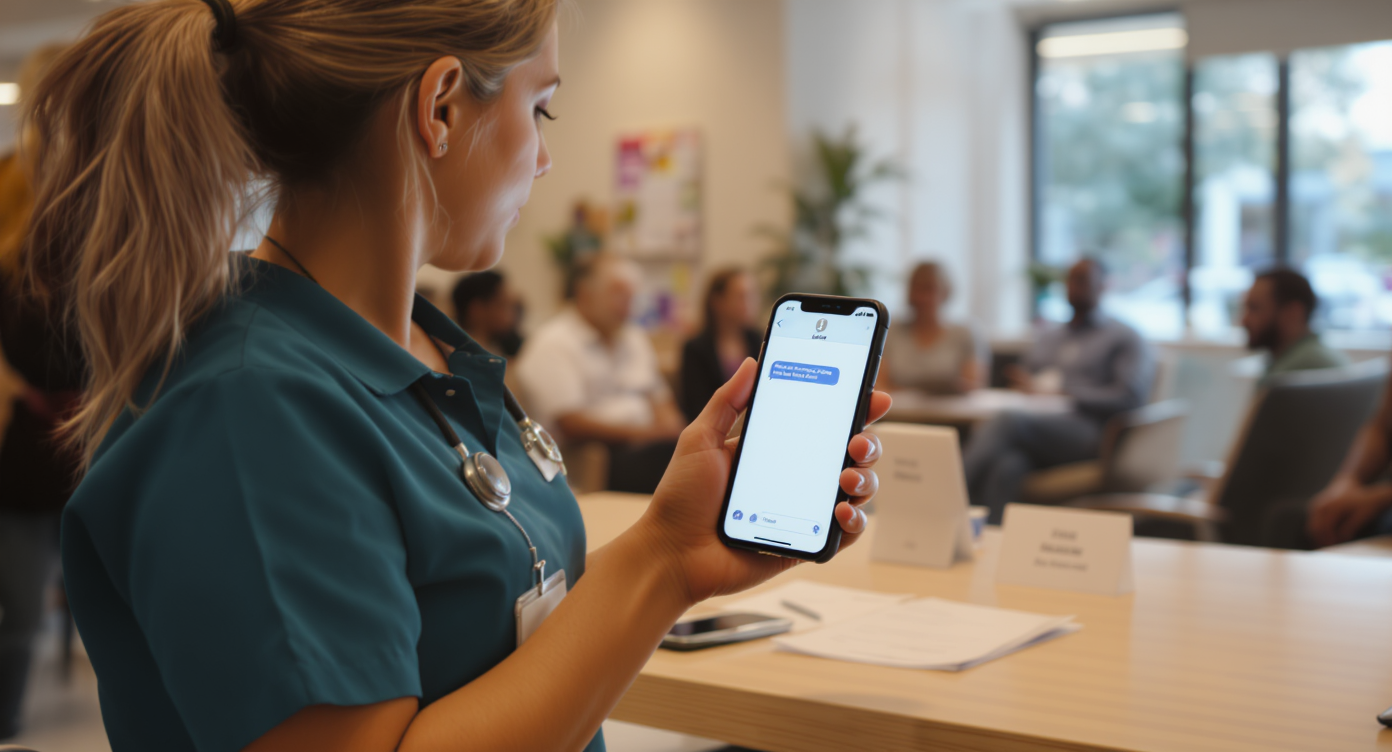
An appointment text reminder app does one thing extremely well: it sends your customers a text before their scheduled visit so they actually show up. For service businesses like dental offices, salons, HVAC companies, and legal practices, no-shows aren’t just annoying. They’re expensive. Every empty slot is lost revenue you can’t recover. SalesCaptain’s AI Chat Agents and Workflow Automation turn your appointment reminders into a fully automated system that reduces no-shows, fills cancellations faster, and keeps your schedule running at capacity.
An appointment text reminder app sends automated SMS messages to customers before their scheduled appointments, significantly reducing no-shows. These platforms range from simple 24-hour reminders to advanced systems with two-way messaging, confirmation replies, and direct booking system integration, helping service businesses maintain full schedules and recover lost revenue.
Free weekly newsletter
Growth tips for service businesses
Every Tuesday — actionable ideas to get more leads, reviews, and repeat customers. No fluff.
Quick Answer
Appointment text reminder apps automatically send SMS notifications before scheduled appointments, dramatically reducing no-shows and cancellations. These tools integrate with your calendar or booking system, allowing customizable reminders at intervals you set—typically 24 hours and 1 hour before appointments. Clients can confirm or reschedule directly via text, saving staff time and improving attendance rates by 30-50% on average.
What Is an Appointment Text Reminder App?
At its core, an appointment text reminder app sends automated SMS messages to customers before their scheduled appointments. The simplest versions send a single reminder 24 hours ahead. But more capable platforms, like SalesCaptain, let you build multi-step reminder sequences, allow two-way replies for confirmations or rescheduling, and connect directly to your booking system.
Why text specifically? Because people actually read texts. According to SMS marketing research from SimpleTexting, text messages see open rates above 90%, compared to roughly 20% for email. That gap is massive when you’re trying to prevent a missed appointment. Phone call reminders have their own problems: most people don’t pick up calls from unknown numbers. And leaving voicemails costs your staff time they don’t have.
The best appointment text reminder apps go beyond simple notifications. They handle confirmations, cancellations, waitlist management, and follow-ups after the visit. SalesCaptain wraps all of this into a unified platform alongside AI phone agents, webchat, and a shared inbox. So reminders aren’t siloed from the rest of your customer communication.
How Appointment Text Reminders Work in SalesCaptain
Setting up automated appointment reminders in SalesCaptain takes minutes, not hours. Here’s the step-by-step process:
- Connect your scheduling tool. SalesCaptain integrates with popular booking platforms like HousecallPro, Mindbody, and Rezdy, plus any app connected through Zapier. Once linked, new appointments automatically flow into SalesCaptain.
- Build your reminder sequence. Using the drag-and-drop Workflow Automation builder, create a multi-touch reminder flow. A typical setup might send a confirmation text immediately after booking, a reminder 48 hours before, and a final reminder 2 hours before the appointment.
- Personalize each message. SalesCaptain’s advanced templating and personalization features let you insert the customer’s name, appointment time, service type, location, and even a link to reschedule. Each message feels personal, not robotic.
- Enable two-way replies. When a customer texts back “confirm” or “cancel,” SalesCaptain’s AI Chat Agent processes the response automatically. Confirmations update your system. Cancellations trigger a waitlist notification so you can fill the slot.
- Monitor everything from one inbox. Every reminder, reply, and conversation appears in SalesCaptain’s Unified Inbox alongside calls, webchat, Instagram DMs, and Facebook Messenger threads. Your team sees the full picture without switching between apps.
Key Capabilities
- Multi-step automated sequences: Build reminder flows with multiple touchpoints. Send a booking confirmation, a day-before reminder, and a same-day heads-up, all triggered automatically by your scheduling system.
- Two-way SMS conversations: Customers can confirm, cancel, or ask questions by replying to any reminder. SalesCaptain’s AI Chat Agent handles responses instantly, 24/7, without your staff lifting a finger.
- Missed call text-back: If a customer calls and no one answers, SalesCaptain automatically sends a text within seconds. According to research from Aira, a significant percentage of business calls go unanswered. That automatic text-back captures leads that would otherwise vanish.
- Bulk messaging: Need to reschedule an entire day of appointments because of weather or an emergency? Send a bulk text to all affected customers at once with rescheduling options.
- Payments via text: Collect deposits or pre-payments by sending a secure payment link right inside the reminder message. This is a feature competitors like Aircall and OpenPhone don’t offer.
- Click tracking and URL shortening: Include links to intake forms, directions, or rescheduling pages. SalesCaptain automatically shortens URLs and tracks clicks so you know which customers engaged with your message.
Who Needs This?
Appointment text reminders aren’t a luxury feature. They’re essential for any business where a missed appointment means lost revenue and wasted time. Here’s who benefits most:
- Healthcare and wellness practices: Dental offices, medical clinics, MedSpas, and therapy practices deal with chronic no-show rates. The 2024 State of Business Texting Report from Dental Economics highlights how text-based communication directly reduces missed appointments in dental settings.
- Home service companies: Roofers, plumbers, HVAC techs, and landscapers lose entire service windows when a customer forgets they scheduled a visit. A simple text reminder saves a truck roll and keeps your crew productive.
- Salons, spas, and fitness studios: These businesses run on tight schedules. One no-show creates a ripple effect across the entire day. Two-way text confirmations let you fill cancellations from a waitlist before the slot goes empty.
- Legal practices: Client consultations are high-value appointments. A missed meeting doesn’t just waste the attorney’s time; it delays the entire case. Automated reminders with Clio integration keep clients on track.
- Real estate agencies: Property showings, open houses, and buyer consultations all benefit from timely reminders, especially since clients are often juggling multiple agents and listings.
- Operations managers and front desk staff: If your team currently spends hours each day making confirmation calls, an automated reminder system gives them that time back for higher-value work.
Benefits of Appointment Text Reminders
Fewer No-Shows, Fuller Schedules
The math here’s straightforward. According to appointment reminder statistics compiled by WebinarCare, automated reminders can significantly cut no-show rates across industries. For a practice or service company doing 20 appointments a day, even reducing no-shows by a few percentage points translates to thousands of dollars in recovered revenue each month. That adds up fast.
Faster Response to Cancellations
When a customer cancels via text, SalesCaptain’s workflow automation can immediately notify waitlisted customers and offer them the open slot. That’s a recovery mechanism most businesses simply don’t have when they’re relying on phone calls and sticky notes. Because this happens automatically, your team doesn’t need to scramble to fill gaps. It’s already done.
Less Staff Time on Repetitive Tasks
Manual confirmation calls eat up hours every week. A front desk employee calling 30 patients to confirm tomorrow’s schedule might spend 90 minutes or more on the phone. And that’s assuming people actually answer. Automating those touchpoints through text frees your team to focus on customers who are physically in front of them. According to scheduling software data from FinancesOnline, businesses using automated scheduling tools report substantial time savings in administrative work.
Better Customer Experience
Your customers prefer texting. It’s less intrusive than a call, easier to reference later, and lets them respond on their own schedule. Two-way messaging means they can reschedule with a quick reply instead of waiting on hold. That convenience builds loyalty. And it makes your business easier to work with than competitors who still rely on voicemail tag.
How SalesCaptain Compares
Several platforms offer some form of appointment reminders, but most force you to cobble together multiple tools or limit you to a single channel. SalesCaptain is the only platform that combines AI voice agents, AI chat agents, and a unified inbox in one product, purpose-built for service businesses.
Consider Weave, which focuses primarily on healthcare and dental. It doesn’t offer social chat or WhatsApp support. And its automation capabilities are more limited. Podium provides text-based communication but lacks an outbound workflow automation engine, meaning you can’t build the multi-step reminder sequences that actually reduce no-shows. Birdeye is strong on reputation management but weak on VoIP: no call routing, no IVR, no call flow builder, and no AI for calls.
Platforms like Aircall and OpenPhone are built for different use cases entirely. Aircall charges $30 per license and doesn’t offer payments via text, missed-call text-back, or real-time AI for calls. OpenPhone provides minimal AI capabilities and only seven integrations, which won’t cut it for a multi-location service business running on HousecallPro or Mindbody. SalesCaptain offers 50+ native integrations at a fraction of the cost. Plus a free plan for single-location businesses to start immediately.
The deeper difference is architectural. Most competitors treat reminders as a bolt-on feature. SalesCaptain treats them as part of a complete communication system where every call, text, chat, and social message flows into one inbox. Your team never loses context. And your customers never fall through the cracks. Research from the 2024 State of Business Texting Report by Text Request shows that businesses increasingly need multi-channel text capabilities, not standalone reminder tools.
Frequently Asked Questions
How many reminders should I send before an appointment?
Most service businesses see the best results with a three-touch sequence: one confirmation immediately after booking, one reminder 24 to 48 hours before, and a final reminder 1 to 2 hours before the appointment. SalesCaptain’s Workflow Automation builder lets you customize the timing and content of each message to match your business. What works best depends on your customers.
Can customers reply to the reminder texts?
Yes. SalesCaptain supports full two-way SMS conversations. Customers can confirm, cancel, reschedule, or ask questions by replying directly to the reminder. SalesCaptain’s AI Chat Agent processes these replies automatically, updating your system and responding to the customer without your staff needing to intervene. It’s that simple.
Does SalesCaptain integrate with my existing scheduling software?
SalesCaptain connects natively with HousecallPro, Mindbody, Rezdy, Clio, and many other industry-specific tools. It also integrates with HubSpot, Salesforce, Zoho, and Zapier. So virtually any booking platform can trigger automated reminders through SalesCaptain’s workflow engine. You’re covered.
What happens if a customer cancels through a reminder text?
When someone cancels via text, SalesCaptain can automatically trigger a workflow that notifies waitlisted customers about the newly open slot, updates your calendar, and sends a follow-up to the canceling customer with rescheduling options. You don’t lose the appointment. You fill it faster.
Is there a free plan available?
SalesCaptain offers a free Startup plan for single-location businesses. It includes core features so you can set up automated appointment reminders without any upfront cost. Paid plans start at $159 per month per location for the Business tier. AI call minutes run at $0.12 per minute.
How is SalesCaptain different from a standalone reminder app?
Standalone reminder apps only handle one thing: sending notifications. SalesCaptain combines appointment reminders with an AI phone agent, AI chat agents across SMS and social channels, a unified team inbox, call flows, and workflow automation. Instead of managing five separate tools, you run everything from one platform. That’s the difference.
Ready to see it in action?
See how service businesses use SalesCaptain to reduce no-shows with automatic appointment reminders.
Stop Losing Revenue to No-Shows
SalesCaptain’s automated appointment text reminders, AI agents, and unified inbox give your service business the tools to keep every slot filled and every customer engaged. Set up your first reminder workflow in minutes. You’ll see the difference immediately.