
AI-powered customer experience marketing (CXM) platform that helps local businesses win.


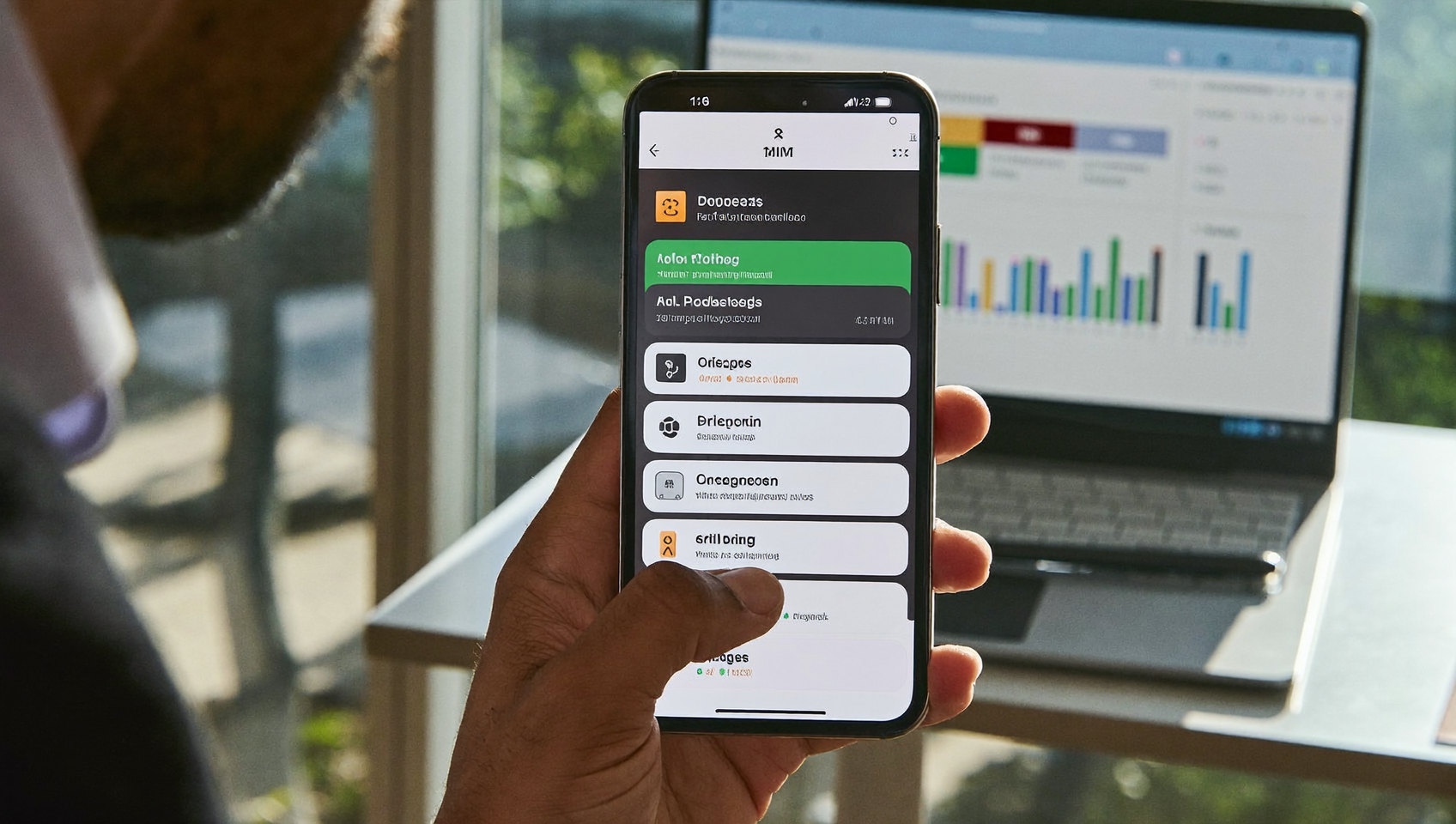
Every business owner has seen it: you’ve a missed call text message sitting on your phone, sent by some app or carrier, letting you know a customer tried to reach you. But here’s the real question: what happened to that caller? Did they leave a voicemail? Probably not. Did they call your competitor instead? Very likely. The “you’ve a missed call” notification is a signal that your business just lost a potential customer. Sound familiar? SalesCaptain’s Missed Call Text-Back feature flips that scenario entirely. Instead of a dead-end notification landing on your phone, an instant, personalized text message goes out to the caller, keeping them engaged before they move on.
A missed call text message is an automated SMS sent to callers when you don’t answer their call, keeping them engaged instead of losing them to competitors. This system instantly notifies customers you received their call and prompts them to reply, capturing leads you’d otherwise miss.
Free weekly newsletter
Growth tips for service businesses
Every Tuesday — actionable ideas to get more leads, reviews, and repeat customers. No fluff.
Quick Answer
When someone calls and you miss it, they’ve already moved on to your competitor. Sending an automated text response within seconds captures their attention, keeps them engaged, and gives you a second chance to convert the lead before they contact someone else.
What Is Missed Call Text-Back?
Missed call text-back is an automated system that detects when an incoming call goes unanswered and immediately sends a text message to the caller. It’s not a notification for you. It’s a lifeline for the person who just tried to reach your business. The text might say something like, “Hey, sorry we missed your call! How can we help?” or it might include a link to book an appointment directly.
Why does this matter so much? Because a significant percentage of business calls go unanswered, and most callers won’t leave a voicemail. They’ll simply hang up and try someone else. A missed call text-back bridges the gap between “we couldn’t answer” and “we’re still here for you.” That distinction can mean the difference between a booked job and a lost lead.
Think about how your own behavior works as a consumer. You call a plumber, it rings five times, nobody picks up. Do you leave a voicemail and wait? Or do you Google the next plumber on the list? Now imagine you instantly received a text saying, “Thanks for calling! We’re with another customer right now. Can we text you back in a few minutes?” That changes everything. You feel acknowledged. You wait. And the plumber doesn’t lose the job.
How Missed Call Text-Back Works in SalesCaptain
Setting up missed call text-back in SalesCaptain takes just a few minutes, with no technical background required. Here’s the step-by-step process:
- Enable the feature in your call flow. Inside SalesCaptain’s drag-and-drop call flow builder, add a “missed call” trigger. This tells the system to watch for any inbound call that goes unanswered, whether it rings out or the caller hangs up before someone picks up.
- Write your text message. Customize the exact wording your caller receives. You can include your business name, a brief apology, a question asking what they need, or a direct link to your booking page. SalesCaptain supports personalization tokens so the message can include the caller’s name if it’s already in your contact list.
- Set timing rules. Decide whether the text fires immediately (recommended) or after a short delay. You can also set different messages for business hours versus after-hours, so a 9 PM caller gets a message that acknowledges the time of day.
- Connect it to your AI Chat Agent. Here’s where SalesCaptain goes further than a simple auto-reply. Once the caller responds to your text, an AI Chat Agent can continue the conversation: answering questions, qualifying the lead, and booking an appointment, all without a human touching their phone.
- Track results in the Unified Inbox. Every missed call text-back conversation appears in SalesCaptain’s Unified Inbox alongside your calls, webchat, Instagram DMs, Facebook Messenger threads, and email. Your team sees the full picture in one place, with complete contact history.
And here’s the key thing: the text-back integrates directly with SalesCaptain’s call flow system. You aren’t duct-taping separate tools together. The missed call trigger, the text message, the AI follow-up, and the conversation record all live in one platform.
📺 Watch: Missed Call Text Back Setup in 5 Minutes
Key Capabilities
- Instant auto-text on missed calls: The moment a call goes unanswered, the system sends a pre-written text to the caller. Speed matters here. Research on missed calls and business revenue consistently shows that faster response times dramatically increase the odds of converting a lead.
- After-hours capture: Your phone lines close at 5 PM, but customers don’t stop calling. Missed call text-back works around the clock, ensuring that evening and weekend callers get an immediate response instead of silence.
- AI-powered follow-up conversations: Unlike basic auto-responders that send one text and stop, SalesCaptain’s AI Chat Agent picks up the thread. It can answer FAQs, collect information about the job or appointment needed, and book directly into your calendar or connected scheduling tool.
- Spam filtering: Not every missed call deserves a text-back. SalesCaptain’s AI Phone Agent includes spam blocking, so robocalls and telemarketers don’t trigger wasteful auto-texts.
- Custom call flows for different scenarios: Using the visual call flow builder, you can create separate paths. For example, calls that ring to your sales team and go unanswered might trigger one message, while calls to your support line trigger a different one.
- Integration with your existing tools: If you’re running Housecall Pro, ServiceTitan, or Acuity Scheduling, the appointment booked through a missed call text-back conversation syncs directly. No double entry, no manual data transfer.
Who Needs This?
Missed call text-back isn’t a niche feature. It’s relevant to nearly every business that receives inbound phone calls. But certain types of businesses see the most dramatic impact:
- Home services companies (roofing, plumbing, HVAC, landscaping): Your team is on job sites all day. Small businesses make up the vast majority of U.S. firms, and most of them don’t have a dedicated receptionist. Missed call text-back ensures that a roofer on a ladder doesn’t lose the next roofing job because they couldn’t answer their phone.
- Legal practices: Potential clients calling a law firm are often in urgent situations. If they don’t reach someone, they’re calling the next firm immediately. An instant text-back buys you time and shows responsiveness, which is critical for client trust. SalesCaptain’s AI receptionist capabilities can handle the follow-up conversation while your attorneys focus on casework.
- Healthcare and wellness practices (dental, MedSpa, therapy): Appointment-driven businesses live and die by their ability to fill the schedule. A missed call from a new patient who doesn’t get a response is a patient your competitor books instead.
- Salons, gyms, and fitness studios: These businesses often have staff who are physically occupied with clients throughout the day. Answering the phone isn’t always possible, but losing the booking isn’t acceptable.
- Real estate agencies: Lead response time in real estate is everything. An inquiry from a motivated buyer that sits unanswered for even an hour can cost an agent the deal.
- Multi-location businesses: If you operate several locations, SalesCaptain’s per-location pricing ($159/month for Business, $300/month for Enterprise) means you can deploy missed call text-back across every site without multiplying per-user license costs.
Benefits of Missed Call Text-Back
Recover Revenue You’re Currently Losing
Every unanswered call is a potential customer walking away. The cost of missed calls to small businesses adds up fast when you consider your average job value or appointment revenue. Missed call text-back doesn’t eliminate missed calls entirely, but it catches the ones that slip through and gives you a second chance. For a home services business where a single job might be worth hundreds or thousands of dollars, recovering just a few leads per month can pay for the entire platform.
Respond Faster Without Hiring More Staff
The obvious solution to missed calls is hiring a receptionist or a call center. But that’s expensive. And it still doesn’t cover evenings, weekends, or lunch breaks perfectly. With SalesCaptain, the AI handles the first response instantly. Your team only steps in when a human touch is actually needed. That means you can handle more call volume without adding headcount, which is exactly the kind of operational efficiency small businesses need to grow.
Create a Professional First Impression
A caller who reaches voicemail feels ignored. A caller who gets an immediate, thoughtful text feels valued. It’s a small difference in effort (because it’s automated) but a massive difference in perception. Your business looks responsive, organized, and modern. Particularly for service businesses competing against larger companies with full reception teams, this levels the playing field.
Keep Every Conversation in One Place
Because missed call text-back conversations flow into SalesCaptain’s Unified Inbox, your team never loses context. The original missed call, the auto-text, the customer’s reply, the AI agent’s follow-up, and any notes or tags all appear in a single thread. When a technician or office manager follows up later, they see the full story. No need to ask customers to repeat themselves.
How SalesCaptain Compares
Several platforms offer some version of missed call text-back, but the depth of execution varies significantly. Aircall, for instance, focuses on call center workflows and charges $30 per license per month (with a three-seat minimum). Yet it doesn’t include a missed call text-back feature natively, and it lacks webchat or email channel integration. You’d need additional tools to accomplish what SalesCaptain does in one place.
OpenPhone (now rebranded as Quo) offers solid calling features for small teams starting at $19 per user. But here’s the catch: it doesn’t include call coaching, whisper mode, or real-time speech analytics that SalesCaptain provides. While Quo has added an AI agent called Sona, it lacks the workflow automation builder that lets service businesses create custom follow-up sequences triggered by missed calls.
Podium and Weave both offer texting capabilities, but SalesCaptain differentiates with its power dialer, post-call analytics, and real-time speech analytics that Podium doesn’t match. Weave, designed primarily for healthcare and dental practices, doesn’t include social chat or WhatsApp integration, limiting its usefulness for service businesses that communicate across multiple channels. SalesCaptain combines everything into one platform. The missed call text-back isn’t a standalone feature but part of a complete communication system.
Frequently Asked Questions
What does “you have a missed call text message” mean?
It typically means your phone or carrier is notifying you that someone called and you didn’t answer. With SalesCaptain’s missed call text-back, the concept is reversed: instead of you getting the notification, your caller gets an instant text message from your business, keeping them engaged rather than letting them slip away.
Can I customize what the text message says?
Yes. SalesCaptain lets you write the exact message your callers receive. You can include your business name, a personalized greeting, a question about what they need, or a direct link to book an appointment. You can also set different messages for business hours and after-hours calls.
Does missed call text-back work with my existing phone number?
SalesCaptain provides business phone numbers, and you can port your existing number into the platform. Once your number is set up, missed call text-back works on every unanswered call to that number without any additional hardware or software.
Will spam callers get a text-back too?
No. SalesCaptain’s AI Phone Agent includes spam blocking that filters out robocalls and telemarketers. Only legitimate callers trigger the text-back, so you aren’t wasting messages on junk calls or inviting unwanted conversations.
How is this different from just setting up an auto-reply?
A basic auto-reply sends one text and stops. SalesCaptain’s system connects the text-back to an AI Chat Agent that can carry on a full conversation: answering the caller’s questions, qualifying them as a lead, and booking an appointment. It also logs everything in the Unified Inbox so your team has complete context when they follow up.
What integrations work with missed call text-back?
Appointments booked through text-back conversations can sync with Housecall Pro, ServiceTitan, Acuity Scheduling, JobNimbus, and other connected tools. You can also use Zapier to connect with platforms like Jobber, HubSpot, or Salesforce for additional workflow automation.
Ready to see it in action?
See how businesses use SalesCaptain to convert missed calls into instant text conversations and bookings.
Book a Free Demo →Stop Losing Leads to Missed Calls
Every unanswered call is a customer your competitor gets instead. SalesCaptain’s missed call text-back, combined with AI Chat Agents and a Unified Inbox, makes sure no caller falls through the cracks. Start with SalesCaptain today and turn missed calls into booked business.