
AI-powered customer experience marketing (CXM) platform that helps local businesses win.


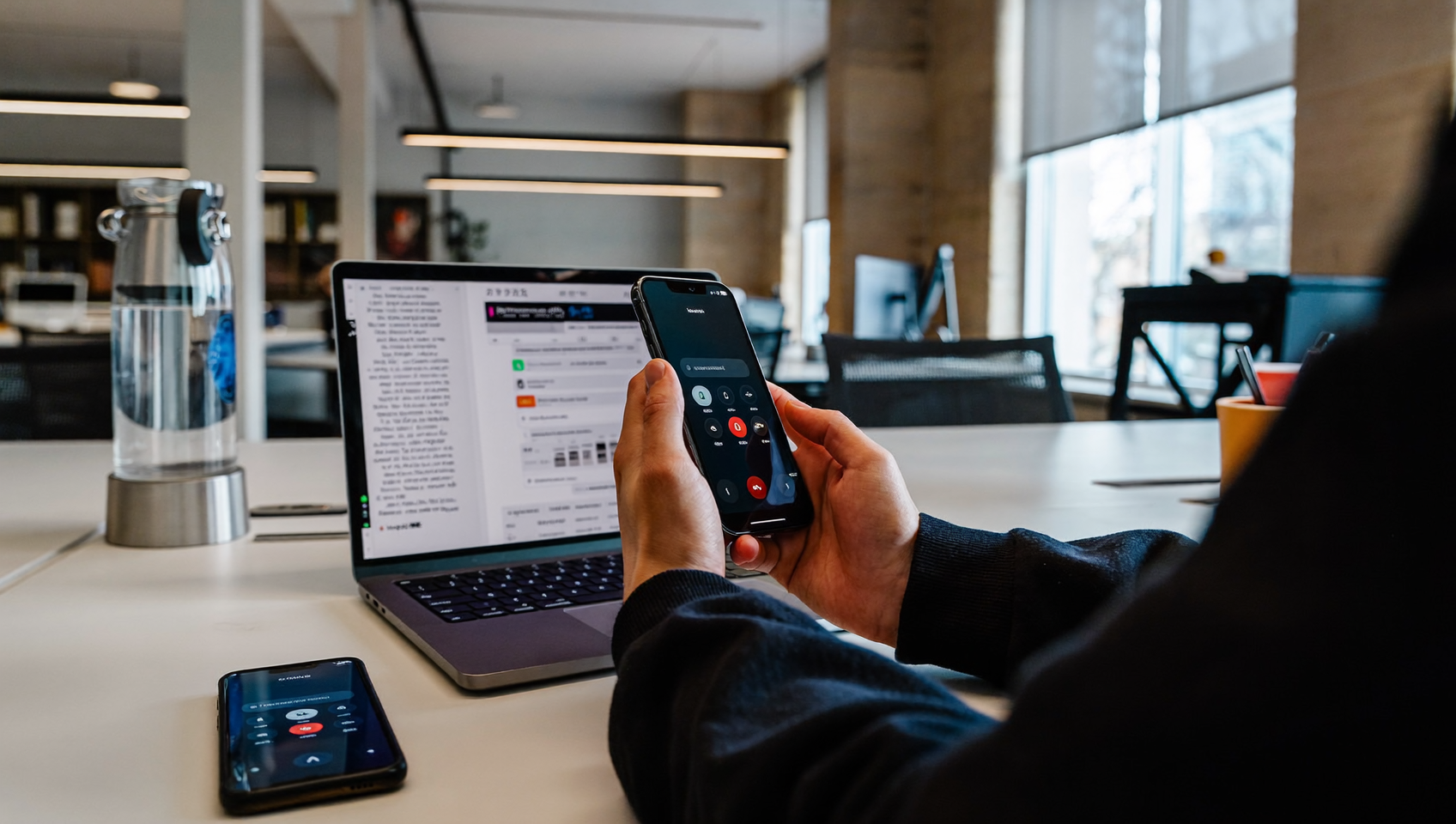
Every missed call or unanswered text is a customer choosing someone else. For service businesses, the ability to forward calls and texts to another phone isn’t a convenience feature. It’s revenue protection. Whether you’re a plumber on a job site, a salon owner juggling walk-ins, or a property manager covering multiple locations, routing incoming communication to the right device at the right time keeps your pipeline alive. And here’s the thing—SalesCaptain’s call and text forwarding tools let you build exactly that kind of always-on coverage without hiring extra staff or duct-taping multiple apps together.
Forward calls and texts to another phone by routing incoming communication from one number to a different device or platform. This ensures customer messages reach you instantly—whether you’re on a job site, managing multiple locations, or away from your desk—so no inquiry goes unanswered.
Free weekly newsletter
Growth tips for service businesses
Every Tuesday — actionable ideas to get more leads, reviews, and repeat customers. No fluff.
Quick Answer
Call and text forwarding automatically routes incoming messages and calls from your main business number to another phone, ensuring you never miss customer contact. Most smartphones have built-in forwarding settings accessible through phone settings or your carrier’s app. For businesses, professional call forwarding services offer features like conditional routing, voicemail transcription, and call recording to manage communications across multiple devices seamlessly.
What Is Call and Text Forwarding?
Call forwarding sends an incoming phone call from one number to another. So it rings a different device instead of (or in addition to) the original line. Text forwarding does the same thing for SMS messages, pushing inbound texts to a second phone or platform where someone can respond. Together, they ensure that no customer inquiry sits unanswered just because the primary recipient is unavailable.
Traditional carriers like Verizon and AT&T offer basic call forwarding through star codes (typically *72 to activate, *73 to deactivate). But here’s where it breaks down—these carrier-level features are blunt instruments. They forward everything, all the time, with no intelligence behind them. You can’t set rules based on time of day, caller type, or team availability. And carrier forwarding almost never handles texts. That’s a growing problem given that business texting volumes have surged in recent years. Sound familiar?
A business-grade solution goes further. It routes calls based on schedules, team roles, or caller intent. It handles SMS alongside voice in one system. That’s the difference between “forwarding” as a phone setting and forwarding as a business strategy.
How Call and Text Forwarding Works in SalesCaptain
SalesCaptain’s approach treats call and text forwarding as part of a larger communication workflow, not an isolated toggle. Here’s how to set it up:
- Choose or port your business number. You can get a new local or toll-free number, or port your existing one into SalesCaptain’s phone system. Either way, this becomes your single business line for calls, texts, and fax.
- Build your call flow. Using the drag-and-drop call flow builder, define what happens when a call comes in. You might route it to your cell phone during business hours, forward to a partner’s phone after 6 PM, and send it to the AI Phone Agent on weekends. Each step is visual, and no coding is required.
- Set text forwarding rules. Inbound SMS messages to your business number appear in SalesCaptain’s Unified Inbox. From there, they can trigger notifications to your mobile device, auto-responses from an AI Chat Agent, or alerts to specific team members based on keywords or contact tags.
- Add fallback layers. If the forwarded call isn’t answered within a set number of rings, the system can escalate: try another team member, play a voicemail greeting, or hand off to the AI Phone Agent, which books appointments and qualifies leads on its own.
- Test and go live. Run a test call through the flow, verify that texts route correctly in the inbox, and activate. The entire setup can be done without any technical expertise.
Because everything lives in one platform, you don’t need separate apps for voice forwarding, text routing, and team messaging. One number. One system. Every channel.
Key Capabilities
- Conditional call routing: Forward calls based on time of day, day of week, caller ID, or IVR menu selections. Business hours go to the front desk; after hours go to an on-call technician or the AI Phone Agent.
- Missed call text-back: When a call goes unanswered even after forwarding, SalesCaptain automatically sends the caller an SMS asking how you can help. According to research on missed call costs, recovering even a fraction of unanswered calls can represent significant revenue.
- AI Phone Agent as the ultimate fallback: Instead of voicemail (which most callers skip), your forwarded calls can land with a natural-sounding AI voice agent that answers FAQs, books appointments, qualifies leads, and blocks spam, all 24/7.
- Unified text routing: Inbound SMS, webchat, Instagram DMs, and Facebook Messenger messages all flow into one collaborative inbox. Your team responds from one place regardless of which device received the original message.
- Team-based forwarding: Assign different forwarding destinations by team member, department, or location. A multi-location dental practice can route calls to the correct office without the caller ever knowing.
- Voicemail transcription and AI summaries: If a call does hit voicemail, SalesCaptain transcribes it and generates an AI summary with action items, so your team knows exactly what to do without listening to a recording.
Who Needs This?
Forwarding calls and texts to another phone sounds simple. But the businesses that need it most are those where a single missed interaction has outsized consequences. Studies on missed call economics consistently show that small businesses lose substantial revenue from unanswered inquiries, especially in high-ticket service industries.
- Home service contractors (roofers, HVAC techs, plumbers, landscapers) who spend most of the day on job sites and can’t answer the office line. Forwarding to a mobile device or AI agent keeps new leads from calling the next company on the list.
- Healthcare and wellness practices (dental offices, MedSpas, therapy clinics) that need to capture appointment requests outside of front-desk hours. Patient calls forwarded to an AI agent can confirm openings and book directly into scheduling tools like DrChrono or Acuity Scheduling.
- Legal practices where a potential client calling about a case won’t leave a voicemail. They’ll call the next firm. Forwarding to a live person or AI agent during evenings and weekends captures intake that would otherwise vanish.
- Salon and fitness studio owners managing walk-ins while the phone rings. Text-based responses via AI Chat Agents handle booking requests without pulling staff away from customers in front of them.
- Multi-location businesses that need calls to a central number routed to the nearest or most appropriate location based on time, geography, or service type.
- Solo operators and small teams with no dedicated receptionist. Forwarding acts as a virtual front desk, catching every inquiry without requiring another hire.
Benefits of Forwarding Calls and Texts Through SalesCaptain
Never Lose a Lead to Timing
The biggest advantage is coverage. Most service businesses operate during standard hours. But their customers search and call at all hours. A homeowner notices a leaking pipe at 9 PM. A patient wants to reschedule at 6 AM before work. With conditional forwarding and AI fallbacks, these inquiries get handled immediately instead of sitting in voicemail until morning, by which point the caller has already booked with a competitor.
Reduce Staffing Pressure
Hiring a full-time receptionist costs far more than a communication platform. And even dedicated staff can only answer one call at a time. So here’s the upside—SalesCaptain’s forwarding combined with AI agents means your business handles multiple simultaneous inquiries across channels without adding headcount. That’s especially valuable for growing businesses feeling the squeeze between increasing call volume and limited budget.
Keep Personal and Business Communication Separate
Forwarding through SalesCaptain means your team answers business calls and texts from their personal devices without exposing personal numbers. The customer sees your business number. Your technician sees the call come through SalesCaptain. Everyone’s privacy stays intact. And that matters more as SMS becomes a primary business communication channel.
Full Context for Every Conversation
Carrier-level forwarding gives you a ringing phone with no context. SalesCaptain’s forwarding includes the contact’s history, previous messages, notes, and AI-generated call summaries. When a forwarded call reaches your phone, you already know who’s calling and what they’ve discussed before. That kind of context turns a cold interaction into a warm one.
How SalesCaptain Compares
Most business phone platforms offer some form of call forwarding. The real question is how deep that forwarding goes and whether it covers text alongside voice.
Aircall, for instance, starts at $30 per license with a three-seat minimum. And they charge $0.49 per minute for its AI Voice Agent add-on. It’s built primarily for call center teams, not service businesses that need unified call-plus-text forwarding with built-in AI fallbacks. SalesCaptain includes real-time AI features, missed-call text-back, and text-to-pay capabilities that Aircall doesn’t offer.
Nextiva starts at $15 per user. But here’s the catch—they cap SMS at 250 messages per user per month. For a busy service business, that limit gets hit fast. SalesCaptain supports high-volume SMS without similar restrictions. Plus it includes call coaching and whispering features that Nextiva lacks, which are valuable when forwarded calls reach junior team members who need real-time guidance.
Carrier-level forwarding from Verizon or AT&T remains the most basic option. It handles voice only, offers no conditional logic, provides no text forwarding, and gives you zero analytics. It’s a blunt redirect, not a business tool. According to industry research on unanswered business calls, the gap between “forwarding as a phone setting” and “forwarding as a communication strategy” translates directly into revenue.
SalesCaptain brings call forwarding, text routing, AI agents, and a unified inbox together at $159 per month per location for the Business plan. And there’s a free Startup tier for single-location businesses exploring the platform.
Frequently Asked Questions
Can I forward both calls and texts to the same phone?
Yes. SalesCaptain routes incoming calls through your call flow to any phone number you specify. Inbound texts appear in the Unified Inbox with push notifications to your mobile device. Your team can respond to texts directly from the app on their personal phone while keeping their personal number private.
Does forwarding work after business hours?
Absolutely. SalesCaptain’s call flow builder lets you set different forwarding rules by time of day and day of week. After-hours calls can forward to an on-call team member, play a custom greeting, or route to the AI Phone Agent, which handles appointments and lead qualification around the clock.
What happens if nobody answers the forwarded call?
You configure fallback steps in your call flow. If the first forwarding destination doesn’t pick up, the call can try a second number. It can escalate to the AI Phone Agent or capture a voicemail that gets automatically transcribed and summarized. On top of that, the missed-call text-back feature immediately sends the caller an SMS so they can continue the conversation via text.
Will callers know their call is being forwarded?
No. The experience is transparent to the caller. They dial your business number and hear your greeting. Whether the call rings your office phone, your cell, or an AI agent, the caller doesn’t see any difference. Your business number stays consistent across all interactions.
Ready to see it in action?
See how service businesses use SalesCaptain to manage calls and texts from one unified inbox.
Book a Free Demo →Start Forwarding Calls and Texts With SalesCaptain
Stop losing leads to missed calls and unanswered texts. SalesCaptain’s call flow builder, AI Phone Agent, and unified inbox give your business 24/7 coverage without adding staff. Set up call and text forwarding in minutes, with a free plan to start.