
AI-powered customer experience marketing (CXM) platform that helps local businesses win.


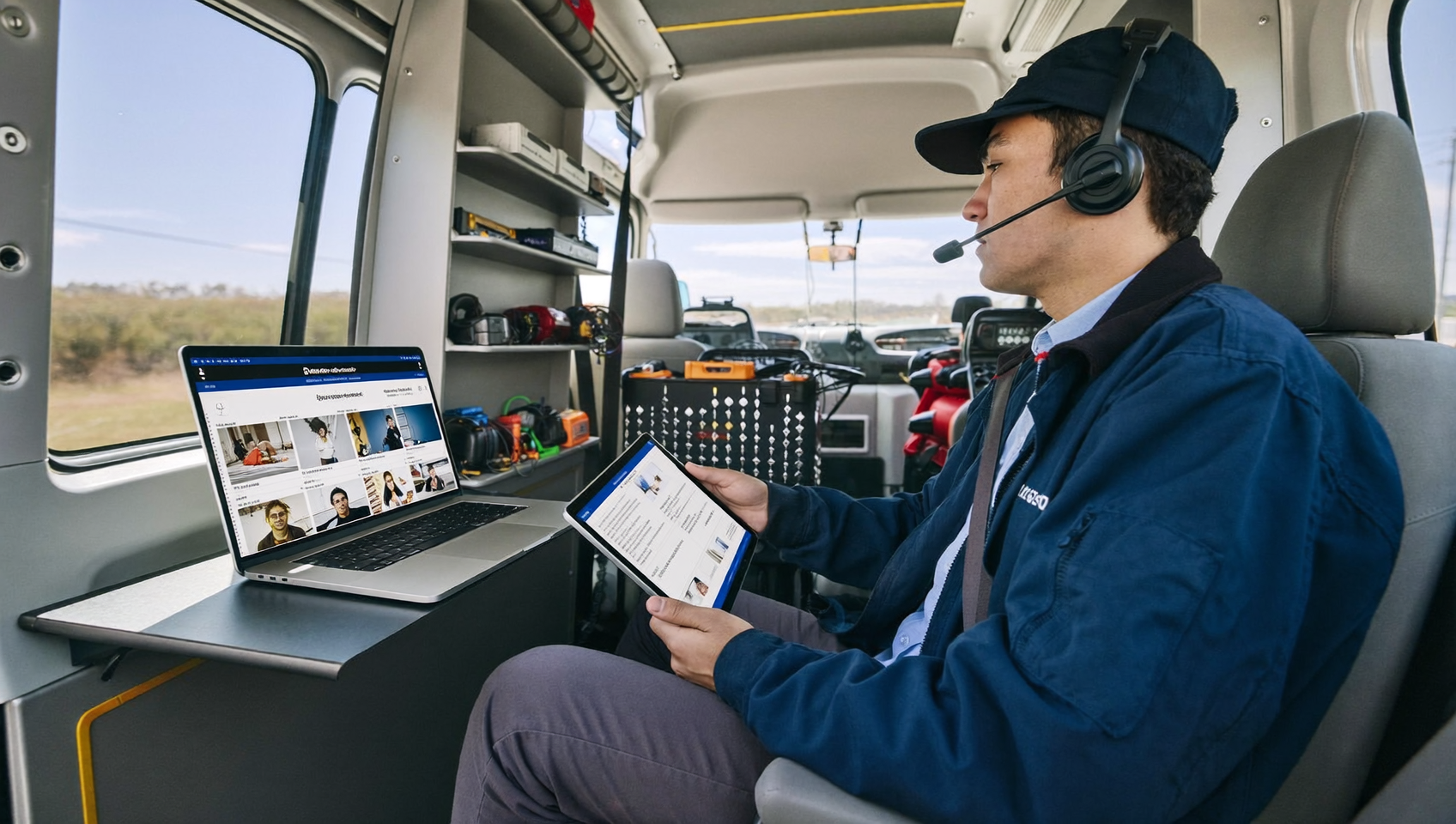
Most service businesses think audio conferencing is just for big enterprises. But if you’ve ever tried looping in a technician mid-call, coordinating meetings across multiple locations from your truck, or patching a partner into a live sales call—you already know the value. SalesCaptain’s built-in audio conferencing gives service businesses a simple, dependable way to get multiple parties on the same call. No juggling third-party apps. No burning time on workarounds.
audio conferencing software lets multiple participants join a single phone call from different locations using voice-only connections. For service businesses with scattered teams across job sites and vehicles, it eliminates bandwidth issues and technical problems while keeping everyone connected without third-party apps.
Free weekly newsletter
Growth tips for service businesses
Every Tuesday — actionable ideas to get more leads, reviews, and repeat customers. No fluff.
Quick Answer
Audio conferencing software enables service teams to conduct multi-party calls directly within their communication platform, eliminating the need for separate dialing tools. Built for business efficiency, it typically includes features like call recording, participant management, HD audio quality, and integration with CRM systems. Modern solutions streamline client interactions and internal coordination without switching between applications.
What Is Audio Conferencing Software?
Audio conferencing lets multiple participants join a single phone call from different locations. Unlike video conferencing, it’s voice-only. That means lower bandwidth demands, faster connections, and fewer technical hiccups. Participants dial in from any phone or internet-connected device.
For service businesses, the appeal is simple. Your team is scattered across job sites, offices, and vehicles. Video isn’t practical when a roofer’s on a ladder or a plumber’s under a sink. Audio conferencing keeps everyone connected without requiring a camera, stable Wi-Fi, or a quiet conference room. The audio conferencing services market continues to grow because voice-first communication stays essential for mobile and field-based workforces.
It’s worth distinguishing audio conferencing from a standard phone call. A regular call connects two parties. Audio conferencing bridges three or more—often with features like mute controls, participant management, and call recording. Think of it as a group phone call with professional-grade controls built in.
How Audio Conferencing Works in SalesCaptain
SalesCaptain doesn’t treat audio conferencing as a bolt-on add-on. It’s woven directly into the phone system and unified inbox. You won’t need to switch platforms or pay for a separate tool. Here’s how a typical conference call works:
- Start or receive a call. Use your SalesCaptain business phone number to place or answer a call like normal. Every call runs on the platform’s 99.99% uptime infrastructure with crystal-clear audio quality.
- Add participants. While on a live call, bring in additional team members, customers, or external parties. You can add people by dialing their number or pulling them from your SalesCaptain contacts.
- Manage the call. Use call controls to mute or unmute participants, place individuals on hold with hold music, or transfer the call to another team member. Warm and cold transfers are both supported, so you can brief a colleague before connecting them.
- Record and transcribe. Turn on call recording to capture the entire conference. After the call ends, SalesCaptain’s AI generates a full transcription with speaker labels and a concise summary highlighting key decisions, action items, and follow-ups.
- Follow up automatically. Use SalesCaptain’s workflow automation to trigger post-call actions. Send a recap text to participants, create a task in your CRM, or schedule a reminder, all without manual effort.
Everything happens inside one platform. The conference call, the recording, the transcript, and the follow-up all live in the same contact record. No context gets lost between tools.
Key Capabilities
- Multi-party calling with no extra software. Bring three or more participants onto a live call directly from SalesCaptain’s phone system. There’s no separate conferencing app to install, no bridge numbers to share, and no PINs to remember.
- AI-powered transcription and summaries. Every conference call can be transcribed with speaker identification, then condensed into an AI-generated summary. Your team can review what was discussed without listening to the full recording, which is especially useful for training and quality control.
- Call recording with searchable history. Recorded conferences are stored in the contact’s history inside the unified inbox. Search by participant name, date, or keyword to find exactly what you need.
- Warm and cold transfers. During a conference, transfer participants to the right person. Warm transfers let you brief the next team member before connecting them, while cold transfers route instantly.
- Hold music and call controls. Professional hold music keeps participants engaged while you coordinate. Mute controls prevent background noise from disrupting the conversation, a real concern when your team works on active job sites.
- Post-call workflow automation. After a conference ends, SalesCaptain’s drag-and-drop workflow builder can automatically send follow-up texts, update CRM records through native integrations like Housecall Pro or ServiceTitan, or trigger appointment reminders. That means fewer missed follow-ups and faster action on what was discussed.
Who Needs This?
Audio conferencing isn’t just for corporate boardrooms. Any business that coordinates between field workers, office staff, and customers will find it useful. Here are the roles and industries where it matters most:
- Home service companies (roofing, HVAC, plumbing, landscaping). A dispatcher can conference in a technician and homeowner simultaneously to discuss scope changes on a job, avoiding the back-and-forth of relaying messages.
- Legal practices. Attorneys can hold multi-party calls with clients, co-counsel, and expert witnesses. SalesCaptain’s native integration with Clio means call records sync directly with matters and contacts.
- Healthcare and wellness providers. Dental offices, therapy practices, and MedSpas often need to coordinate between front desk staff, practitioners, and patients. Audio conferencing simplifies scheduling conversations that involve multiple parties.
- Multi-location businesses. Owners managing two, three, or five locations can’t be everywhere. A quick audio conference replaces a chain of individual calls, saving time every day.
- Real estate agencies. Agents can patch in buyers, sellers, inspectors, and lenders on a single call. That accelerates deal timelines and reduces miscommunication.
- Operations and sales managers. Anyone who runs a team spread across multiple sites needs a fast, reliable way to align without pulling everyone into a physical meeting or a video call that half the team can’t join from the field.
Benefits of Audio Conferencing Software for Your Business
Faster Decisions, Fewer Delays
Every time you relay a message between two people who should be on the same call, you lose time. Conference calling eliminates that relay game. When a customer, your office manager, and a field technician are all on the line together, decisions happen in minutes instead of hours. For home service businesses, the cost of slow communication isn’t abstract. Delayed responses lose jobs to competitors who answer faster.
Better Record-Keeping Without Extra Work
Conference calls often produce critical decisions. But most teams don’t document them well. SalesCaptain’s AI transcription and summary features solve this automatically. After a three-way call about a project scope change, you’ll have a timestamped transcript and bullet-point summary in the contact record. Your team can reference it weeks later. And because everything sits in the unified inbox alongside texts, emails, and notes, you get a complete communication history in one place.
No Extra Tools to Pay For or Manage
Many service businesses cobble together separate tools. One for phones, one for conferencing, one for texting, one for CRM. Each tool costs money. Each requires its own login. And each creates data silos. With SalesCaptain, audio conferencing is part of the same platform that handles your AI phone agent, chat agents, SMS campaigns, and call flows. You don’t need a separate conferencing subscription. That’s one less vendor, one less bill, and one less tool your team has to learn. The audio conferencing market is crowded with standalone solutions. But for SMBs, an integrated approach makes far more sense.
Professionalism Without Complexity
Hold music, mute controls, and clean call transfers make your business sound polished. Even if you’re running the call from a pickup truck. Customers don’t know or care what software you’re using. They just notice whether the experience feels professional or chaotic. Audio conferencing with proper controls delivers that professionalism without any technical setup.
Ready to see it in action?
See how teams use SalesCaptain to handle conference calls and customer conversations in one platform.
How SalesCaptain Compares
Several popular communication platforms either lack audio conferencing entirely or treat it as a premium add-on. Dialpad doesn’t include audio conferencing in its base offering. Podium and Birdeye, both widely used by service businesses, also don’t offer audio conferencing. That means businesses on those tools need to bring in a third-party conferencing solution, adding cost and complexity.
SalesCaptain includes audio conferencing natively. Alongside call coaching and whispering, a power dialer, post-call analytics, and real-time speech analytics. Compare that with Aircall at $30 per license per month (with a three-seat minimum and AI voice agent add-ons at $0.49 per minute), and SalesCaptain’s per-location pricing looks significantly more practical for service businesses. You’re paying for the location, not for every individual user who needs to join a call.
What really separates SalesCaptain isn’t just the conferencing feature. It’s that your conference calls, AI-answered inbound calls, text conversations, webchat threads, and social media DMs all flow into one unified inbox. According to research on missed calls and communication gaps, fragmented tools are one of the biggest drivers of lost revenue for small businesses. Consolidating everything into one platform directly addresses that problem.
The UCaaS market is moving toward exactly this kind of consolidation. Businesses don’t want five tools stitched together with Zapier. They want one platform where conferencing, calling, messaging, and automation all work together out of the box. That’s what SalesCaptain was built around from day one.
How many people can join a SalesCaptain audio conference?
SalesCaptain supports multi-party calling. You can bring additional participants onto a live call. For specific participant limits based on your plan tier, contact SalesCaptain’s team directly. Most service business conference calls involve three to five people, and the platform handles that comfortably.
Do I need to install separate software for audio conferencing?
No. Audio conferencing is built into SalesCaptain’s phone system. Participants can join from any phone or internet-connected device. There are no bridge numbers, PINs, or third-party apps required.
Are conference calls recorded and transcribed automatically?
Call recording and AI transcription are available as part of SalesCaptain’s platform. You can enable recording on conference calls. After the call ends, you’ll get a full transcript with speaker labels plus an AI-generated summary with key takeaways and action items.
Can I trigger follow-up actions after a conference call?
Yes. SalesCaptain’s workflow automation builder lets you set up trigger-based actions after calls end. You could automatically send a recap text to all participants, create a follow-up task, update a contact record in an integrated CRM like Housecall Pro or ServiceTitan, or schedule a reminder. All of this runs without manual input.
How does SalesCaptain’s pricing work for audio conferencing?
Audio conferencing is included in SalesCaptain’s plans at no extra charge. Pricing starts at free for the Startup plan (one location), $159 per month per location on the Business plan, and $300 per month per location on the Enterprise plan. AI call minutes are billed at $0.12 per minute. There’s no per-user fee. That means your whole team can use conferencing without inflating your bill.
Does audio conferencing work alongside SalesCaptain’s AI Phone Agent?
Absolutely. Your AI Phone Agent can answer calls, qualify leads, and book appointments 24/7. When a situation requires human involvement, the AI can route the caller to a team member, who can then conference in additional participants as needed. The handoff is smooth. And the entire interaction, from the AI’s initial greeting to the multi-party conference, gets recorded in the same contact record.
Ready to stop juggling separate tools for calling, conferencing, and messaging? SalesCaptain gives you audio conferencing, AI agents, and a unified inbox in one platform built for service businesses. Start free at salescaptain.com