
AI-powered customer experience marketing (CXM) platform that helps local businesses win.


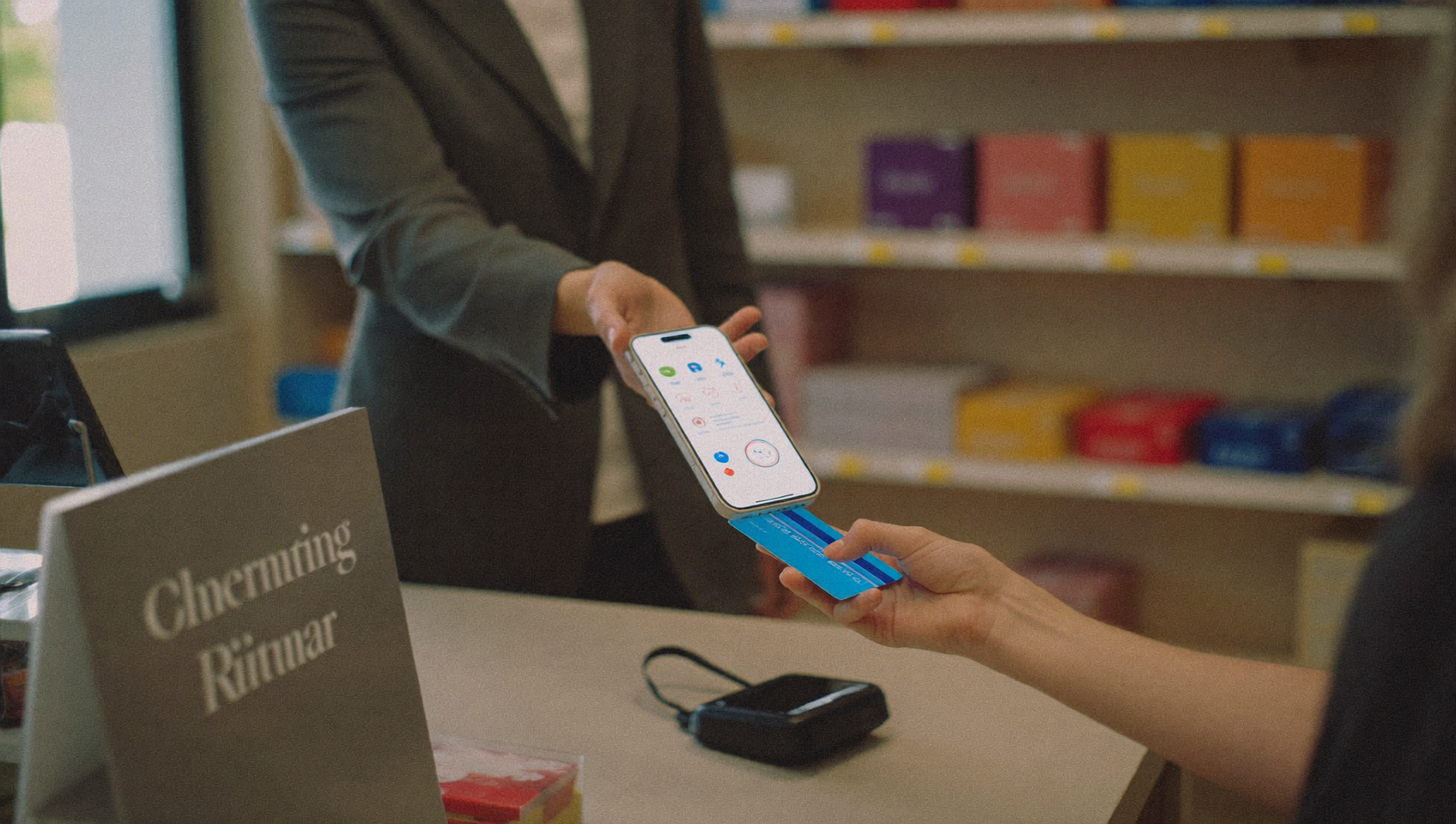
A customer owes you $350 for a completed job. You’re stuck waiting on a check in the mail. Or worse, you’re chasing them with follow-up calls they don’t answer. Meanwhile, your cash flow suffers, and that unpaid invoice quietly turns into a write-off. Sound familiar? Stripe text payment integration solves this by letting you send a secure payment link directly to a customer’s phone, where they can pay in seconds without downloading an app or logging into a portal.
Stripe text payment integration connects Stripe’s payment processing with SMS platforms, allowing you to send secure payment links via text message. Customers tap the link, enter card details on Stripe’s checkout page, and complete payment in seconds—eliminating delays from checks, invoices, and follow-up calls.
Free weekly newsletter
Growth tips for service businesses
Every Tuesday — actionable ideas to get more leads, reviews, and repeat customers. No fluff.
Quick Answer
Stripe text payment integration enables customers to pay invoices directly through text messages, eliminating the need for apps or payment portals. Recipients click a secure link, enter payment details, and complete transactions in seconds. This reduces payment friction, accelerates cash flow, and lowers invoice abandonment rates compared to traditional email billing methods.
What Is Stripe Text Payment Integration?
Stripe text payment integration connects Stripe’s payment processing engine with SMS or business texting platforms so you can send payment links to customers via text message. A customer receives the text, taps the link, and enters their card details on a Stripe-hosted checkout page. The transaction processes through Stripe, and you get paid. Often within minutes.
This isn’t a new concept, but it’s become far more practical as business texting has matured. According to Text Request’s 2024 State of Business Texting Report, text messages have significantly higher open rates than email, which makes SMS an effective channel for payment collection. And with Stripe processing over $1.4 trillion in total payment volume, it’s the most widely trusted payment processor for businesses of this size.
Why Text-based payments Work Better Than Traditional Methods
If you’re still relying on mailed invoices, emailed payment links, or in-person card swipes, you’re leaving money on the table. Text-based payments address several problems at once. Understanding why they work helps you decide how to set them up.
Faster Collection Times
Invoices sent by email often sit unopened for days. Mailed invoices can take a week just to arrive. Text messages? Typically read within minutes. That speed difference translates directly to faster payments. For service businesses running tight margins, the gap between “invoiced” and “paid” can make or break a month.
Lower Friction for Customers
Customers don’t want to create accounts, download apps, or navigate portals. A Stripe payment link in a text message removes all of that friction. They tap, pay, and move on. According to a PYMNTS study, 72% of Main Street SMBs prioritize ease of use when selecting a payment processor. Your customers feel the same way about actually making payments.
Better Follow-Up on Outstanding Balances
Chasing payments by phone is time-consuming and awkward. Automated text reminders with an embedded payment link feel less confrontational. Much more convenient. You can schedule them after a job is completed, after a certain number of days past due, or as part of a recurring billing cycle.
How Stripe Text Payment Integration Actually Works
Setting up Stripe text payments isn’t complicated. The specifics depend on the platform you use to send texts. Here’s the general workflow, regardless of your toolset.
Step 1: Create a Stripe Payment Link
Stripe offers a built-in Payment Links feature. You create a link in your Stripe dashboard by specifying the amount, description, and any optional fields like customer name or invoice number. No coding required. Each link is a unique, secure URL hosted on Stripe’s checkout page.
You can create one-time links for specific invoices or reusable links for standard service packages. For example, a plumber might have a reusable $150 link for drain cleaning and generate custom links for larger jobs.
Step 2: Send the Link via SMS
Once you’ve got the link, you need a way to text it to your customer. Here’s where your options diverge:
- Manual copy-paste: You copy the Stripe link and text it from your phone. Simple, but doesn’t scale and offers no tracking.
- Business texting platform: Platforms with Stripe integration let you generate and send payment links directly from your messaging interface, often with auto-shortening and click tracking.
- Workflow automation: You set up triggers so payment links are sent automatically after certain events, like a job being marked complete in your CRM or field service software.
Step 3: Customer Pays on a Secure Checkout Page
When the customer taps the link, they land on Stripe’s hosted checkout page. It’s mobile-optimized, PCI-compliant, and supports all major card types plus Apple Pay and Google Pay. The customer never has to leave their phone’s browser. The entire process takes under a minute.
Step 4: Track Payment Status in Real Time
After sending a payment link, you need to know whether it was opened, clicked, and completed. Basic Stripe reporting shows you payment status. But platforms that integrate Stripe into their texting workflows can show you everything in one place: who received the text, who clicked, who paid, and who needs a follow-up reminder.
Best Practices for Stripe Text Payment Integration
Getting the technical setup right is half the battle. The other half is making sure customers actually pay when they receive your text. These practices make a measurable difference.
Keep the Message Short and Clear
Don’t bury the payment link in a paragraph of text. A strong payment text looks something like: “Hi [Name], your invoice for [Service] is ready. Pay securely here: [link]. Thanks!” Clarity beats cleverness. According to Xero’s 2024 Global Payments Report, customers across markets consistently prefer simple, direct payment experiences.
Automate Reminders for Unpaid Invoices
One text isn’t always enough. Set up automated follow-ups at intervals that make sense for your business. A common sequence is: send the initial link when the job’s done, follow up three days later if unpaid, and send a final reminder at seven days. Automation removes the need for anyone on your team to manually track who hasn’t paid.
Use URL Shortening and Click Tracking
Long Stripe URLs look suspicious in text messages. Carriers can flag them. Shortened URLs are cleaner and more trustworthy. Click tracking tells you whether the customer opened the link at all. That helps you decide whether to call or send another text.
Personalize Whenever Possible
Texts that include the customer’s name and service details convert better than generic messages. If your platform supports merge fields or templating, use them. A personalized message feels like communication from a real business. Not spam.
How SalesCaptain Helps
SalesCaptain supports Payments via Text with Stripe as one of its supported payment gateways (along with Helcim and Authorize.net). That means you can generate and send Stripe payment links directly from SalesCaptain’s unified inbox without switching between apps or manually copying URLs.
What makes this practical for service businesses is how it connects to the rest of your communication workflow. What does that look like in practice?
- Auto URL Shortening: Payment links are automatically shortened so they’re clean, carrier-friendly, and trackable.
- Click Tracking: You can see whether a customer opened the payment link, so your team knows when to follow up and when to wait.
- Workflow Automation: Use SalesCaptain’s drag-and-drop workflow builder to trigger payment texts automatically, for example, when a job is marked complete in Housecall Pro, ServiceTitan, or Workiz through native integrations.
- Unified Inbox: Payment-related texts live in the same inbox as all your other customer conversations across SMS, calls, webchat, and social DMs. No context switching.
- Advanced Templating: Create personalized payment message templates with merge fields for customer name, service type, and amount, so every text feels custom without manual effort.
For businesses juggling dozens of invoices weekly, this setup cuts collection time significantly. Instead of your office manager spending hours on payment follow-ups, the system handles it. And because everything routes through one inbox, nothing slips through the cracks. Your team can see the full conversation history, from the initial appointment booking through to payment confirmation, all in one thread.
Key Takeaways
Stripe text payment integration is a practical way for service businesses to get paid faster with less manual effort. The concept is straightforward: connect Stripe’s payment links to an SMS channel, and send customers a tap-to-pay experience right on their phone.
Here’s what matters most:
- Text-based payment collection is faster than email or mail because messages get read almost immediately.
- Stripe’s hosted checkout pages handle security and compliance, so you don’t need to worry about PCI requirements.
- Automation turns payment collection from a manual chore into a background process that runs itself.
- Short, personalized messages with clean URLs convert better than generic or cluttered ones.
- The best results come from platforms that combine texting, payment processing, and customer communication in one system rather than cobbling together separate tools.
If you’re still chasing payments manually, the gap between what you’ve earned and what you’ve collected is probably bigger than you think. Stripe text payment integration closes that gap.
Frequently Asked Questions
Is Stripe text payment integration secure for my customers?
Yes. When customers tap a Stripe payment link, they land on Stripe’s own hosted checkout page, which is PCI DSS Level 1 compliant. That’s the highest level of payment security certification. Your customers’ card data never touches your systems or your texting platform. Stripe handles all sensitive data storage and encryption.
How much does Stripe charge per text payment transaction?
Stripe’s standard processing fee applies to payments made through payment links. It’s the same rate as any other Stripe transaction. Your texting platform may have its own messaging costs on top of that. SalesCaptain, for example, includes text-to-pay as a built-in feature with competitive per-location pricing, so you’re not paying extra for the payment functionality itself.
Can I automate payment reminders for unpaid invoices?
Absolutely. Most platforms that offer Stripe text integration allow you to set up automated reminder sequences. You define the trigger (like “invoice unpaid after 3 days”) and the system sends a follow-up text with the payment link. SalesCaptain’s workflow automation builder lets you create these sequences visually. No coding required.
Do customers need to download an app to pay?
No. Customers simply tap the link in their text message, and it opens Stripe’s checkout page in their phone’s browser. They enter their card info (or use Apple Pay or Google Pay) and submit. No app downloads, no account creation, no portal logins. It’s intentionally frictionless.
What field service tools can trigger automatic payment texts?
That depends on your platform. SalesCaptain offers native integrations with Housecall Pro, ServiceTitan, Workiz, JobNimbus, FieldRoutes, and others. When a job status changes in those tools, it can automatically trigger a payment text with a Stripe link. For tools without native integrations, Zapier and webhook connections fill the gap.
Ready to see it in action?
See how service businesses use SalesCaptain to collect payments via text and close deals faster.
Book a Free Demo →See How SalesCaptain Can Help
SalesCaptain combines Stripe-powered text payments, automated follow-ups, and a unified inbox so your service business gets paid faster without chasing customers. Start with the free plan at salescaptain.com and set up your first payment workflow today.