
AI-powered customer experience marketing (CXM) platform that helps local businesses win.


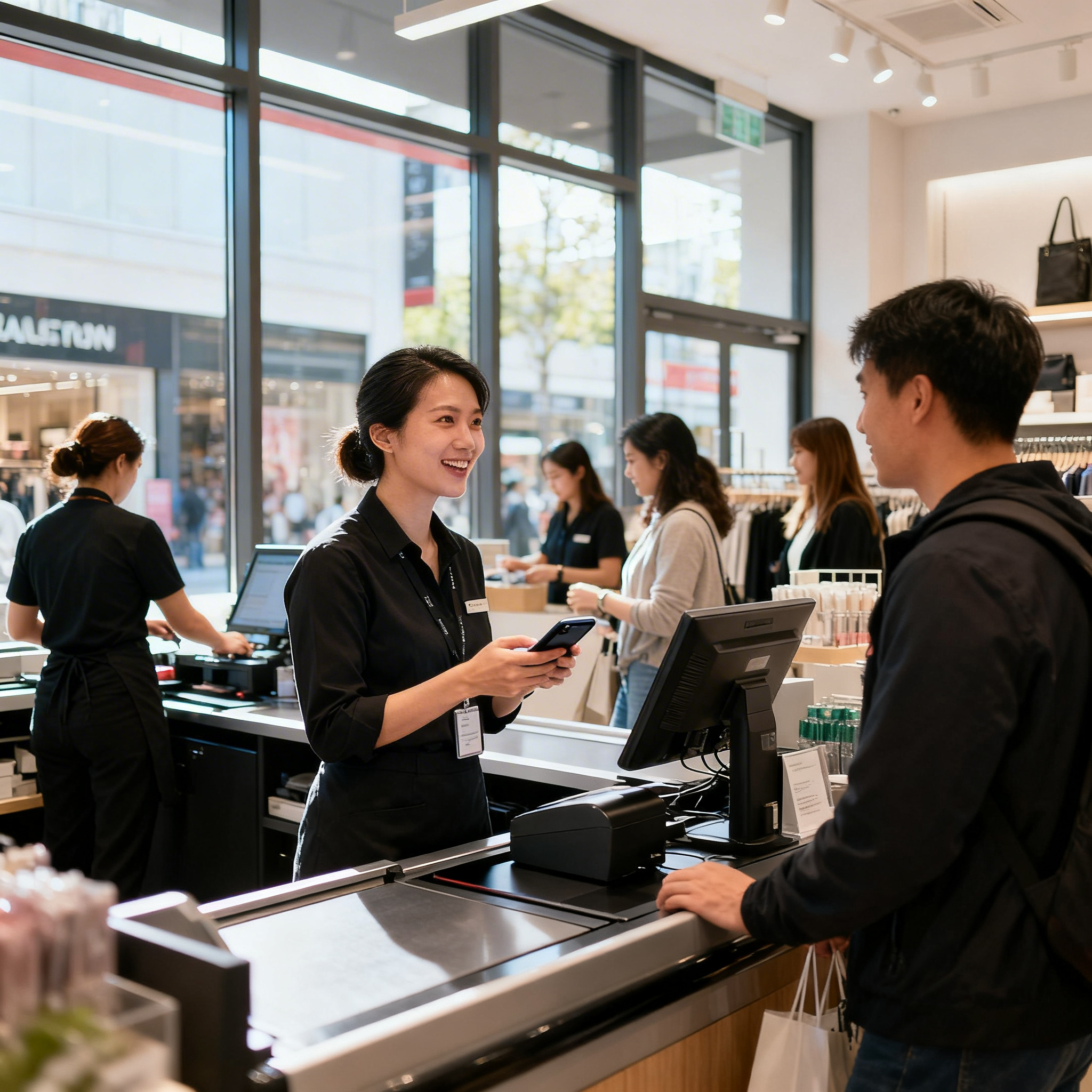
A customer walks into your store, waits three minutes at the counter, and leaves without buying anything. Meanwhile, your phone rings six times with no one available to answer. That missed call probably cost you a sale, and research shows small businesses lose over $26,000 per year from missed calls alone. Finding the best customer communication tools for retail stores isn’t just a nice upgrade. It’s the difference between growing your revenue and watching it walk out the door.
Best customer communication tools for retail stores are software platforms that manage conversations across phone, text, email, chat, and social media in one system. They help retail teams respond faster to customers, reduce missed calls and messages, and increase sales by eliminating communication gaps.
Quick Answer
Retail stores benefit most from communication tools that combine customer messaging, staff coordination, and scheduling in one platform. Look for solutions offering SMS and email capabilities, real-time team chat, appointment management, and customer analytics. The best choice depends on your store size, budget, and whether you prioritize customer-facing features or internal team coordination.
What Are Customer Communication Tools for Retail?
Customer communication tools are software platforms that help retail businesses manage conversations with shoppers across multiple channels, including phone calls, text messages, webchat, social media, and email. Instead of juggling separate apps for each channel, these tools bring everything into one system where your team can respond quickly and consistently.
Free weekly newsletter
Growth tips for service businesses
Every Tuesday — actionable ideas to get more leads, reviews, and repeat customers. No fluff.
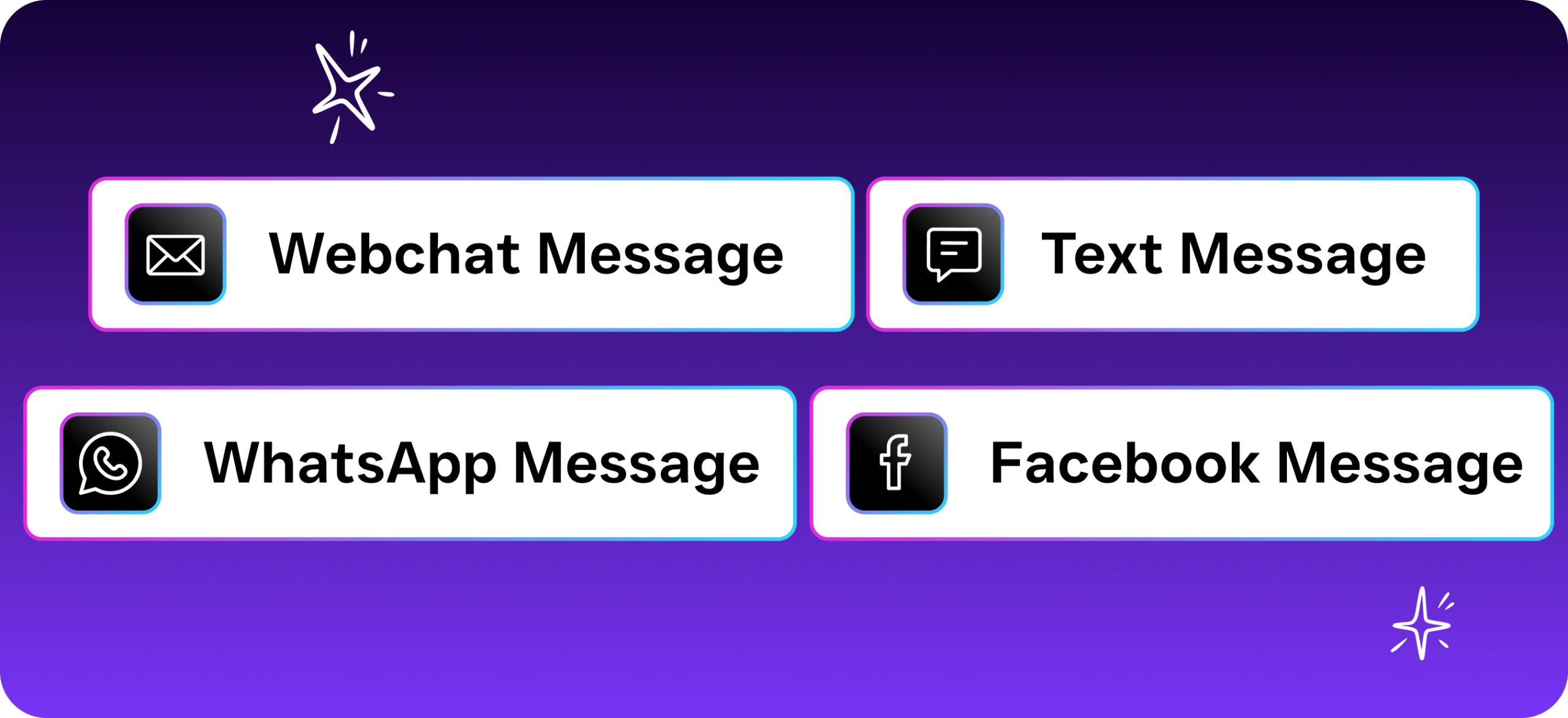
For retail stores specifically, these tools solve a very practical problem. Your staff is busy helping in-store customers, so they can’t always pick up the phone or respond to a Facebook message within seconds. Yet customer service statistics from Khoros show that most consumers expect a response within minutes, not hours. Communication tools bridge that gap by automating responses, routing messages to the right person, and ensuring no inquiry falls through the cracks.
Why Retail Stores Need Better Communication Systems
The Real Cost of Slow Responses
Speed matters more than almost anything else in retail communication. When a potential customer texts your store asking if you’ve a product in stock, every minute you delay increases the chance they’ll buy from someone else. OnceHub’s analysis of missed calls found that the majority of callers who reach voicemail won’t leave a message and won’t call back. They just move on.
Retail operates on thin margins. You can’t afford to lose customers over something as fixable as response time. And here’s what makes it worse: most store owners don’t even realize how many inquiries they’re missing because there’s no system tracking them.
Customers Expect Omnichannel Access
Your shoppers aren’t sticking to one channel. Some call. Others send a text. Younger customers might DM you on Instagram or send a message through your website’s chat widget. Customer.io’s State of Messaging Report confirms that consumers increasingly expect brands to be reachable on whatever platform they prefer.
Without a unified system, your team ends up checking five different apps throughout the day. Messages get lost. Someone responds to a customer on Facebook without knowing their coworker already handled the same question via text. That kind of disjointed experience frustrates customers and wastes your staff’s time.
Staffing Constraints Make Automation Essential
Most retail stores don’t have the budget to hire dedicated customer service reps. Your sales associates are handling in-person shoppers, restocking shelves, and managing checkout lines. Asking them to also answer every call and respond to every DM within minutes simply isn’t realistic. Automation fills that gap without adding headcount.
Essential Features to Look for in Retail Communication Tools
Not every platform on the market is built for retail. Many are designed for tech companies, healthcare practices, or enterprise sales teams. When you’re evaluating options, prioritize features that match how retail stores actually operate.
Must-Have Capabilities
- Unified inbox: All messages from calls, texts, webchat, social media, and email should appear in one place. Your team shouldn’t need to toggle between platforms.
- Automated responses: Instant replies to common questions like store hours, product availability, and return policies keep customers engaged even when staff is busy.
- Missed-call text-back: When a call goes unanswered, the system automatically sends a text message so you don’t lose the lead entirely.
- Appointment and reservation booking: For retail stores offering personal shopping, consultations, or service appointments, automated scheduling saves significant back-and-forth.
- CRM integration: Your communication tool should sync with your existing systems, whether that’s Shopify, QuickBooks, or a CRM like HubSpot or Salesforce.
- Workflow automation: Follow-up messages, review requests, and promotional texts should fire automatically based on triggers you set.
Features That Separate Good Tools from Great Ones
Beyond the basics, look for AI-powered capabilities that genuinely reduce your team’s workload. A platform with an AI phone agent, for instance, can answer calls using natural-sounding voice technology, handle FAQs, and even book appointments without a human ever picking up. That’s a significant step beyond simple auto-attendant menus that frustrate callers.
Also consider scalability. If you run multiple store locations, you need per-location pricing that doesn’t balloon as you grow. Some platforms charge per user, which gets expensive fast when you’ve 10 associates across three stores. Per-location models are typically more cost-effective for retail.
How the Leading Tools Compare for Retail Use
The market has dozens of communication platforms, but most weren’t designed with retail stores in mind. Here’s how several well-known options stack up on the features that matter most to retailers.
| Feature | SalesCaptain | Podium | Birdeye | Nextiva |
|---|---|---|---|---|
| AI Voice Agent (24/7) | Yes | No | No | No |
| Unified Inbox (all channels) | Yes | Partial | Partial | Partial |
| Missed-Call Text-Back | Yes | Yes (call-to-text) | No | No |
| WhatsApp Support | Yes | No | No | No |
| Payments via Text | Yes | Yes | No | No |
| Call Coaching & Whispering | Yes | No | No | No |
| Workflow Automation | Yes (drag-and-drop) | Limited | Limited | Basic |
| Transparent Pricing | Free plan + $159/mo | Not listed | Not listed | $20/user/mo |
Birdeye is primarily a reputation management tool. It’s weak on VoIP features, with no call routing, IVR builder, or hold music. For a retail store that needs a complete phone system alongside messaging, those gaps are significant.
Nextiva offers a solid phone platform, but its SMS is capped at 250 messages per user per month. For a retail store running text promotions or sending appointment reminders, that limit gets hit quickly. It also doesn’t support WhatsApp, which matters if you serve a diverse customer base. SimpleTexting’s research on small business marketing shows that SMS engagement rates continue climbing year over year, making text limitations a real constraint.
Best Practices for Setting Up Retail Communication Systems
Map Your Customer Journey First
Before you configure any tool, document every way customers currently reach you. Walk through the experience from their perspective. What happens when someone calls after hours? How quickly does your team respond to a website chat message? Where are the biggest drop-off points? This audit gives you clear priorities for what to automate first.
Start with High-Impact Automations
Don’t try to automate everything on day one. Focus on the scenarios that lose you the most revenue:
- After-hours call handling: Set up an AI agent or automated text-back so evening and weekend inquiries get an immediate response.
- FAQ automation: Common questions about store hours, return policies, and product availability should be answered instantly by chat agents.
- Follow-up sequences: After a purchase, trigger automated messages asking for a review or offering a related promotion.
- Appointment reminders: Reduce no-shows with automated text reminders sent 24 hours and 1 hour before scheduled visits.
Train Your Team on the Unified Inbox
Technology only works if your staff actually uses it. Spend time showing your team how the unified inbox works, especially how to see conversation history across channels. When a customer who texted yesterday walks into the store today, your associate should be able to pull up that conversation and continue it. Sprinklr’s customer experience research consistently shows that personalized interactions drive higher satisfaction and repeat purchases.
Keep the training practical. Show real scenarios, not feature demos. Your associates care about “how do I look up what this customer asked about last week,” not “here’s how the API integrates with your CRM.”
How SalesCaptain Helps
SalesCaptain brings together the features that matter most for retail communication into a single platform. Its AI Phone Agent answers calls 24/7 with natural-sounding voice technology, handling FAQs, booking appointments, qualifying leads, and blocking spam without any human involvement. For stores that miss calls during busy periods or after hours, this is an immediate revenue recovery tool.
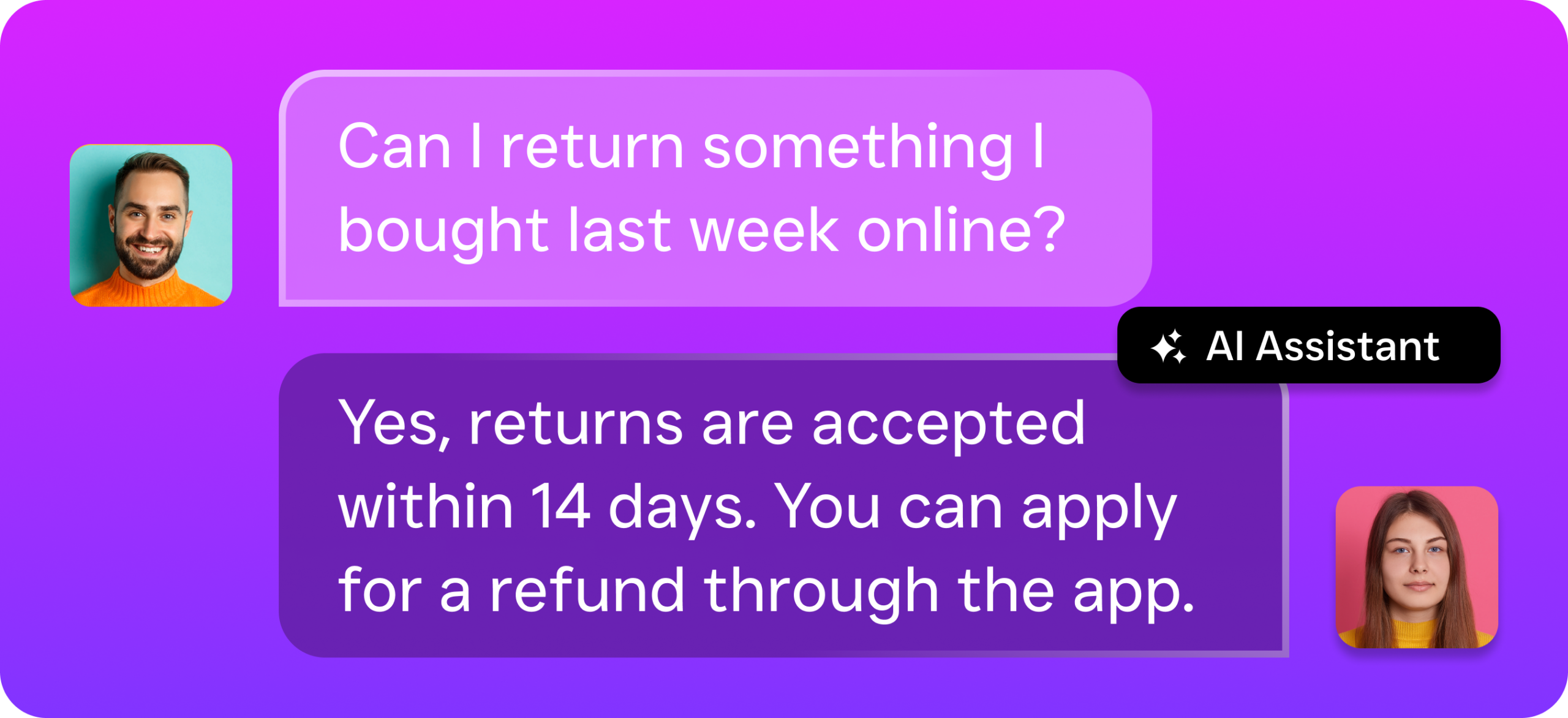
The platform’s AI Chat Agents extend that same automation to SMS, webchat, Instagram DMs, and Facebook Messenger. Every inquiry gets an instant response, and leads are captured automatically. All of these conversations, along with phone calls, emails, and internal team notes, flow into a single Unified Inbox where your staff can collaborate and see complete customer history at a glance.
What makes it particularly well-suited for retail is the pricing model. The free Startup plan covers one location, while the Business plan at $159 per month per location includes the full feature set. AI calls are billed at $0.12 per minute, which is dramatically cheaper than hiring additional staff or using human answering services like Smith.ai or Ruby. For multi-location retailers, this per-location approach scales far more affordably than per-user pricing models. Plus, with 50+ integrations including Shopify, QuickBooks, HubSpot, Salesforce, and Zapier, it connects cleanly to the systems retail stores already use.
Key Takeaways
The best customer communication tools for retail stores solve three core problems: missed inquiries, slow response times, and fragmented conversations across channels. Any platform you choose should unify all your communication in one inbox, automate responses to common questions, and handle after-hours interactions without requiring additional staff.
AI-powered automation has moved from a luxury to a necessity for retail stores competing on customer experience. Prioritize tools that offer both voice and text AI, transparent pricing, and integrations with your existing retail systems. The stores that respond fastest and most consistently are the ones that earn repeat business, and the right communication platform makes that possible without expanding your payroll.
Frequently Asked Questions
What’s the most important feature in a retail communication tool?
A unified inbox that consolidates all channels into one view. Without it, messages get lost between platforms, and your team wastes time switching apps. Every other feature, from automation to analytics, works better when it’s built on top of a single conversation stream.
Can AI phone agents really sound natural enough for retail customers?
Modern AI voice agents use advanced speech technology that sounds conversational, not robotic. They can handle common retail scenarios like answering product questions, sharing store hours, and booking appointments. Most callers won’t realize they’re speaking with an AI, and reviews of AI receptionist apps show customer satisfaction rates are consistently high.
How much do customer communication tools cost for a small retail store?
Pricing varies widely. Per-user models like Nextiva ($20/user) or Aircall ($30/license) add up quickly with larger teams. Per-location models, like SalesCaptain’s free plan or $159/month Business tier, tend to be more predictable for retail stores with multiple associates at a single location.
Do I need separate tools for phone, text, and social media?
No, and you shouldn’t use separate tools if you can avoid it. Disconnected systems create blind spots where customer context gets lost between channels. A unified platform ensures that when a customer texts you after calling last week, your team sees the full history in one place.
How long does it take to set up a communication platform for a retail store?
Platforms designed for SMBs typically don’t require technical expertise and can be set up in a few hours. Configuring an AI phone agent, connecting your social media accounts, and building basic automation workflows are straightforward with drag-and-drop builders. Small business communication trends are moving toward faster, simpler onboarding specifically because retailers can’t afford weeks-long setup processes.
Ready to see it in action?
See how retail stores use SalesCaptain to respond to every customer instantly and boost sales.
Book a Free Demo →See How SalesCaptain Can Help Your Retail Store
Stop losing customers to missed calls and slow responses. SalesCaptain’s AI Phone Agent, AI Chat Agents, and Unified Inbox give your store 24/7 coverage across every channel, starting with a free plan.