
AI-powered customer experience marketing (CXM) platform that helps local businesses win.



Workflow software examples range from simple task boards to full automation platforms that handle communication, follow-ups, and scheduling without manual input. Sound familiar? If you’re running a service business and spending hours on repetitive tasks like returning missed calls, sending appointment reminders, or updating your CRM, the right workflow tool can reclaim that time. SalesCaptain’s Workflow Automation feature is purpose-built for this reality, giving service businesses a drag-and-drop builder that connects AI phone agents, AI chat agents, and a unified inbox into automated sequences that run around the clock.
Quick Answer
Workflow software automates repetitive business tasks like call logging, email follow-ups, meeting scheduling, and data entry. Examples include automation platforms that trigger actions based on specific events—such as automatically scheduling a callback when a customer doesn’t answer or sending templated emails after sales calls. The right tool eliminates manual work, reduces human error, and frees your team to focus on higher-value activities like actual selling and relationship building.
What Is Workflow Software?
Workflow software is any tool that maps out a repeatable process, then automates some or all of its steps. Think of it as a set of instructions your business follows every time a specific event happens. A new lead fills out a form. The software sends a welcome text, creates a CRM record, and schedules a follow-up call. Nobody has to remember. Nobody has to copy-paste. The process just runs.
Most people picture project management apps like Trello boards or Asana task lists. Those are workflow software examples, but they’re designed for internal team collaboration, not customer-facing communication. For service businesses, the workflows that matter most are external: how quickly you respond to a lead, how consistently you confirm appointments, and whether you follow up after a missed call. Recent workflow automation research from Workona shows that businesses automating repetitive tasks save significant hours each week, hours that directly translate into revenue when you’re a small team.
Free weekly newsletter
Growth tips for service businesses
Every Tuesday — actionable ideas to get more leads, reviews, and repeat customers. No fluff.
Where Generic Tools Fall Short
General-purpose workflow platforms like monday.com, ClickUp, or Notion excel at organizing internal work. But they don’t natively connect to your phone system, SMS inbox, or social media messages. You’d need a web of integrations, Zapier bridges, and custom API work to get a missed call to trigger an automated text. For a five-person plumbing company or a two-location dental practice, that’s unrealistic. The workflow software examples that actually move the needle for service businesses? The ones built around customer communication from the start.
How Workflow Automation Works in SalesCaptain
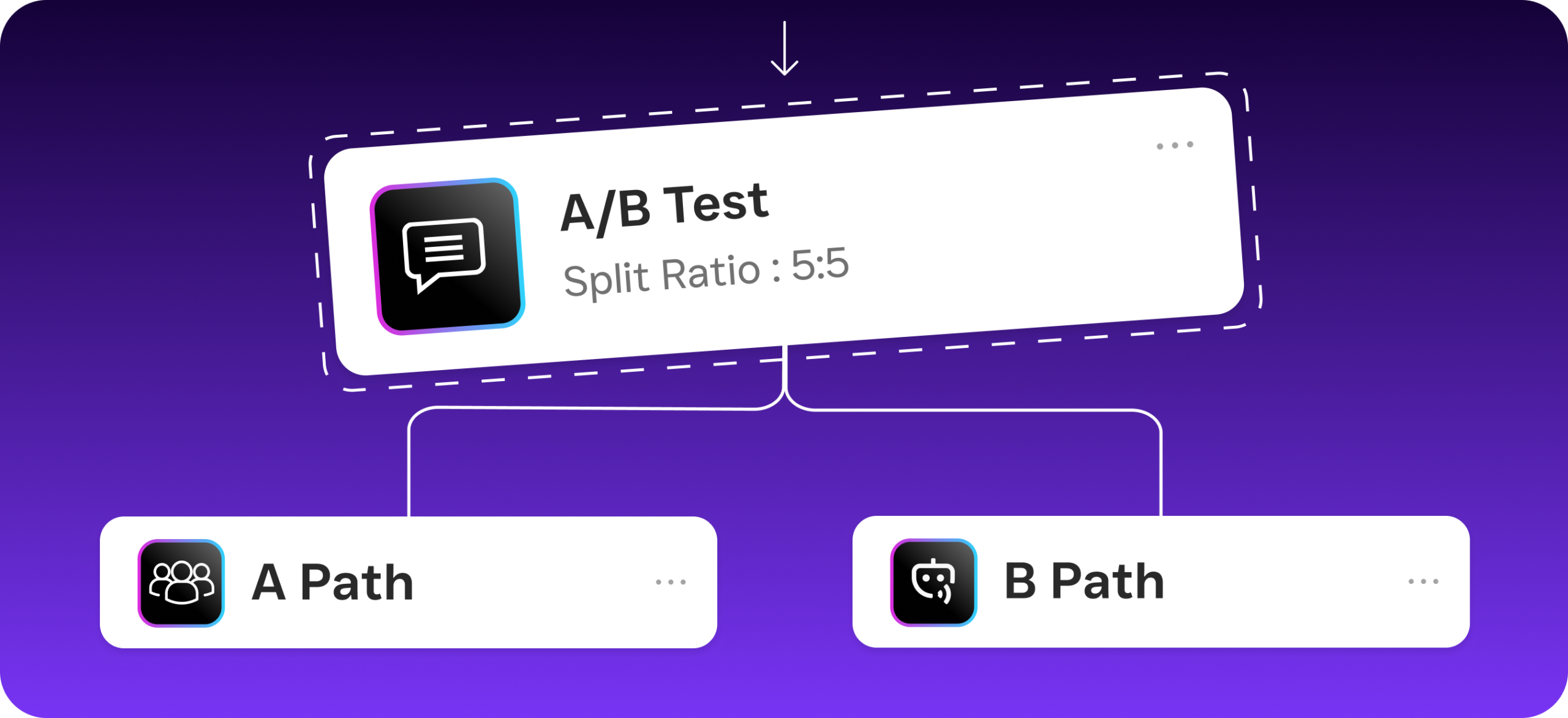
SalesCaptain’s visual workflow builder lets you create automated sequences without writing a single line of code. Here’s what a typical setup looks like:
- Choose a trigger. Every workflow starts with an event. A missed call, a new form submission, an incoming text, a completed appointment, or a tag being added to a contact. You pick the trigger from a dropdown menu.
- Add actions in sequence. Drag and drop the steps you want the system to take. Send an SMS, wait 10 minutes, send another SMS, update a CRM field, notify a team member, or route the contact to your AI Phone Agent for a callback. Each action is a block you place on a visual canvas.
- Set conditions and branches. Not every contact should get the same treatment. Add if/then logic: if the lead responds “yes,” book the appointment; if they don’t respond within 24 hours, send a follow-up; if they reply “stop,” remove them from the sequence.
- Activate and monitor. Turn the workflow on and watch it run in real time. SalesCaptain’s tracking shows you how many contacts entered the workflow, where they are in the sequence, and which steps are converting.
- Iterate based on results. Adjust timing, swap message templates, or add new branches. Because everything is visual, changes take minutes rather than hours.
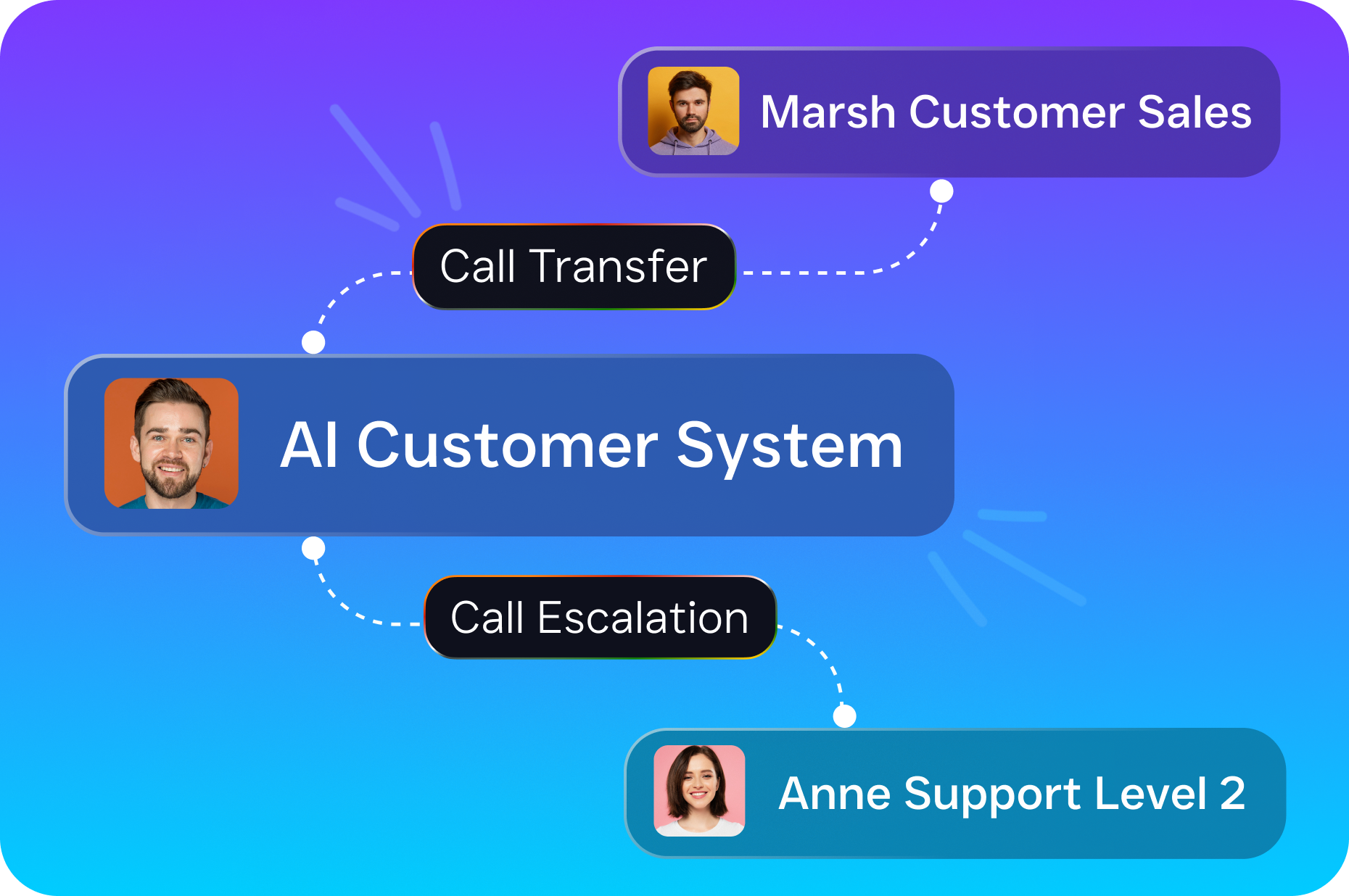
The entire process connects natively to SalesCaptain’s AI Phone Agent, AI Chat Agents, and Unified Inbox. And that means a workflow can start with a missed call, hand off to an AI agent for qualification, and deposit the qualified lead into your inbox with full context—all without a human touching it.
Key Capabilities
- Missed-call text-back. When a call goes unanswered, the system instantly sends a customized text message. According to Aira’s research, a large percentage of business calls go unanswered, and each one represents lost revenue. This single automation recovers leads that’d otherwise disappear.
- Appointment reminders and confirmations. Automated SMS or chat messages go out at intervals you define: 48 hours before, 2 hours before, 30 minutes before. Patients, clients, and customers confirm or reschedule without your front desk picking up the phone.
- Lead qualification sequences. When a new lead comes in from webchat, Instagram DMs, or Facebook Messenger, your AI Chat Agent asks qualifying questions, scores the lead, and routes hot prospects to your sales team immediately.
- CRM sync and updates. Every interaction, whether it’s a call, text, or social media message, automatically updates the contact record. With 50+ native integrations including HubSpot, Salesforce, Zoho, HousecallPro, and ServiceFusion, your data stays current across systems.
- After-hours lead capture. Combine call flows with workflow automation so your AI Phone Agent answers after 6 PM, qualifies the caller, books an appointment on your calendar, and sends a confirmation text. Your team sees the full summary and transcription in the morning.
- Review and feedback requests. After a completed appointment, trigger an automated message asking for a Google review or NPS rating. Timing matters here, and workflows let you send the request when satisfaction is highest.
Who Needs This?
Not every business needs the same type of workflow software. Here’s where SalesCaptain’s automation builder delivers the most value:
- Home service companies (roofing, plumbing, HVAC, landscaping, appliance repair) that miss calls while crews are on jobs and lose leads to competitors who respond faster.
- Healthcare and wellness practices (dental offices, MedSpas, therapy practices) that spend staff hours on appointment confirmations, reminders, and rescheduling.
- Legal practices where intake speed determines whether a potential client retains you or calls the next firm on Google. Industry data from Callsetter shows missed calls can cost businesses over six figures annually.
- Appointment-heavy businesses like salons, gyms, and fitness studios that need consistent follow-up without hiring additional front-desk staff.
- Real estate agencies where lead response time under five minutes can determine whether you win the listing. Keap’s 2024 small business trends report highlights speed-to-lead as a top growth driver.
- Multi-location businesses that need standardized processes across all sites without building separate systems for each one.
The common thread is simple. If your team is doing the same communication tasks repeatedly and you can’t afford to hire more people, automation pays for itself quickly.
Benefits of Workflow Automation for Your Business
Faster Lead Response Without More Staff
Speed wins deals. When someone calls your roofing company at 7 PM and nobody answers, they’re calling your competitor by 7:02 PM. SalesCaptain’s workflow automation ensures that missed call triggers an instant text-back, followed by an AI Phone Agent callback if the lead responds. Research from Phone2 shows that the cost of missed calls compounds rapidly for small businesses. Automating this single workflow can recover a meaningful portion of lost revenue each month.
Consistent Follow-Up That Doesn’t Depend on Memory
Every business owner knows the pain of discovering a lead that fell through the cracks. Someone called three days ago, the note got buried, and now they’ve booked with a competitor. Workflow automation removes human memory from the equation entirely. Once you set a follow-up sequence, every lead gets the same treatment, on time, every time. Your team focuses on closing. Not chasing.
Reduced No-Shows and Cancellations
Appointment-based businesses lose thousands of dollars annually to no-shows. Automated reminder sequences cut this number significantly because they reach customers on the channel they actually check: their phone. Texts have dramatically higher open rates than emails. So SMS-based reminders outperform traditional email confirmations. Thryv’s research on small business AI adoption confirms that automated reminders rank among the most impactful automations for service businesses.
A Single Source of Truth
Because SalesCaptain’s workflows feed into the Unified Inbox, every automated interaction lives in one conversation thread. The initial missed-call text, the appointment confirmation, the post-visit review request. Your team never has to ask “did anyone follow up with this person?” The answer is always visible. Plus you’ve got AI-generated call summaries and transcriptions for additional context.
How SalesCaptain Compares
Most workflow software examples you’ll find on “best of” lists are project management or marketing automation tools. Platforms like ClickUp, Asana, and monday.com handle internal task management well. But they don’t connect to your phone system or SMS channels natively. Marketing tools like ActiveCampaign automate email sequences. Yet they don’t offer an AI voice agent or a unified inbox for calls and texts.
Among communication-focused platforms, the comparison gets more specific. Nextiva caps SMS at 250 messages per user per month and doesn’t offer voicemail drop, call coaching, or payments via text.Dialpad doesn’t include toll-free minutes, audio conferencing, or high-volume SMS. It doesn’t support social chat channels like Instagram DMs or Facebook Messenger either.
SalesCaptain is the only platform that combines AI voice agents, AI chat agents, a unified inbox, and a visual workflow builder in a single tool. As covered in Leap AI’s roundup of small business workflow automation tools, the market is crowded, but few solutions address the full communication lifecycle from missed call to booked appointment to completed review request. That’s the gap SalesCaptain fills, starting at $0 per month on the Startup plan and scaling to $159 per month per location on the Business plan.
Frequently Asked Questions
What are common workflow software examples for small businesses?
Common examples include project management tools (Asana, Trello, ClickUp), marketing automation platforms (ActiveCampaign, Mailchimp), and communication automation platforms like SalesCaptain. For service businesses, the most impactful workflow software examples are those that automate customer-facing communication: missed-call text-backs, appointment reminders, lead follow-up sequences, and review requests.
Do I need technical skills to set up workflows in SalesCaptain?
No. SalesCaptain uses a drag-and-drop visual builder. You pick a trigger (like a missed call), add actions (send a text, update a CRM record, notify your team), and set conditions. There’s no coding involved. Most workflows take under 15 minutes to build.
Can SalesCaptain workflows connect to my existing CRM?
Yes. SalesCaptain integrates natively with HubSpot, Salesforce, Zoho, HousecallPro, ServiceFusion, Clio, Shopify, QuickBooks, Mindbody, Rezdy, and 40+ other tools. You can also connect through Zapier for platforms that aren’t natively supported. Every workflow action can sync data to and from your CRM automatically.
How is SalesCaptain’s workflow automation different from Zapier?
Zapier connects apps together, but it doesn’t include its own phone system, AI agents, or unified inbox. You’d need to stitch together multiple tools (a phone provider, a texting platform, a chatbot, a CRM) and then use Zapier to bridge them. SalesCaptain bundles all of these into one platform. So your workflows run natively without external bridges or per-task pricing.
What does workflow automation cost with SalesCaptain?
The Startup plan is free for one location and includes core features. The Business plan is $159 per month per location with full access to workflow automation, AI agents, the unified inbox, and all integrations. AI call minutes are billed at $0.12 per minute. There aren’t per-user fees or hidden charges for workflow volume.
Ready to see it in action?
See how service businesses use SalesCaptain to automate customer conversations and close more deals.
Book a Free Demo →Put Your Customer Communication on Autopilot
SalesCaptain gives your service business the workflow automation, AI agents, and unified inbox you need to respond faster, follow up consistently, and grow without adding headcount. Start building your first workflow today.