
AI-powered customer experience marketing (CXM) platform that helps local businesses win.



Appointment Booking Software for Medical Offices: automate scheduling and Never Miss a Patient Again
Running a medical office means juggling patient care, administrative tasks, and a phone that never stops ringing. Every missed call costs you. A patient who can’t reach you doesn’t wait around, they book with another provider instead. That’s where appointment booking software for medical offices comes in. It automates the entire scheduling process, from the first phone call to the final reminder, so your staff can focus on what actually matters: patient care. Sound familiar? If your front desk team spends more time on the phone than helping patients in the office, it’s time to rethink how your practice handles communication.
The demand for smarter scheduling in healthcare isn’t slowing down. According to Market.us research on the medical scheduling software market, the industry is growing at a compound annual growth rate of 13.2%. Why? Because practices that recognize manual scheduling is no longer sustainable are winning. Patients expect convenience, and practices that deliver it win their loyalty. The ones that don’t? They lose revenue every single day without even realizing it.
Why Medical Offices Struggle With Patient Communication and Scheduling
Most medical offices still rely on a front desk receptionist to answer every call, confirm every appointment, and handle every reschedule. This creates a bottleneck that gets worse as your patient volume grows. During peak hours, calls go to voicemail. After hours, they go unanswered entirely. Each unanswered call represents a lost opportunity. That patient won’t call back, they’ll simply find a provider who picks up on the first try.
The After-Hours Gap That Costs You Patients
Patients don’t only need appointments between 9 AM and 5 PM. Many people search for healthcare providers and try to book during lunch breaks, evenings, or weekends. When your office is closed, those patients move on. Period. A Zocdoc report on patient preferences found that patients increasingly prioritize ease of booking and fast response times when choosing a provider. What does that actually look like? If your practice isn’t available when patients are ready to schedule, you’re effectively sending them to your competitors.
Think about it. A nurse finishing a 12-hour shift at 7 PM shouldn’t have to wait until morning to book a dermatology appointment. A parent whose child gets sick on Saturday shouldn’t have to leave a voicemail and hope someone calls back on Monday. These scenarios happen hundreds of times per week across medical offices. Every single one is a scheduling opportunity that slips away without the right technology in place.
Staff Burnout and the Receptionist Bottleneck
Your front desk staff is already overwhelmed. They’re checking patients in, verifying insurance, processing copays, handling referrals, and trying to answer a constantly ringing phone all at the same time. According to research from TeleCloud on healthcare scheduling challenges, the top barriers include high call volumes, no-shows, and inefficient manual processes that drain productivity. It’s an impossible situation. When your receptionist is on the phone booking an appointment, the patient at the desk feels ignored. When they help that patient, the phone caller gets voicemail. There’s no winning.
Hiring more receptionists is the traditional solution. But it’s expensive and impractical. The Bureau of Labor Statistics reports that medical receptionists require salaries, benefits, training, and management oversight. For a small practice with one or two providers, adding another full-time staff member just to handle phone calls may not work financially. And even with extra staff, you still can’t cover evenings, weekends, and holidays without paying overtime or using an answering service that doesn’t understand your practice.
No-Shows and Last-Minute Cancellations
No-shows drain revenue. When a patient forgets their appointment or cancels without notice, that time slot goes unfilled and your practice loses money. Manual reminder calls? They’re time-consuming and inconsistent. Your staff might remember to call some patients but forget others, especially when things get busy. Text and email reminders sent automatically at the right intervals dramatically reduce no-shows. But setting those up requires the right software infrastructure. Most practices either don’t have it or use disconnected tools that create more work, not less.
How SalesCaptain Solves This With Appointment Booking Software for Medical Offices
SalesCaptain is a unified communication platform built specifically for service businesses like medical offices, dental practices, MedSpas, therapy clinics, and wellness centers. Instead of patching together five different tools for phone calls, texting, webchat, social media, and scheduling, everything goes into one system. AI agents handle patient communication around the clock. The result? Your practice never misses a call, never forgets a reminder, and never loses a patient to slow response times.
AI Phone Agent: Your 24/7 Virtual Receptionist
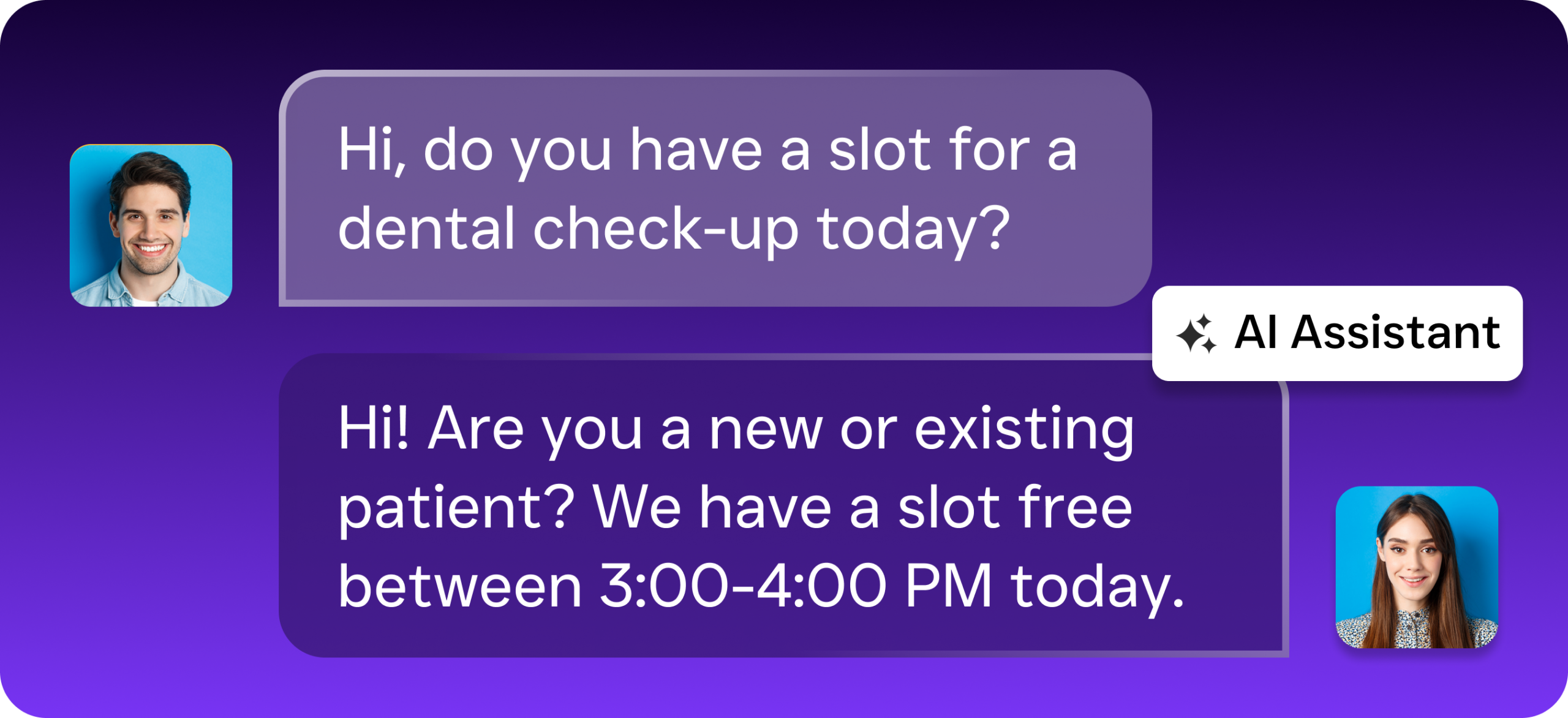
SalesCaptain’s AI Phone Agent answers every call with a natural-sounding voice. Not a robotic menu that frustrates callers. It can book appointments, answer common questions about your services, office hours, and accepted insurance plans. It qualifies new patient inquiries by gathering information before the call reaches your staff. When a patient calls at 9 PM on a Tuesday to book a follow-up? The AI agent handles the entire interaction. No one has to wake up. No after-hours staffing needed.
And here’s what most practices don’t realize: spam calls are a huge productivity drain. Every spam call that rings through interrupts your team’s workflow and wastes time. SalesCaptain filters these out automatically. For calls that genuinely need human attention, a patient with a complex medical question or an urgent request, the system routes them to the right person with full context. No transferring callers around. No asking them to repeat their information three times.
AI Chat Agents: Instant Responses on Every Channel
Patients don’t only call. Many prefer to text, message on Facebook, send an Instagram DM, or use your website webchat. SalesCaptain’s AI Chat Agents handle all these channels simultaneously, responding within seconds. Someone texts asking if you accept their insurance? They get an instant answer. Someone fills out your contact form at midnight? They get an immediate reply with the option to book an appointment. Not a “we’ll get back to you” message that feels like a dead end.
The missed call text-back feature is particularly valuable for medical offices. When a patient calls during a busy period and nobody can answer, SalesCaptain automatically sends them a text acknowledging the missed call and offering help via text. This keeps the conversation alive. The patient doesn’t hang up frustrated and call another office. According to Signpost’s research on appointment scheduling trends, businesses that respond within minutes are dramatically more likely to convert inquiries into booked appointments compared to those that respond hours later.
Unified Inbox: Every Patient Conversation in One Place
Managing patient communication across phone calls, texts, webchat, Facebook, Instagram, and email is chaos when each channel lives in its own separate platform. SalesCaptain’s Unified Inbox brings everything into one collaborative view. Your entire team sees the history of every patient interaction regardless of which channel it happened on. Phone call last week? Text yesterday? Facebook message today? All three appear in one thread tied to that patient’s contact record.
This matters because continuity builds trust. When a patient calls to follow up on something they texted about, your staff shouldn’t have to ask them to explain everything again. The Unified Inbox gives whoever answers the phone full context instantly. For multi-provider practices, team collaboration features ensure messages get routed to the right department without falling through the cracks. No more sticky notes. No more “I thought you handled that” conversations between staff members.
Key Features of Appointment Booking Software for Medical Offices From SalesCaptain
24/7 AI Call Answering: Every call gets answered by a natural-sounding AI voice agent that books appointments, answers FAQs about your practice, and qualifies new patient leads, even after hours, on weekends, and during holidays when your office is closed. Automated Appointment Reminders: Reduce no-shows with automated text and message reminders sent at customizable intervals before each appointment. Patients can confirm, reschedule, or cancel directly from the reminder without calling your office. Missed Call Text-Back: Automatically send a text to any patient whose call goes unanswered, keeping the conversation going and preventing them from booking with a competitor. The AI chat agent continues the interaction via text. Multichannel Patient Messaging: Respond instantly to patients across SMS, webchat, Instagram, and Facebook Messenger from one platform. No more logging into four different apps to check messages. Custom Call Flows and IVR: Build call routing that matches your practice structure. Route calls by department, provider, appointment type, or urgency using a visual IVR builder that requires no technical knowledge to configure. Workflow Automation: Set up drag-and-drop workflows that trigger follow-up messages after appointments, send intake forms to new patients, update your CRM, and notify staff about high-priority requests without manual intervention. Spam Call Blocking: Keep your phone lines clear for real patients by automatically filtering out spam and robocalls before they reach your front desk. And 50+ Integrations: Connect SalesCaptain to your existing tools including HubSpot, Salesforce, Zoho, QuickBooks, and Zapier for seamless data flow between your scheduling system and practice management software.
Real Results You Can Expect With SalesCaptain
Capture Every Patient Inquiry, Day and Night
The most immediate impact is simple: no more missed opportunities. Every call, text, and message gets a response instantly. For medical offices, this means the patient who calls at 8 PM after finding your practice on Google gets booked immediately. They don’t get lost to a competitor who happens to answer first the next morning. Over weeks and months, capturing these after-hours inquiries translates directly to a fuller schedule and higher revenue. You’re not spending more on advertising to attract new patients either.
Reduce Administrative Burden Without Hiring More Staff
Your front desk staff can redirect the hours they currently spend on the phone toward higher-value tasks. Patient check-in. Insurance verification. In-office experience. When the AI Phone Agent handles routine calls, appointment booking, directions, hours, and insurance questions, your team handles fewer interruptions throughout the day. This isn’t about replacing staff. It’s about letting your existing team operate at the top of their abilities instead of being stuck on repetitive phone calls that a well-trained AI agent handles just as effectively. Research from Anzolo Medical on why practices fail at online scheduling highlights that the biggest barrier is usually integration into existing workflows. SalesCaptain is designed to layer on top of your current operations, not overhaul them.
Fewer No-Shows, More Filled Appointment Slots
Automated reminders sent via text at strategic intervals keep your schedule full. When a patient cancels, workflow automation can immediately trigger outreach to your waitlist, filling the empty slot before it costs you revenue. This kind of proactive schedule management is nearly impossible to do manually. But automated workflows? They make it seamless. Over time, the reduction in no-shows alone can represent significant financial gain for practices that previously lost multiple appointment slots per day.
Consistent Follow-Up That Builds Patient Loyalty
Patients who feel cared for come back. Automated post-appointment follow-ups, check-in messages, and re-engagement sequences ensure that patients hear from your practice between visits. This consistency builds trust and loyalty. Better patient retention. More referrals. Unlike manual follow-up that depends on staff remembering to make calls, automated workflows run reliably every single time without anyone needing to think about it.
How to Get Started in 10 Minutes
Getting SalesCaptain running doesn’t require IT support, technical expertise, or weeks of implementation. The platform is designed for busy practice owners who need results without a steep learning curve. Here’s how it actually works from signup to your first AI-handled patient call.
Step 1: Create Your Account and Connect Your Phone Number
Sign up for the free startup plan and either bring your existing business phone number or get a new one through SalesCaptain. The phone system runs on 99.99% uptime with crystal-clear audio. Your existing patients can continue calling the same number they’ve always used. No disruption. No complications.
Step 2: Build Your AI Agent
Configure your AI Phone Agent by telling it about your practice: your services, providers, office hours, insurance accepted, location details, and appointment types. You don’t need to write code or understand AI. The setup walks you through each step, and the agent starts handling calls based on what you provide. Customize call flows, set up after-hours behavior, and define which calls go to staff versus handled entirely by the AI.
Step 3: Activate Multichannel Messaging and Workflows
Connect your webchat, SMS, Instagram, and Facebook Messenger channels to the Unified Inbox. Set up automated workflows for appointment reminders, new patient intake messages, post-visit follow-ups, and missed call text-backs using the visual drag-and-drop builder. Integrate with your existing practice management tools. Once everything is connected, your AI agents and automated workflows begin handling patient communication immediately.
Appointment Booking Software Across Medical Specialties
SalesCaptain adapts to the specific scheduling needs of different medical practice types. The platform’s flexibility means whether you run a high-volume primary care office or a specialized wellness center, the AI agents can be trained on your exact services, terminology, and booking rules. Here’s how different medical and health-related businesses benefit.
General Medical and Dental Practices
Primary care offices and dental practices deal with the highest call volumes because they serve the broadest patient base. They need appointment booking software for medical offices that handles routine scheduling for checkups, cleanings, sick visits, and follow-ups without overwhelming the front desk. SalesCaptain’s AI Phone Agent manages high-volume, repetitive calls efficiently while routing complex clinical questions to the appropriate staff member. For dental offices specifically, the platform handles everything from new patient scheduling to hygiene recall reminders, complementing or replacing tools like dedicated dental practice management software reviewed on G2.
MedSpas, Wellness Centers, and Therapy Practices
MedSpas and wellness centers operate in a competitive market where response speed often determines whether a prospective client books with you or the spa down the street. These businesses rely heavily on consultations, package bookings, and recurring appointments. SalesCaptain’s AI agents can explain treatment