
AI-powered customer experience marketing (CXM) platform that helps local businesses win.



One Screen, Zero Missed Opportunities: The Small Business Guide to Unified Inboxes
For a small business, every notification is a potential paycheck. But when those notifications are scattered across Facebook DMs, Google messages, website chats, and five different text threads, “checking the messages” becomes a full-time job. If you’re jumping between apps just to keep a conversation going, you aren’t running your business—you’re chasing it.
SalesCaptain’s Unified Inbox ends the app-hopping. It pulls every lead and every conversation into a single “Command Center,” ensuring your team responds faster and never loses a thread again.
Every small business owner knows the frustration of juggling multiple communication tools at once. A unified inbox for small business solves this exact problem by pulling every customer conversation, calls, texts, webchat, social media DMs, and email, into a single screen. If you run a service business and you’re tired of losing leads because messages slip through the cracks, this feature was built for you.
Quick Answer
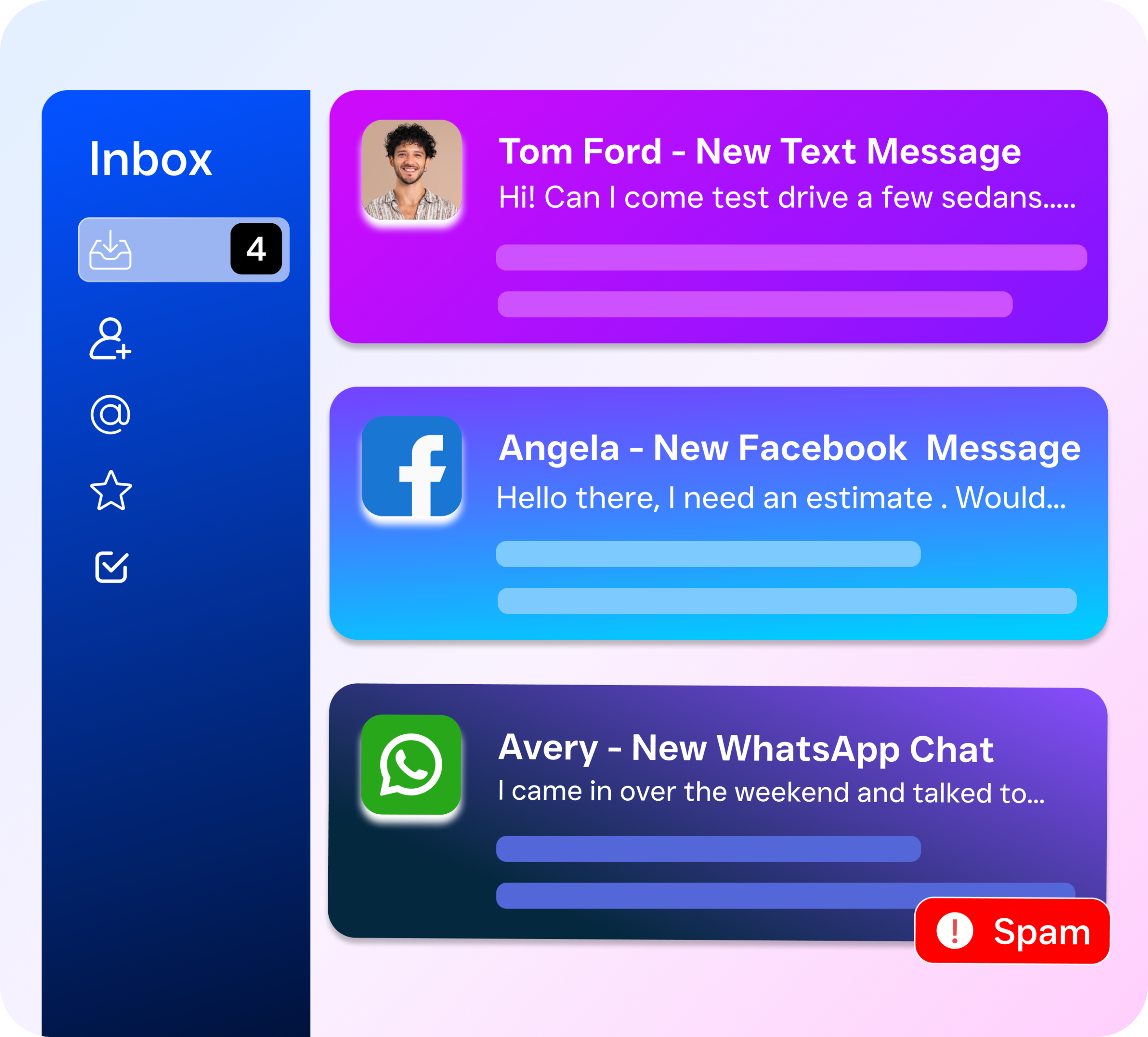
A unified inbox consolidates messages from email, Slack, chat apps, and social media into one dashboard, eliminating constant app-switching. For small businesses, this reduces response time, prevents missed messages, and improves team coordination. The best solutions offer customizable filters, mobile access, and integration with your existing tools without expensive setup.
Why Small Businesses Need a Unified Inbox
Modern customers don’t just call; they engage wherever is most convenient for them. For a small team, this “multi-channel” reality creates three major points of failure:
The “Switching Tax”: Research shows it takes 23 minutes to fully refocus after switching tasks. Checking five different apps throughout the day kills your team’s productivity and leads to “notification fatigue.”
The Fragmented Context: When a customer texts you on Monday but messages your Facebook page on Tuesday, your team loses the “story.” Without a unified view, you end up asking the customer to repeat themselves, which kills the professional experience.
The Response Gap: If a lead messages you on Google Business and it takes four hours to notice the notification, they’ve already moved on to a competitor. In small business, speed is the only sustainable advantage.
Free weekly newsletter
Growth tips for service businesses
Every Tuesday — actionable ideas to get more leads, reviews, and repeat customers. No fluff.
For small businesses specifically, this matters more than most people realize. Unlike large enterprises that can afford dedicated staff for each channel, most small businesses have one or two people handling all customer communication. According to the U.S. Chamber of Commerce Small Business Index, small business owners consistently cite staffing and workload management as top operational challenges. When you’re the owner, the receptionist, and the sales team all at once, you can’t afford to monitor six different platforms throughout the day. A unified inbox eliminates that chaos. Everything’s in one place.
The concept isn’t new. Enterprise companies have used unified communication platforms for years. But what’s changed is that tools like SalesCaptain now make this accessible and affordable for businesses with as few as one location.
How SalesCaptain Addresses Communication Chaos
SalesCaptain isn’t just a “shared login”; it is a truly integrated platform that bridges the gap between your office and your customers.
1. One Thread, Every Channel
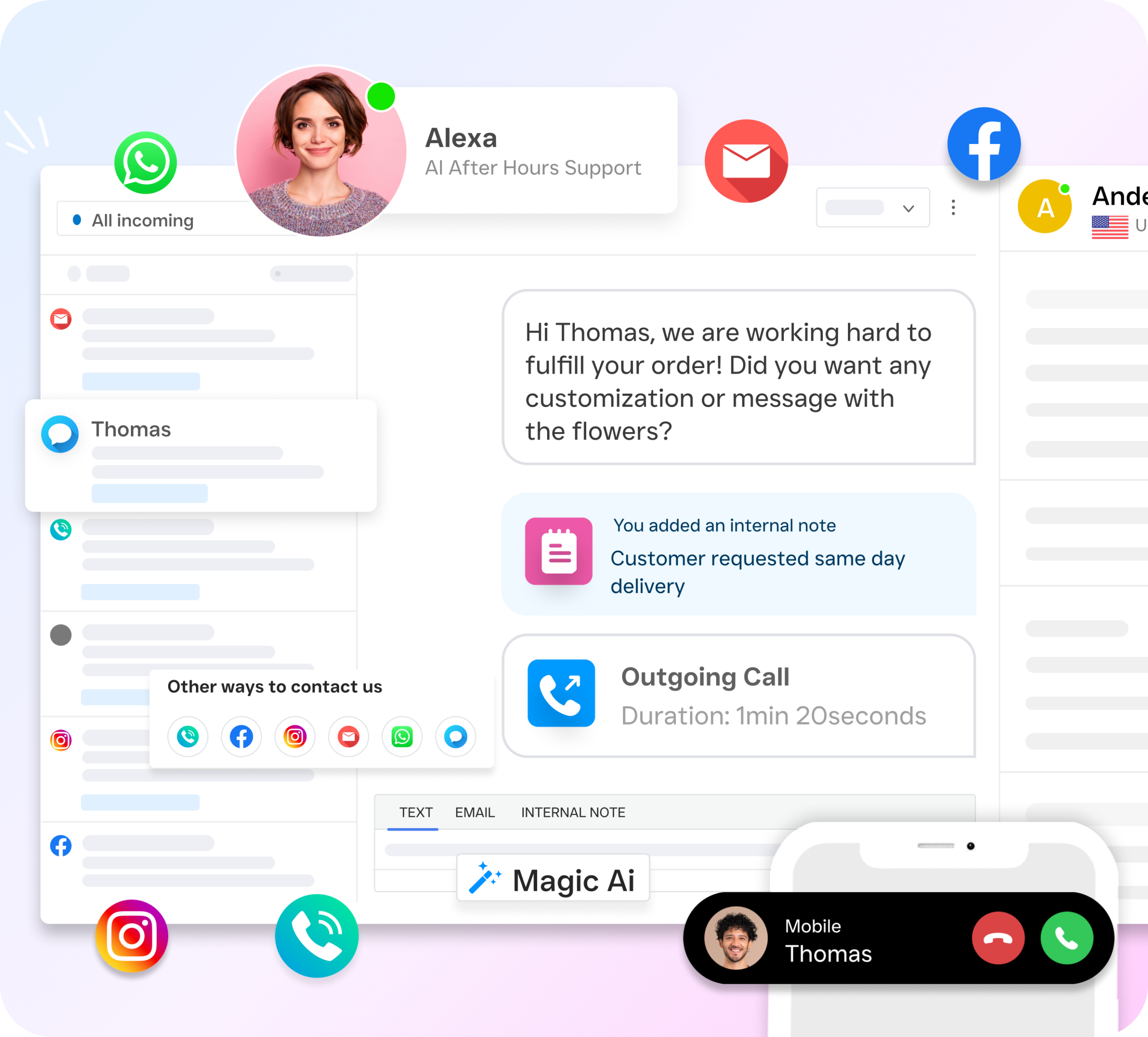
Whether the customer reaches out via SMS, Email, Webchat, Facebook, Instagram, or Google, the entire history appears in a single, continuous conversation thread. You can reply from the dashboard, and the message goes back to the customer on the channel they prefer.
2. Intelligent Lead Routing
Don’t let messages sit in “unassigned” limbo. SalesCaptain allows you to automatically route conversations to the right person—whether it’s a sales inquiry for you or a service question for your lead tech.
3. AI-Powered “Safety Nets”
You can’t be in the inbox 24/7. Our AI Chat and Voice Agents step in when your team is busy or the office is closed, qualifying the lead and even booking appointments directly into your calendar so the inbox stays moving while you sleep.
Key Features Built for Efficiency
Centralized Dashboard: View and manage calls, texts, and social messages in one clean interface on any device (Desktop, iOS, or Android).
Internal Team Notes: Tag a team member privately within a customer thread to get answers fast without the customer ever seeing the “behind-the-scenes” chatter.
Branded Sender ID: Ensure your texts and emails are recognized instantly with verified sender IDs, reducing the chance of your messages being marked as spam.
Real-Time Push Notifications: Get one alert for every channel. Never dig through your folders again to see if a Facebook lead finally replied.
Performance Analytics: Track response times and conversion rates across your entire team to see exactly which channels are driving your revenue.
How to Get Started with SalesCaptain
You can consolidate your business communication in the time it takes to grab a coffee.
Connect Your Apps: Link your Google Business, Facebook Page, and Website Chat in under 5 minutes.
Sync Your Contacts: Import your customer list so every message is instantly attached to a known name and history.
Invite Your Team: Give your staff their own logins so they can manage their assigned threads from the field or the office.
Clear the Clutter: Delete the individual messaging apps from your phone and manage your entire business from the SalesCaptain Unified Inbox.
Ready to see it in action?
See how small businesses use SalesCaptain to manage all customer messages in one place.