
AI-powered customer experience marketing (CXM) platform that helps local businesses win.


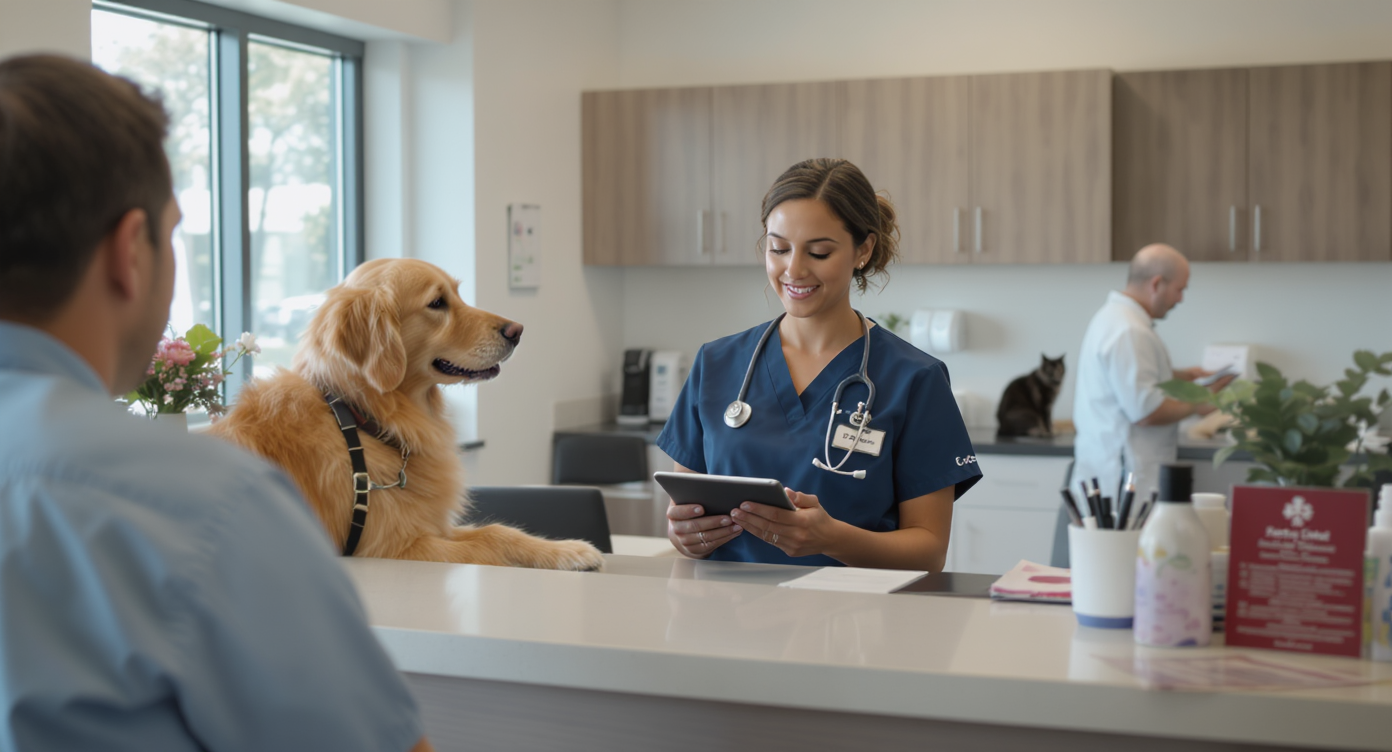
A pet owner books a wellness exam for their dog, then forgets about it two weeks later. Your front desk calls to confirm, but nobody picks up. The appointment slot goes unfilled. Your veterinarian sits idle for 15 minutes. Revenue walks out the door. Sound familiar? This scenario plays out dozens of times each week at veterinary practices across the country, and it’s almost entirely preventable. Appointment reminder software for veterinary clinics solves this problem by automating the confirmation process across text, phone, and email. Your team can focus on patient care instead of chasing down pet owners.
Appointment reminder software for veterinary clinics automatically sends text, email, and phone notifications to pet owners before scheduled visits. This reduces no-shows, prevents lost revenue, and frees your team from manual confirmation calls so they can focus on patient care.
What Is Appointment Reminder Software for Veterinary Clinics?
Appointment reminder software is a tool that automatically sends notifications to clients before their scheduled visits. For veterinary clinics specifically, these systems handle everything from routine wellness reminders and vaccination due dates to surgery prep instructions and post-op follow-ups. Instead of relying on your front desk team to manually call each client, the software triggers messages at preset intervals. You choose SMS, phone calls, email, or all three combined.
What separates veterinary-focused reminder tools from generic scheduling apps is the ability to handle pet-specific details. A good system references the pet’s name. It knows the appointment type and any special instructions. It also gives clients a simple way to confirm, cancel, or reschedule without tying up your phone lines. According to recent veterinary industry data, the average practice manages hundreds of appointments per month. Even a small reduction in no-shows translates directly into recovered revenue.
Why No-Shows Hit Veterinary Practices Harder Than You Think
Most practice owners know that missed appointments are frustrating. Fewer realize just how much they cost. A single missed appointment doesn’t just mean lost revenue from that visit. It also means wasted staff time, an empty exam room, and a pet that didn’t receive necessary care.
The Financial Impact
Consider the math. If your average appointment generates $150 in revenue and you lose five appointments per week to no-shows, that’s $750 weekly. That’s roughly $39,000 annually. For multi-doctor practices, those numbers multiply fast. Veterinary visits declined 2.3% in 2024, which means every booked appointment matters more than ever. You simply can’t afford to lose the clients who’ve already committed to showing up.
The Operational Drain
Beyond revenue, no-shows create a ripple effect on your team. Front desk staff spend hours making confirmation calls that often go unanswered. Research shows that a significant percentage of business calls go unanswered, meaning manual phone outreach isn’t efficient. Your team dials, waits, leaves a voicemail. Then they track who responded and who didn’t. That’s time they could spend checking in patients. They’re answering walk-in questions. They’re processing payments.
How to Build an Effective Reminder System for Your Veterinary Clinic
Setting up appointment reminders isn’t just about turning on automated texts. The clinics that see the biggest reductions in no-shows follow a deliberate strategy. What does that look like in practice?
Choose the Right Channels
Not every pet owner prefers the same communication method. Some clients respond instantly to texts. Others need a phone call. A strong reminder system uses multiple channels to maximize reach.
- SMS/Text: Highest open rates of any channel. Most clients read texts within minutes of receiving them.
- Phone calls: Essential for older demographics or clients who’ve opted out of texting. AI-powered voice calls can handle this without adding staff workload.
- Email: Best for sending detailed instructions, such as pre-surgery fasting requirements or directions to your clinic.
The key is offering multiple touchpoints. Don’t rely on just one method. Veterinary Practice News highlights that persuasive, well-timed reminders across channels dramatically improve confirmation rates. A single outreach attempt just won’t cut it.
Time Your Reminders Strategically
Sending one reminder the day before an appointment isn’t enough. Best practices suggest a three-touch sequence:
- First reminder: 7 days before the appointment. This gives clients time to adjust their schedule if needed.
- Second reminder: 2 days before. Specific enough to feel urgent, far enough out to allow rescheduling.
- Final reminder: Morning of the appointment. A quick “See you at 2 PM today” text with your clinic address.
Each touchpoint serves a different purpose. The first is informational. The second prompts action. And the third prevents last-minute forgetfulness. Spacing them out avoids annoyance while keeping your clinic top of mind.
Make It Easy to Respond
Every reminder should include clear options for the client. Confirm with a “C.” Reschedule with an “R.” Cancel with an “X.” One-tap responses reduce friction. Your team gets real-time visibility into which slots will actually be filled. If a client cancels, your system immediately flags that opening. You can fill it from a waitlist or through outbound outreach.
Personalize the Message
Generic reminders get ignored. Messages that reference a pet by name and specify the appointment type feel personal and trustworthy. Compare “you’ve an appointment tomorrow” with “Hi Sarah, just a reminder that Max’s dental cleaning is scheduled for Thursday at 10 AM.” The second version feels personal. Someone knows your pet. It’s fully automated, but nobody can tell.
What to Look for in Veterinary Reminder Software
The market has no shortage of tools that claim to reduce no-shows. However, not all of them are built for the realities of running a veterinary practice. Here’s what actually matters when you’re evaluating options.
Multichannel Communication
Your reminder tool shouldn’t force you into a single channel. Look for platforms that combine text, voice, email, and social media messaging. Many pet owners reach out through Facebook or Instagram DMs now. Your reminder system should meet them there. A platform limited to SMS-only reminders will miss a meaningful portion of your client base.
Automation Without Complexity
Some tools require technical setup that’s beyond what most practice managers have time for. The right software lets you build reminder workflows visually. Use drag-and-drop simplicity. You should set triggers (appointment booked). Define timing (send reminder 48 hours before). Choose the channel (text first, then call if no response). No coding required. No consultants needed.
Two-Way Conversation Capability
Reminders shouldn’t be broadcast-only. When a client replies to reschedule, your system needs to handle that response intelligently. Tools that support two-way messaging let clients ask questions. They can confirm details or request changes. All within the same text thread. This eliminates phone tag and keeps your front desk efficient.
Integration with Your Practice Management System
Your reminder software should sync with whatever practice management system you already use. Manual data entry between systems is a recipe for errors and double-bookings. Look for platforms with native integrations. Or check for Zapier connectivity to bridge the gap between your scheduling tool and your communication platform.
| Feature | Why It Matters for Vet Clinics |
|---|---|
| SMS + Voice + Email reminders | Reaches clients on their preferred channel |
| Two-way messaging | Clients can confirm, cancel, or reschedule without calling |
| AI-powered phone calls | Handles confirmations 24/7 without adding staff |
| Drag-and-drop workflows | Easy setup, no technical expertise needed |
| Missed call text-back | Captures after-hours inquiries automatically |
| Unified inbox | All client communication in one place |
| CRM/PMS integrations | Eliminates manual data entry and double-bookings |
How SalesCaptain Helps Veterinary Clinics Reduce No-Shows
SalesCaptain combines several capabilities that veterinary practices typically need separate tools for. Its AI Chat Agents handle automated text reminders, missed call text-back, and two-way SMS conversations. All from a single platform. When a client doesn’t respond to a text reminder, SalesCaptain’s AI Phone Agent follows up with a natural-sounding voice call. It confirms the appointment. It answers basic questions about the visit. It can even reschedule if needed. All of this runs 24/7, including evenings and weekends when your front desk is closed.
What makes this particularly valuable for veterinary clinics is the Unified Inbox. Every interaction lands in one place. Whether it’s a text confirmation, a phone call, a webchat question about boarding, or a Facebook DM asking about vaccine pricing. Your team sees the full history for each client and pet. You’re not toggling between apps. On top of that, the Workflow Automation builder lets you create multi-step reminder sequences visually. Set up a workflow that sends a text seven days out. Follow up with a second text at 48 hours. Trigger an AI phone call the morning of the appointment if the client hasn’t confirmed.
Pricing starts with a free plan for single-location practices. The Business plan is $159 per month per location. That’s significantly less than hiring an additional front desk staff member. And it covers your entire communication stack, not just reminders. Practices using tools like Weave or Birdeye often find themselves limited. They lack AI voice capabilities or they’re restricted to a single industry vertical. SalesCaptain’s approach is broader. You get the same depth of features. Any appointment-heavy service business can use it.
Key Takeaways
- No-shows cost veterinary clinics thousands of dollars annually in lost revenue and wasted staff time.
- Effective reminder systems use multiple channels (text, phone, email) with strategically timed sequences.
- Two-way messaging is critical. Clients need to confirm, cancel, or reschedule without calling your front desk.
- AI-powered voice calls fill the gap when text reminders go unanswered, working around the clock without adding payroll.
- The best appointment reminder software for veterinary clinics integrates with your existing systems and doesn’t require technical expertise to set up.
Reducing no-shows isn’t about sending more messages. It’s about sending the right message. At the right time. Through the right channel. And making it effortless for clients to respond. The clinics that get this right protect their revenue. Their schedules stay full. They deliver better care to more pets.
Frequently Asked Questions
How much does appointment reminder software typically cost for a veterinary clinic?
Pricing varies widely. Some platforms charge per message or per user. Others offer flat monthly rates. SalesCaptain’s Business plan, for example, is $159 per month per location and includes reminders along with a full communication suite. Budget-friendly options exist, but be cautious of tools that charge per text. Costs can spike quickly with high appointment volumes.
Can reminder software integrate with veterinary practice management systems?
Yes, most modern platforms support integrations. Some are native, while others use connectors like Zapier. SalesCaptain offers 50+ integrations including popular business tools like HubSpot, Salesforce, and HousecallPro. Before choosing a tool, verify that it connects with your specific PMS. You want to avoid manual data entry.
How far in advance should I send appointment reminders?
A three-touch approach works best. That’s 7 days before, 2 days before, and the morning of the appointment. This sequence gives clients enough notice to plan. It keeps the visit fresh in their mind. According to iVET360’s veterinary marketing research, consistent multi-touch communication significantly improves client retention and show rates.
Do AI phone reminders sound natural enough for clients to trust them?
Modern AI voice technology has improved dramatically. SalesCaptain’s AI Phone Agent uses natural-sounding voices. It can carry on real conversations, not just play recorded messages. Clients can ask questions. They can request schedule changes. They get answers without realizing they’re speaking with an AI. This is a major step up from robocalls or basic IVR systems.
What’s the difference between one-way and two-way reminder systems?
One-way systems only send outbound messages. Clients receive the reminder but can’t reply to it. Two-way systems allow clients to respond directly. They can confirm, cancel, or ask questions within the same conversation. Two-way is far more effective because it reduces inbound phone calls. Your team gets instant visibility into appointment status. According to industry data on missed call costs, businesses that enable two-way communication recover significantly more revenue than those using broadcast-only approaches.
See How SalesCaptain Can Help Your Veterinary Clinic
SalesCaptain gives your practice AI-powered reminders across text, phone, and chat. Plus a unified inbox that keeps every client conversation in one place. Stop losing revenue to no-shows and free your front desk from hours of manual confirmation calls.
Start your free account at SalesCaptain.com and set up your first automated reminder workflow today.