
AI-powered customer experience marketing (CXM) platform that helps local businesses win.


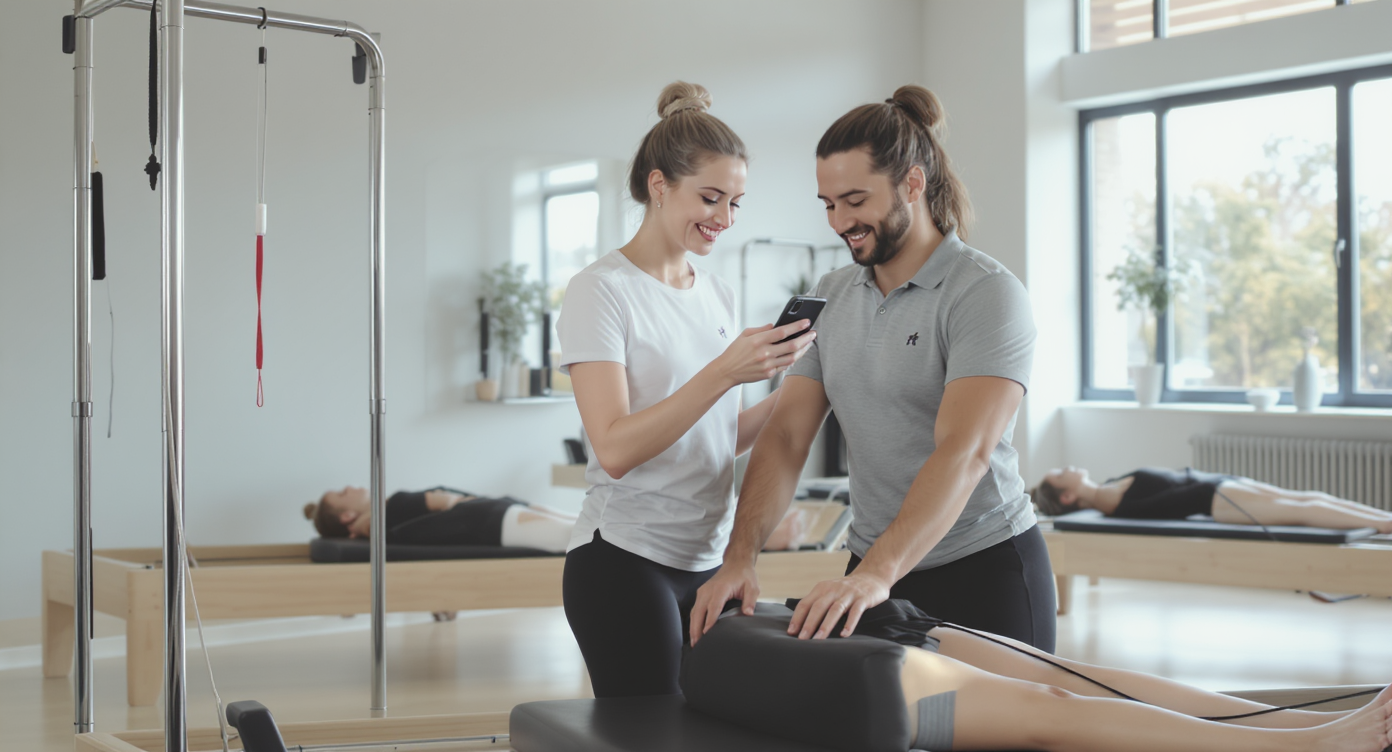
A new client finishes their first reformer class, loves it, and walks out buzzing with energy. Then life happens. They forget to book their next session, your front desk gets busy, and that excited new member quietly disappears. If you’re wondering how to automate customer follow up for pilates studios, you’re already on the right track, because this scenario plays out hundreds of times a year at studios that rely on manual outreach alone.Automating customer follow up for pilates studios means using software to send scheduled or trigger-based messages—texts, emails, reminders—without manual effort. This ensures every new client, no-show, or lapsed member gets consistent outreach at the right time, helping studios recover lost bookings and reduce client dropout rates.
Quick Answer
Automate customer follow-up by using email and SMS workflows triggered after first classes, sending personalized messages at optimal times with class offers and studio information. Set up automated reminders for class packages, birthday discounts, and abandoned bookings. Integrate scheduling software that sends confirmation texts and follow-up sequences based on client actions, reducing manual work while keeping new clients engaged and encouraging repeat visits.
Free weekly newsletter
Growth tips for salons, gyms & beauty businesses
Every Tuesday — actionable ideas to get more leads, reviews, and repeat customers. No fluff.
What Is Automated Customer Follow Up?
Automated customer follow up is the process of using software to send pre-scheduled or trigger-based messages to clients without anyone on your team pressing “send.” For a pilates studio, that could mean a text confirming a booking, an SMS nudge to rebook after a no-show, or a voicemail reminder about an expiring class package. But here’s what really matters: consistency. Every client gets the right message at the right time, whether your studio manager is at the desk or teaching a class.Think of it as a system, not a single tool. Automated follow up can span text messages, phone calls, emails, and even Instagram DMs. What matters is that each touchpoint fires based on a specific event, like a missed class, a completed intro session, or an upcoming membership renewal. So here’s the thing: according to Inkle’s guide on small business automation, companies that build event-based workflows see measurably higher customer retention because nothing falls through the cracks.Why Follow Up Matters More for Pilates Studios Than You Think
Pilates isn’t a one-and-done purchase. It’s a relationship. Clients buy packages, memberships, or drop-in credits, and your revenue depends on them coming back week after week. That makes follow up the single highest-use activity your studio can invest in. Yet it’s also the one most studios handle inconsistently.The Real Cost of Silence
When a prospective client calls to ask about class times and nobody picks up, you don’t just lose that call. You lose a potential multi-year member. Research from Callsetter shows that missed calls can cost small businesses six figures annually in lost revenue. For a pilates studio with $150 monthly memberships, losing even five leads a month to unanswered calls or forgotten follow ups adds up to $9,000 in annual recurring revenue. Gone.And it’s not just new leads. Existing clients who don’t hear from you between sessions are far more likely to lapse. A Harvard Business Review analysis found that increasing customer retention by just 5% can boost profits by 25% to 95%. For a pilates studio, where the cost of acquiring a new member far exceeds the cost of keeping one, automated follow up is the most efficient way to protect your revenue.Where Manual Follow Up Breaks Down
Your front desk team is already juggling check-ins, payments, scheduling conflicts, and the occasional reformer spring that needs replacing. Asking them to track who hasn’t rebooked, who missed class, and who’s about to hit the end of their intro package? That’s unrealistic. It’s not a staffing problem. It’s a systems problem. Manual follow up fails because it depends on people remembering to do it, and people are busy.📺 Watch: How to Create a Lead Follow-Up Sequence
Five Follow Up Workflows Every Pilates Studio Should Automate
Not all follow ups are created equal. Some directly drive revenue, others build the kind of loyalty that turns a casual drop-in into a five-year member. Here are the workflows that deliver the most impact for pilates studios. We’ll start with the biggest priorities first.1. Post-First-Visit Rebooking
The window after someone’s first class is critical. If they don’t book session two within 48 hours, the likelihood they’ll return drops significantly. An automated text sent two hours after their first visit, thanking them and offering a link to book their next class, keeps that momentum alive. Follow up 24 hours later if they haven’t booked yet.2. No-Show and Cancellation Recovery
No-shows happen. But silence afterward is what turns a no-show into a lost client. Set up an automated message that fires 30 minutes after a missed class, acknowledging the absence without guilt-tripping and offering a quick rebook link. This single workflow can recover 15-20% of no-shows before they become a pattern.3. Membership Renewal and Package Expiration Alerts
Clients often don’t realize their package is running low until it’s empty. And by then they’ve already skipped a week. Automate reminders at three key points:- Two classes remaining on a class pack, with a link to purchase a new one
- Seven days before membership renewal, confirming auto-renewal or offering an upgrade
- Day of expiration if they haven’t renewed, with a personal message from the studio owner
4. Re-Engagement for Lapsed Clients
A client who hasn’t visited in 30 days isn’t gone yet. But they’re drifting. Trigger a re-engagement sequence that starts with a friendly check-in text, followed a week later by a special offer like a discounted private session. Keep it to two or three touches so it doesn’t feel pushy. According to Stackby’s automation guide, re-engagement campaigns are among the highest-ROI workflows any small business can build.5. Review and Referral Requests
Happy clients are your best marketing channel. After a client’s 10th session, automatically send a text asking for a Google review. Once they’ve been a member for three months, trigger a referral request with a small incentive. These messages are easy to forget manually. But they’re incredibly effective when automated.How to Set Up Automation Without Technical Skills
If you’re picturing complex software with a steep learning curve, take a breath. Modern automation platforms designed for small businesses are built for people who run studios. Not software engineers. Here’s a practical framework for getting started.Choose the Right Channels
For pilates studios, SMS is king. Open rates for text messages consistently top 90%, compared to roughly 20% for email. However, don’t ignore other channels entirely. Some clients prefer Instagram DMs or webchat on your website. The ideal setup covers multiple channels from one place. Your team shouldn’t toggle between apps.Map Your Client Journey
Before building any workflow, sketch out the key moments in a client’s lifecycle. Start with inquiry, then first visit, then regular attendance, and finally renewal or lapse. Each transition point is a follow up opportunity. Once you’ve mapped these moments, building automations becomes straightforward because you’re working from a clear plan.Start Small and Expand
Don’t try to automate everything in week one. Pick the workflow with the biggest revenue impact, usually post-first-visit rebooking, build it, test it for two weeks, and measure results. Then layer on additional workflows. As Thomas Publishing’s automation guide recommends, incremental rollout lets you refine messaging before scaling up.Personalize Without Over-Engineering
Automation doesn’t have to sound robotic. Use the client’s first name, reference their class type (reformer, mat, barre), and keep the tone warm. A message that says “Hey Sarah, we missed you in Thursday’s reformer class! Want to grab a spot next week?” outperforms a generic “You missed your appointment” every time. The best tools let you build templates with dynamic fields so personalization happens automatically.How SalesCaptain Helps
SalesCaptain brings together the exact capabilities a pilates studio needs to run these workflows from a single platform. Its Workflow Automation feature uses a drag-and-drop builder where you create trigger-based sequences. Send a rebooking text two hours after a first visit. Fire a renewal reminder when a package hits two classes remaining. No code required. You connect the triggers to actions and the system handles everything from there.What makes SalesCaptain particularly well-suited for studios is the Unified Inbox. Every conversation across SMS, webchat, Instagram DMs, Facebook Messenger, calls, and email appears in one place. So when a client replies to an automated text with a question about pricing, your team sees it instantly alongside all their other messages. No separate app to check. No thread to hunt down.For studios that miss calls during classes or after hours, the AI Phone Agent answers 24/7 with natural-sounding voice, books appointments, and answers FAQs about class schedules and pricing. According to DialIQ’s research on missed call revenue loss, small businesses lose a significant share of potential revenue simply from unanswered calls. SalesCaptain’s AI agent eliminates that gap entirely. The AI Chat Agents do the same thing across text and social channels, responding instantly to inquiries even at midnight.Pricing starts with a free plan for a single location. The Business plan runs $159/month per location. That’s often less than a single part-time front desk hire, while covering every follow up workflow your studio needs. Plus, with automation adoption growing rapidly across small businesses, studios that move early gain a real competitive advantage in their local market.Key Takeaways
Automating customer follow up for pilates studios isn’t about replacing the personal touch that makes your studio special. It’s about making sure that personal touch actually reaches every client, every time, without depending on someone remembering to send a text between classes.- Post-first-visit rebooking and no-show recovery are the two highest-ROI workflows to automate first
- SMS should be your primary follow up channel, with other channels layered in through a unified inbox
- Personalization matters, but modern tools handle it automatically with dynamic templates
- Start with one workflow, measure results, then expand, rather than trying to automate everything at once
- AI voice and chat agents fill the gap when your team is teaching, at lunch, or off for the night
How much does it cost to automate follow up for a pilates studio?
Costs vary widely depending on the platform. Some tools charge per message, others per user. SalesCaptain offers a free plan for single-location studios, with its Business plan at $159/month per location. That covers AI phone agents, chat agents, workflow automation, and a unified inbox. Compare that to hiring a part-time front desk person at $15-20/hour. The math becomes clear quickly.Can automated messages still feel personal and on-brand?
Absolutely. The best automation platforms let you create templates that pull in each client’s name, their preferred class type, instructor name, and other details dynamically. You write the message once in your studio’s voice, and the system fills in the personal details for each recipient. Clients rarely realize the message was automated when it’s done well.What’s the most important follow up workflow to start with?
Post-first-visit rebooking. The drop-off rate between a client’s first and second visit is the steepest in the entire client lifecycle. An automated text sent within a few hours of their first class, with a direct booking link, captures them while the endorphins are still flowing. Build this one first, measure the impact, and then add no-show recovery as your second workflow.Will AI phone agents sound robotic to my clients?
Modern AI voice agents use natural language processing that produces remarkably human-sounding conversation. SalesCaptain’s AI Phone Agent handles common questions about class schedules, pricing, and availability in a conversational tone. Most callers won’t realize they’re speaking with an AI. And those who do still appreciate getting an immediate answer rather than voicemail.Do I need technical skills to set up automation workflows?
No. Platforms built for small businesses, including SalesCaptain, use visual drag-and-drop builders. You select a trigger (like “client hasn’t visited in 14 days”), choose an action (like “send SMS”), write your message, and activate the workflow. If you can use a scheduling app, you can build an automation workflow. Most studio owners have their first workflow live within an hour.Ready to see it in action?
See how pilates studios automate follow-ups to convert more leads into members.
Book a Free Demo →