
AI-powered customer experience marketing (CXM) platform that helps local businesses win.



Automated Appointment Reminders for Medical Offices: Stop Losing Revenue to No-Shows
Every empty chair in your medical office is money walking out the door. When patients forget appointments or fail to show up, your practice absorbs the cost of staff time, blocked schedule slots, and lost treatment revenue. Automated appointment reminders for medical offices solve this problem by reaching patients through calls, texts, and messages, without your front desk lifting a finger. But here’s the real challenge: it’s not convincing medical offices that reminders work. It’s finding a system that handles reminders alongside every other communication channel your practice juggles daily, from phone calls and voicemails to website inquiries and social media messages.
Most medical offices still rely on staff to manually call patients a day or two before their appointment. That approach worked years ago. Today, patients expect instant communication, and your staff is already stretched thin handling check-ins, insurance verifications, phone calls, and a dozen other tasks. The result? A communication gap that costs practices thousands of dollars every month in missed appointments, delayed follow-ups, and patients who quietly leave for a competitor that responds faster. Sound familiar?
SalesCaptain was built for exactly this problem. It’s a unified communication platform that combines AI-powered phone agents, automated text and chat agents, and a single inbox for every channel, so your medical office can automate reminders, answer calls after hours, capture leads from your website, and manage all patient communication in one place. No complex setup. No hiring additional staff. Just fewer no-shows and a front desk that can finally breathe.
Why Medical Offices Struggle With Patient Communication
The communication challenges facing medical offices aren’t just about reminders. They’re systemic. Your front desk handles incoming calls, outgoing reminder calls, patient questions, insurance inquiries, appointment scheduling, and follow-up messages, often all at the same time. When the phones ring during a busy Monday morning, something gets dropped. Usually, it’s the outgoing reminder calls that should have gone out on Friday. According to research published in PMC’s analysis of appointment reminder systems, reminder systems are effective at reducing no-shows, but most implementations fail because they rely on a single channel or inconsistent execution. That’s the gap we see everywhere.
The True Cost of Missed Appointments
No-shows don’t just mean one lost copay or one empty 15-minute slot. When a patient doesn’t show, you’ve already allocated a provider’s time, a room, and support staff. That slot often can’t be filled on short notice. The revenue is gone. Multiply that by five or ten no-shows per week, and the annual impact can easily reach tens of thousands of dollars. Case studies on automated appointment reminders consistently show that practices implementing multi-channel reminder systems see meaningful reductions in no-show rates, often cutting them in half or more. And the financial payback? Recovering even a fraction of those missed appointments pays for the reminder system many times over.
Manual Reminders Don’t Scale
If your practice sees 30 patients a day across two providers, that’s 30 reminder calls someone needs to make. Each call takes two to three minutes, assuming the patient answers. Most won’t. So your staff leaves voicemails that may or may not be listened to, and there’s no way to confirm the patient received the message. Now add text follow-ups, rescheduling requests, and new patient inquiries to the mix. According to data comparing automated reminders to manual phone calls, automated systems consistently outperform manual calling in both reach and confirmation rates. Texts get read within minutes. Phone calls from unknown numbers? They go unanswered.
Fragmented Communication Creates Chaos
Your medical office likely receives communication through at least four or five channels: phone calls, voicemails, website contact forms, text messages, email, and possibly Facebook or Instagram messages from prospective patients. Each channel lives in a different app or system. When a patient texts to reschedule but your staff only checks voicemails, the message gets missed. When a prospective patient fills out a web form at 9 PM but nobody responds until 10 AM the next day, they’ve already called the practice down the street. This fragmentation isn’t minor. It’s a structural problem that leads to lost patients and frustrated staff.
How SalesCaptain Solves This for Medical Offices
SalesCaptain approaches the communication problem holistically. Rather than treating reminders as an isolated feature, the platform combines an AI Phone Agent, AI Chat Agents, a Unified Inbox, a full business phone system, and workflow automation into a single tool. For medical offices, this means appointment reminders are just one piece of a system that handles everything from the first inquiry to the post-visit follow-up. What does that actually look like? Here’s how each component works in the context of a typical medical practice.
AI Phone Agent: Your 24/7 Virtual Receptionist
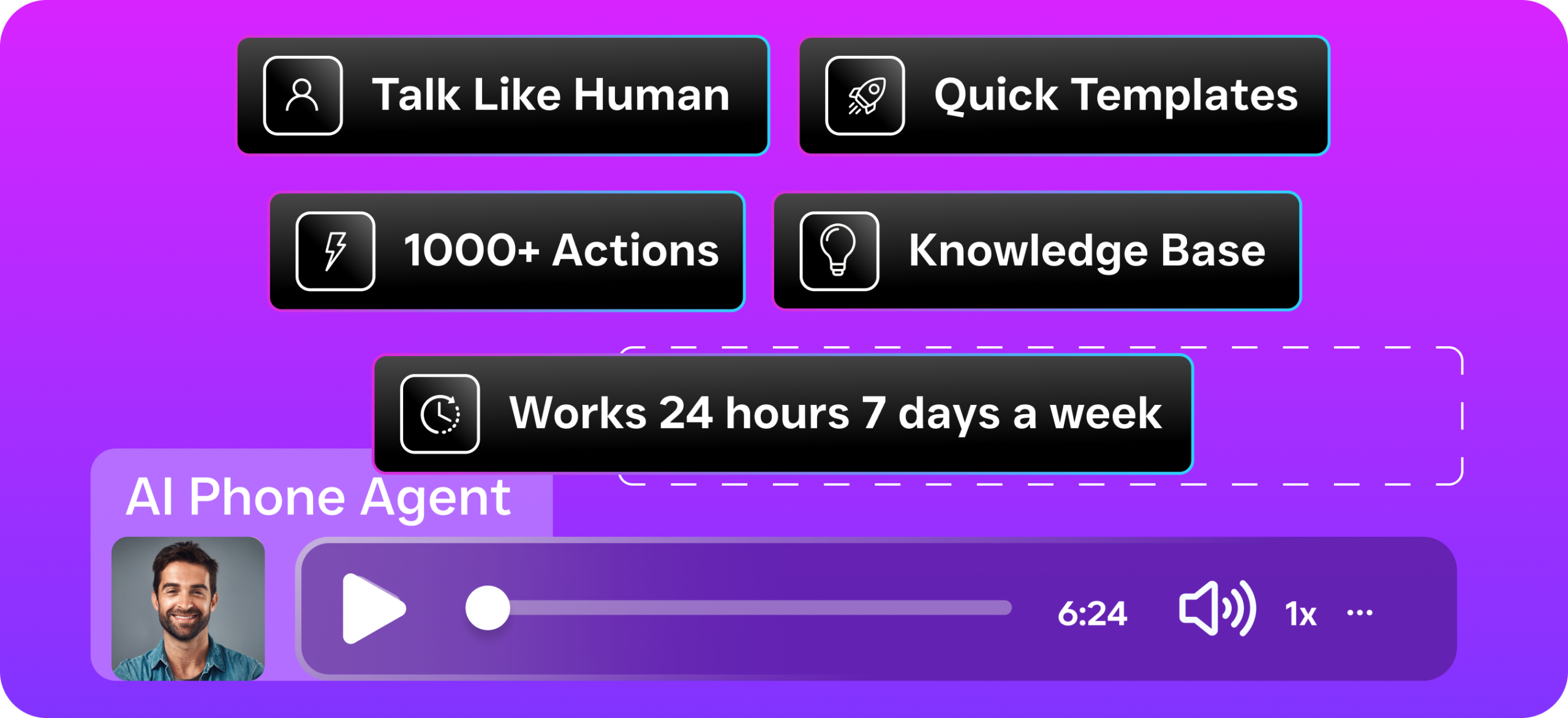
SalesCaptain’s AI Phone Agent answers calls with a natural-sounding voice, any time of day or night. When a patient calls to confirm, cancel, or reschedule an appointment, the AI agent handles the conversation without routing to a human. It can answer common questions about office hours, accepted insurance, directions, and preparation instructions for upcoming procedures. After hours? Instead of sending patients to a generic voicemail, the AI agent captures their information and books or modifies appointments in real time. This alone addresses one of the biggest pain points medical offices face: calls that go unanswered after 5 PM or during lunch breaks. For context on how AI receptionists are transforming small business operations, this overview of AI answering services for small businesses details how the technology has matured to handle complex conversations reliably.
AI Chat Agents: Instant Responses Across Every Channel
Patients increasingly reach out through text message, webchat, Instagram, and Facebook Messenger rather than picking up the phone. SalesCaptain’s AI Chat Agents respond instantly on all of these channels. When a patient texts “Do I need to fast before my blood work tomorrow?”, the AI agent responds within seconds with the correct answer. No staff intervention needed. These chat agents also handle the appointment reminder workflow: they send reminders via SMS at intervals you choose, process confirmation replies, and automatically flag cancellations so your staff can fill the slot. And here’s what really matters, the missed call text-back feature. When a patient calls and nobody picks up, they immediately receive a text asking how the office can help, keeping the conversation alive instead of losing it to voicemail.
Unified Inbox: One Place for Every Patient Conversation
Every call, text, webchat message, social media DM, email, and internal note lives in a single collaborative inbox. Your front desk staff sees every interaction with a patient in one timeline, regardless of how the patient reached out. If a patient texted to confirm on Monday, called with a question on Tuesday, and messaged through your website on Wednesday, all three interactions appear in one thread. This eliminates the “I didn’t see that message” problem that plagues offices using separate systems for phone, text, and web communication. Team members can tag each other, leave internal notes, and hand off conversations without the patient ever noticing a transition.
Workflow Automation: Set It and Forget It
SalesCaptain’s drag-and-drop workflow builder lets you create automated sequences for every stage of the patient journey. For appointment reminders, here’s what a typical workflow looks like: send a text reminder three days before the appointment, send another the morning of, and if the patient hasn’t confirmed, trigger a phone call from the AI agent two hours before. Patient confirms? Update the status in your practice management system automatically. They cancel? Trigger a rebooking message and notify the front desk to fill the slot. These workflows run in the background continuously, handling hundreds of reminders per day without a single manual step. The platform integrates with over 50 tools including HubSpot, Salesforce, Zoho, and QuickBooks, so data flows between your systems automatically.
Key Features for Medical Office Communication
Medical offices have specific requirements that generic communication tools don’t address well. SalesCaptain’s feature set was designed with service businesses in mind, and several capabilities are particularly relevant for healthcare practices. Below is a breakdown of the features that matter most for offices looking to implement automated appointment reminders for medical offices and streamline their broader communication workflow.
Multi-Channel Automated Reminders: Send reminders via SMS, voice call, webchat, and social media messaging. Patients receive reminders on the channel they prefer, which dramatically increases confirmation rates compared to single-channel approaches. Two-Way Messaging: Patients can reply to reminders to confirm, cancel, or ask questions, and the AI agent handles the response. No one-way blasts that leave patients unable to reply. After-Hours Call Capture: The AI Phone Agent answers every call 24/7, so patients calling evenings and weekends get helped immediately instead of reaching voicemail. Appointment bookings and lead capture happen around the clock. Missed Call Text-Back: Any unanswered call automatically triggers a text message to the patient, keeping the conversation going and preventing lost inquiries. Spam Call Blocking: The AI agent identifies and blocks spam calls, freeing your phone lines and reducing interruptions for your front desk staff. Custom Call Flows and IVR: Build phone menus and routing rules that match your office structure, route new patients to one queue, existing patients to another, and urgent calls directly to a provider. Bulk Messaging: Send appointment reminders, office announcements, seasonal health notices, or schedule updates to your entire patient base at once. Appointment Booking Integration: The AI agents can book, modify, and cancel appointments directly, syncing with your scheduling tools so your calendar stays accurate. Contact History and Notes: Every interaction is logged in the unified inbox with full history, so any team member can pick up a conversation with complete context. and Team Collaboration: Multiple staff members can work from the same inbox, assign conversations, and leave internal notes, ideal for offices with multiple front desk employees or locations..
How SalesCaptain Compares to Other Reminder Solutions
Medical offices evaluating automated reminder tools quickly discover that most platforms solve only one piece of the puzzle. A text reminder service handles reminders but doesn’t answer your phones. An AI receptionist handles calls but doesn’t manage your SMS or web inquiries. SalesCaptain is the only platform that combines AI voice agents, AI chat agents, and a unified inbox into a single tool, purpose-built for service businesses. The table below highlights the key differences between SalesCaptain and common alternatives medical offices consider.
| Feature | SalesCaptain | Text-Only Reminder Tools (e.g. Kenect) | Practice Management Add-Ons (e.g. Weave) | Enterprise Platforms (e.g. HubSpot) |
|---|---|---|---|---|
| AI Voice Agent (24/7 call answering) | ✅ | ❌ | Limited | ❌ |
| AI Chat Agents (SMS, webchat, social) | ✅ | SMS only | Limited channels | ✅ (expensive) |
| Unified Inbox (all channels) | ✅ | ❌ | Phone + text only | ✅ |
| Automated Appointment Reminders | ✅ (multi-channel) | Text only | ✅ | Requires setup |
| Free Plan Available | ✅ | Varies | ❌ | Limited |
| Built for SMBs / Service Businesses | ✅ | Partial | Dental/medical only | ❌ (enterprise focus) |
| Setup Time | Minutes | Minutes | Days to weeks | Weeks to months |
| Per-Location Pricing | ✅ (from free) | Varies | Per-provider | Per-seat (expensive) |
Tools like Weave are built specifically for dental and medical offices, which means they understand the industry. But they’re limited in scope and often expensive for multi-location practices. Text-only platforms like Kenect handle SMS well but leave your phones unattended and don’t touch webchat or social media. Enterprise solutions like HubSpot can theoretically do everything. The problem? Setup complexity and cost make them impractical for most medical offices with fewer than 200 employees. A recent comparison of AI receptionist services reinforces that the most effective solutions for small businesses combine voice and text capabilities in a single platform rather than requiring multiple tools stitched together. SalesCaptain’s pricing starts with a free plan for a single location and scales to $159/month per location for the business plan, with AI calls priced at just $0.12 per minute.
Real Results You Can Expect
Implementing automated appointment reminders for medical offices through SalesCaptain produces measurable improvements across multiple areas of practice operations. Every office is different, but the outcomes below are consistent with what service businesses experience when they move from manual, fragmented communication to an automated, unified system.
Dramatically Fewer No-Shows
Multi-channel reminders reach patients where they actually pay attention. Text, voice call, and chat, when a patient gets a text three days out, another the morning of, and an AI-powered phone call if they haven’t confirmed, the likelihood of them forgetting drops significantly. Current appointment reminder statistics confirm that practices using automated multi-channel systems consistently achieve lower no-show rates than those relying on any single communication method. The difference compounds over months. Even a modest reduction in weekly no-shows translates to significant recovered revenue across a year.
Hours Freed Up for Your Front Desk
When the AI Phone Agent handles routine calls and the chat agents manage text confirmations, your front desk staff reclaims hours every day. That time goes back into patient check-in, insurance processing, and the in-person interactions that actually require a human touch. Offices that previously needed three front desk employees often find that two can