
AI-powered customer experience marketing (CXM) platform that helps local businesses win.



An automated call center replaces the repetitive, manual work that bogs down your phone lines with AI-driven systems that answer calls, route customers, book appointments, and follow up, all without adding headcount. If your service business misses calls after hours, loses leads to slow response times, or can’t afford to staff a full front desk, automation isn’t a luxury. It’s the difference between growth and stagnation. SalesCaptain gives you a complete automated call center built for SMBs, combining an AI Phone Agent, AI Chat Agents, and a unified inbox so every customer interaction gets handled, whether it’s 2 PM or 2 AM.
What Is an Automated Call Center?
An automated call center uses AI and workflow automation to handle inbound and outbound customer communication without relying entirely on human staff. Think of it as your always-on front desk. Instead of a receptionist picking up the phone, an AI agent answers, qualifies the caller, books an appointment, or routes the call to the right person on your team.
Traditional call centers depend on large teams of agents sitting at desks, answering phone after phone. That model works for Fortune 500 companies with massive budgets, but it’s never been realistic for a plumbing company with five trucks or a dental practice with two locations. Automation changes the math entirely. According to CBTS research on contact center automation trends, businesses are rapidly adopting AI-powered voice and chat solutions to reduce operational costs while improving customer experience.
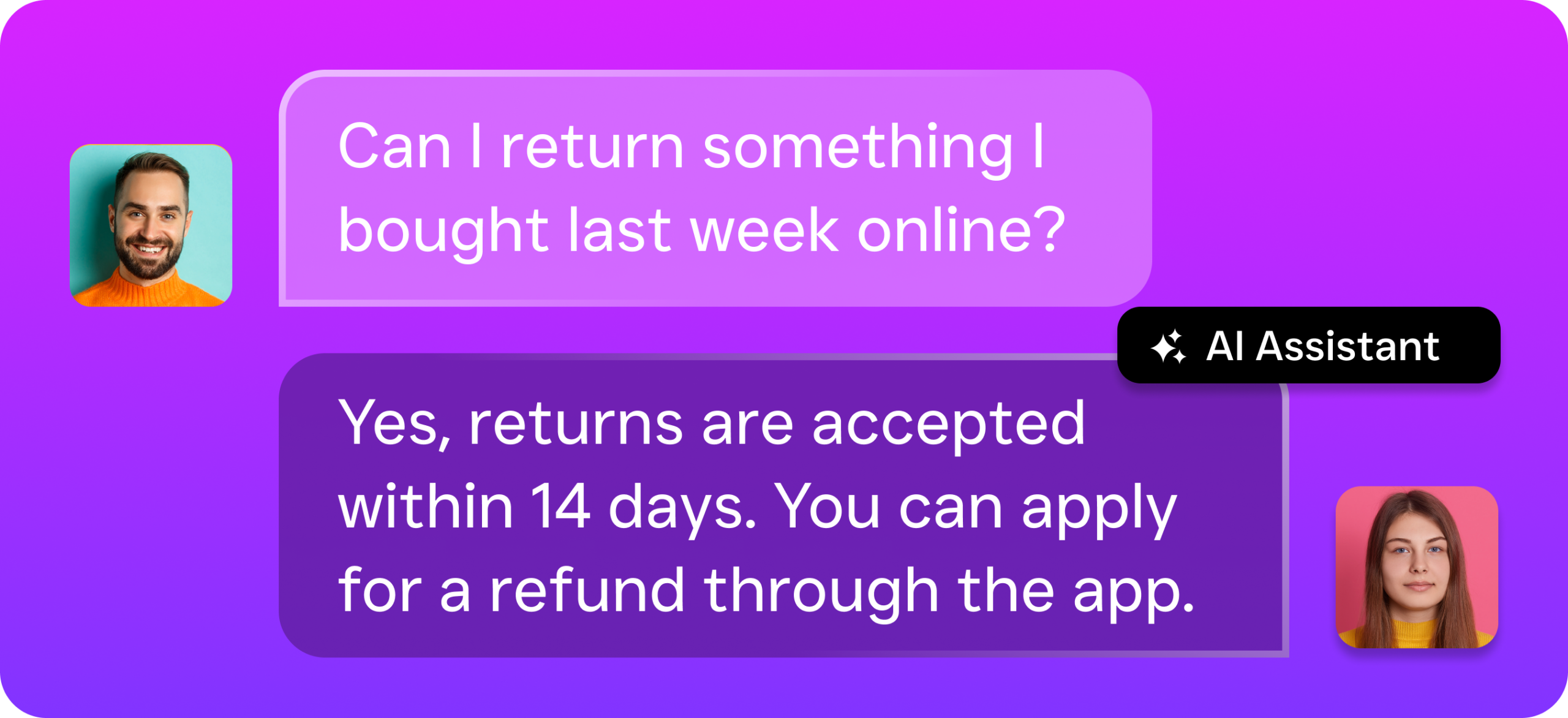
But “automated” doesn’t mean robotic or impersonal. Modern AI voice agents sound natural, handle conversational nuance, and adapt to what the caller actually needs. They’re not the clunky IVR menus from a decade ago where you’d press 1 for sales and 7 for frustration. Today’s automated call centers use conversational AI and large language models to have real dialogue with callers, capture their information accurately, and take action in real time.
Beyond Just Answering Phones
A true automated call center extends past voice calls. It covers SMS, webchat, social media DMs, and email, because your customers don’t stick to one channel. When someone texts your business number after seeing a Google ad, they expect a fast reply. When a patient messages your Facebook page at 9 PM asking about availability, that’s a lead you’ll lose if nobody responds until morning. Industry data on missed business calls shows that small businesses lose significant revenue every year from unanswered communication, often tens of thousands of dollars annually.
So an automated call center isn’t just about calls. It’s about every customer touchpoint, handled consistently and instantly, across every channel your business uses.
How an Automated Call Center Works in SalesCaptain
Setting up your automated call center in SalesCaptain doesn’t require a developer or an IT department. Here’s exactly how it comes together:
- Set up your business phone number. Port your existing number or get a new one. SalesCaptain’s phone system gives you 99.99% uptime, crystal-clear audio, IVR, call routing, voicemail, and call recording out of the box.
- Build your call flows. Use the drag-and-drop call flow builder to define exactly what happens when someone calls. You’ll map out greetings, menu options, routing rules, after-hours handling, and AI Agent handoffs visually, no code required.
- Configure your AI Phone Agent. Tell the AI what your business does, what questions to ask callers, what appointments to book, and which calls to route to a live person. The agent uses this context to have natural conversations with every caller.
- Activate AI Chat Agents across your other channels. Deploy automated chat on SMS, webchat, Instagram DMs, and Facebook Messenger. These agents capture leads, answer common questions, and book appointments instantly, mirroring the same intelligence as your phone agent.
- Connect your tools. Sync SalesCaptain with your CRM, scheduling software, or business tools through 50+ native integrations including HubSpot, Salesforce, HousecallPro, Clio, ServiceFusion, and Zapier. Every interaction updates your systems automatically.
- Monitor everything in the unified inbox. All calls, texts, chats, DMs, and emails land in one collaborative inbox. Your team sees every conversation with full contact history, AI transcriptions, and call summaries, so nothing slips through the cracks.
Once this is live, your automated call center runs 24/7. You can review AI-generated call summaries and transcriptions each morning to see exactly what happened overnight, who called, what they needed, and what follow-ups are pending.
Key Capabilities
- 24/7 AI Call Answering: Your AI Phone Agent picks up every call, day or night, weekends and holidays included. It qualifies leads, answers FAQs about your services, blocks spam calls, and books appointments directly into your calendar. No voicemail black holes, no missed opportunities.
- Intelligent Call Routing and IVR: Custom call flows ensure callers reach the right person or department on the first try. The visual builder lets you create branching paths based on caller input, time of day, staff availability, or caller history, reducing transfers and hold times.
- Multichannel AI Chat: Automated agents respond instantly on SMS, webchat, Instagram, and Facebook Messenger. They handle appointment booking, lead capture, and common questions using the same knowledge base as your phone agent. Plus, missed-call text-back automatically sends an SMS to callers you couldn’t answer live.
- AI Transcription and Summaries: Every call gets transcribed with speaker identification and summarized into key takeaways, action items, and follow-up tasks. Your team can scan a 15-minute call in 30 seconds. These records are invaluable for training, quality control, and compliance.
- Workflow Automation: The drag-and-drop automation builder triggers follow-up sequences, CRM updates, appointment reminders, and team notifications based on call outcomes or customer actions. No manual data entry, no forgotten follow-ups.
- Unified Inbox for All Channels: Calls, texts, webchat messages, social DMs, email, and internal notes converge in one team-friendly inbox. Every team member sees the complete conversation history for any contact, enabling real collaboration instead of scattered communication.
Who Needs This?
An automated call center isn’t just for large enterprises anymore. If your business relies on phone calls and customer inquiries to generate revenue, automation directly impacts your bottom line. Here’s who benefits most:
- Home service companies (roofing, plumbing, HVAC, landscaping, appliance repair) that miss calls when techs are on jobs and can’t afford a full-time receptionist for every location.
- Healthcare and wellness practices (dental offices, MedSpas, therapy clinics) dealing with high appointment volumes, after-hours patient inquiries, and the need for consistent follow-up.
- Legal practices where every missed call could be a high-value client, and intake needs to happen fast before the prospect calls another firm.
- Appointment-heavy businesses (salons, gyms, fitness studios) that spend hours each week on booking, rescheduling, and reminder calls.
- Real estate agencies juggling buyer inquiries, showing requests, and seller follow-ups across multiple agents and listings.
- Multi-location businesses that need consistent call handling across every office without duplicating staff at each site.
- Operations managers and business owners who want to scale their customer communication without proportionally scaling payroll.
Benefits of an Automated Call Center
Capture Revenue You’re Currently Losing
Every unanswered call is a potential customer choosing your competitor instead. Research on the true cost of missed calls for small businesses paints a stark picture: most callers won’t leave a voicemail, and they won’t call back. They’ll simply move on. An automated call center eliminates this entirely by ensuring every single inbound call and message gets an immediate, intelligent response. After-hours capture alone can recover significant monthly revenue for businesses that currently go dark after 5 PM.
Scale Without Hiring
Hiring a receptionist costs $35,000-$45,000 per year in salary alone, according to Bureau of Labor Statistics data on receptionist wages. And that’s for one person covering roughly 40 hours a week. SalesCaptain’s AI Phone Agent covers 168 hours a week at $0.12 per minute of AI call time. For most SMBs, that’s a fraction of one employee’s cost while delivering better coverage. Your team handles the complex, high-value conversations. The AI handles everything else.
Faster Lead Response, Higher Conversion
Speed matters enormously in lead conversion. When a potential customer calls or texts, responding within minutes dramatically increases the chance of booking them. Your automated call center responds in seconds, not minutes or hours. This speed advantage compounds across every channel, because the same AI that answers your phone also replies to your webchat, SMS, and social DMs instantly.
Consistent Customer Experience
Human staff have bad days. They call in sick. They forget to log notes. An automated system delivers the same professional, consistent experience to every caller, every time. Call transcriptions and summaries ensure nothing gets lost between shifts or team members. According to contact center statistics from Brightmetrics, consistency in customer handling directly correlates with satisfaction scores and retention rates.
Reduced Administrative Burden
Workflow automation handles the tedious follow-up work that eats into your team’s productive hours. Appointment reminders go out automatically. CRM records update themselves after every call. Team members get notified when a high-priority lead comes in. These aren’t small time savings. For a business handling 50+ calls a day, automating post-call tasks can free up hours of staff time weekly.
How SalesCaptain Compares
Most tools in this space solve one piece of the puzzle. You’ll find standalone phone systems, separate chat tools, disconnected CRM integrations, and point solutions for each channel. SalesCaptain is the only platform that combines an AI voice agent, AI chat agents, a full business phone system, and a unified inbox in one product, built specifically for service businesses.
Consider how this stacks up against common alternatives. Aircall, at $30 per license per month, focuses on call center functionality for sales teams but doesn’t offer a Voice AI Agent, webchat, email channel, or missed-call text-back. Dialpad provides solid voice features but lacks audio conferencing, toll-free minutes, high-volume SMS, and social chat capabilities. OpenPhone offers a basic phone app at $15 per user but has minimal AI capabilities (rated 1/5 on independent reviews), only 7 integrations, no call coaching, no power dialer, and no review management. None of these platforms offer the AI Phone Agent that SalesCaptain provides, which actually handles calls autonomously rather than just routing them.
Traditional answering services like Smith.ai and Ruby take a different approach, using human receptionists to answer your calls. While the human touch is nice, you’re paying premium per-minute rates that scale linearly with call volume. There’s no automation, no unified inbox, and no way to handle texts, chats, or DMs through the same system. For a growing multi-location business, that model quickly becomes unsustainable. Contact centre industry statistics from Cirrus confirm the shift toward AI-powered automation as the dominant trend, driven by both cost efficiency and customer expectations for instant response.
SalesCaptain’s per-location pricing ($159/month for the Business plan, with a free Startup plan available) also makes multi-location expansion straightforward. You won’t face the per-user cost escalation that plagues seat-based platforms when you add team members.
Frequently Asked Questions
How natural does the AI Phone Agent sound on calls?
SalesCaptain’s AI Phone Agent uses conversational AI that sounds natural to callers, not robotic. It handles back-and-forth dialogue, understands context, and responds appropriately to caller intent. Most callers won’t realize they’re speaking with an AI, and the agent can transfer to a live team member when the situation requires it.
Can I keep my existing business phone number?
Yes. You can port your existing phone number into SalesCaptain and keep the number your customers already know. You can also add new numbers for different locations or departments while managing everything from the same platform.
What happens if the AI can’t handle a specific call?
Your call flows include rules for routing complex or high-priority calls to live team members. The AI agent can warm-transfer callers, capture their information for a callback, or route based on caller input. You control exactly when and how calls get escalated using the visual call flow builder.
Does SalesCaptain integrate with my existing CRM and scheduling tools?
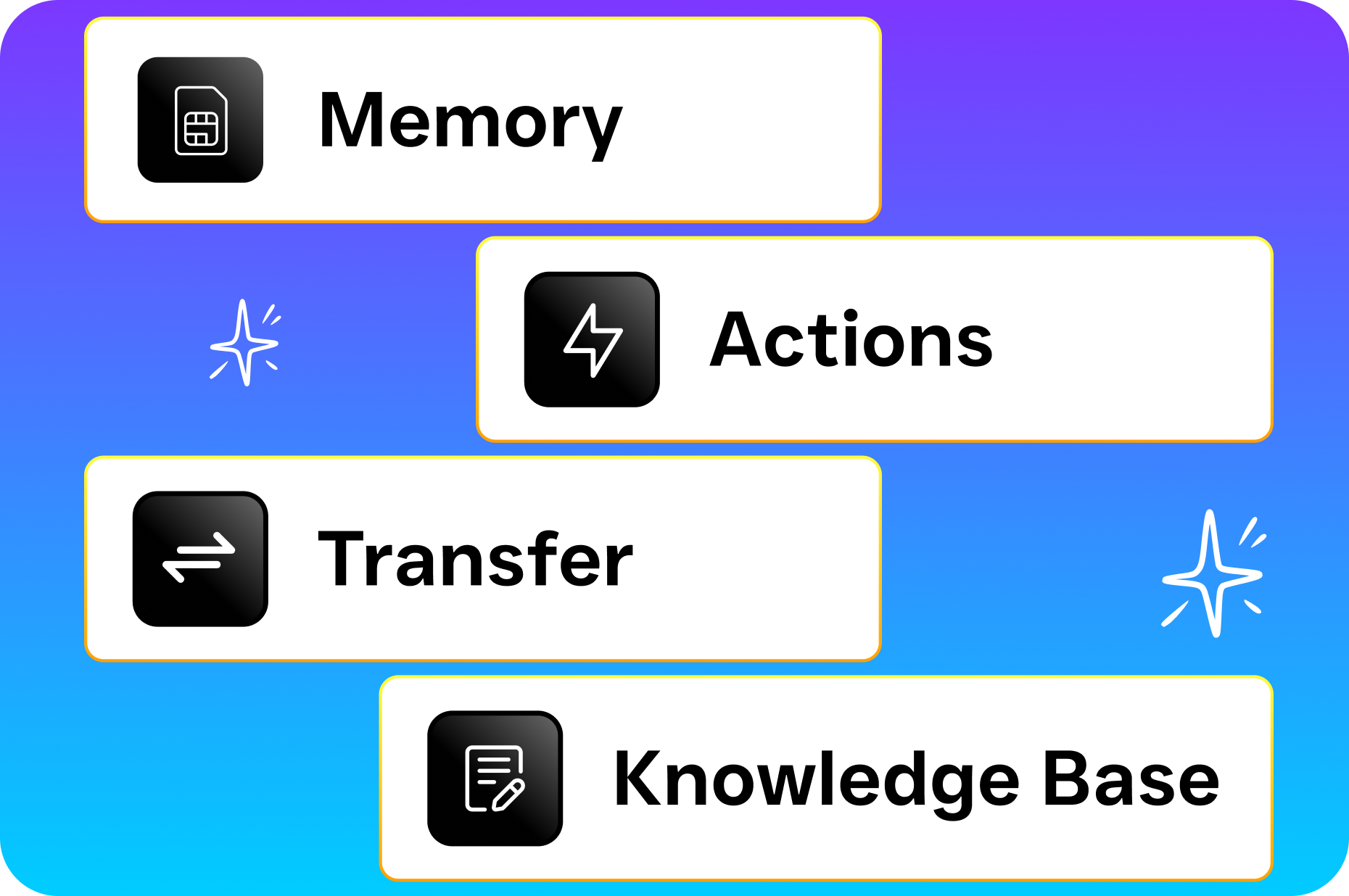
SalesCaptain offers 50+ native integrations with popular business tools including HubSpot, Salesforce, Zoho, HousecallPro, ServiceFusion, Clio, Mindbody, QuickBooks, Shopify, and Zapier. Call outcomes, lead data, and appointment bookings sync automatically so your records stay current without manual entry.
How much does it cost to run an automated call center with SalesCaptain?
SalesCaptain offers a free Startup plan for single-location businesses to get started. The Business plan is $159/month per location, and the Enterprise plan is $300/month per location. AI call minutes are billed at $0.12/minute. For context, that means a 5-minute AI-handled call costs $0.60, compared to the cost of staffing a human receptionist for the same interaction.
How long does it take to set up?
Most businesses get their automated call center running within a few hours. The drag-and-drop call flow builder and AI agent configuration don’t require any technical expertise. You describe your business, set your rules, and the system handles the rest. No developers, no lengthy onboarding process.
Build Your Automated Call Center Today
Stop losing customers to missed calls and slow response times. SalesCaptain gives you AI-powered phone and chat agents, a unified inbox, and workflow automation in one platform, starting free. Set up your automated call center and start capturing every lead, 24/7.