
AI-powered customer experience marketing (CXM) platform that helps local businesses win.


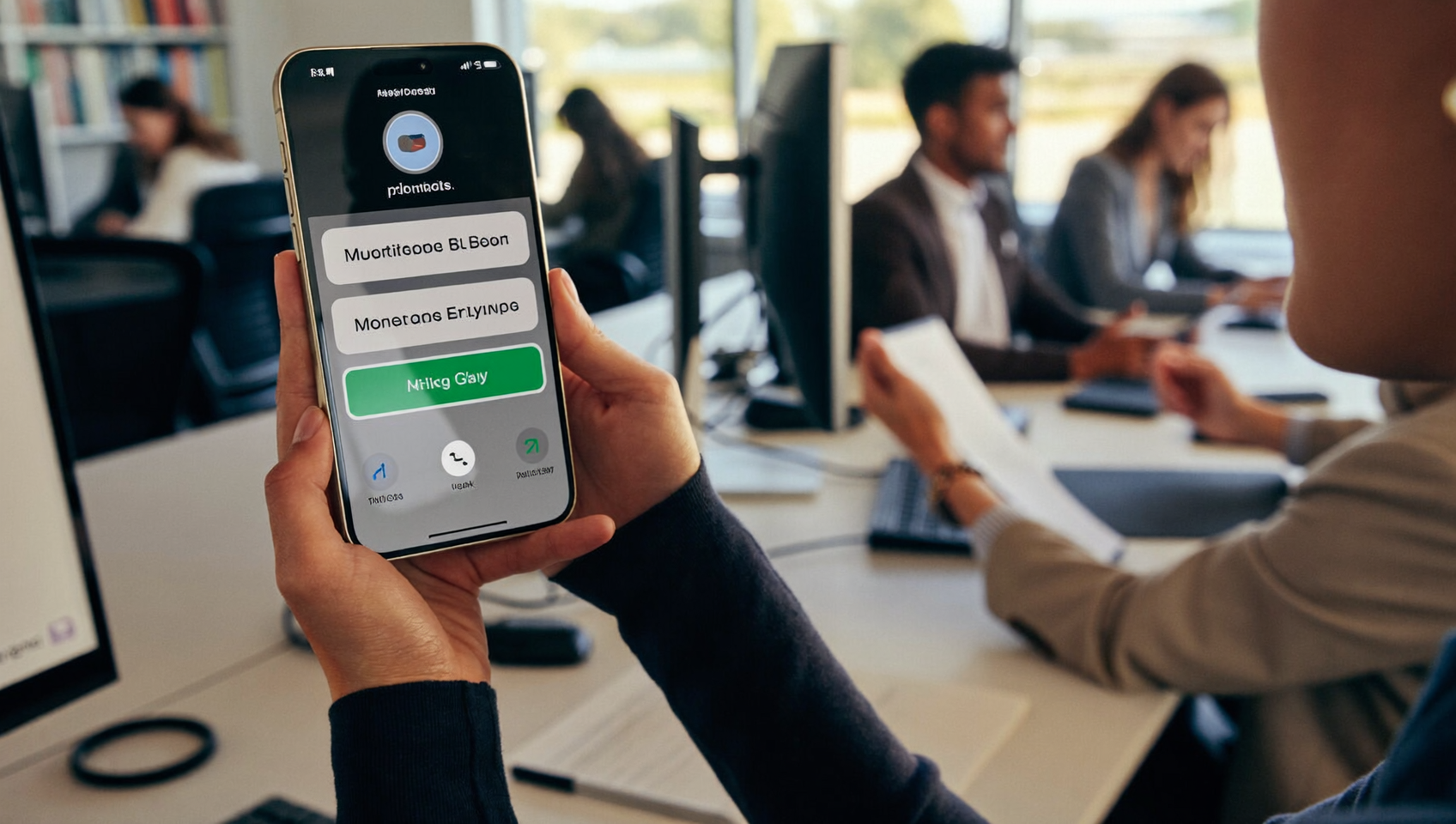
Every service business owner knows the frustration: a potential customer reaches out, but nobody’s available to respond. That lead texts a competitor instead. The revenue disappears. Sending an automated text message free of manual effort is one of the fastest ways to capture those leads before they slip away. SalesCaptain’s AI Chat Agents let you automate text responses across SMS, webchat, and social channels without writing a single line of code, and you can start on a free plan to see the results firsthand.
Automated text message free software sends SMS responses instantly when customers text your business, triggered by events like missed calls or form submissions. Service businesses use it to capture leads 24/7 without manual effort, ensuring no potential customer reaches a competitor while your team is unavailable.
Free weekly newsletter
Growth tips for service businesses
Every Tuesday — actionable ideas to get more leads, reviews, and repeat customers. No fluff.
Quick Answer
Automated text messaging allows businesses to send bulk SMS campaigns, instant replies, and scheduled messages without manual input, reducing response time to seconds and keeping leads engaged around the clock. Most platforms offer free trials or basic plans to get started, making it accessible for small businesses to capture and nurture leads efficiently.
What Is an Automated Text Message?
An automated text message is an SMS or chat message sent by software instead of a person. It’s triggered by a specific event—like a missed call, a new form submission, an appointment reminder, or a customer inquiry outside business hours. The message goes out instantly. Nobody on your team has to lift a finger.
Related guide: mass text messaging free.
Why does this matter? According to Text Request’s 2024 State of Business Texting report, businesses that respond to leads within five minutes are dramatically more likely to convert them. Most small businesses take hours or even days to reply. Automated texting closes that gap completely.
There’s a meaningful difference between basic auto-reply apps and a full communication platform. A simple app might send a canned “We got your message” reply. That’s better than silence, sure. But a proper automated texting system does more. It qualifies leads, books appointments, answers frequently asked questions, and routes conversations to the right team member when a human touch is needed. Your customers can tell the difference between a dead-end text and a genuinely helpful one.
How Automated Text Messages Work in SalesCaptain
Setting up automated texts in SalesCaptain doesn’t require technical skills. Here’s the process from start to finish:
- Connect your business number. Use your existing phone number or get a new one through SalesCaptain’s phone system. Your number works for calls, texts, and fax from a single line.
- Build your AI Chat Agent. Choose what your agent should do: respond to inquiries, book appointments, answer FAQs, or qualify leads. You configure this through a visual builder with plain-language prompts, not code.
- Set your triggers. Decide what events fire off automated texts. Common triggers include missed calls, after-hours inquiries, new contact form submissions, and appointment confirmations. SalesCaptain’s workflow automation builder lets you create these with drag-and-drop logic.
- Customize your messages. Write your text templates with personalization tokens (customer name, appointment time, service type). Advanced templating and auto URL shortening keep messages clean and trackable.
- Go live and monitor. Once activated, every automated conversation appears in your unified inbox alongside calls, emails, webchat, Instagram DMs, and Facebook Messenger threads. Your team sees the full context for every customer in one place.
The entire setup takes minutes. Not days. And because SalesCaptain offers a free Startup plan, you can test automated texting on one location before committing any budget.
📺 Watch: Automated Text Response Setup: Never Miss a Lead Again
Key Capabilities
- Missed Call Text-Back: When a call goes unanswered, SalesCaptain automatically sends a text to the caller within seconds. According to AINORA’s 2026 missed call statistics report, the average small business misses nearly a third of incoming calls. Each one represents lost revenue. Missed call text-back recovers those conversations before the customer moves on.
- appointment reminders and Confirmations: Reduce no-shows by sending automated reminders at intervals you choose. Customers can confirm or reschedule by replying directly to the text, and the AI agent handles the rebooking.
- Lead Qualification via SMS: Your AI Chat Agent asks qualifying questions through text, like service needed, location, and timeline. Qualified leads get routed to your team instantly. Unqualified inquiries still get a helpful response without wasting staff time.
- Multichannel Automation: Automated messages aren’t limited to SMS. The same AI agent handles Instagram DMs, Facebook Messenger, and webchat. Every conversation flows into one unified inbox, so your team never has to check five different apps.
- Click Tracking and Analytics: Every link in your automated texts is shortened and tracked. You’ll know which messages drive clicks, bookings, and conversions, giving you data to refine your approach over time.
- Payments via Text: Send payment links directly through automated text flows. After a service is completed or an appointment is booked, customers can pay without logging into a portal or calling your office.
Who Needs This?
Automated texting isn’t a luxury feature reserved for large enterprises. It’s a practical tool for any business that relies on inbound leads and appointments. Here’s who benefits most:
- Home service companies (roofers, plumbers, HVAC technicians, landscapers) who miss calls while their crews are on job sites
- Healthcare and wellness practices (dental offices, MedSpas, therapy clinics) that need to reduce no-shows and confirm appointments automatically
- Legal practices where response speed directly correlates with client acquisition, as the RingReady research on missed call costs demonstrates
- Salons, gyms, and fitness studios managing high appointment volumes with small front-desk teams
- Real estate agencies that can’t afford to let buyer inquiries sit for hours
- Multi-location businesses that need consistent communication across every branch without hiring additional staff at each site
If you’re a business owner, operations manager, or sales manager, you probably spend hours each week on repetitive text conversations. Automated messaging frees that time up. Now you can focus on work that actually grows revenue.
Benefits of Automated Text Messages for Your Business
Faster Lead Response Without Adding Headcount
Hiring another receptionist or office manager to handle texts costs $35,000 to $50,000 per year, according to Bureau of Labor Statistics data on receptionist salaries. Automated texting handles the same volume of initial responses around the clock for a fraction of that cost. Your team still handles complex conversations. But the routine ones—appointment confirmations, basic questions, follow-up nudges—happen automatically.
24/7 Coverage That Feels Personal
Customers don’t care whether it’s 2 PM or 2 AM when they need a plumber or want to book a dental cleaning. According to SimpleTexting’s 2024 small business marketing research, consumers overwhelmingly prefer texting over calling for business communication. SalesCaptain’s AI Chat Agents use personalization tokens and natural language to make automated replies feel conversational. They don’t sound robotic. Because the AI qualifies and responds contextually, customers often don’t realize they’re texting with a bot.
Consistent Follow-Up on Every Lead
Inconsistent follow-up is one of the biggest revenue killers for service businesses. One technician remembers to text the customer back. Another forgets. A third sends a reply two days later. Automated workflows eliminate this inconsistency entirely. Every lead gets the same prompt, professional follow-up. It doesn’t matter which team member was supposed to handle it. That consistency compounds over weeks and months into significantly higher conversion rates.
Reduced No-Shows and Cancellations
No-shows cost appointment-based businesses thousands each month. Automated reminder sequences—sent at 48 hours, 24 hours, and one hour before an appointment—give customers multiple opportunities to confirm or reschedule. Because replies go straight into SalesCaptain’s unified inbox, your front desk sees confirmations and reschedule requests alongside every other conversation. Nothing falls through the cracks.
How SalesCaptain Compares
Most platforms that offer automated texting force you to compromise on something. Take Podium. It doesn’t include outbound workflow automation or WhatsApp messaging. So if you want to automate follow-up sequences or reach customers on their preferred channel, you’ll hit a wall. SalesCaptain includes advanced templating, click tracking, and auto URL shortening that Podium lacks. Plus, transparent per-location pricing.
Birdeye is primarily a reputation management tool. While it offers some texting features, it doesn’t provide hold music, call routing, IVR, or AI voice capabilities. What does that look like in practice? If you need a complete communication platform rather than just review collection with basic texts, Birdeye’s feature gaps become clear quickly.
OpenPhone keeps things minimal at $15 per user. But its AI capabilities are extremely limited. It lacks call coaching, sentiment analysis, call queueing, and voicemail drop. For businesses that need automated texting as part of a broader communication strategy, the feature gap is substantial. Meanwhile, Nextiva caps SMS at 250 messages per user per month and doesn’t offer text-to-pay, lead forms, or WhatsApp support. SalesCaptain includes all of those natively.
The core difference? SalesCaptain combines AI phone agents, AI chat agents, and a unified inbox in a single platform built specifically for service businesses. You won’t need to stitch together three or four tools. And you can start with a free plan to prove the value before scaling.
Ready to see it in action?
See how small businesses use SalesCaptain to send automated texts that actually convert leads.
Frequently Asked Questions
Can I really send automated text messages for free?
Yes. SalesCaptain’s Startup plan is free for one location and includes access to AI Chat Agents, the unified inbox, and workflow automation. You can set up missed call text-back, appointment reminders, and lead qualification texts without paying a monthly subscription. As your volume grows, paid plans start at $159 per month per location.
Will automated texts feel spammy to my customers?
Not when they’re configured correctly. SalesCaptain’s AI agents use personalization tokens (customer name, service type, appointment details) and respond contextually based on the conversation. The result feels like a real text from your office. Not a mass blast. You also control exactly which triggers send messages, so customers only receive texts that are relevant and timely.
Does automated texting work with my existing phone number?
Absolutely. You can port your current business number into SalesCaptain’s phone system. Your customers keep texting the same number they already know. Your automated workflows handle responses behind the scenes. There’s no disruption to your existing customer relationships.
What happens when the AI can’t answer a customer’s question?
SalesCaptain’s AI Chat Agent is designed to handle common scenarios like booking, FAQs, and lead qualification. When a conversation requires human judgment, the agent routes it to the right team member in your unified inbox with full context. Your staff picks up the conversation exactly where the AI left off. The customer never has to repeat themselves.
Start Automating Your Texts Today
SalesCaptain’s free Startup plan gives you AI-powered automated texting, a unified inbox, and workflow automation for one location. No credit card required. No technical setup needed. Create your free SalesCaptain account now.