
AI-powered customer experience marketing (CXM) platform that helps local businesses win.



Finding the best auto dialer for small business isn’t just about making more calls per hour. It’s about building a system where every outbound call, every follow-up, and every missed opportunity gets handled automatically, without hiring more people. Sound familiar? For service businesses juggling inbound leads, outbound campaigns, and appointment confirmations, a dialer that works inside a broader communication platform saves far more time than a standalone tool ever could. And that’s where SalesCaptain comes in. SalesCaptain’s power dialer is built into a unified communication suite with AI voice agents, SMS automation, and a collaborative inbox, so your outreach doesn’t live in a silo.
What Is an Auto Dialer?
An auto dialer is software that automatically dials phone numbers from a list, connecting answered calls to a live agent or playing a pre-recorded message. Instead of manually punching in digits between conversations, your team moves through a call list at two to three times the speed. That’s the basic pitch. It hasn’t changed much since auto dialers first appeared in call centers decades ago.
What has changed is how small businesses use them. You’re not running a 200-seat call center. You might have two or three people following up on estimates, confirming appointments, or re-engaging old leads. According to WebinarCare’s auto dialer statistics, businesses using auto dialers see significant improvements in agent productivity and contact rates. For a five-person roofing company or a solo real estate agent, even modest productivity gains translate into real revenue.
Types of Auto Dialers
There are three main categories worth understanding before you evaluate options:
- Preview dialers show agent information about the next contact before dialing. They’re ideal when personalization matters, like following up on a specific estimate request.
- Power dialers automatically dial the next number as soon as the previous call ends. No waiting, no manual input. This is SalesCaptain’s approach, and it strikes the right balance between speed and conversation quality for SMBs.
- Predictive dialers use algorithms to dial multiple numbers simultaneously, routing answered calls to available agents. They’re built for high-volume outbound call centers with dozens of agents, not small teams.
For most service businesses, a power dialer paired with CRM data and automation workflows delivers better results than a predictive dialer that’s overkill for a team of three. It makes sense. The Global Auto Dialers Market report from Verified Market Reports confirms that small and medium enterprises are the fastest-growing segment in dialer adoption, largely because cloud-based tools have made them affordable.
How the Power Dialer Works in SalesCaptain
SalesCaptain’s power dialer isn’t a separate product you bolt on. It’s woven into the same platform where your AI phone agent answers inbound calls, your unified inbox tracks every conversation, and your workflow automation handles follow-ups. Here’s how it works:
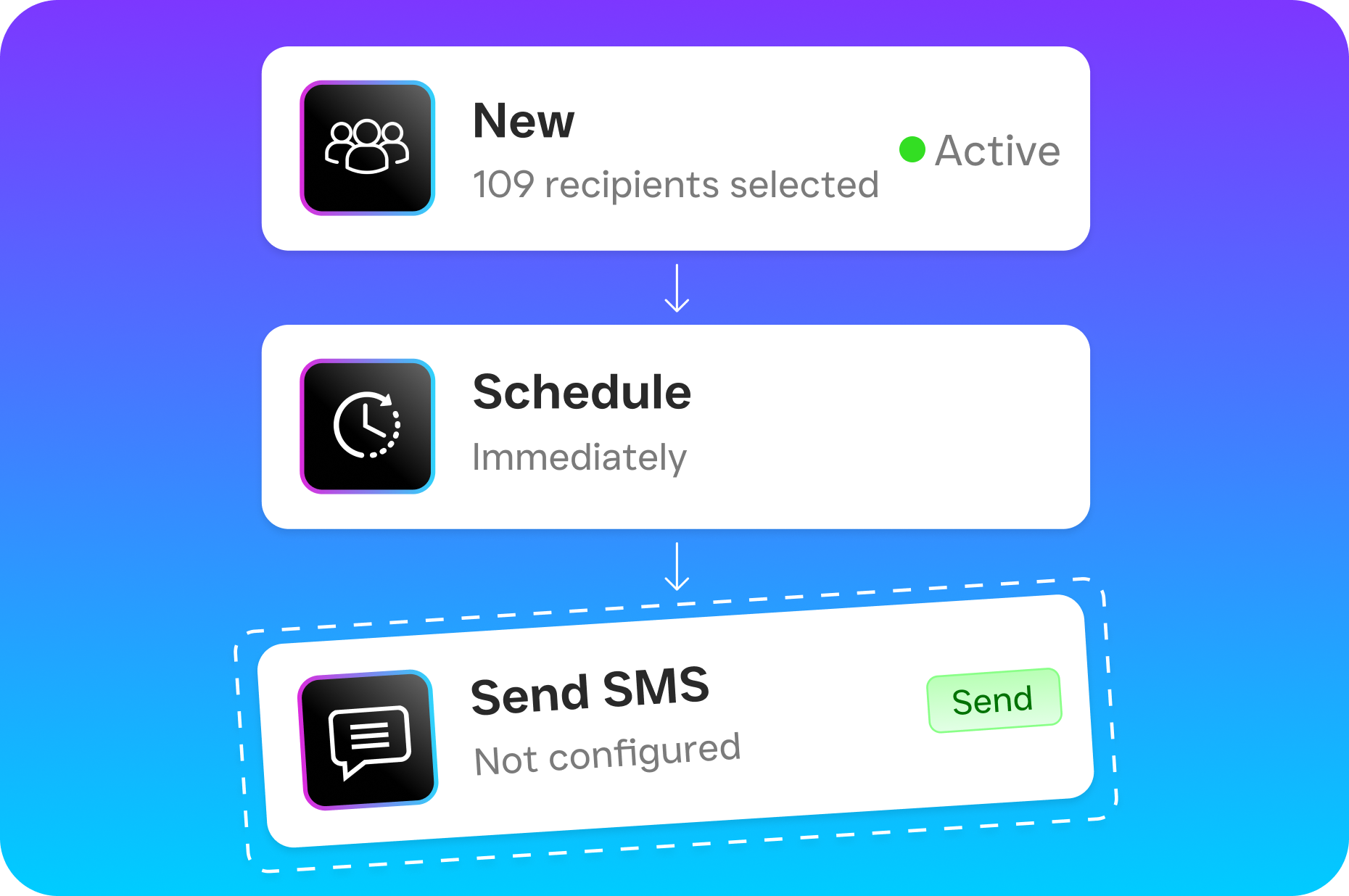
- Build or import your contact list. Pull contacts from your CRM, upload a CSV, or use SalesCaptain’s lead forms to automatically populate lists. You can segment by tags, lead status, or any custom field.
- Set your call flow and voicemail drop. Before launching a campaign, configure what happens when nobody answers. SalesCaptain lets you drop a pre-recorded voicemail automatically, so your team doesn’t waste time waiting for beeps. You can also set up an SMS follow-up that fires immediately after a voicemail drop.
- Launch the dialer. Once your agent clicks “start,” the power dialer calls each contact in sequence. As soon as one call ends, the next number dials automatically. Between calls, your agent sees the contact’s full history, notes from previous conversations, and any relevant CRM data right in the unified inbox.
- Log outcomes and trigger workflows. After each call, outcomes get logged, and SalesCaptain’s workflow automation takes over. A qualified lead can automatically receive a booking link via SMS. A callback request can create a task. An unqualified contact can be tagged and removed from future campaigns.
- Review with AI transcriptions and summaries. Every call gets transcribed and summarized by SalesCaptain’s AI. Managers can review calls without listening to full recordings, spot coaching opportunities, and verify that follow-ups actually happened.
The entire loop stays inside one platform. No switching tabs. No exporting data between tools.
Key Capabilities
- Voicemail drop: Pre-record a message and drop it automatically when a call goes to voicemail. Your agents move to the next call instantly instead of waiting 30 seconds per unanswered attempt. Over a campaign of 200 calls, that’s hours saved.
- Call coaching and whispering: Managers can listen to live calls and whisper guidance to agents without the prospect hearing. This is critical for training new hires and improving close rates on outbound campaigns.
- Real-time speech analytics: SalesCaptain analyzes conversations as they happen, identifying sentiment shifts and key phrases. Your team gets real-time cues, not just post-call reports.
- CRM sync with 50+ integrations: The dialer connects natively to HubSpot, Salesforce, Zoho, ServiceFusion, HousecallPro, and more. Call outcomes, notes, and recordings push back to your CRM without manual entry.
- High-volume SMS follow-up: After a dialing session, trigger personalized text messages to everyone who didn’t answer. According to Voksha’s analysis of missed call costs, businesses that follow up with a text within five minutes of a missed connection recover significantly more leads than those relying on callbacks alone.
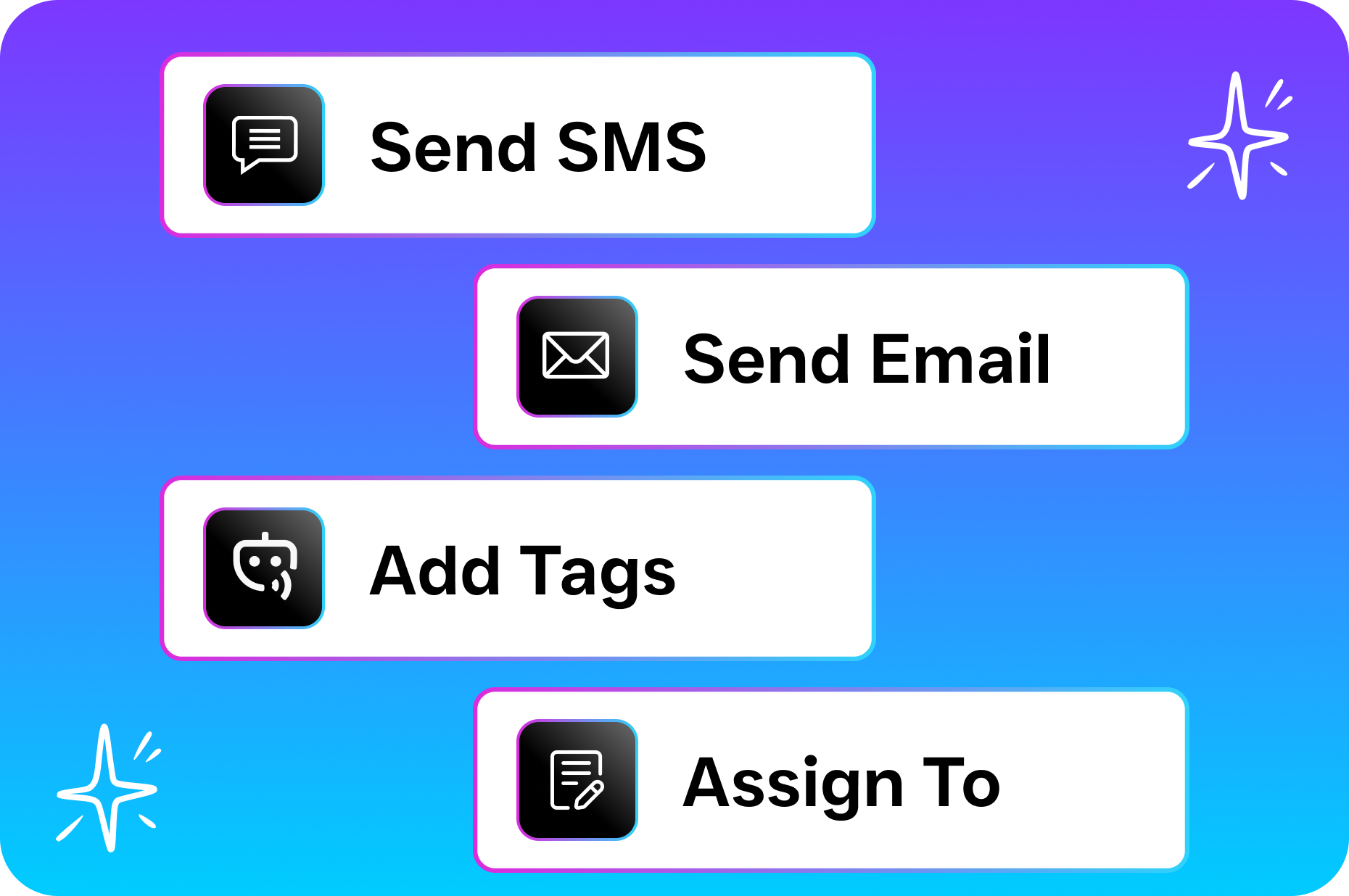
- Workflow automation triggers: Every call outcome can kick off a drag-and-drop workflow. Book an appointment, send a reminder, update a deal stage, or notify a manager, all without human intervention after the call ends.
Who Needs This?
Not every business needs a power dialer. But if your revenue depends on outbound calls or systematic follow-up, the productivity gap between manual dialing and automated dialing compounds fast. Here’s who benefits most:
- Home service companies (roofing, HVAC, plumbing, landscaping): Following up on estimate requests within minutes is the difference between winning and losing the job. A power dialer lets your one or two salespeople work through today’s leads before lunch.
- Real estate agents and teams: Prospecting expired listings, FSBOs, and sphere-of-influence contacts requires volume. Manual dialing kills momentum.
- Legal practices: Intake teams that call back potential clients faster win more cases. Speed-to-lead matters enormously in personal injury, immigration, and family law.
- Healthcare and wellness practices (dental, MedSpa, therapy): Appointment confirmation calls, reactivation campaigns for lapsed patients, and insurance follow-ups all benefit from automated dialing.
- Sales managers at multi-location businesses: Call coaching and whispering let you train reps across locations without being physically present. AI summaries give you visibility into every conversation across every office.
- Operations managers drowning in follow-ups: If your team uses sticky notes and spreadsheets to track who they’ve called, a dialer with CRM sync and workflow triggers eliminates that chaos entirely.
Benefits of a Power Dialer for Small Businesses
More Conversations Per Hour, Same Team Size
The math is straightforward. Manual dialing, including looking up numbers, punching digits, waiting through rings, and leaving voicemails, averages around 15 to 20 calls per hour. A power dialer with voicemail drop pushes that to 40 to 60 calls per hour. Your existing team covers twice the ground without working longer days. And that matters. For businesses that lose thousands monthly from missed connections, doubling call volume with the same staff changes the economics completely.
Faster Speed-to-Lead
Research from the National Federation of Independent Business consistently shows that small business owners rank lead follow-up as one of their biggest operational challenges. A power dialer eliminates the friction that causes delays. New leads enter your list. The dialer queues them. Your agent is on the phone within minutes. Pair that with SalesCaptain’s missed-call text-back feature, and you’re covering both inbound and outbound gaps in one system.
Better Data, Less Guesswork
Every dialed call generates data: outcome, duration, sentiment, transcript, summary. Over weeks, you’ll see which scripts convert, which time slots produce the most answers, and which lead sources deserve more budget. SalesCaptain’s AI transcriptions and summaries make this analysis practical even for small teams without a dedicated data analyst. You don’t need to listen to 50 recorded calls to know what’s working.
How SalesCaptain Compares
Most auto dialer tools are built for outbound sales teams at mid-market or enterprise companies. They’re powerful but expensive, complex, and disconnected from the rest of your communication stack. So here’s how SalesCaptain differs from common alternatives small businesses evaluate.
Nextiva ($20/user) is a solid phone system, but it caps SMS at 250 messages per user per month and doesn’t include voicemail drop or call coaching. If your outbound strategy depends on blending calls with text follow-ups, that SMS ceiling becomes a problem fast. SalesCaptain includes high-volume SMS, voicemail drop, and call coaching and whispering out of the box.
Aircall ($30/license) focuses on call center operations and charges the highest per-license fee among common SMB options. Yet it doesn’t offer real-time AI for calls, missed-call text-back, or native payments via text. SalesCaptain delivers all three at a lower per-location cost. For a comparison of various dialer options on the market, CloudTalk’s roundup of auto dialers for small businesses provides useful context on feature gaps across popular tools.
OpenPhone ($15/user) is affordable but minimal. It doesn’t offer call coaching, call queueing, voicemail drop, or meaningful AI capabilities. It also lacks HIPAA compliance, which rules it out for healthcare practices entirely. According to RevOps Team’s review of auto dialer software, feature depth matters more than base price when you factor in productivity gains.
But here’s the real advantage with SalesCaptain. It’s not just the dialer itself. It’s that every outbound call feeds into the same unified inbox where your AI phone agent handles inbound calls, your chat agents manage SMS and webchat, and your workflow automation handles everything that should happen after a conversation ends. Standalone dialers can’t replicate that closed loop.
Frequently Asked Questions
Is a power dialer or predictive dialer better for a small business?
A power dialer is almost always the better choice for small teams. Predictive dialers work by dialing multiple numbers simultaneously, which requires enough agents to handle multiple simultaneous connections. If you’ve fewer than ten agents, a predictive dialer creates awkward delays and dropped calls. SalesCaptain’s power dialer dials one number at a time in rapid sequence, keeping conversations natural while still eliminating manual dialing waste.
Can I use the power dialer alongside SalesCaptain’s AI phone agent?
Yes, and that’s a huge advantage. Your AI phone agent handles inbound calls 24/7, booking appointments, answering FAQs, and qualifying leads. Meanwhile, your team uses the power dialer for outbound campaigns. Both sides feed into the same unified inbox and contact history, so nothing falls through the cracks.
What happens when a dialed call goes to voicemail?
SalesCaptain’s voicemail drop feature automatically leaves a pre-recorded message and moves your agent to the next call. You can also trigger an immediate SMS follow-up through workflow automation, so the prospect receives a text seconds after the voicemail lands. This two-touch approach significantly increases callback rates.
Does SalesCaptain’s dialer integrate with my existing CRM?
SalesCaptain offers 50+ native integrations, including HubSpot, Salesforce, Zoho, ServiceFusion, HousecallPro, and Zapier for custom connections. Call outcomes, recordings, transcripts, and AI summaries sync back to your CRM automatically. There’s no manual data entry required after calls.
Start Dialing Smarter Today
SalesCaptain’s power dialer, combined with AI phone agents, unified inbox, and workflow automation, gives your small business the outbound firepower of a much larger team. Plans start free for one location, with the Business plan at $159/month per location. See SalesCaptain in action and start your free plan at salescaptain.com.