
AI-powered customer experience marketing (CXM) platform that helps local businesses win.



If you’re searching for a Dialpad alternative, you’re likely running a service business that needs more than a sales-focused phone system. This comparison breaks down how Dialpad stacks up against SalesCaptain across the features that matter most for service businesses, from AI voice agents to unified messaging and workflow automation.
What Is Dialpad?
Dialpad is a cloud-based communications platform built primarily for technology-forward sales teams. Starting at $15 per user, it offers AI-powered voice calls, real-time transcription, and conversation intelligence. However, as Sprinklr’s analysis of Dialpad alternatives notes, the platform lacks several channels and features that service businesses depend on daily, including native WhatsApp, email integration, and social media messaging.
What Is SalesCaptain?
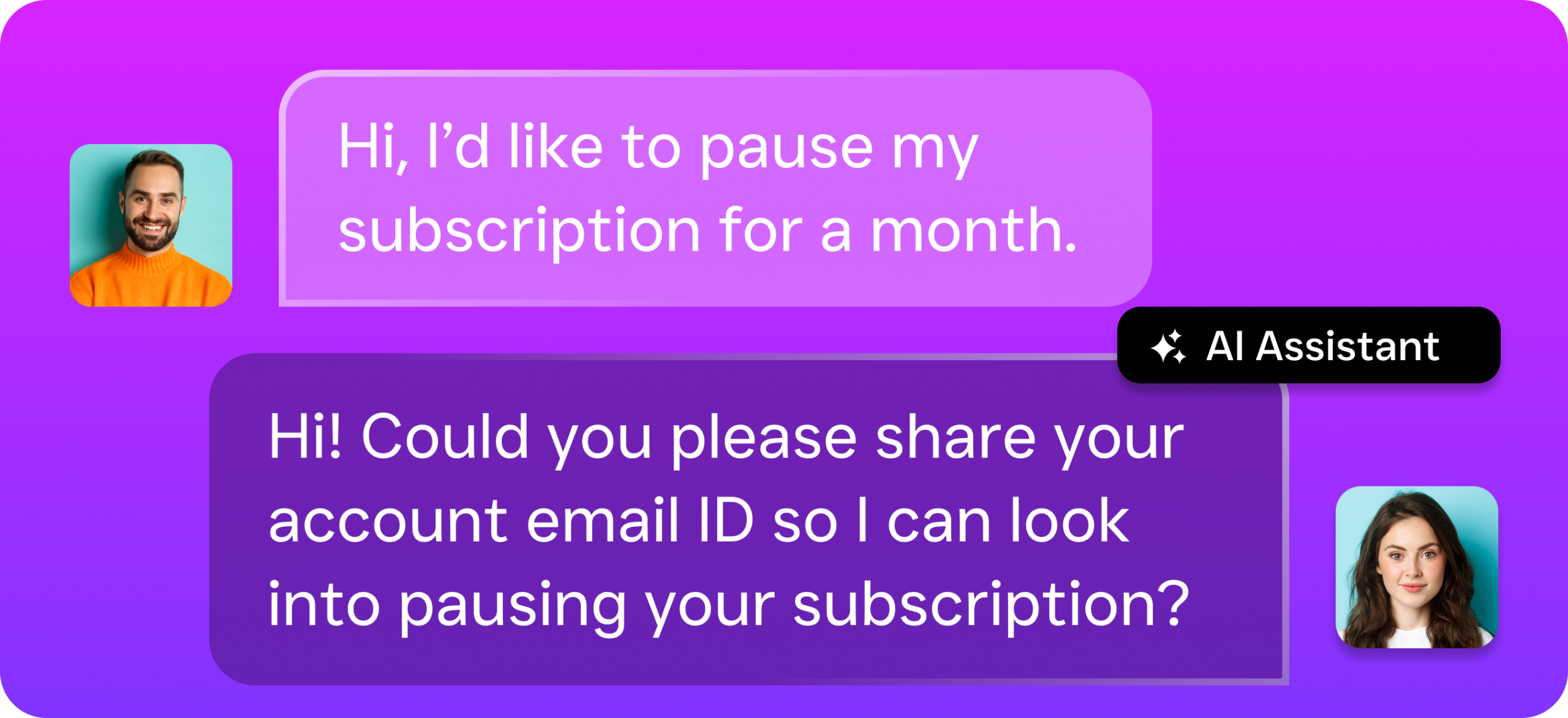
SalesCaptain is an AI-powered unified communication platform purpose-built for service businesses. It combines AI phone agents, AI chat agents, and a collaborative inbox into one tool, so your business can handle calls, texts, webchat, Instagram DMs, Facebook Messenger, and email without juggling multiple systems. Pricing starts with a free plan for one location, with paid plans at $159/month per location. Because it’s designed for industries like home services, healthcare, legal, and real estate, every feature is focused on capturing leads, booking appointments, and automating follow-ups.
Dialpad vs SalesCaptain: Feature Comparison
Here’s a side-by-side look at the features that matter most when evaluating a Dialpad alternative for a service business:
| Feature | SalesCaptain | Dialpad |
|---|---|---|
| AI Voice Agent | ✓ (24/7 autonomous calling) | ✗ |
| Unified Inbox | ✓ (calls, SMS, webchat, social, email) | ✗ (no email, no social chat) |
| WhatsApp Messaging | ✓ (native) | Partial (third-party Zapier only) |
| Review Management | ✓ | ✗ |
| Text-to-Pay | ✓ | ✗ |
| Workflow Automation | ✓ (visual drag-and-drop builder) | Partial (very basic message flows) |
| Pricing | Free plan available; $159/mo per location | $15/user/month (adds up fast) |
| Best For | Service businesses, multi-location SMBs | Tech-forward sales teams |
Where Dialpad Falls Short
Dialpad is a solid product for outbound sales teams that need conversation intelligence and AI scorecards. But for service businesses that rely on inbound communication, appointment booking, and multi-channel customer interactions, the gaps become significant. According to TechnologyAdvice’s review of Dialpad alternatives, many businesses switch because they need broader channel coverage and deeper automation.
No AI Voice Agent or AI Chat Agent
Dialpad doesn’t offer an autonomous AI voice agent that can answer calls, qualify leads, book appointments, or handle FAQs without human involvement. It also lacks an AI chat agent for SMS, webchat, or social DMs. For a service business that misses calls after hours or can’t respond to texts fast enough, that’s a dealbreaker. Research from My AI Front Desk highlights how missed calls directly erode revenue for small businesses, making 24/7 automated answering essential rather than optional.
Missing Communication Channels
Dialpad has no native email channel, no social chat across Facebook and Instagram, and no native WhatsApp support. WhatsApp is only accessible through third-party Zapier automations, which introduces complexity and potential failure points. For a business managing customer conversations across multiple touchpoints, these omissions create blind spots.
On top of that, there’s no high-volume SMS capability, no leads form integration, no Text-to-Pay, no auto URL shortening, and no click tracking. These aren’t niche features. They’re the tools service businesses use every day to convert leads and collect payments.
No Toll-Free Minutes and Limited Extras
Dialpad doesn’t include toll-free minutes in its plans, and fax requires an add-on. Audio conferencing isn’t available either. While these might seem minor individually, they add cost and complexity for businesses that expect a complete communication system. As Hey Rosie’s breakdown of Dialpad alternatives for small businesses points out, per-user pricing models like Dialpad’s can become expensive quickly as your team grows.
Why SalesCaptain Is the Better Choice for Service Businesses
The core difference is audience. Dialpad was designed for sales teams that make outbound calls and need conversation analytics. SalesCaptain was built for service businesses that need to capture every inbound opportunity and automate the follow-up. Here’s what that looks like in practice:
- AI Phone Agent that works 24/7: SalesCaptain’s AI voice agent answers calls around the clock, books appointments, qualifies leads, blocks spam, and routes callers. No human required. Your business never misses a call, even at 2 AM on a Saturday.
- AI Chat Agents across every channel: Automated agents respond instantly on SMS, webchat, Instagram DMs, and Facebook Messenger. Leads get captured and appointments get booked before a human even needs to look at their phone.
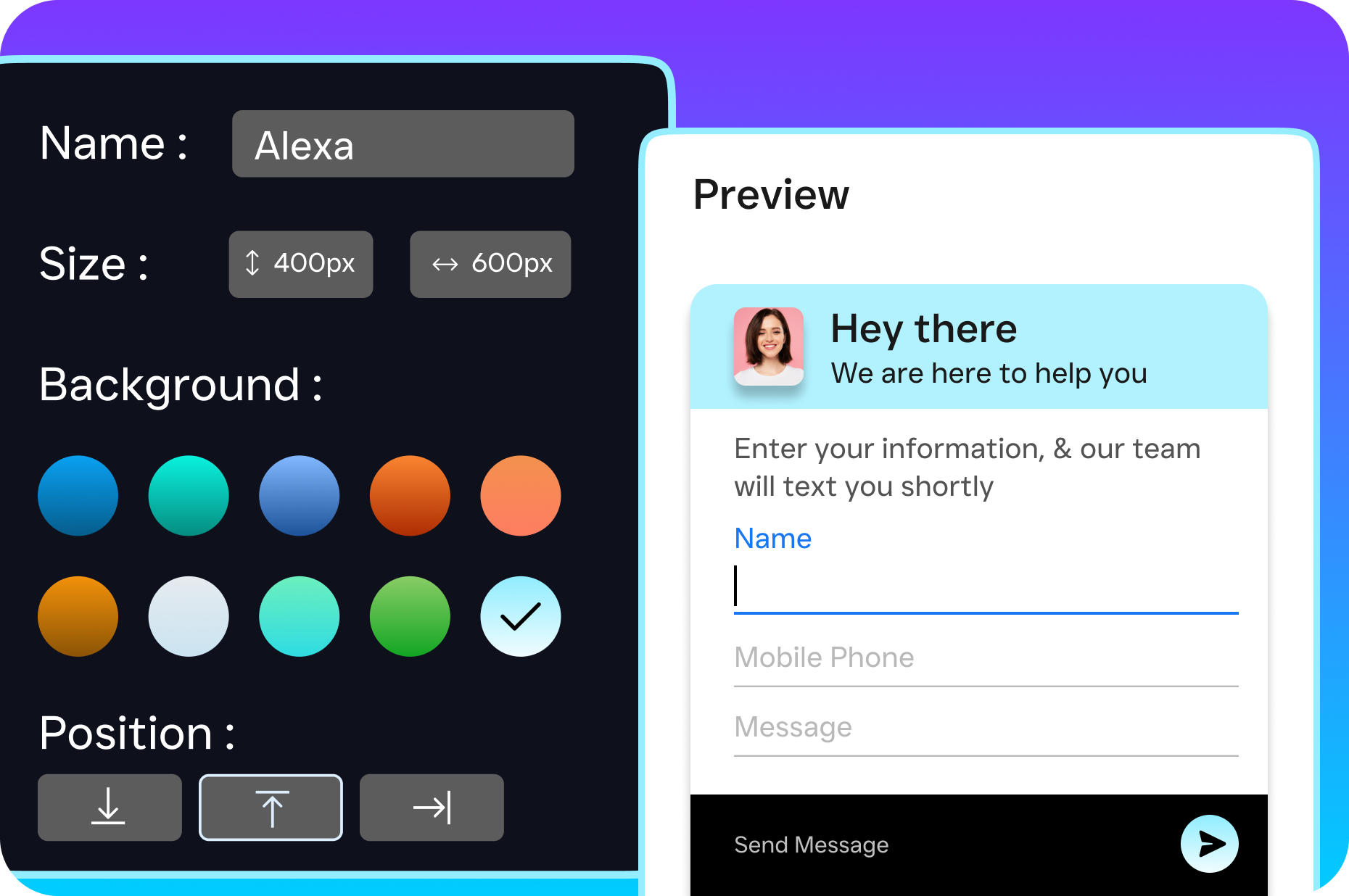
- True unified inbox: Every conversation, whether it’s a phone call, text, email, webchat message, or social DM, lives in one collaborative inbox. Your team sees the full picture without switching between tabs or platforms.
- Text-to-Pay and click tracking: Collect payments via text and track which links your customers actually click. These revenue-generating features simply don’t exist in Dialpad.
- AI writer, translator, and grammar check: Draft professional messages in seconds, translate for multilingual customers, and catch errors before they go out. Dialpad offers none of these.
- Per-location pricing that scales: Instead of paying per user (which punishes you for growing your team), SalesCaptain charges per location. A free plan covers your first location, and paid plans start at $159/month. For a five-person team, that’s dramatically less than five Dialpad licenses with add-ons.
- 50+ native integrations: Connect with HubSpot, Salesforce, Zoho, HousecallPro, ServiceFusion, Mindbody, Shopify, QuickBooks, Clio, and more. Everything your service business already uses.
According to the SBA’s Office of Advocacy, small businesses make up 99.9% of all U.S. businesses. Yet most communication platforms are still built for enterprise sales floors. SalesCaptain flips that by giving SMBs the AI automation and multi-channel coverage they actually need.
Which Should You Choose?
If your business is a sales-driven tech company that needs outbound dialing, AI scorecards, and custom sales playbooks, Dialpad is a reasonable fit. It excels at real-time speech analytics and call coaching for sales reps. Those are genuinely useful features for that specific use case, and SalesCaptain doesn’t currently offer AI scorecards or custom sales playbooks.
However, if you’re running a service business, whether that’s a roofing company, dental practice, law firm, med spa, salon, or real estate agency, you need a Dialpad alternative that actually matches how your customers communicate. That means AI agents answering calls and texts when your staff can’t, a unified inbox that doesn’t leave messages scattered across platforms, and workflow automation that keeps follow-ups from falling through the cracks. SalesCaptain covers all of this with per-location pricing, a free plan to start, and 99.99% uptime. For service businesses evaluating their options, the comparison isn’t close. As Trellus’s 2025 guide to Dialpad alternatives explains, the right platform depends entirely on whether your priority is outbound sales or inbound customer communication.
Frequently Asked Questions
Is SalesCaptain really free to start?
Yes. SalesCaptain’s Startup plan is completely free for one location. You can set up AI agents, use the unified inbox, and access core features without entering a credit card. Paid plans at $159/month per location unlock additional capabilities for growing businesses.
Can SalesCaptain replace Dialpad for phone calls?
Absolutely. SalesCaptain includes a full business phone system with 99.99% uptime, IVR, call routing, voicemail, call recording, and crystal-clear audio. On top of that, you get an AI voice agent that Dialpad simply doesn’t offer, so calls get answered even when nobody’s available.
Does SalesCaptain work with my existing CRM?
SalesCaptain integrates with over 50 tools natively, including HubSpot, Salesforce, Zoho, QuickBooks, and industry-specific platforms like HousecallPro, ServiceFusion, Clio, and Mindbody. Zapier integration extends connectivity even further.
What does Dialpad do better than SalesCaptain?
Dialpad offers AI scorecards, custom sales playbooks, call flip between mobile and desktop, a Chrome extension, and hotdesking. If your team needs outbound sales coaching tools or frequently switches between devices mid-call, those are genuine advantages worth considering.
How does per-location pricing compare to per-user pricing?
Per-user pricing means your cost increases every time you hire someone. A five-person team on Dialpad could pay $75/month or more before add-ons. With SalesCaptain’s per-location model, you pay one flat rate regardless of team size at that location, which makes scaling far more affordable. Allo’s comparison of Dialpad alternatives also highlights pricing structure as a key factor for growing businesses.
Try SalesCaptain Free
Stop paying per user for a platform that wasn’t built for your business. SalesCaptain gives service businesses AI voice agents, AI chat agents, and a unified inbox, all in one tool with a free plan to get started.