
AI-powered customer experience marketing (CXM) platform that helps local businesses win.



Every missed inbound call is a missed opportunity. For service businesses, those calls aren’t random interruptions. They’re customers ready to book, pay, or ask the one question that decides whether they choose you or your competitor. A call center inbound calls solution built for small and mid-sized businesses needs to do more than just ring a phone. It needs to answer every time, qualify every caller, and route conversations to the right place, even at 2 a.m. on a Sunday. SalesCaptain’s AI Phone Agent does exactly that, turning your inbound call flow into a 24/7 revenue engine without hiring additional staff.
What Are Call Center Inbound Calls?
Inbound calls are customer-initiated phone calls to your business. Unlike outbound calls, where your team dials out to prospects, inbound calls come from people who already want something from you: an appointment, a price quote, a service question, or help with an existing order. That intent makes inbound calls extraordinarily valuable. Research from OnceHub suggests that a single missed call can cost a small business hundreds of dollars in lost revenue, and most callers won’t leave a voicemail or call back.
Traditional call centers handle inbound volume with rows of human agents, phone queues, and scripted responses. That model works for large enterprises with deep pockets. But for a roofing company with three trucks, a dental practice with two hygienists, or a law firm with one receptionist, hiring and managing a dedicated call center team isn’t realistic. The overhead alone can eat into margins fast.
How Inbound Calls Differ from Outbound
The distinction matters because the technology and strategy behind each are fundamentally different. Outbound calling focuses on dialing lists, power dialers, and sales scripts. Inbound calling, on the other hand, requires immediate availability, intelligent routing, and the ability to capture caller intent in real time. Your inbound system has to be ready when the customer is ready, not the other way around.
There’s also a blended model where businesses handle both directions. However, for most service businesses, inbound calls represent the lion’s share of phone activity. According to recent call center statistics compiled by Enthu.ai, a significant percentage of customers still prefer phone calls over any other channel for resolving urgent questions. That preference isn’t disappearing anytime soon.
The Contact Center vs. Call Center Distinction
You’ll sometimes see “contact center” and “call center” used interchangeably. They aren’t the same. A call center handles voice calls only. A contact center manages voice plus digital channels like SMS, webchat, social media DMs, and email. Modern service businesses need the contact center approach because customers reach out on whatever channel is most convenient for them. SalesCaptain functions as a full contact center, combining its AI Phone Agent with AI Chat Agents across SMS, webchat, Instagram DMs, and Facebook Messenger, all feeding into one unified inbox.
How Call Center Inbound Calls Work in SalesCaptain
Setting up inbound call handling in SalesCaptain doesn’t require a telecom background or an IT team. The platform is designed so a business owner can configure their AI Phone Agent in minutes and start catching calls that same day. Here’s the step-by-step flow:
- Connect your business phone number. Port an existing number or get a new one directly through SalesCaptain’s phone system. You’ll have a dedicated business line with 99.99% uptime and crystal-clear audio quality.
- Build your call flow. Use the visual IVR builder to define how calls get handled. Set up greeting messages, menu options, business hours routing, and after-hours behavior. No coding required.
- Configure the AI Phone Agent. Train the agent on your FAQs, services, pricing, and booking rules. The AI uses natural-sounding voice responses to interact with callers, so they feel like they’re speaking with a real team member.
- Define routing rules. Decide which calls the AI handles end-to-end and which get routed to a human. You can set conditions based on caller intent, time of day, or specific keywords. Warm and cold transfers are both supported.
- Activate lead capture and appointment booking. The AI agent qualifies callers by asking the right questions, captures their information, and books appointments directly into your calendar or CRM through native integrations with tools like HousecallPro, Clio, and Mindbody.
- Review and refine. Every call is recorded and logged in the unified inbox with full contact history. Post-call analytics and real-time speech analytics give you visibility into what’s working and what needs adjustment.
Once live, the system runs autonomously. Calls come in, the AI answers, leads get qualified, appointments get booked, and spam gets blocked, all without your team lifting a finger.
Key Capabilities
SalesCaptain’s inbound call handling isn’t a single feature. It’s a suite of capabilities designed to work together. Here’s what sets it apart:
- 24/7 AI Call Answering: The AI Phone Agent picks up every call, day or night, weekends and holidays included. No hold times, no voicemail black holes. Industry data from Aira shows that businesses lose thousands of dollars annually from missed calls alone. This capability eliminates that loss entirely.
- Intelligent IVR and Call Routing: Build multi-level IVR menus that direct callers to the right department or AI workflow. Route by intent, by schedule, or by location for multi-site businesses. Hold music, call queueing, and warm transfers keep the caller experience smooth.
- Lead Qualification on Every Call: The AI doesn’t just answer. It asks qualifying questions, scores the lead, and captures contact details before the caller hangs up. That information flows into your CRM automatically.
- Spam Blocking: Robocalls and spam waste your team’s time and clog your call logs. SalesCaptain’s AI identifies and blocks spam calls so your reports and inbox stay clean.
- After-Hours Capture: When your office is closed, the AI keeps working. It answers calls, books appointments for the next business day, and sends the caller a confirmation via SMS. You wake up to new bookings, not missed opportunities.
- Missed Call Text-Back: If a call somehow isn’t answered, an automated text goes out instantly. This keeps the conversation alive through SMS and gives the customer an immediate touchpoint, which dramatically improves callback rates.
Who Needs This?
Not every business needs an enterprise call center. But nearly every service business that relies on the phone needs a smarter way to handle inbound calls. Here are the businesses and roles that benefit most:
- Home service companies (roofing, plumbing, HVAC, landscaping, appliance repair) that receive high call volumes during peak seasons and can’t afford to miss a single lead
- Legal practices where a potential client’s first call often determines whether they retain your firm or move on to the next name on Google
- Healthcare and wellness providers (dental offices, MedSpas, therapy practices) juggling appointment scheduling with patient inquiries all day long
- Salons, gyms, and fitness studios where front-desk staff are too busy with walk-ins to consistently answer the phone
- Real estate agencies that lose buyer leads when agents are out showing properties and calls go to voicemail
- Multi-location businesses that need consistent call handling across every site without staffing a receptionist at each one
- Operations managers and business owners who want to scale customer communication without proportionally scaling headcount
If your team regularly misses calls during lunch, after hours, or on busy days, you’re leaving money on the table. SkipCalls estimates that small businesses lose over $26,000 per year from missed calls. For many service businesses, solving this one problem pays for an entire communication platform several times over.
Benefits of Call Center Inbound Call Handling
Revenue You’re Currently Losing Gets Recovered
The most immediate benefit is financial. Every call your AI agent answers that would’ve otherwise gone to voicemail is a potential booking saved. Across weeks and months, that adds up fast. A plumbing company answering 15 after-hours calls per week at an average job value of $300 could recover $4,500 in weekly revenue that previously disappeared. The math is straightforward, and it compounds.
Your Team Focuses on Higher-Value Work
Repetitive calls drain productivity. Questions about business hours, directions, basic pricing, and appointment availability don’t require a skilled employee. When the AI handles those calls, your staff can focus on delivering the actual service, closing bigger deals, or managing operations. McKinsey’s research on customer care consistently points to AI-assisted communication as a way to improve both efficiency and customer satisfaction simultaneously.
Consistent Experience Across Every Location
Multi-location businesses struggle with inconsistency. One office might answer every call promptly while another lets half go to voicemail. SalesCaptain’s per-location pricing ($159/month per location for the Business plan) makes it affordable to deploy the same AI agent across all your sites. Every caller gets the same professional experience regardless of which location they reach.
Faster Response Time Wins More Customers
Speed matters enormously. Small business customer service data from Ringly.io highlights that customers increasingly expect immediate responses, and businesses that respond fastest win the booking. When your AI agent answers on the first ring and resolves the caller’s need in under two minutes, you’re beating every competitor whose phone goes to voicemail after five rings.
How SalesCaptain Compares
Most platforms that claim to handle inbound calls are either too basic or too expensive for service businesses. Grasshopper, for example, is a voice-only virtual phone system with no AI, no texting automation, and no unified inbox. It works as a forwarding service but can’t qualify leads, book appointments, or handle after-hours calls intelligently.
Aircall charges $30 per license per month and lacks a Voice AI Agent entirely. There’s no missed-call text-back, no webchat, and no email channel. It’s built for sales teams at tech companies, not for a landscaping business that needs every inbound call answered and converted. SalesCaptain offers real-time AI for calls, leads forms, and payments via text, none of which Aircall provides.
OpenPhone comes in at $15 per user but has minimal AI capabilities, only seven integrations, and no call coaching or call queueing. For a growing service business that needs to route calls across team members and locations, those gaps become painful quickly. SalesCaptain includes voicemail drop, call coaching and whispering, real-time speech analytics, sentiment analysis, and call queueing as standard features.
Dialpad offers strong AI transcription but doesn’t include toll-free minutes, audio conferencing, or social chat natively. Plus, it’s designed for tech-forward sales teams rather than the HVAC company or dental office that just needs every call answered and every lead followed up on. SalesCaptain’s free Startup plan lets you test the full platform at one location before committing, something most competitors don’t offer at all.
Frequently Asked Questions
What types of inbound calls can SalesCaptain’s AI handle?
The AI Phone Agent handles appointment booking, lead qualification, FAQ answering, call routing, after-hours capture, and spam blocking. You configure which scenarios the AI resolves independently and which get transferred to a human team member. Calls that need a personal touch, like complex service consultations, can be warm-transferred mid-conversation.
Does the AI sound robotic to callers?
No. SalesCaptain’s AI Phone Agent uses natural-sounding voice synthesis that callers consistently mistake for a real person. You can customize the tone, pacing, and personality to match your brand. The agent also adapts in real time based on what the caller says, rather than following a rigid script.
Can I use SalesCaptain alongside my existing phone system?
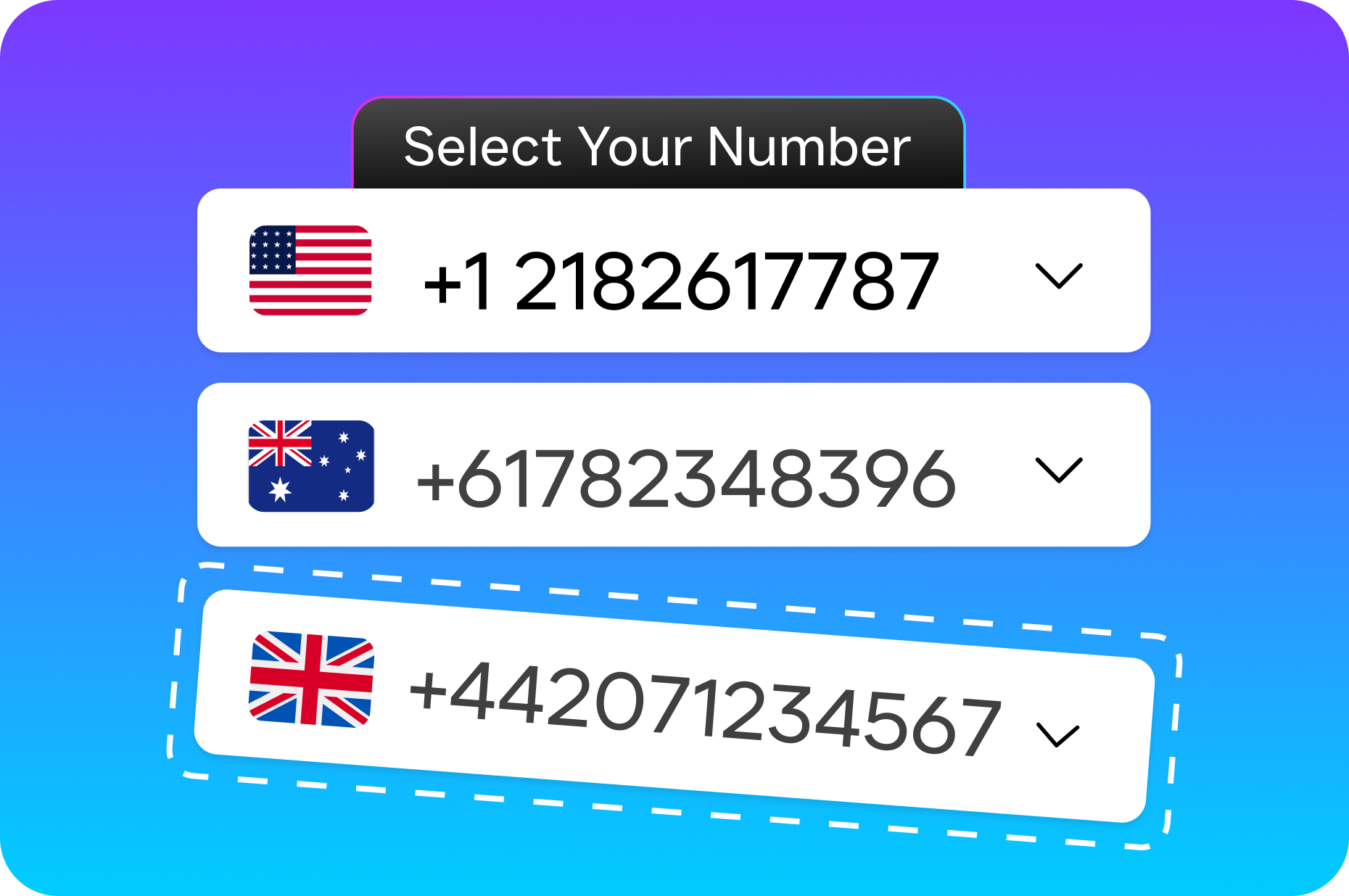
Yes. You can port your current business number into SalesCaptain’s phone system or set up call forwarding from your existing provider. The platform supports business phone numbers, IVR, call routing, voicemail, and call recording natively, so you won’t need to maintain a separate phone system once you migrate.
How much does it cost to handle inbound calls with AI?
SalesCaptain’s Startup plan is free for one location and includes core features. The Business plan runs $159/month per location, and AI call minutes are billed at $0.12 per minute. For context, a human receptionist costs $15 to $20 per hour. The AI agent handles unlimited concurrent calls at a fraction of that cost, making it significantly more economical as your call volume grows.
Stop Missing Inbound Calls and Start Converting Them
SalesCaptain’s AI Phone Agent answers every call, qualifies every lead, and books appointments around the clock. Set it up in minutes, not weeks, and see the difference in your first billing cycle. Start free at salescaptain.com.