
AI-powered customer experience marketing (CXM) platform that helps local businesses win.



A well-designed call center layout determines whether your team handles customer calls efficiently or loses leads to chaos. For service businesses running lean teams, the way you structure your communication operations—whether physical desks or virtual call flows—directly affects how many calls get answered, how fast customers get help, and how much revenue you keep. Sound familiar? SalesCaptain gives SMBs a modern approach by replacing cluttered physical setups with AI-powered call flows, a unified inbox, and virtual phone agents that work around the clock.
What Is a Call Center Layout?
Traditionally, a call center layout meant the physical arrangement of desks, cubicles, and workstations where agents answered phones. Businesses spent thousands on floor plans designed to balance noise control, supervisor visibility, and agent comfort. Cubicle clusters, pod configurations, standing supervisor stations, and long shared tables were the standard options.
But here’s the reality for most service businesses in 2025: you don’t have 50 agents sitting in rows. You’ve got a front desk person, maybe a dispatcher, and an owner who’s also on the roof or in the treatment room. Your “call center” is really a handful of people juggling phones between appointments. According to research from Aira, 62% of business calls go unanswered. That’s a massive problem. It’s not because businesses lack cubicle layouts. It’s because they lack the right communication infrastructure.
A modern call center layout is less about square footage and more about how calls flow through your business. It’s the digital architecture behind every incoming ring: who answers, what happens if they’re busy, how leads get captured, and whether after-hours callers hear a voicemail or actually get helped. Think of it as your communication blueprint. And the shift from physical to virtual layouts is what separates businesses that grow from those that stall.
How Call Center Layout Works in SalesCaptain
SalesCaptain replaces the traditional physical call center with a virtual layout you can build in minutes. Instead of rearranging furniture, you’re arranging call flows, AI agents, and routing rules. Here’s how it works:
- Map your call flow visually. Open SalesCaptain’s drag-and-drop Call Flow Builder and define what happens when a call comes in. Set greetings, menu options (IVR), routing rules by department or time of day, and fallback paths for missed calls.
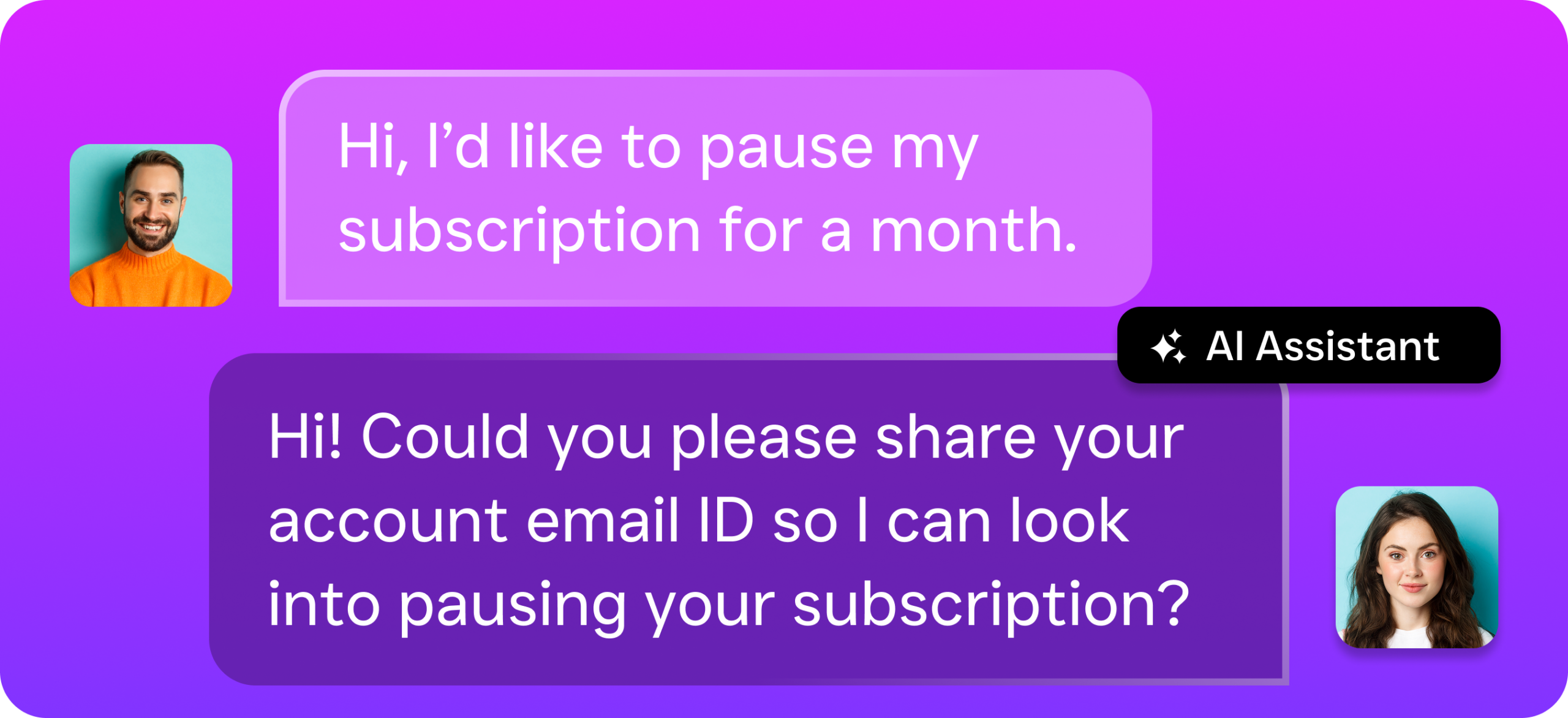
- Deploy your AI Phone Agent. Assign an AI voice agent to handle calls that don’t need a human. The agent can answer FAQs, book appointments, qualify leads, and block spam. It sounds natural, not robotic. And it works 24/7 without breaks.
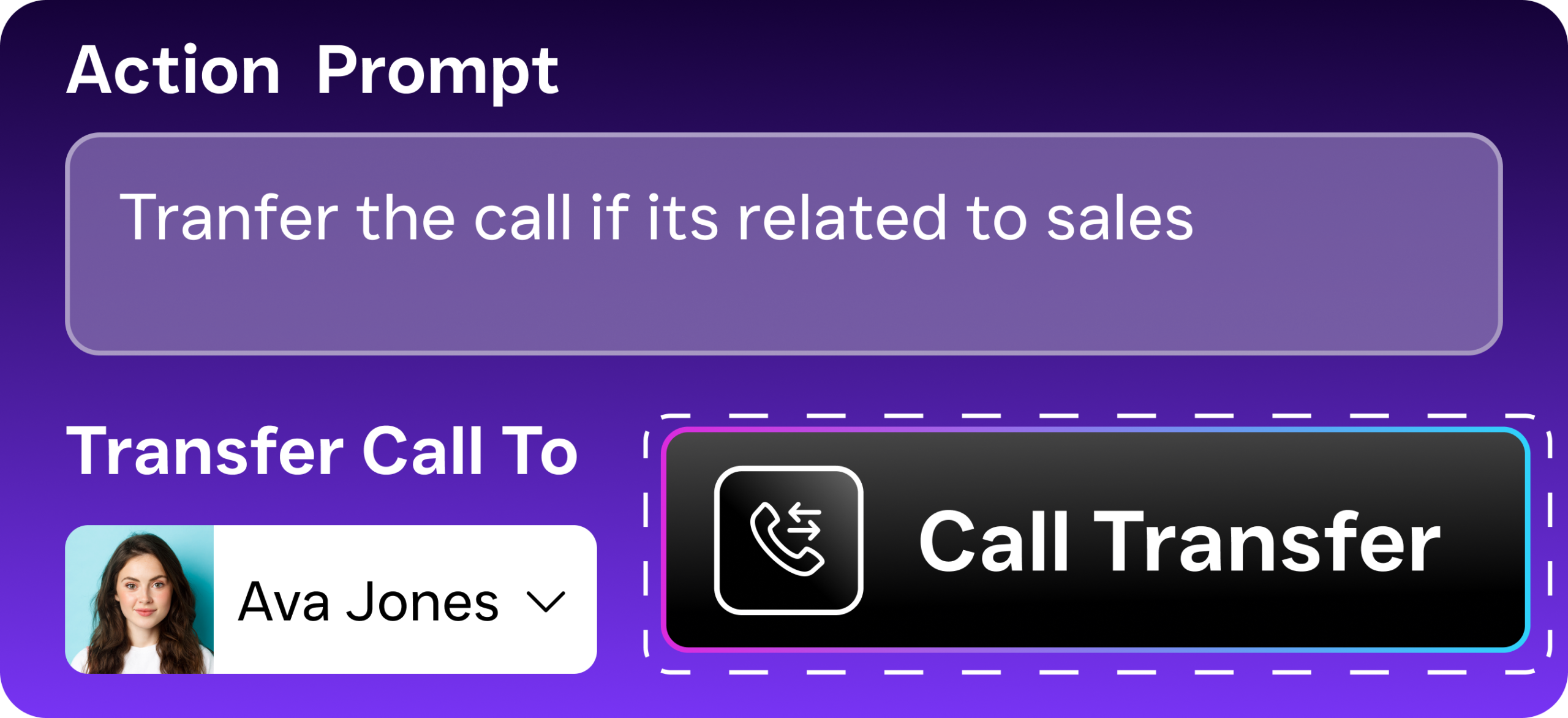
- Configure routing and escalation. Route calls to specific team members based on caller intent, location, or time. Set up warm transfers for complex issues so callers never feel bounced around. If nobody’s available, the AI agent takes over instead of sending people to voicemail.
- Connect your unified inbox. Every call, text, webchat message, and social DM lands in one collaborative inbox. Your team sees the full conversation history for each contact, regardless of which channel they used. No more sticky notes or disconnected systems.
- Automate the follow-up. Use the Workflow Automation builder to trigger post-call actions: send a confirmation text after an appointment booking, update your CRM, notify a manager about a hot lead, or schedule a reminder. These workflows replace the manual tasks that eat up agent time.
Key Capabilities
- AI Phone Agent for 24/7 Coverage: Your virtual “front desk” never clocks out. The AI agent answers calls after hours, during lunch, and on holidays. It books appointments directly into your calendar and qualifies leads before routing them to your team. According to Voksha’s analysis, missed calls can cost businesses significant revenue annually. Eliminating them is the highest-ROI move you can make.
- Drag-and-Drop Call Flow Builder: Build IVR menus, time-based routing, and multi-step call paths without writing code. You can create separate flows for business hours, after hours, and weekends. Each path can end with a live agent, an AI agent, a voicemail box, or an automated text message.
- Unified Inbox Across All Channels: Calls, SMS, webchat, Instagram DMs, Facebook Messenger, and email all arrive in one place. Your team collaborates on responses without switching between apps. Contact history shows the full timeline. Anyone who picks up can continue the conversation with context.
- AI Summaries and Transcriptions: Every call is automatically transcribed with speaker labels and summarized into key action items. Supervisors don’t need to listen to recordings. Instead, they can scan summaries to spot training opportunities, verify follow-ups, or review customer concerns in seconds.
- Missed Call Text-Back: When a call goes unanswered, SalesCaptain instantly sends a text to the caller. The lead stays warm instead of calling your competitor. This single feature recovers conversations that would otherwise vanish.
- Call Coaching and Whispering: For your human agents, supervisors can listen in on live calls and whisper guidance without the customer hearing. It’s real-time training built into your call center layout. No more walking over to someone’s cubicle.
Who Needs This?
Not every business needs a 200-seat call center floor plan. But nearly every service business needs a structured way to handle inbound communication. Here’s who benefits most:
- Home service companies (roofers, plumbers, HVAC, landscapers, appliance repair) that miss calls while crews are on job sites
- Healthcare and wellness practices (dental offices, MedSpas, therapy clinics) where front desk staff can’t answer every ring during patient check-ins
- Legal practices that need 24/7 intake without hiring night-shift paralegals
- Salons, gyms, and fitness studios where appointment booking is the core revenue driver
- Real estate agencies handling high lead volume across multiple agents and locations
- Multi-location businesses that need consistent call handling across every site without separate phone systems
- Operations managers and business owners who want visibility into call performance without sitting next to every agent
If your “call center” is really two or three people answering phones while doing five other jobs, you’re the exact use case this was built for.
Benefits of a Modern Call Center Layout
Capture Every Lead Without Hiring More Staff
The biggest cost of a bad call center layout isn’t the furniture. It’s the revenue that walks out the door. Industry data from Callsetter shows missed calls can cost businesses over $126,000 per year. SalesCaptain’s AI Phone Agent eliminates this by answering every call, even at 2 AM on a Saturday. You don’t need to hire a night shift or an answering service. The AI handles it, and it costs $0.12 per minute instead of $15-30 per hour for a human receptionist.
Reduce Chaos Across Channels
Traditional call center layouts solved one problem: organizing phone agents. But modern customers don’t just call. They text, they DM on Instagram, they message through your website. Without a unified approach, your team ends up checking five different apps. Things slip through the cracks. SalesCaptain’s unified inbox consolidates every channel into one view. That’s a layout redesign for how your team actually works.
Scale Without Complexity
Adding a second or third location used to mean duplicating your entire phone setup. New lines, new hardware, new training. That’s outdated thinking. With SalesCaptain’s per-location pricing ($159/month for the Business plan), you replicate your call flows across locations in minutes. Each site gets the same AI agent, the same routing rules, and the same quality of service. Plus, the growing market for AI receptionists means the technology improves over time.
Turn Call Data Into Business Intelligence
Physical call center layouts gave supervisors line-of-sight to their team. Virtual layouts give you something better: data. Every call is transcribed, summarized, and tagged with sentiment analysis. You can spot patterns in customer complaints, identify which services generate the most calls, and see exactly where leads drop off. According to FitSmallBusiness’s breakdown of call center metrics, tracking first-call resolution and average handle time are among the most impactful KPIs. SalesCaptain gives you those numbers automatically.
How SalesCaptain Compares
Most tools in this space force you to choose between phone features and digital communication. Aircall, for example, charges $30 per license per month and focuses heavily on outbound sales teams. But it doesn’t offer a native AI voice agent, webchat, or missed-call text-back. You’d need to bolt on additional tools. That gets messy fast. Dialpad provides strong transcription features but lacks toll-free minutes, social chat, and audio conferencing. That limits its usefulness as a complete call center layout for service businesses.
Nextiva offers a solid phone system starting at $20 per user, but SMS is capped at 250 messages per user per month. There’s no WhatsApp support. And no live transcription. For a service business that relies on text follow-ups after calls, that cap becomes a bottleneck. OpenPhone comes in at $15 per user but has minimal AI capabilities (rated 1 out of 5 in reviews). Only 7 integrations. And no call coaching or power dialer.
SalesCaptain combines an AI voice agent, AI chat agents, a full business phone system, and a unified inbox in one tool. It’s built for service businesses, not enterprise sales floors. You don’t need an IT team to set it up. And you won’t outgrow it when you open your next location. With call center industry trends pointing firmly toward AI-first communication, choosing a platform built around automation now saves you a painful migration later.
Frequently Asked Questions
Do I need a physical call center to use SalesCaptain?
No. SalesCaptain is entirely cloud-based. Your team can work from an office, from home, or from job sites. The AI Phone Agent handles calls regardless of where your human agents are located. And the unified inbox works on any device with a browser.
How is a virtual call center layout different from a traditional one?
A traditional layout focuses on desk placement, noise management, and physical supervision. A virtual layout focuses on call flows, routing logic, AI automation, and digital channel management. With SalesCaptain, your “layout” is the set of rules you build in the drag-and-drop call flow builder. Those rules control how every call, text, and message gets handled.
Can SalesCaptain handle multiple locations with different call flows?
Yes. Each location can have its own call flow, AI agent configuration, and routing rules. Business plan pricing is $159 per month per location. So you can customize the experience for each site while managing everything from one dashboard.
What happens to calls that come in after business hours?
You set the rules. Your after-hours call flow can route to the AI Phone Agent, which answers naturally and books appointments. It captures caller info and sends follow-up texts. Callers don’t hit a generic voicemail. They get a real conversation. And you get the lead in your inbox the next morning.
Build Your Virtual Call Center Layout With SalesCaptain
Stop losing leads to missed calls and disconnected communication channels. SalesCaptain gives you the AI phone agents, call flow builder, and unified inbox you need to run a modern call center layout. No physical setup overhead. No expensive per-agent pricing. Start with the free plan and build your first call flow today.