
AI-powered customer experience marketing (CXM) platform that helps local businesses win.



A call centre system is the backbone of how your business handles incoming and outgoing phone communication. For service businesses, it’s what determines whether a caller becomes a paying customer or hangs up and dials a competitor. Sound familiar? If your team juggles missed calls, scattered voicemails, and inconsistent follow-ups across multiple channels, you’re losing revenue every single day. SalesCaptain gives you a modern call centre system built for service businesses, combining AI-powered phone agents, a unified inbox, and workflow automation so you never miss another opportunity.
What Is a Call Centre System?
A call centre system is the technology infrastructure that manages how calls are received, routed, answered, and tracked within a business. Traditionally, that meant a room full of phones and staff. Today, it’s software. Modern systems handle call routing, IVR menus, voicemail, call recording, analytics, and increasingly, AI-powered automation.
But here’s where most definitions fall short. For a 5-person plumbing company or a two-location dental practice, “call centre” doesn’t mean 50 agents in headsets. It means ensuring every customer call gets answered. The right information gets captured. And follow-up happens without relying on sticky notes. According to research from Aira, 62% of business calls go unanswered. That’s not a minor gap. It’s a revenue crisis.
The distinction matters because most call centre systems on the market are built for enterprise contact centres with hundreds of agents. Service businesses need something different. A system that’s easy to set up, affordable per location, and smart enough to handle calls without requiring additional headcount. That’s exactly where SalesCaptain sits.
What Makes a Modern System Different
Legacy systems handled one thing: voice calls. A modern call centre system integrates voice with SMS, webchat, social media messaging, and email into a single platform. It uses AI to answer routine questions, book appointments, and qualify leads automatically. And it gives business owners real-time visibility into every customer interaction without digging through spreadsheets or separate tools.
According to ViciStack’s 2026 industry benchmarks, businesses using AI-integrated call centre systems report significantly faster response times and higher customer satisfaction scores. Speed matters because Voksha’s analysis of missed call costs shows that even a single unanswered call can cost a service business hundreds of dollars in lost revenue.
How a Call Centre System Works in SalesCaptain
Setting up a call centre system in SalesCaptain doesn’t require an IT department or a week of training. Here’s how it works from day one:
- Get your business phone number. Choose a local or toll-free number, or port your existing number. SalesCaptain’s phone system runs on 99.99% uptime with crystal-clear audio quality.
- Build your call flow. Use the drag-and-drop call flow builder to design exactly how incoming calls are handled. Set up greetings, IVR menus, routing rules, after-hours logic, and voicemail capture. No code required.
- Deploy your AI Phone Agent. Turn on the AI voice agent to answer calls 24/7. It sounds natural, books appointments, qualifies leads, answers FAQs, and blocks spam callers. You train it on your business specifics, and it handles the rest.
- Connect your channels. Plug in SMS, webchat, Instagram DMs, Facebook Messenger, and email so every conversation flows into one unified inbox. Your team sees the full picture for every contact.
- Set up automations. Use the visual workflow builder to trigger follow-up texts after missed calls, send appointment reminders, update your CRM, and notify team members. Over 50 integrations connect SalesCaptain to tools like HubSpot, Salesforce, ServiceFusion, HousecallPro, and QuickBooks.
- Review and improve. AI transcriptions and summaries turn every call into searchable text with key action items highlighted. Use these for training, quality control, and ensuring nothing slips through the cracks.
Key Capabilities
- AI Phone Agent with 24/7 coverage: Your AI agent answers every call, day or night, with natural-sounding conversation. It doesn’t just take messages. It books appointments directly into your calendar, qualifies whether a lead is worth your team’s time, and provides accurate answers to common questions. After-hours calls that used to go to voicemail now become booked jobs.
- Drag-and-drop call flows: Every incoming call follows a structured path you design. Route callers by department, time of day, or caller intent. Add IVR menus, hold music, voicemail-to-text, and SMS follow-ups. Each call flow ensures consistency that a manually answered phone simply can’t match.
- Unified inbox across every channel: Calls, texts, webchat conversations, social media DMs, and emails all land in one collaborative inbox. Your team sees the complete history for each contact. No switching between apps, no lost context. Real-time tracking shows exactly where every conversation stands.
- AI summaries and transcriptions: Every call gets automatically transcribed with speaker distinction and summarized into key points and action items. Your team doesn’t need to re-listen to 15-minute calls to remember what was discussed. Summaries capture decisions, objections, and next steps in seconds.
- Missed call text-back: When a call does go unanswered, SalesCaptain automatically sends a text to the caller so they can continue the conversation via SMS. This single feature recovers leads that would otherwise disappear. According to CallJolt’s cost analysis, missed calls cost small businesses far more than most owners realize.
- Workflow automation engine: Trigger-based workflows handle repetitive tasks your team shouldn’t waste time on. Automatically send follow-up messages after appointments, update CRM records when a call ends, notify managers about high-value leads, and schedule reminders. The visual builder makes complex sequences simple to create and modify.
Who Needs This?
A call centre system isn’t just for large companies with dedicated support teams. If your business receives phone calls from customers, you need one. Here’s who benefits most from SalesCaptain’s approach:
- Home service businesses (roofing, plumbing, HVAC, landscaping, appliance repair) where every missed call is a missed job, and after-hours inquiries often go to competitors who answer first.
- Healthcare and wellness practices (dental offices, medical practices, MedSpas, therapy clinics) that handle high volumes of appointment scheduling, confirmations, and patient inquiries across phone and text.
- Legal practices where client intake calls are time-sensitive and need to be captured accurately with full transcription for compliance and follow-up.
- Salons, gyms, and fitness studios that rely on bookings and lose significant revenue when staff are too busy with in-person clients to answer the phone.
- Real estate agencies managing inquiries from multiple listing channels and needing instant response to capture motivated buyers and sellers.
- Multi-location businesses that need consistent call handling across every site without hiring dedicated receptionists for each location.
- Business owners and operations managers who want visibility into every customer interaction without micromanaging their team.
Benefits of a Call Centre System for Your Business
Capture Revenue You’re Currently Losing
The math is straightforward. According to Ainora’s analysis of missed call data for small businesses, the average service business misses a substantial percentage of incoming calls. Each missed call carries a measurable dollar value. With SalesCaptain’s AI Phone Agent answering 24/7 and missed call text-back catching the rest, you recover revenue that’s been quietly walking out the door.
Scale Without Adding Headcount
Hiring a full-time receptionist costs $30,000 to $40,000 per year according to Bureau of Labor Statistics data. And that person still can’t work nights, weekends, or holidays. SalesCaptain’s AI agent handles unlimited calls at $0.12 per minute with no sick days, no training ramp-up, and no overtime. For multi-location businesses, per-location pricing ($159/month for Business, $300/month for Enterprise) scales far more affordably than hiring staff for each site.
Eliminate the Chaos of Multichannel Communication
When your calls live in one system, your texts in another, your Facebook messages in a third, and your webchat in a fourth, things fall through the cracks. Always. The unified inbox consolidates every channel into one view, which means your team doesn’t waste 20 minutes per day switching between platforms. Plus, every team member can see what’s already been said to a customer. No more frustrating “can you repeat your issue?” moments that erode trust.
Consistent Customer Experience Every Time
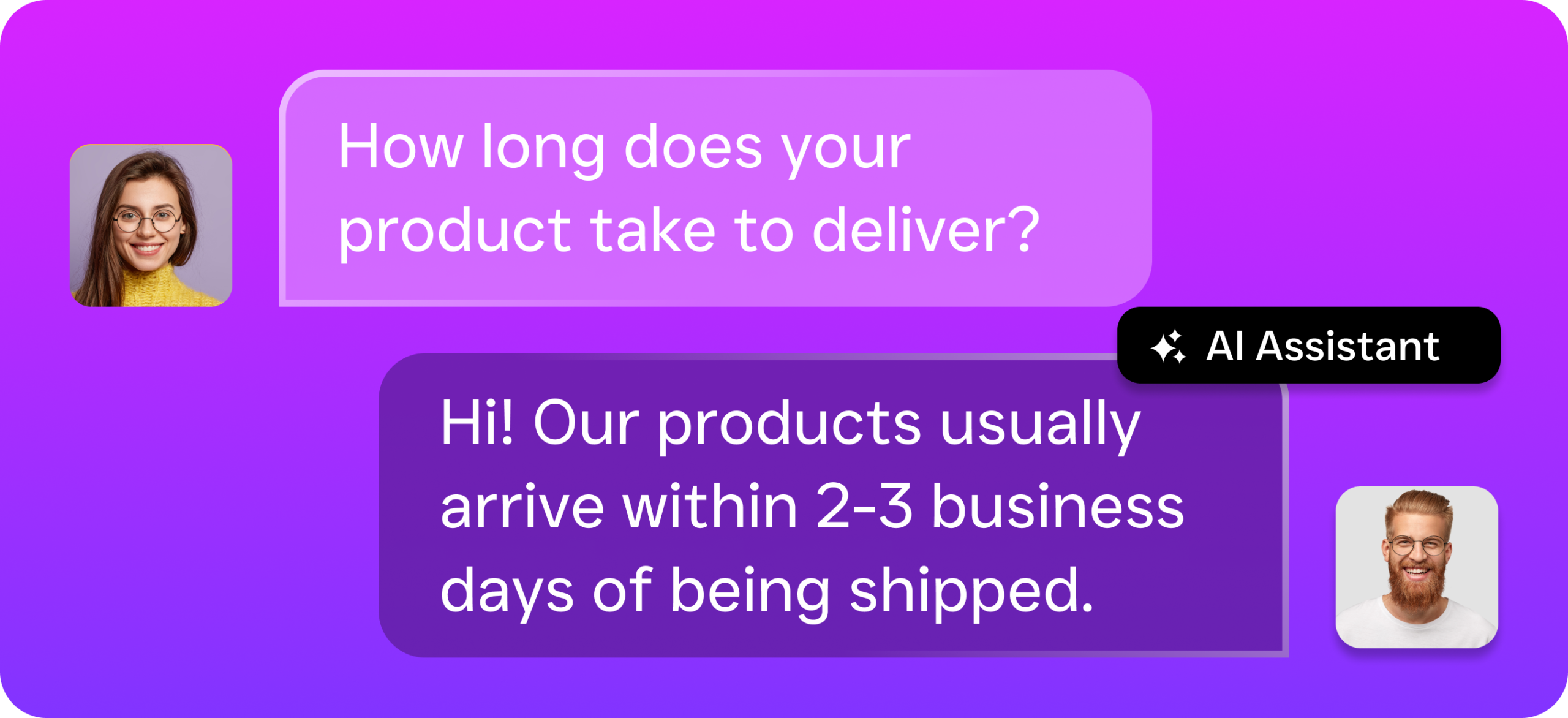
Human-answered calls vary wildly depending on who picks up, how busy they’re, and what kind of day they’re having. Call flows and AI agents deliver the same professional experience on every single call. Greetings are consistent. Information is accurate. Follow-ups happen automatically. According to Convin’s 2024 call center statistics, consistent customer experiences are directly tied to higher retention and repeat business.
How SalesCaptain Compares
Most call centre systems on the market fall into one of two categories: enterprise-grade platforms that are overkill for SMBs, or basic phone tools that lack the intelligence to actually solve your problems. SalesCaptain occupies a unique position as the only platform combining AI voice agents, AI chat agents, and a unified inbox in a single tool built specifically for service businesses.
Consider the alternatives. Aircall charges $30 per license per month but doesn’t include a voice AI agent, webchat, email channel, or missed call text-back. It’s a call centre tool, sure, but it won’t answer the phone for you at 2 AM when a homeowner’s pipe bursts. Nextiva caps SMS at 250 messages per user per month and doesn’t offer WhatsApp, leads forms, or payments via text. For service businesses that rely on text communication as much as voice, that’s a real limitation.
Dialpad brings solid AI features for sales teams, but it doesn’t include toll-free minutes, audio conferencing, or high-volume SMS. All things service businesses depend on daily. Meanwhile, OpenPhone offers minimal AI capabilities and only seven integrations compared to SalesCaptain’s 50+. It’s a clean phone app, but it’s not a call centre system.
Then there are human receptionist services like Smith.ai and Ruby. They’re great at answering calls, but they charge premium per-call or per-minute rates that skyrocket as your volume grows. They also can’t handle texts, chat, or social media, and they don’t integrate the way software does. SalesCaptain’s AI phone agent costs a fraction of what you’d pay for human receptionists and handles every channel, not just voice.
Frequently Asked Questions
Can a small business really use a call centre system?
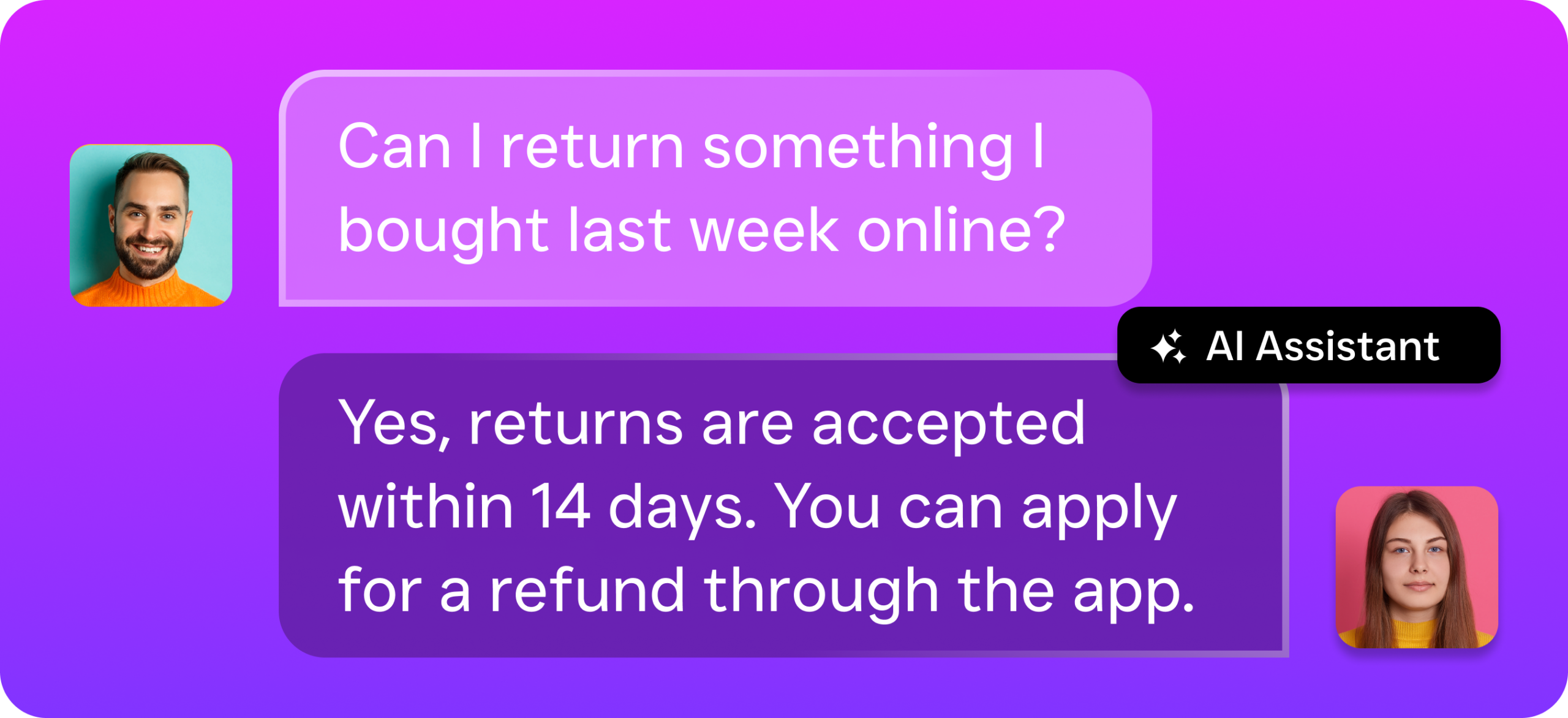
Absolutely. SalesCaptain’s free Startup plan supports one location with core features. You don’t need a large team or technical expertise to get started. The drag-and-drop call flow builder and AI agents are designed for business owners who’d rather focus on running their company than configuring phone systems.
How does the AI Phone Agent sound to callers?
SalesCaptain’s AI Phone Agent uses natural-sounding voice technology that callers often can’t distinguish from a human receptionist. It handles conversations fluidly, books appointments, answers questions about your services, and routes complex inquiries to your team when needed.
What happens if the AI can’t handle a caller’s request?
Your call flows include routing rules for exactly this scenario. The AI agent can transfer calls to a specific team member, take a detailed message with a callback request, or send a text to the caller with next steps. You stay in control of what happens at every stage of the call.
Does SalesCaptain replace my existing phone number?
No. You can port your existing business number directly into SalesCaptain, so your customers don’t notice any change. Alternatively, you can choose a new local or toll-free number if you prefer.
How quickly can I set up the system?
Most businesses are up and running within a day. Building call flows takes minutes with the visual builder, and training your AI agent on your business specifics is a guided process. There’s no lengthy onboarding period or professional services requirement.
Build Your Call Centre System with SalesCaptain
Stop losing customers to missed calls and slow follow-ups. SalesCaptain gives you AI phone agents, a unified inbox, and workflow automation in one platform built for service businesses. Start free and see results from day one.