
AI-powered customer experience marketing (CXM) platform that helps local businesses win.


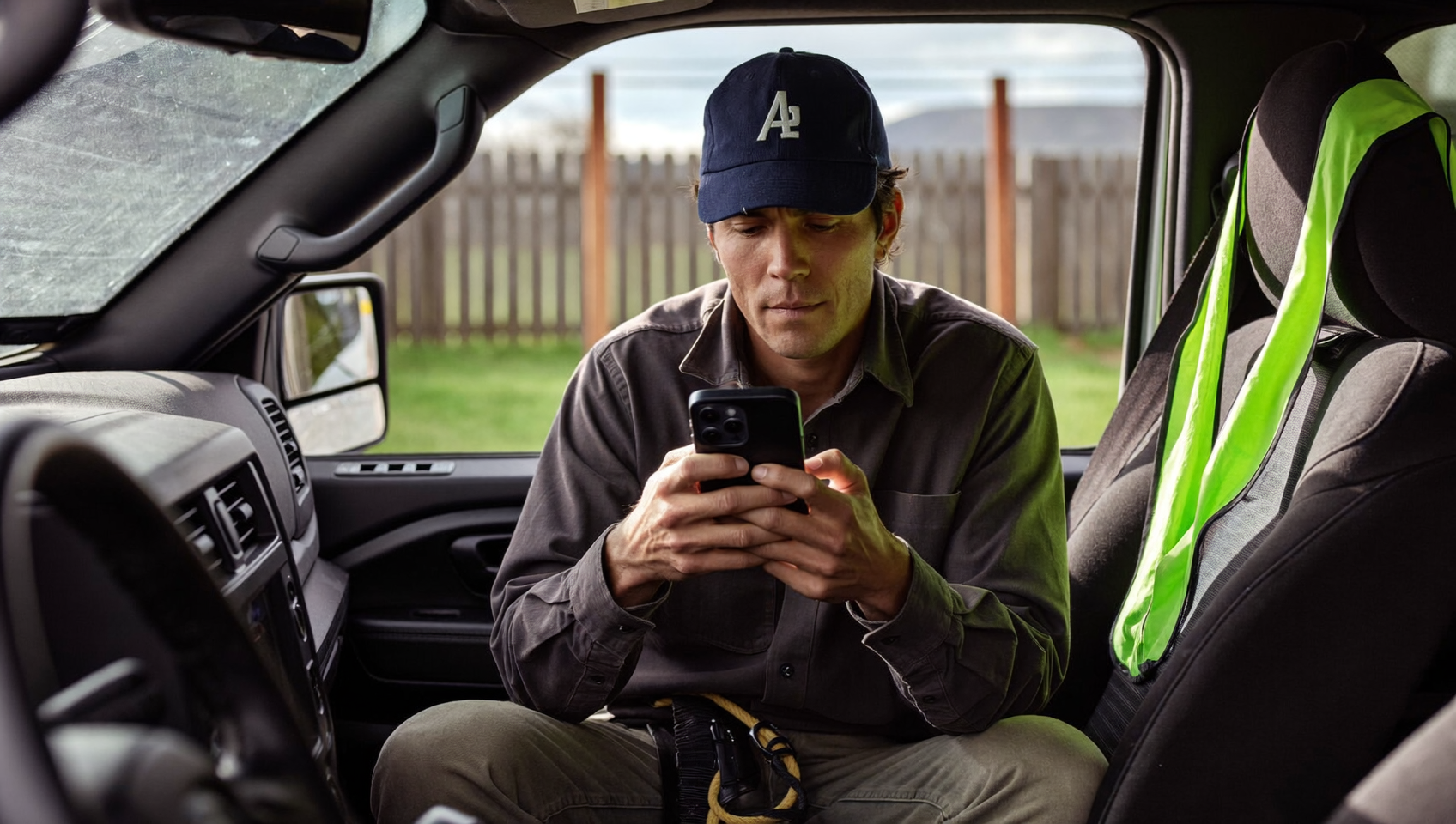
You finished the job, sent the invoice, and then… silence. The client you thought was locked in never responded to your quote. The lead who filled out your contact form disappeared. Sound familiar? Every service business deals with this. Most don’t realize how much revenue slips away because of it. Having a library of client follow up text templates ready to go is one of the simplest ways to bring those conversations back to life and close more business.
Client follow up text templates are pre-written SMS messages you customize and send to re-engage leads, remind clients about appointments, and move stalled conversations forward. Instead of writing new texts each time, grab a template, add the client’s name, and send—turning missed opportunities into closed jobs.
Free weekly newsletter
Growth tips for service businesses
Every Tuesday — actionable ideas to get more leads, reviews, and repeat customers. No fluff.
Quick Answer
Send personalized follow-up texts within 24 hours of your initial contact, keeping messages under 160 characters and including a clear call-to-action like scheduling a callback or confirming interest. Reference specific details from your conversation to show genuine engagement, vary your timing across multiple touches over 7-10 days, and always provide an easy opt-out option to stay compliant with messaging regulations.
What Are Client Follow Up Text Templates?
Client follow up text templates are pre-written SMS messages designed to re-engage leads, remind existing clients about appointments or outstanding quotes, and move stalled conversations forward. Instead of writing a custom text every time you need to nudge someone, you grab a template, personalize it with the client’s name and details, and send.
They’re not generic “just checking in” messages. Good templates are specific, timely, and give the recipient a clear reason to reply. Think of them as conversation starters that your team can fire off consistently, whether it’s a Monday morning or a Friday at 5 PM. For service businesses that handle dozens of leads a week? Templates are the difference between organized follow-up and chaos.
Why Text-Based Follow Up Outperforms Email and Phone Calls
Most business owners default to email for follow-up, or they try calling the client back. Both have their place. But neither matches the response rates that SMS delivers. Text messages get read within minutes of arrival. Emails sit unopened. Phone calls go to voicemail. That’s not speculation—it’s the daily reality for any business owner who’s tried all three.
Research shows that a significant portion of SMBs fail at customer follow-up entirely, letting leads go cold because they don’t have a system in place. And studies on lead management reveal that contact form leads often receive delayed or no response at all, costing businesses thousands in lost revenue each year.
Texting solves the speed problem. Your message lands directly on a phone screen. Because people check texts immediately, you’re far more likely to get a reply. For service businesses like plumbers, roofers, dental offices, and law firms, that speed can be the deciding factor between winning and losing a job.
Speed to Lead Matters More Than You Think
Here’s the reality most service businesses don’t talk about openly. A potential client reaches out to multiple companies at once. In industries like landscaping, slow response times directly correlate with lost sales. The business that replies first usually wins. A quick follow-up text, sent within five minutes of a form submission or missed call, positions you as responsive and professional before competitors even pick up the phone.
📺 Watch: How to Create a Lead Follow-Up Sequence
Proven Client Follow Up Text Templates for Service Businesses
Below are templates organized by scenario. Customize each one with your business name, the client’s first name, and relevant details like the service discussed or the appointment date. What does that look like in practice? Just swap in real names and details. That’s what separates an effective text from one that gets ignored.
After a Missed Call
Missed calls are money left on the table. Data from millions of small business calls shows that many callers never call back after reaching voicemail. A quick text bridges that gap.
- “Hi [Name], sorry we missed your call! This is [Your Name] from [Business]. How can we help you today?”
- “Hey [Name], looks like we just missed you. Want to schedule a time to chat, or can I answer your question over text?”
- “Hi [Name], we got your call. We’re finishing up a job and will be free in 30 minutes. In the meantime, what can we help with?”
After Sending a Quote or Estimate
Quotes go cold fast. If you sent an estimate three days ago and haven’t heard back, the client is probably comparing options. Or they got busy. A short, low-pressure text brings you back to top of mind.
- “Hi [Name], just wanted to check if you had any questions about the estimate we sent over for [service]. Happy to walk through it.”
- “Hey [Name], following up on the [service] quote from [date]. Would you like to move forward, or is there anything I can adjust?”
- “Hi [Name], I know you’re weighing options for [service]. If pricing is a concern, let’s talk. We may be able to work something out.”
Appointment Reminders
No-shows cost time and money. A confirmation text the day before reduces cancellations. It gives the client an easy way to reschedule instead of ghosting.
- “Hi [Name], this is a reminder about your [service] appointment tomorrow at [time]. Reply YES to confirm or let us know if you need to reschedule.”
- “Hey [Name], just confirming we’ll see you tomorrow at [time] for your [service]. Any questions before then?”
Post-Service Follow Up
Following up after a completed job builds loyalty. It opens the door for reviews, referrals, and repeat business.
- “Hi [Name], thanks for choosing [Business]! How did everything go with your [service]? We’d love your feedback.”
- “Hey [Name], hope you’re enjoying your [service result]. If you have a minute, a quick review would mean a lot to our small team: [review link]”
- “Hi [Name], it’s been [timeframe] since your [service]. Ready for a checkup or follow-up visit? Reply and we’ll get you on the schedule.”
Re-Engaging Cold Leads
Some leads go quiet for weeks or months. That doesn’t mean they’re dead. A well-timed re-engagement text can resurface interest, especially when paired with a seasonal offer or new availability.
- “Hi [Name], we chatted back in [month] about [service]. Still interested? We have some openings this week.”
- “Hey [Name], it’s [Your Name] from [Business]. I wanted to let you know we’re running a [seasonal offer] this month if you’re still considering [service].”
- “Hi [Name], just circling back on [service]. No pressure at all, but if the timing is better now, we’d love to help.”
Best Practices for Writing Effective Follow Up Texts
Templates are a starting point, not a finished product. How you customize and time them makes all the difference. Even in professions like law, responsiveness is cited as a critical factor in client satisfaction and firm success. The same principle applies to every service business.
Keep It Short and Direct
Your follow-up text isn’t a sales pitch. Keep messages under 160 characters when possible. Never exceed two or three sentences. Clients skim texts. If they can’t grasp the point in three seconds, they won’t reply.
Personalize Every Message
Use the client’s first name. Reference the specific service or conversation. Generic texts feel like spam. Personalized ones feel like a real person reaching out. Because that’s exactly what they should be.
Time Your Follow Ups Strategically
Sending a quote follow-up 20 minutes after the estimate is too aggressive. Waiting two weeks is too late. Here’s a practical cadence that works for most service businesses:
- Missed call: Within 1 to 5 minutes
- Quote follow-up: 2 to 3 days after sending
- Second quote follow-up: 5 to 7 days after the first follow-up
- Appointment reminder: 24 hours before
- Post-service follow-up: 1 to 2 days after completion
- Cold lead re-engagement: 30 to 60 days after last contact
Always Include a Clear Next Step
Every follow-up text should make it obvious what the client should do next. Ask a question. Offer a specific time. Give them a link to book. Vague messages like “just wanted to touch base” don’t drive action. Direct prompts like “reply YES to confirm” or “want me to schedule you for Thursday?” make responding effortless.
Respect Opt-Out Requests Immediately
If a client asks you to stop texting, comply right away. Beyond being a legal requirement under FCC regulations on commercial messaging, ignoring opt-outs damages your reputation. It can result in carrier-level blocks on your business number.
How SalesCaptain Helps
Writing great client follow up text templates is only half the battle. The other half is sending them consistently. On time. Without relying on someone to remember. That’s where SalesCaptain changes the equation for service businesses.
SalesCaptain’s AI Chat Agents handle follow-up texting automatically across SMS, webchat, Instagram DMs, and Facebook Messenger. When a lead fills out a form or a caller goes unanswered, the platform triggers an instant text response using your customized templates. No staff member has to remember to follow up. It just happens.
The Missed Call Text-Back feature is especially powerful. Every unanswered call automatically generates a personalized text to that caller within seconds. That keeps the conversation alive when your team can’t pick up. Pair that with the Workflow Automation builder, and you can create entire follow-up sequences: an initial text, a second nudge three days later, an appointment reminder, and a post-service review request. All triggered automatically based on where the client is in your process.
Everything flows into one Unified Inbox. So your team sees every text, call, webchat, and social media message in a single view. Combined with native integrations to tools like Housecall Pro, ServiceTitan, and Acuity Scheduling, your follow-up sequences stay in sync with your existing workflow. For businesses running on Jobber, HubSpot, or Salesforce, Zapier connectivity bridges any remaining gaps. The result? A follow-up system that runs whether you’re on a job site, in a meeting, or asleep.
Key Takeaways
Client follow up text templates give service businesses a repeatable way to re-engage leads, reduce no-shows, and close more jobs without adding headcount. The best templates are short, personalized, and timed to match where the client is in the buying process.
Speed matters enormously. In industries like home improvement, the gap between first response and lost lead keeps shrinking. Businesses that automate their follow-up texting consistently outperform those relying on memory and manual effort.
Build your template library. Set up a follow-up cadence. And automate the process so it runs without constant supervision. That’s how you turn follow-up from a weak spot into a competitive advantage.
How many follow-up texts should I send before giving up on a lead?
Three to four texts spread over two to three weeks is a reasonable limit for most service businesses. After that, move the contact to a cold lead re-engagement list. Try again in 30 to 60 days with a different angle, like a seasonal offer or new availability.
What’s the best time of day to send follow-up texts?
Mid-morning (9 to 11 AM) and early evening (5 to 7 PM) tend to get the highest reply rates for service businesses. Avoid very early mornings, late nights, and weekends unless your industry norms support it. Test different windows and track what works for your specific audience.
Are follow-up texts legal for businesses to send?
Yes, but you need prior consent. If a client initiated contact by calling you, filling out a form, or requesting a quote, you generally have implied consent to follow up. However, you must honor opt-out requests immediately. And comply with the Telephone Consumer Protection Act (TCPA) and your carrier’s messaging policies.
Should I use the same templates for every industry?
No. A dental office follow-up should sound different from a roofing contractor’s text. While the structure stays similar, the tone, service references, and calls to action should match your industry. They should reflect how your specific clients communicate.
Can I automate follow-up texts without sounding robotic?
Absolutely. The key is building templates that include personalization tokens like the client’s name, the service discussed, and the date of last contact. When these variables populate automatically, the text reads like a personal message. Even though it’s sent by an automation tool. Platforms like SalesCaptain let you set up these sequences with a visual workflow builder. So the texts go out at the right time with the right details.
Ready to see it in action?
See how service businesses use SalesCaptain to automate follow-ups and never lose a lead.
Book a Free Demo →See How SalesCaptain Can Automate Your Client Follow Up
Stop losing leads to slow follow-up. SalesCaptain’s AI-powered texting, missed call text-back, and workflow automation make sure every client hears from you fast, every time. Start for free at SalesCaptain.com and build your first automated follow-up sequence today.