
AI-powered customer experience marketing (CXM) platform that helps local businesses win.


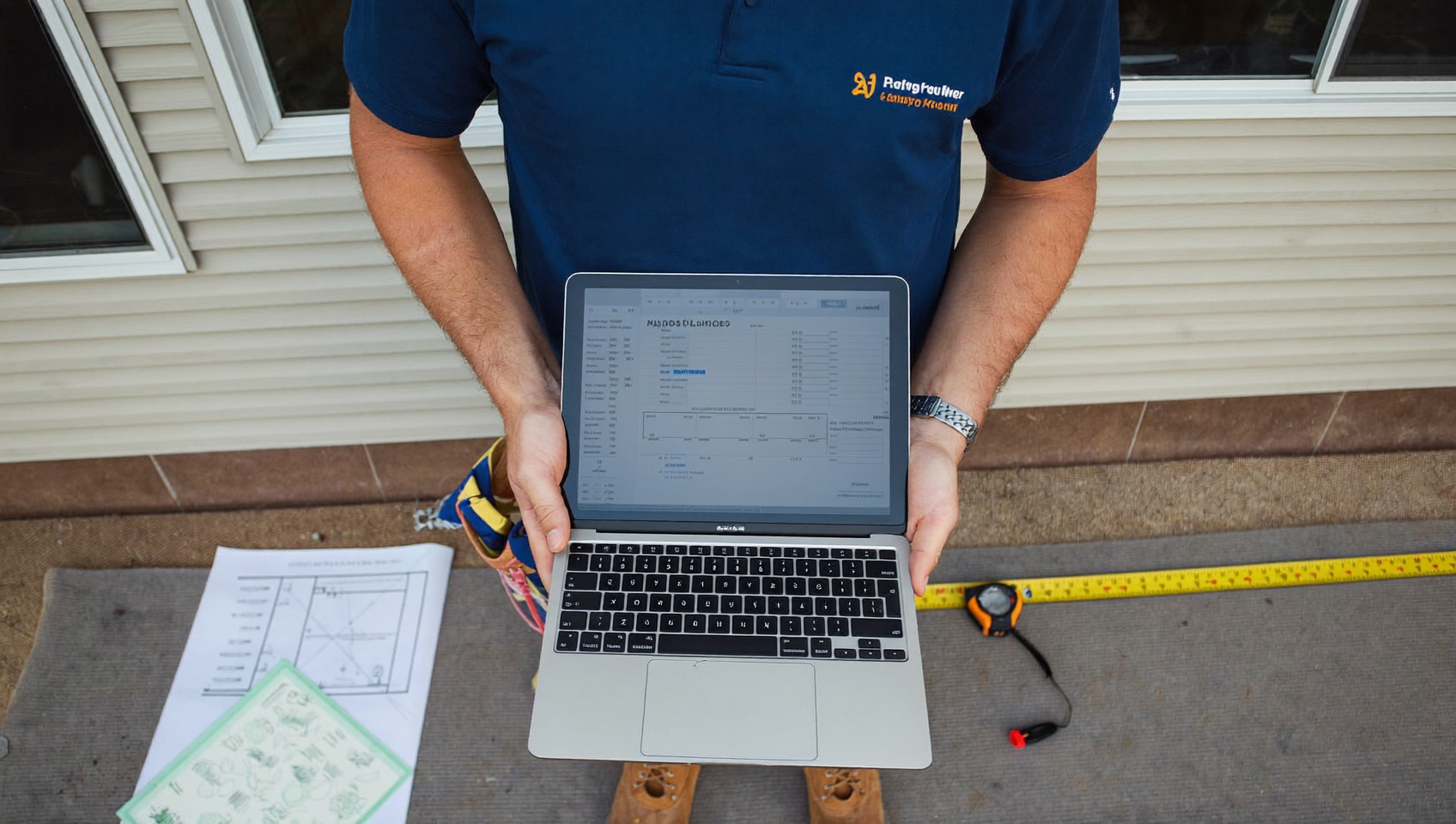
Every contractor knows the feeling. You spend an hour measuring, calculating, and writing up a detailed estimate. Then you hear nothing back. Estimate follow up text templates for contractors solve this problem by giving you ready-made messages that re-engage prospects at the right time, without sounding desperate or pushy. SalesCaptain’s AI Chat Agents and workflow automation let you load these templates once and send them automatically, so you’re consistently following up on every open estimate while your crew stays focused on the job site.
Estimate follow up text templates for contractors are pre-written SMS messages that re-engage prospects after sending a quote. These templates automate reminders at the right time, keeping conversations alive without sounding pushy, so you consistently follow up on open estimates while your crew focuses on the job.
Free weekly newsletter
Growth tips for service businesses
Every Tuesday — actionable ideas to get more leads, reviews, and repeat customers. No fluff.
Quick Answer
Follow-up texts boost estimate acceptance by keeping your bid top-of-mind and showing responsiveness. Send your first text 24 hours after the estimate, then follow up every 3-5 days with value-focused messages that address objections, highlight benefits, or offer incentives. Personalized texts outperform generic ones, so reference the specific project and include a clear call-to-action directing leads to approve or discuss next steps.
What Are Estimate Follow Up Text Templates for Contractors?
An estimate follow up text template is a pre-written SMS message designed to nudge a homeowner or property manager after they’ve received your quote. Instead of calling repeatedly or hoping they remember your name, you send a short, professional text that keeps the conversation alive. These templates cover specific scenarios: confirming the prospect received the estimate, addressing price concerns, handling the “I need to talk to my spouse” delay, and closing the loop when someone goes quiet.
Why text instead of calling? According to research on HVAC estimate follow-up response rates, text messages consistently outperform phone calls and emails for re-engaging prospects who’ve already received a quote. Homeowners are more likely to respond to a quick text than pick up an unknown number, especially during work hours. And here’s the kicker: for contractors juggling multiple job sites, templates mean you don’t have to think about what to write each time.
Why Most Estimates Go Cold
The estimate itself isn’t usually the problem. Prospects go silent for predictable reasons: they got busy, they’re comparing prices, they need approval from a partner, or they simply forgot. What does that look like in practice? Data on unsold estimates shows that a significant portion of open quotes sit untouched simply because no one followed up at all. That’s not a sales problem. It’s a process problem, and templates fix it by removing the guesswork from your follow-up timing and messaging.
How Estimate Follow Up Text Templates Work in SalesCaptain
SalesCaptain doesn’t just store templates. It turns them into an automated follow-up engine that runs without you touching your phone. Here’s how to set it up:
- Create your templates. In SalesCaptain’s messaging dashboard, build your follow-up messages using advanced templating and personalization. Insert merge fields for the customer’s name, estimate total, project type, and your business name so each text feels personal, not generic.
- Set your follow-up timeline. Use the drag-and-drop Workflow Automation builder to define when each template fires. A common sequence: Day 1 (confirm receipt), Day 3 (help them decide), Day 7 (close the loop). You can add branches for different responses or no response.
- Connect your estimate source. Sync with tools like HousecallPro, ServiceFusion, or Zapier so new estimates automatically trigger the workflow. No manual entry needed.
- Let AI Chat Agents handle replies. When a prospect texts back with a question or objection, SalesCaptain’s AI Chat Agent responds instantly, answers FAQs, and can book an appointment on the spot. Your team only steps in for complex conversations.
- Track results in the Unified Inbox. Every text, reply, and booking shows up in one place alongside calls, emails, and social messages. You’ll see exactly which estimates converted and which need a different approach.
📺 Watch: How to Create a Lead Follow-Up Sequence
Key Capabilities
- Timed follow-up sequences. Schedule texts at precise intervals after an estimate is sent. Day 1 confirmation, Day 3 value reinforcement, Day 7 final check-in, and beyond. Each message fires automatically based on your workflow rules.
- Personalized merge fields. Go beyond “Hi [Name].” Pull in the project type, estimate amount, and even the estimator’s name so the message reads like a genuine one-on-one text, not a blast.
- Objection-specific templates. Build different message paths for common responses. “Too expensive” gets a value-focused reply. “Need to talk to my partner” gets a gentle check-back three days later. Silence after a walkthrough gets a brief, no-pressure nudge.
- Missed call text-back integration. If a prospect calls while you’re on a roof and you can’t answer, SalesCaptain automatically sends a text-back so you don’t lose the lead. That text can include your follow-up template to keep momentum.
- AI-powered instant replies. When a prospect responds to your follow-up, the AI Chat Agent picks up the conversation in real time. It can answer pricing questions, share scheduling availability, and book the job without waiting for a human.
- Click tracking and analytics. If your template includes a link to a proposal, payment page, or scheduling tool, SalesCaptain tracks clicks so you know exactly who’s engaged and who needs a different approach.
Who Needs This?
Estimate follow-up automation isn’t just for massive operations. It’s most valuable for businesses where the owner or a small team handles both sales and fieldwork. If you’re sending estimates and then getting too busy to follow up, this is for you.
- Roofing contractors who send 10-20 estimates per week after storm season inspections and can’t afford to let any slip through the cracks.
- HVAC companies competing on response speed where service business benchmarks show that faster follow-up directly correlates with higher close rates.
- Plumbing and electrical contractors juggling emergency calls alongside planned project estimates.
- Landscaping companies with seasonal spikes where dozens of estimates go out in a single week. The National Association of Landscape Professionals reports that the industry continues to grow, making competition for each job fiercer.
- General contractors and remodelers handling high-ticket estimates where one recovered deal can mean thousands in revenue.
- Operations managers at multi-location service businesses who need a consistent follow-up process across every branch.
Benefits of Using Automated Estimate Follow Up Templates
Recover Revenue You’re Already Losing
Every unsent follow-up text is money left on the table. Period. According to an automation checklist for home service estimate follow-ups, contractors who automate their follow-up sequences see measurably higher conversion rates from existing estimates. You’re not spending more on leads. You’re just closing the ones you already have.
Follow Up Without Sounding Pushy
There’s a fine line between persistent and annoying. Templates let you craft the tone once and reuse it confidently. A Day 1 message can be warm and brief: “Hi [Name], just confirming you received the estimate for your [project]. Happy to answer any questions.” By Day 7, you shift to a low-pressure close: “Hi [Name], wanted to check in one last time on your [project] estimate. No pressure at all. Just let me know if you’d like to move forward or if anything changed.” These aren’t cold sales pitches. They’re professional check-ins that respect the homeowner’s timeline.
Free Your Team from Manual Follow-Up
How many hours does your office staff spend each week scrolling through old estimates? Drafting individual texts? Trying to remember who they already contacted? Workflow automation eliminates all of that. Once the estimate enters the system, the sequence runs on its own. Your team focuses on scheduling, dispatching, and closing warm leads rather than chasing cold ones.
Handle Objections Proactively
Price objections and decision delays are predictable. So your response should be too. Build template branches for the most common scenarios. When someone says “it’s too expensive,” your automated reply can highlight financing options, warranty value, or what’s included that competitors leave out. When they say “I need to check with my spouse,” a gentle follow-up lands three days later. SalesCaptain’s AI Chat Agent can even handle these conversations in real time, reducing the revenue impact of delayed responses that plague contractor businesses.
How SalesCaptain Compares
Most contractor software either handles estimates or handles communication, but not both in a connected way. Platforms like Podium offer texting capabilities, yet they lack outbound workflow automation engines, meaning you still can’t build a true multi-step follow-up sequence that fires automatically based on estimate status. And that’s a problem. Birdeye is primarily a reputation management tool with weak VoIP features, no AI for calls, and no call flow builder, which makes it a poor fit for contractors who need both phone and text follow-up in one system.
Nextiva caps SMS at 250 messages per user per month, which a busy roofing company could blow through in a single week of estimate follow-ups. That’s not enough. And while tools like OpenPhone offer basic texting, their AI capabilities are minimal, with no sentiment analysis, no call coaching, and only seven integrations. SalesCaptain, by contrast, offers high-volume SMS, 50+ integrations with tools contractors already use (HousecallPro, ServiceFusion, QuickBooks, Zapier), and AI Chat Agents that actually handle prospect replies rather than just logging them.
What really separates SalesCaptain? The combination of AI voice agents, AI chat agents, and a unified inbox in one platform. Your follow-up text isn’t an isolated message. It’s part of a complete communication system where calls, texts, webchat, and social messages all flow into one place. That means when a homeowner replies to your Day 3 follow-up text and then calls the next morning, your team sees the full history instantly. No context lost, no repeated questions.
Frequently Asked Questions
How many follow-up texts should I send after an estimate?
A three-message sequence works well for most contractors: one on Day 1 to confirm receipt, another on Day 3 to add value or address common concerns, and a final message around Day 7 to close the loop. Some high-ticket projects (remodels, new roofs) benefit from extending the sequence to 10-14 days with an additional touch point. SalesCaptain’s workflow builder lets you customize the timing and number of messages for different project types.
Won’t automated texts feel impersonal to my customers?
Not if you use personalization correctly. SalesCaptain’s merge fields pull in the customer’s name, project details, and your estimator’s name so each message reads like it was typed by hand. The key is writing templates in your natural voice, the way you’d actually text a customer, not in stiff corporate language. Short, friendly, and specific beats long and generic every time.
Can the AI Chat Agent actually book a job from a follow-up text?
Yes. When a prospect replies to your follow-up and says something like “Let’s do it” or “When can you start?”, the AI Chat Agent can check your availability and book the appointment directly. It can also answer pricing questions and share relevant details from the original estimate. Your team gets notified in the Unified Inbox and can jump in if the conversation gets complex.
What if a prospect says the estimate is too expensive?
You can build a specific template branch for price objections. When someone responds with cost concerns, the workflow automatically sends a message highlighting your warranty, included services, financing options, or a comparison of what’s included versus cheaper competitors. SalesCaptain’s AI Chat Agent can also engage in a real-time conversation to address specific concerns and keep the deal alive.
Do I need to be technical to set this up?
No. SalesCaptain’s workflow builder is drag-and-drop. You pick your trigger (new estimate created), add your text templates, set the timing, and activate it. If you use HousecallPro or ServiceFusion, the integration syncs your estimates automatically. Most contractors have their first follow-up sequence live within 30 minutes.
How does this compare to hiring someone to do follow-ups manually?
A part-time office admin costs $15-20/hour and can realistically follow up on 20-30 estimates per day. SalesCaptain handles unlimited follow-ups automatically for $159/month per location, runs 24/7, never forgets a lead, and responds to replies in seconds through AI Chat Agents. For most contractors, the automation pays for itself with a single recovered job per month.
Ready to see it in action?
See how contractors use SalesCaptain to follow up on estimates automatically and close more jobs.
Stop Losing Jobs to Silence
Every estimate you don’t follow up on is revenue walking out the door. SalesCaptain gives you the templates, the automation, and the AI to make sure every prospect hears from you at exactly the right time. Set up your first follow-up sequence today and start converting more of the estimates you’re already sending.