
AI-powered customer experience marketing (CXM) platform that helps local businesses win.



How to automate customer follow up for Small Business: A Complete Guide
You just missed three calls while on a job site. By the time you check your phone, those leads have already contacted a competitor. For many small business owners, manually following up with every customer and lead amounts to a second full-time job. The good news: it doesn’t have to be this way. Automating customer follow-up is one of the highest-ROI strategies a small business can implement, and it’s far easier to set up than most owners realize.
What Is Automated Customer Follow-Up?
Automated customer follow-up is the process of using software to send messages, make calls, or trigger actions based on customer behavior, without a human pressing “send” every time. When a new lead fills out a form on your website, an automated system can instantly text them, send an email, or even call them with an AI voice agent. When an existing customer is due for their annual service, the system sends a reminder on schedule. No lead or customer slips through the cracks because you got busy.
This is different from generic marketing automation. Customer follow-up automation is specifically about responding to individual people at the right moment. After they call. After they visit your site. After they book an appointment. After a job is completed. It covers the entire lifecycle: first contact, appointment confirmation, post-service check-in, and re-engagement months later. According to a practical guide to small business automation from Beancount, businesses that automate repetitive communication tasks reclaim significant hours each week that would otherwise be spent on manual outreach.
Why Follow-Ups Are the Most Valuable Activity Your Business Ignores
Most small business owners already know follow-up matters. The problem isn’t awareness, it’s execution. You’re managing crews. Handling customer complaints. Ordering materials. Trying to keep the lights on. Follow-up calls fall to the bottom of the list every single day. And every day that happens, revenue quietly walks out the door.
The Real Cost of Missed Follow-Ups
When you miss a call or forget to text a lead back, you’re not just losing one sale. You’re losing the lifetime value of that customer, plus every referral they would have sent your way. According to research published by Anthrova, Small and mid-sized businesses can lose tens of thousands of dollars each year from missed calls alone. Add to that the leads who submitted web forms but never received a response, the customers who needed reminders to rebook, and the estimates that went untracked or unfollowed. The cumulative cost of inconsistent follow-up is staggering.
The data from a 2026 SkipCalls study on missed business calls shows that small businesses lose substantial revenue each year specifically because inbound calls go unanswered. This isn’t a marketing problem, nor is it a pricing issue. It’s a follow-up problem—and it’s completely solvable with the right systems in place.
Speed Wins: Why Response Time Is Everything
Research from the Harvard Business Review, show that businesses responding to leads within the first hour are nearly seven times more likely to qualify those leads than companies that wait even slightly longer. For small businesses without staff available to monitor incoming inquiries around the clock, meeting this standard manually is nearly impossible. Automation closes this gap immediately—responding within seconds, day or night, on weekdays, weekends, or holidays.
Consider a homeowner searching for an “emergency plumber near me” at 9 PM and submitting contact forms on multiple websites. The first business to respond virtually always wins the job. Even a simple automated reply—such as, “We received your message and can schedule service first thing tomorrow morning”—can secure the lead. Speed doesn’t require constant personal availability; it requires a system capable of immediate response.
Where Things Go Wrong, and How to Fix Them
1. Avoid impersonal or irrelevant messaging.
The most common mistake is setting up automated messages that feel robotic. When communications appear generic or unrelated to the recipient’s situation, trust erodes rapidly. To prevent this, craft your messages as if you were texting a friend: keep them concise, conversational, and specific to the recipient’s inquiry or situation.
2. Maintain human touchpoints.
Automation should manage repetitive, time-sensitive tasks—instant responses, appointment reminders, and routine check-ins. However, certain interactions, such as high-value leads or complex customer requests, still require personal engagement. The most effective systems flag these leads for human follow-up while allowing automation to handle the standard, predictable communications. In essence, automation serves as your first line of engagement—not your only line.
3. Regularly review and update sequences.
Outdated information in automated sequences—such as old service offerings, pricing, or office hours—can create confusion or frustration. To prevent this, schedule quarterly reviews of all active automation sequences. Updating content takes minimal time but ensures that your messages remain accurate and professional, avoiding embarrassing or misleading communications.According to Plat.ai’s analysis of small business automation, regularly reviewing and refining your automated workflows based on performance data is one of the key factors that separates successful implementations from abandoned ones.
Choosing the Right Channels: Phone, Text, and Email
Not all follow-up channels are equally effective, and the optimal mix depends on your customers and industry.
-
Text Messages (SMS): SMS boasts the highest open rates, with most messages read within minutes of delivery. For service businesses—busy homeowners, patients, or clients—text is the most reliable channel for fast, actionable communication. For example: “Hi Sarah, your HVAC tune-up is confirmed for Thursday at 2 PM. Reply C to confirm or R to reschedule.” Messages like this drive immediate responses far more effectively than email.
-
Email: Email excels for longer, informational content such as estimates, receipts, invoices, or detailed instructions. It works best in sequences where the message is less urgent but contains important context or documentation.
-
Phone Calls: Calls are best for high-intent situations where a conversation can move the lead forward more efficiently than text. AI voice agents can qualify leads, schedule appointments, or provide personalized guidance without interrupting your current workflow.
The most effective follow-up systems coordinate all three channels rather than relying on a single method. Channel selection should also align with the urgency and stage of the interaction:
-
Instant Lead Response: Best via SMS or phone for immediate engagement.
-
Welcome Sequences: Combine text and email to educate and convert new leads.
-
Long-Term Nurture Campaigns: Lean more on email for low-frequency, informational outreach.
Regardless of the channel mix, all communications should feed into a centralized system. Unified visibility ensures that every team member sees the full conversation history, preventing duplicated efforts and frustrating experiences where customers must repeat themselves.
How Data Makes Your Follow-Up Smarter Over Time
Optimizing Follow-Up Through Data
One of the often-overlooked advantages of automating follow-up is the wealth of data it generates. When every interaction is tracked systematically, patterns emerge:
-
Which messages are opened?
-
Which messages receive replies?
-
After which touchpoint do leads convert—second text, fifth text, or first phone call?
For example, you might find that leads from Google Ads respond best to a phone call within five minutes, whereas leads from Instagram prefer a DM conversation. You might observe that a Day 7 follow-up text achieves a 40% response rate while a Day 3 email is largely ignored.
This insight allows for continuous optimization: eliminate messages that underperform, reinforce the messages that drive bookings, and experiment with variations in wording, timing, and offers. Over a few months, what began as a basic “something is better than nothing” follow-up system evolves into a highly efficient revenue-generating engine. Without automation, this level of measurement is impossible, as manual follow-up is too inconsistent to produce actionable data.
Successful businesses treat their follow-up systems as dynamic, ongoing processes rather than static setups. A quarterly review should answer key questions: How many leads were captured? How many received instant responses? How many ultimately booked? Where did prospects drop off in the process? These insights are accessible directly within your automation platform and, when acted upon, continuously improve conversion rates and ROI.
How SalesCaptain Helps You Automate Customer Follow-Up
SalesCaptain is purpose-built for service businesses that need to automate customer follow-up across every channel—without requiring a dedicated tech team. The platform combines an AI Phone Agent, which answers calls 24/7, qualifies leads, and books appointments, with AI Chat Agents that handle SMS, website chat, Instagram DMs, and Facebook Messenger automatically. All interactions flow into a single Unified Inbox, giving your team full visibility into every conversation—calls, texts, social messages, and emails—along with complete contact history.
The Workflow Automation builder enables you to implement the three-campaign system described above using an intuitive drag-and-drop interface. Set triggers for new leads, missed calls, completed appointments, or any custom event, and the system executes the rest automatically. It sends messages, makes AI calls, updates your CRM, and notifies your team whenever human follow-up is required. SalesCaptain seamlessly integrates with over 50 business tools, including HubSpot, Salesforce, ServiceFusion, and HousecallPro, ensuring your workflow stays synchronized across every platform your business relies on.
How to Automate Customer Follow Up for Small Business: A Step-by-Step System
Knowing you need automation is one thing. Building a system that actually works is another. The businesses that get the best results from follow-up automation don’t just set up one sequence and forget about it. They build a layered system that covers every stage of the customer relationship.
Step 1: Build a Lead Response Campaign (First 5 Minutes)
Your lead response campaign is arguably the most important automation a small business can implement. The principle is simple: respond to every new lead immediately, regardless of when they reach out. This campaign should trigger the moment someone calls and doesn’t reach a person, submits a web form, sends a social media message, or texts your business number. The initial response should acknowledge their inquiry, confirm that it’s being addressed, and, ideally, provide a next step—such as scheduling an appointment or collecting key qualifying information.
For phone calls, this requires a system that either answers the call with an AI agent or instantly sends a text-back if the call is missed. For web forms, live chat, or social messages, it means an immediate automated reply via the same channel the lead used. Critically, no lead should wait more than 60 seconds for acknowledgment. While personal follow-up can come later, this instant response prevents the lead from turning to a competitor.
A robust lead response campaign also incorporates a brief qualification step. Instead of a generic “we’ll call you back” message, the automation can ask, for example, “What service are you requesting?” or “What time works best for an appointment?” This ensures the conversation moves forward even in your absence and provides the information needed to prioritize follow-ups efficiently. As Inkle’s guide to business automation explains, the most effective automations don’t just save time, they collect data that makes every subsequent interaction smarter.
Step 2: Create a Welcome and Nurture Sequence (Days 1 to 14)
Once a lead has responded to your initial contact, a structured welcome sequence takes over. This is a planned series of automated messages—typically a combination of texts and emails—delivered over the first one to two weeks. The objective is to guide the lead from “interested” to “booked” or “converted.” Each message should provide value, such as a direct link to schedule an appointment, a brief explanation of your process, a customer testimonial, or answers to common questions about pricing, timelines, or services.
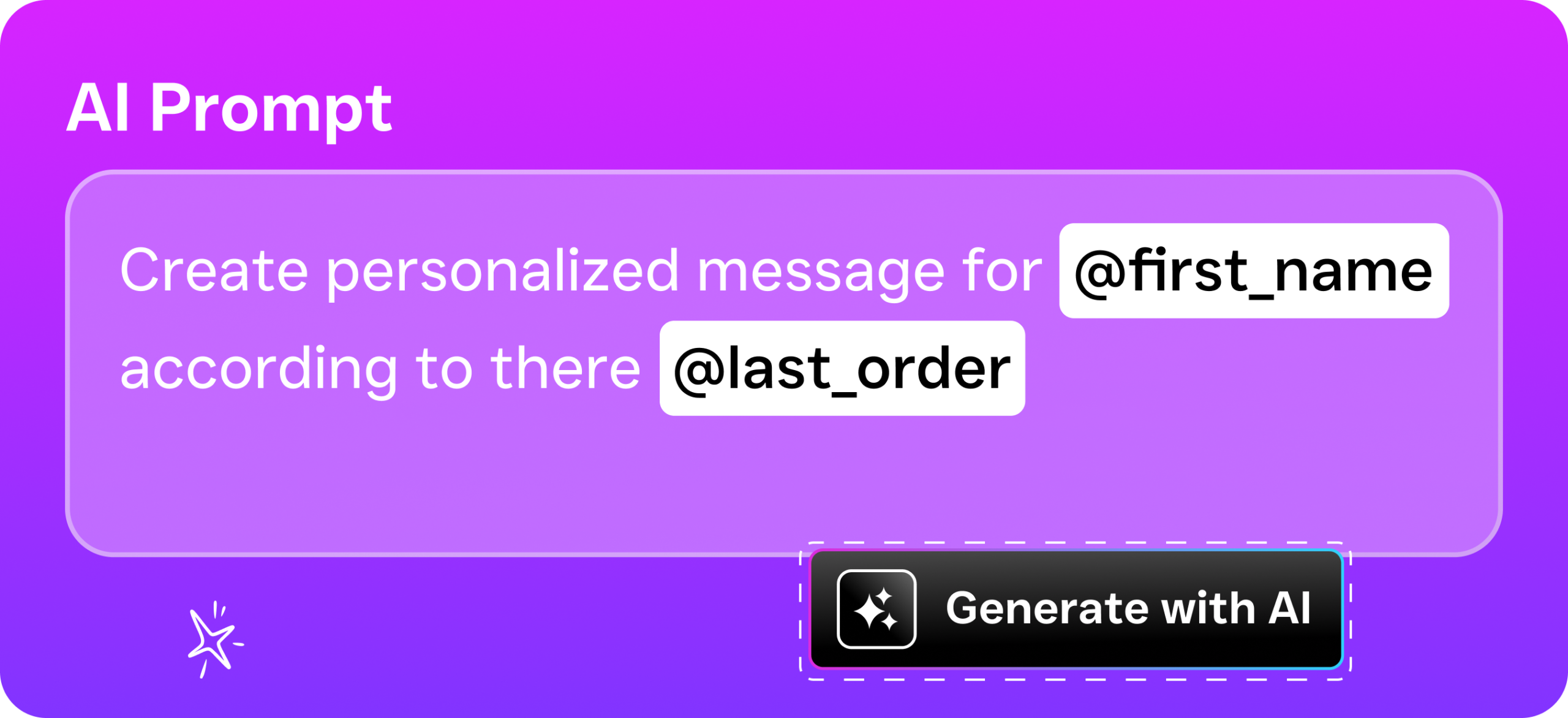
Effective welcome sequences feel personal, even though they are automated. Incorporate the lead’s first name and reference the specific service they inquired about. For example, if a lead requested information on roof repair, avoid generic messaging about all your services. Instead, focus on roof repair. Modern automation tools allow for conditional logic, so leads receive tailored message tracks based on their interests, source, or stage in the decision-making process.
Timing and cadence are critical. Avoid sending multiple messages in a single day. A tested approach might include an immediate response on day one, a follow-up text on day two, an email featuring social proof on day four, a “still interested?” text on day seven, and a final check-in on day fourteen. Each message should include a clear call to action, such as “Book now,” “Reply to this text,” or “Call us.” Importantly, the sequence should automatically stop once the lead schedules an appointment, ensuring they do not continue receiving unnecessary messages.
Step 3: Set Up a Long-Term Re-Engagement Campaign (Months 1 to 12+)
Not every lead converts immediately, and many customers represent ongoing revenue opportunities rather than one-time transactions. A well-structured long-term campaign is designed to maintain engagement with prospects who did not convert during the welcome sequence, as well as with existing customers who may require your services again. This is an area where many small businesses fall short—either neglecting past leads entirely or over-communicating to the point that recipients unsubscribe.
An effective long-term campaign delivers one to two messages per month. These communications are not aggressive sales pitches; rather, they serve as gentle reminders that your business is available and ready to assist. Examples include seasonal maintenance tips, limited-time offers, reminders based on service history, or brief surveys soliciting feedback on previous experiences. The content should provide genuine value to the recipient. For instance, a landscaping company might send a spring lawn care checklist in March, while a dental practice could remind patients about expiring insurance benefits in December. This approach keeps your brand top-of-mind while avoiding annoyance or fatigue.
The financial impact of a strong long-term campaign is substantial. Acquiring a new customer typically costs five to seven times more than retaining an existing one, according to widely cited data from Forbes. Automated nurture campaigns that re-engage past leads and customers can generate repeat business without additional advertising spend, effectively creating a source of “free revenue” for your business.
Ready to Feel the Difference?
Still have questions? Reach out to our team here, or schedule a free demo of all the ways SalesCaptain can help your business grow.