
AI-powered customer experience marketing (CXM) platform that helps local businesses win.


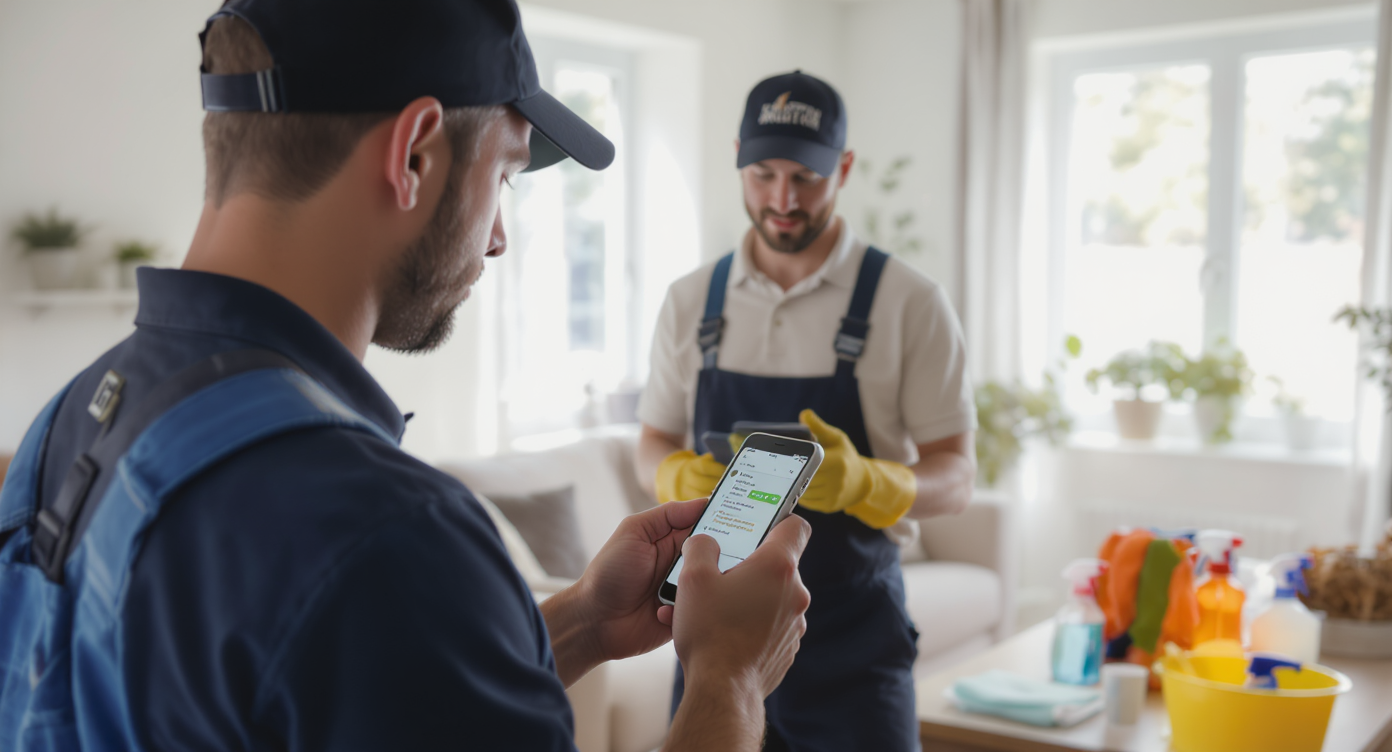
You finished the job, the client was happy, and then… nothing. No follow-up text, no thank-you email, no reminder to book their next deep clean. Three months later, they’ve hired someone else. Sound familiar? Learning how to automate customer follow up for cleaning companies is what separates businesses that actually grow from those constantly chasing new leads to replace the ones they’ve already lost.
Automating customer follow-up for cleaning companies means using software to send scheduled texts, emails, or calls after jobs are completed, quotes given, or bookings lapse—without manual effort. This keeps customers engaged, reduces no-shows, and recovers lost business that typically goes to competitors.
Quick Answer
Cleaning companies can automate follow-ups by implementing text message and email scheduling systems that trigger after each service. Set reminders to contact clients within 24-48 hours, schedule satisfaction surveys, and create automated reorder prompts for recurring services. Integration with your booking system ensures timely, consistent communication without manual effort, reducing client churn and boosting repeat bookings.
What Is Automated Customer Follow-Up?
Automated customer follow-up is using software to send pre-scheduled messages to your customers after key interactions, without your team doing it manually. For cleaning companies, that means texts, emails, or calls that go out automatically after a quote request, completed job, missed call, or lapsed booking.
Free weekly newsletter
Growth tips for home service businesses
Every Tuesday — actionable ideas to get more leads, reviews, and repeat customers. No fluff.
Think of it as a system that remembers every customer. So your team doesn’t have to. Instead of sticky notes and mental reminders, the follow-up happens on schedule, triggered by customer actions. According to Inkle’s small business automation research, companies that automate routine workflows save an average of 10+ hours per week. For a cleaning company owner juggling estimates, scheduling, and crew management? That’s a meaningful difference.
Why Cleaning Companies Lose Customers Without Follow-Up
The cleaning industry has a particular vulnerability: services are recurring, but customers rarely set up ongoing schedules on the first booking. Most people try you once, and if they’re satisfied, they intend to call back. But life gets busy. Good intentions don’t generate revenue.
The Cost of Silence After a Completed Job
Every completed job without follow-up is a missed opportunity. You could lock in a recurring contract. A simple “How did everything look?” text sent 24 hours after service opens the door for feedback, rebooking, and referrals. Without it, you’re relying entirely on the customer to remember you weeks or months later. Research from Aira’s business call data shows that 62% of business calls go unanswered. That means even customers who do try to rebook often can’t get through.
Slow Response to New Leads
When someone requests a cleaning quote online or leaves a voicemail, speed matters. A five-minute response time versus a thirty-minute response time can mean winning or losing that job. Yet most small cleaning companies don’t respond for hours, sometimes days. By then, the prospect has already booked with someone who replied faster.
According to Synvola’s analysis of missed call costs, a single missed call can cost a service business anywhere from $100 to over $1,000 in lost lifetime revenue. Multiply that across a month, and you’re looking at serious money walking out the door.
📺 Watch: How to Create a Lead Follow-Up Sequence
Five Follow-Up Workflows Every Cleaning Company Should Automate
Not all follow-ups are equal. Some protect revenue you’ve already earned, while others create new revenue from existing relationships. Here are the five workflows that deliver the highest return for cleaning businesses specifically.
1. Post-Service Satisfaction Check
Send an automated text or email 12 to 24 hours after every completed job. Keep it short and sweet. Ask if they’re happy, invite them to leave a review, and include a link to rebook. This single workflow handles customer retention, reputation building, and rebooking in one touch.
2. Missed Call and Missed Lead Recovery
When a potential customer calls and nobody picks up, an instant text-back should fire automatically. Something like: “Sorry we missed your call! We’re a cleaning company serving [area]. How can we help?” This keeps the conversation alive until a human can jump in. Or better yet, an AI agent handles the entire exchange.
3. Quote Follow-Up Sequence
After sending an estimate, don’t just wait and hope. Set up a sequence instead:
- Day 1: Text confirming the quote was sent and asking if they have questions
- Day 3: Email with a brief testimonial from a similar customer
- Day 7: Final text offering to adjust the quote or answer concerns
This sequence alone can recover 15-25% of quotes that would otherwise go cold. That’s based on typical service business conversion patterns documented by Zapier’s business automation research.
4. Recurring Service Reminders
For customers who book monthly or bi-weekly cleanings, automated reminders 48 hours before their scheduled service reduce no-shows and last-minute cancellations. Include a one-tap option to confirm, reschedule, or cancel. Simple, respectful, and effective.
5. Reactivation Campaigns for Lapsed Customers
Any customer who hasn’t booked in 60 to 90 days should automatically receive a “We miss you” message. Offer a small incentive if your margins allow it. Or simply remind them you’re available. These messages cost almost nothing to send but can reactivate customers who genuinely forgot to rebook.
How to Build Your Follow-Up Automation Step by Step
Knowing what to automate is the easy part. Actually building the system requires choosing the right tools and connecting them properly. Here’s a practical approach that works even if you aren’t technically inclined.
Map Your Customer Journey First
Before touching any software, write down every stage a customer goes through with your business. It usually looks something like this:
- Discovers your business (ad, referral, Google search)
- Reaches out (call, text, web form, social media message)
- Receives a quote or estimate
- Books their first cleaning
- Completes the service
- Either rebooks or goes silent
Each transition between stages is where follow-up automation belongs. Identify where you’re currently losing people, and prioritize those gaps first.
Choose a Platform That Handles Multiple Channels
Cleaning customers reach out everywhere: phone calls, texts, Facebook messages, web chat, even Instagram DMs. If your follow-up system only handles email, you’re missing where your customers actually respond. Look for a platform that can automate across SMS, voice, webchat, and social media from a single place. According to Aplos AI’s small business automation guide, businesses that unify their communication channels see faster response times and higher customer satisfaction.
Set Triggers, Not Just Timers
The best automations aren’t just scheduled blasts. They’re triggered by specific customer actions. A missed call triggers a text-back. A completed appointment triggers a review request. A quote sent without response for three days triggers a follow-up. Trigger-based automations feel personal because they’re contextually relevant. And no human created them in the moment.
Personalize Without Overthinking It
You don’t need custom messages for every customer. Use merge fields like customer name, service type, and date to make templated messages feel personal. “Hi Sarah, how did your kitchen deep clean look yesterday?” lands much better than “Dear valued customer, we hope you enjoyed our services.” Keep the tone warm and direct. Like texting a friend.
Common Mistakes Cleaning Companies Make with Automation
Automation works brilliantly when done right. But a few common errors can undermine the whole effort. Avoid these pitfalls to get the most from your system.
- Over-messaging: Sending too many follow-ups creates annoyance, not loyalty. Cap your sequences at 3-4 touches per workflow, and always include an easy opt-out.
- Generic content: Messages that sound robotic or irrelevant get ignored. Reference the specific service, date, or location whenever possible.
- Ignoring the phone channel: Many cleaning companies automate email and text but forget that phone calls are still how most customers prefer to reach local service businesses. If nobody answers, even the best email sequence won’t save the relationship.
- No human escalation path: Automation should handle routine tasks, but complicated requests or unhappy customers need a real person. Build escalation rules into every workflow so edge cases get routed correctly.
Research from ServiceNow’s automation statistics confirms that the most successful automation strategies combine AI handling of repetitive tasks with human involvement for complex situations. It’s not about replacing your team. It’s about freeing them to do work that actually requires their judgment.
How SalesCaptain Helps
SalesCaptain was built for exactly this problem. It combines AI phone agents, AI chat agents, and a unified inbox in one platform designed specifically for service businesses like cleaning companies.
Here’s what that looks like in practice for a cleaning business:
- AI Phone Agent answers every call 24/7, books appointments, qualifies leads, and blocks spam. After hours, weekends, while your crew is on a job—it doesn’t matter. No call goes unanswered.
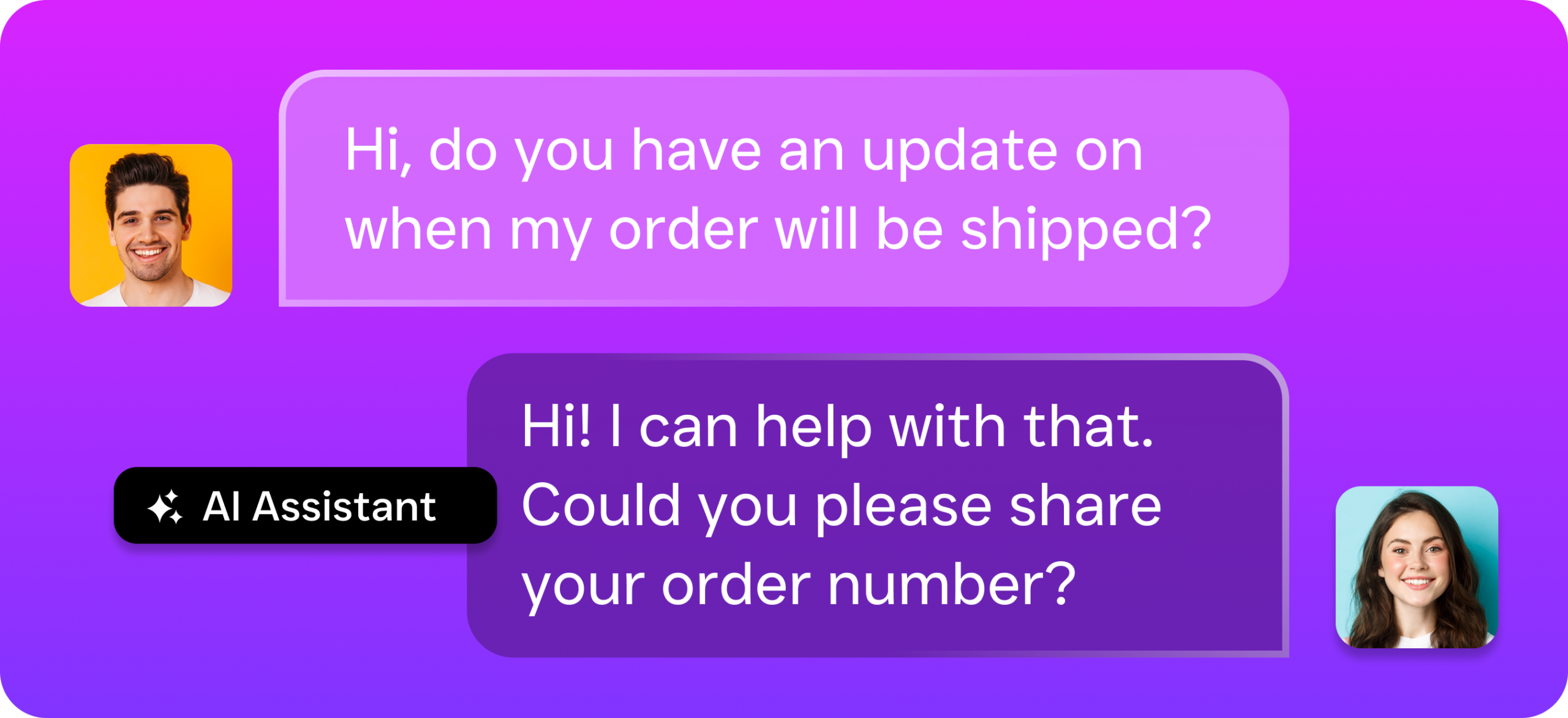
- AI Chat Agents handle SMS, webchat, Instagram DMs, and Facebook Messenger simultaneously. When a prospect messages your Facebook page at 10 PM asking for a quote, they get an instant, helpful response.
- Missed Call Text-Back fires automatically whenever a call isn’t picked up. It keeps the lead warm until the AI agent or your team can follow up.
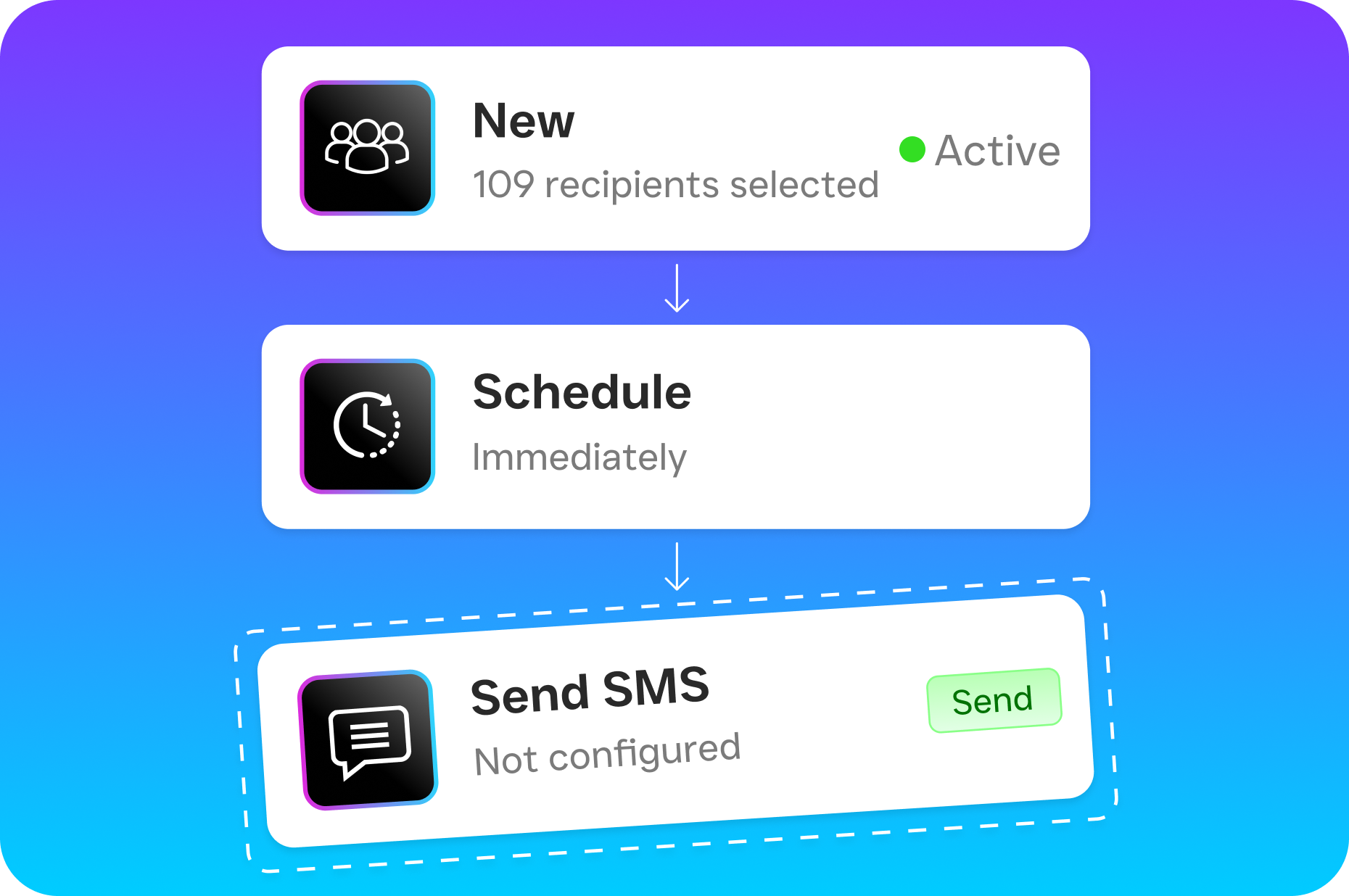
- Workflow Automation lets you build the exact follow-up sequences described in this article using a visual drag-and-drop builder. Post-service check-ins, quote follow-ups, reactivation campaigns: set them once, and they run on autopilot.
- Unified Inbox puts every customer conversation (calls, texts, social messages, webchat) in one place so nothing falls through the cracks.
Pricing starts with a free plan for a single location. Paid plans run $159/month per location. That’s less than a few hours of a part-time receptionist’s wages, yet it covers 24/7 communication across every channel. SalesCaptain also integrates with tools cleaning companies already use, including HubSpot, Zoho, HousecallPro, Zapier, and QuickBooks. So it fits into your existing workflow without a painful migration.
Key Takeaways
Knowing how to automate customer follow up for cleaning companies isn’t optional anymore. It’s the difference between a business that grows through retention and referrals and one that’s stuck on the treadmill of constantly finding new customers.
- Automate the five critical workflows: post-service check-in, missed call recovery, quote follow-up, recurring reminders, and lapsed customer reactivation.
- Choose a platform that covers phone, text, webchat, and social media, not just email.
- Use trigger-based automation tied to real customer actions for messages that feel personal.
- Avoid over-messaging, generic content, and forgetting the phone channel.
- Combine AI automation with human escalation for the best customer experience.
The cleaning companies that win long-term aren’t necessarily the ones with the best scrub techniques. They’re the ones who follow up consistently, respond instantly, and never let a good customer slip away quietly.
Frequently Asked Questions
How quickly should a cleaning company follow up with a new lead?
Within five minutes is ideal. Research consistently shows that response speed is one of the strongest predictors of whether a lead converts. An AI agent or automated text-back can handle this instantly. Even when your team is busy on a job site.
Won’t automated messages feel impersonal to my customers?
Not if you personalize them properly. Use the customer’s name, reference their specific service, and keep the tone conversational. That makes automated messages feel natural. Most customers can’t tell the difference between a well-crafted automated text and a manual one.
How many follow-up messages is too many?
For any single workflow, three to four touches over one to two weeks is safe. Beyond that, you risk annoying the customer. Always include opt-out options and space your messages at least 48 hours apart.
Do I need separate tools for phone, text, and email automation?
You can use separate tools, but managing multiple platforms creates complexity. And it increases the chance of gaps. A unified platform that handles all channels from one dashboard is simpler to manage. Plus, you get a complete picture of each customer’s communication history.
What’s the ROI of automating follow-ups for a small cleaning company?
The ROI depends on your average job value. But even recovering one or two lost leads per week pays for most automation tools many times over. According to Voksha’s research on the cost of missed calls, service businesses lose significant revenue from missed and unreturned calls alone. Automation directly addresses that leakage.
Ready to see it in action?
See how cleaning companies use SalesCaptain to automate follow-ups and book repeat jobs.
Book a Free Demo →See How SalesCaptain Can Help Your Cleaning Business
SalesCaptain gives you AI phone agents, AI chat agents, automated follow-up workflows, and a unified inbox, all in one platform built for service businesses. Start with the free plan and see the difference automated follow-up makes for your cleaning company.