
AI-powered customer experience marketing (CXM) platform that helps local businesses win.


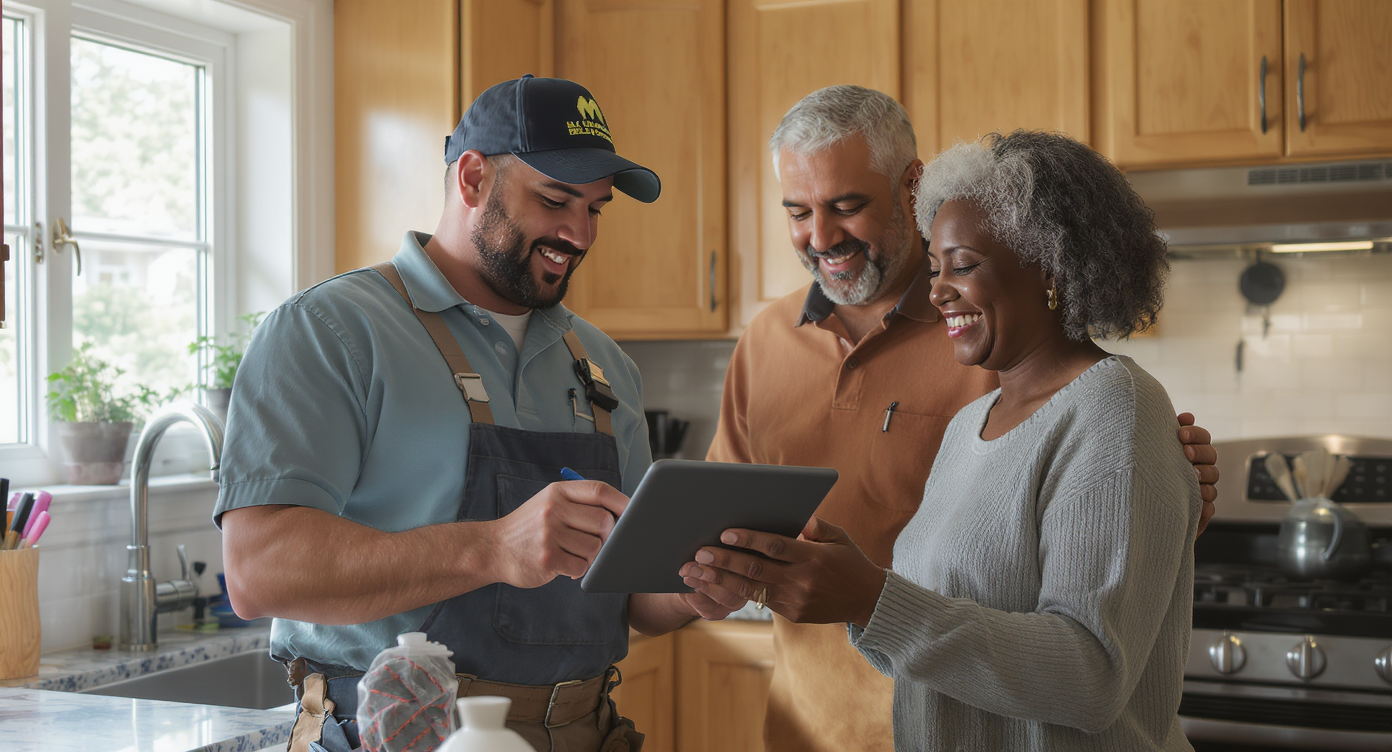
You finished a kitchen faucet repair at 3 PM, drove to the next job, and completely forgot to text the homeowner from last Tuesday about their follow-up appointment. By the time you remembered, they’d already called someone else. That lost job didn’t happen because of bad work. It happened because the follow-up slipped through the cracks. If you’re wondering how to automate customer follow up for handyman services, you’re already asking the right question. And the answer is simpler than you might think.
Automating customer follow-up for handyman services means using software to send texts, emails, and reminders automatically after each job. Instead of manually tracking appointments and check-ins, the system handles repetitive communication, keeping customers engaged and preventing lost jobs from forgotten follow-ups.
What Is automated customer follow-up?
Automated customer follow-up means using software to send messages, reminders, and check-ins without you personally typing or calling each one. Instead of relying on memory, sticky notes, or a spreadsheet you haven’t opened in weeks, automation handles the repetitive communication. It keeps your pipeline healthy and your customers happy.
Free weekly newsletter
Growth tips for home service businesses
Every Tuesday — actionable ideas to get more leads, reviews, and repeat customers. No fluff.
For handyman services, this means sending a thank-you text after a job, requesting a review two days later, reminding a customer about seasonal maintenance, or re-engaging a lead who asked for a quote but never booked. These touchpoints are small individually. But collectively? They’re what separate a handyman who stays booked solid from one constantly chasing new leads. According to Zapier’s research on business automation, the vast majority of small business workers report that automation has improved their productivity. Follow-up is one of the highest-impact areas to start.
Why Follow-Up Matters More Than Most Handymen Realize
The Revenue You’re Leaving on the Table
Every handyman business has two revenue engines: new customers and repeat customers. Repeat work is cheaper to win. The customer already trusts you, knows your pricing, and doesn’t need convincing. Yet most handyman operators spend the bulk of their energy chasing new leads while letting existing customers drift away. A simple automated text saying “Hey, it’s been 6 months since we fixed your deck railing. Want us to swing by for a seasonal check?” can generate thousands in annual revenue per customer.
Missed follow-ups don’t just lose repeat work. They lose first-time customers too. When someone calls for a quote and you don’t respond within minutes, conversion odds drop dramatically. According to research from Synvola, the cost of missed calls for small businesses reaches staggering annual figures. For a one or two person handyman operation, even a handful of lost jobs per month adds up fast.
Why Manual Follow-Up Fails
You’re not lazy. You’re busy. Manual follow-up fails because you’re physically doing work all day. You can’t send texts while you’re under a sink or up on a ladder. By evening, you’re tired. The weekend comes, and now it’s Monday with a fresh batch of calls. The follow-ups from last week? Gone. That’s not a discipline problem. It’s a systems problem. Automation solves it.
Even handymen who hire an office manager or virtual assistant run into consistency issues. People get sick, take vacations, or miss things. Automation doesn’t miss. It triggers on schedule, every time, whether it’s a holiday weekend or 11 PM on a Tuesday.
📺 Watch: How to Create a Lead Follow-Up Sequence
How to automate customer follow-up Step by Step
Step 1: Map Your Follow-Up Moments
Before you set up any software, identify every point in your customer journey where a follow-up makes sense. Most handyman businesses have at least five or six natural touchpoints:
- New lead inquiry: Immediate response confirming you received their message or missed call
- Quote sent: A follow-up 24 to 48 hours later asking if they have questions
- Appointment reminder: The day before a scheduled job
- Post-job thank you: Same day or next morning after completing work
- Review request: Two to three days after the job, when the customer has had time to appreciate the work
- Re-engagement: 30, 60, or 90 days later for seasonal or recurring service reminders
Write these down. Each one becomes a trigger in your automation system. According to the Inkle small business automation guide, mapping your processes before automating them separates useful automation from chaotic over-engineering.
Step 2: Choose Your Channels
Text messages get read. That’s the reality for handyman customers. Email works for longer communications like invoices or detailed quotes, but for follow-up, SMS has a much higher open rate. Phone calls still matter for high-value leads or complex jobs, but they’re harder to automate well unless you’re using an AI voice agent.
The best approach combines channels. Send a text for quick follow-ups and appointment reminders. Use email for detailed quotes and receipts. Reserve phone calls for leads who haven’t responded to texts or for qualifying bigger projects. Don’t limit yourself to one channel.
Step 3: Write Your Templates
Automation doesn’t mean robotic. Your messages should sound like you wrote them personally. Keep them short, friendly, and specific. What does that look like in practice? Here’s an example:
“Hi [Name], thanks for having us out today! If anything comes up with the [job type], don’t hesitate to reach out. We’d love to help again anytime.”
Notice it mentions the specific job. Personalization tokens like the customer’s name and service performed make automated messages feel human. Write templates for each touchpoint you mapped in Step 1. Keep them under 160 characters when possible so they arrive as a single SMS.
Step 4: Set Up Trigger-Based Workflows
This is where the actual automation happens. A workflow connects a trigger event to an action. For example: “When a job status changes to ‘completed,’ wait 4 hours, then send the post-job thank-you text.” Or: “When a new lead comes in from the website, immediately send an SMS and, if no reply in 30 minutes, trigger a follow-up call.”
Most modern platforms let you build these visually. No coding required. The small business automation guide from Aplos AI notes that drag-and-drop workflow builders have made automation accessible to non-technical business owners. That’s exactly the audience that benefits most.
Step 5: Handle Missed Calls Automatically
Missed calls deserve their own step. They’re the single biggest leak in a handyman business’s follow-up process. You can’t answer every call when you’re on a job site. But every unanswered call is a potential customer who might call your competitor next. Data from Aira’s research on missed business calls shows that a staggering percentage of business calls go unanswered. The revenue impact is enormous.
The fix is a missed-call text-back system. When you can’t pick up, an automated text goes out within seconds: “Hey, sorry I missed your call! I’m on a job right now. Can you tell me what you need, and I’ll get back to you ASAP?” That one message keeps the lead warm. It’s one of the highest-ROI automations any handyman can set up.
Common Mistakes to Avoid
Automation is powerful, but it’s easy to misuse. Handymen who go overboard or set things up carelessly end up annoying customers instead of retaining them. Here are the pitfalls to watch for:
- Over-messaging: Sending five texts in a week makes you look desperate. Space your follow-ups with at least 48 hours between touches, and cap your total sequence at three or four messages.
- Generic messages: “Hi valued customer” doesn’t cut it. Always use the customer’s name and reference the specific service. If your platform supports personalization tokens, use them.
- No opt-out option: Compliance matters. The U.S. Small Business Administration and TCPA regulations require that customers can opt out of marketing texts. Make sure your system respects unsubscribe requests automatically.
- Ignoring responses: If a customer replies to your automated text and nobody answers for hours, you’ve made the problem worse. Pair automation with a system that alerts you to live replies. Let the conversation continue naturally.
Avoiding these mistakes separates a professional follow-up system from a spammy one. Think of automation as your assistant. Not a replacement for genuine customer care.
How SalesCaptain Helps
SalesCaptain was built for exactly this workflow. Its drag-and-drop Workflow Automation builder lets you create trigger-based follow-up sequences without writing code. You can map every touchpoint from your customer journey. Set delays and conditions. Let the system run on autopilot.
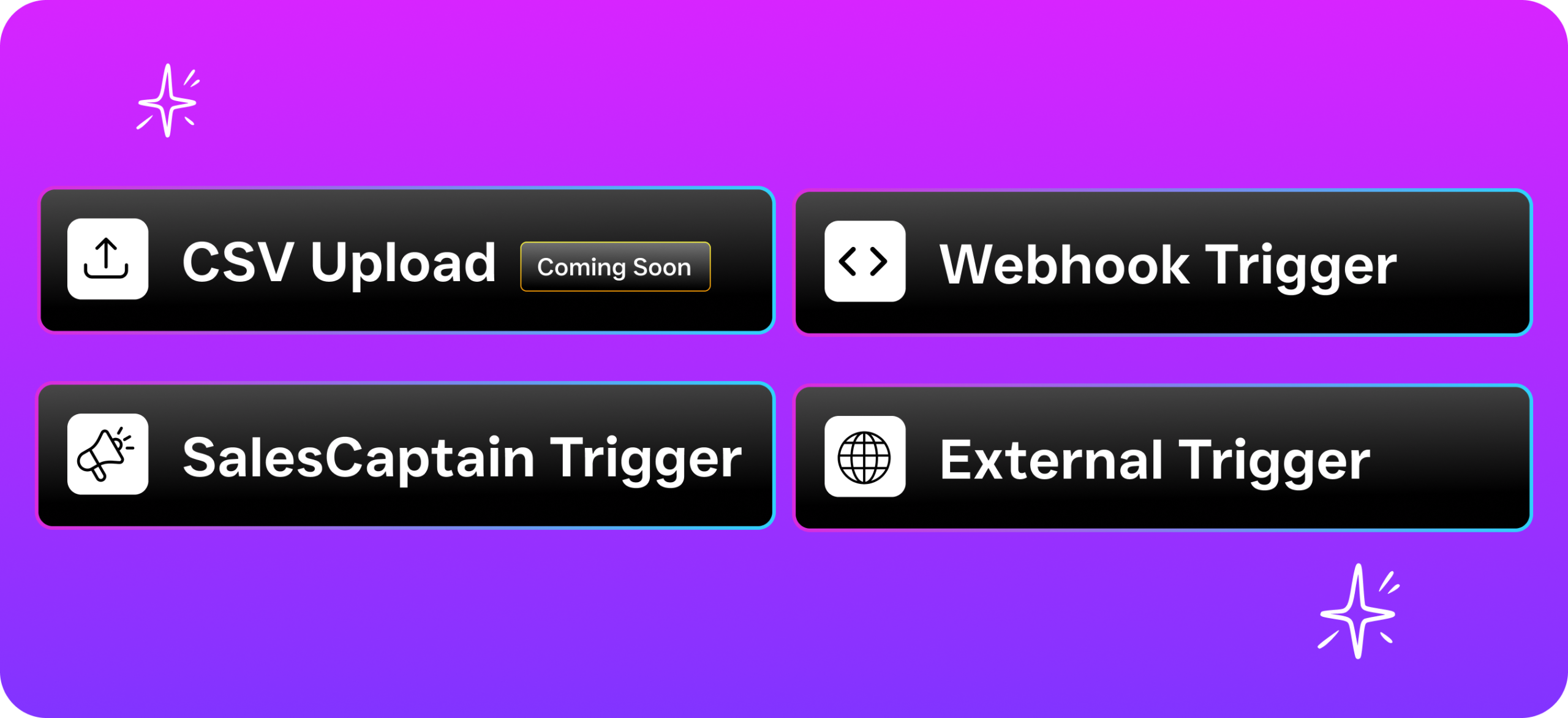
What makes SalesCaptain particularly useful for handyman services is the combination of tools working together. The AI Phone Agent answers calls 24/7, so when you’re on a ladder at 2 PM or it’s 9 PM on a Saturday, leads still get a live, natural-sounding conversation. The missed-call text-back feature sends an instant SMS to anyone you can’t pick up. And the AI Chat Agents handle responses on SMS, webchat, and social media DMs. They capture leads and book appointments around the clock.
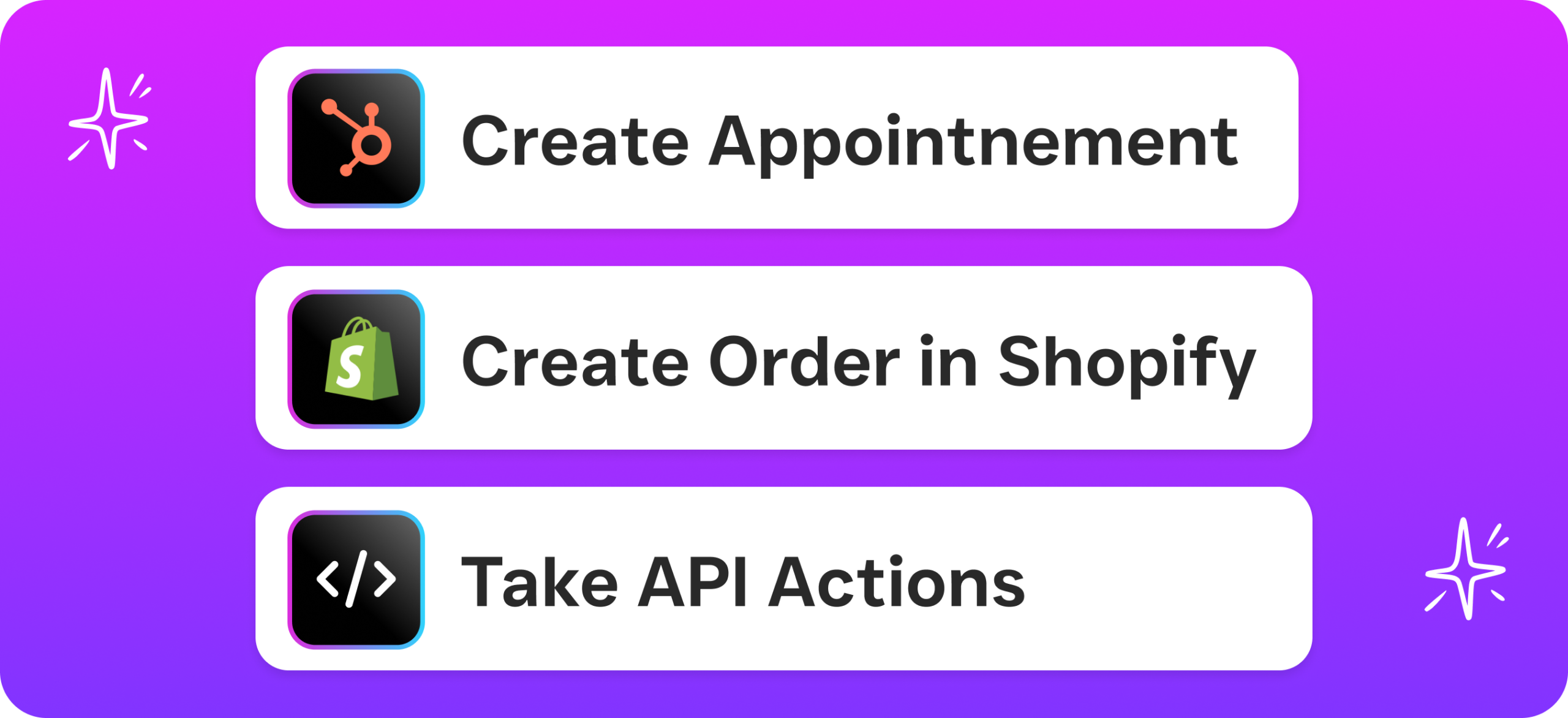
Everything flows into a single Unified Inbox where you can see calls, texts, emails, and social messages in one place. When a customer replies to an automated follow-up, you’ll see it alongside their full history. SalesCaptain also integrates with tools you already use, including HousecallPro, ServiceFusion, QuickBooks, and Zapier. Your follow-up automation stays synced with job scheduling and invoicing.
Pricing starts at a free plan for a single location and $159/month for the Business tier. It’s built for SMBs, not enterprise budgets. And at $0.12/minute for AI calls, you’re paying a fraction of what a human receptionist or answering service would cost.
Key Takeaways
Knowing how to automate customer follow up for handyman services isn’t about adding complexity. It’s about removing the one thing that consistently costs you money: forgetting to follow up. Map your touchpoints, write human-sounding templates, set up trigger-based workflows, and make sure missed calls get an instant text-back.
The handyman businesses that stay fully booked aren’t necessarily better at the work. They’re better at staying in front of customers between jobs. Automation makes that possible without hiring staff or spending evenings glued to your phone. Start with your biggest leak. Whether that’s missed calls or post-job reviews. Build from there.
Frequently Asked Questions
How much does it cost to automate follow-up for a handyman business?
Costs vary widely. Some platforms offer free tiers for solo operators. Full-featured options run $100 to $300 per month. SalesCaptain, for instance, has a free Startup plan and a Business plan at $159/month per location. Compared to hiring a part-time office assistant or using a traditional answering service, automation is significantly cheaper. And it’s more consistent.
Will automated texts feel impersonal to my customers?
Only if you write them that way. Use the customer’s first name, reference the specific job you performed, and keep the tone conversational. Most customers won’t realize the message was automated. And even if they do, they’ll appreciate the responsiveness over hearing nothing at all.
Can I automate follow-up without being tech-savvy?
Yes. Modern platforms use visual drag-and-drop builders where you connect triggers to actions. No coding required. If you can use a smartphone, you can set up a follow-up workflow. According to SchedulingKit’s analysis of missed call revenue loss, the biggest barrier isn’t technical skill. It’s simply recognizing how much revenue is at stake.
What’s the most important follow-up to automate first?
Missed-call text-back. It addresses the most time-sensitive moment in your sales process: when a potential customer reaches out and you can’t answer. An immediate automated text keeps that lead engaged instead of letting them call the next handyman on their list.
How many follow-up messages should I send before stopping?
For new leads who haven’t booked, three to four messages over a seven to ten day period is reasonable. For post-job follow-ups like review requests, one or two messages is usually enough. Always include an easy way for customers to opt out. And respect their response. If someone says “not interested,” your automation should stop immediately.
Ready to see it in action?
See how handyman services automate follow-ups and close more jobs with SalesCaptain.
See How SalesCaptain Can Help
SalesCaptain gives handyman businesses AI-powered follow-up automation, missed-call text-back, and a unified inbox for every customer conversation. Stop losing jobs to forgotten follow-ups.